Scan Date:Oct 22, 2025
Show More

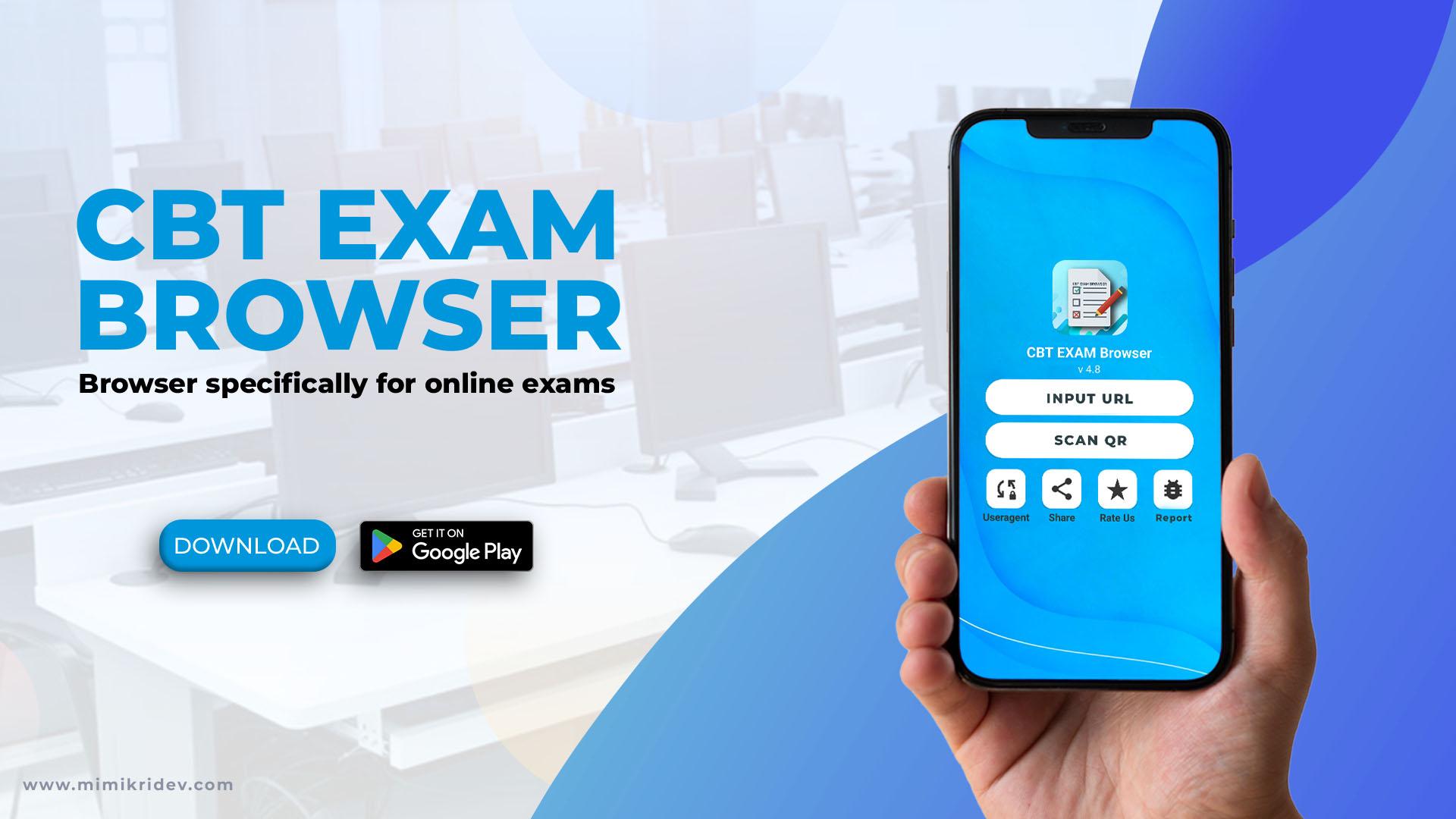
CBT Exam Browser supports schools and training centers that need students to focus on online tests. It creates a controlled workspace so the test page stays in front and distractions stay low. Administrators can prepare devices ahead of time, then start sessions with clear on screen controls. For users who prefer a direct install, CBT Exam Browser APK works on devices set up for supervised use.
Locked testing environment
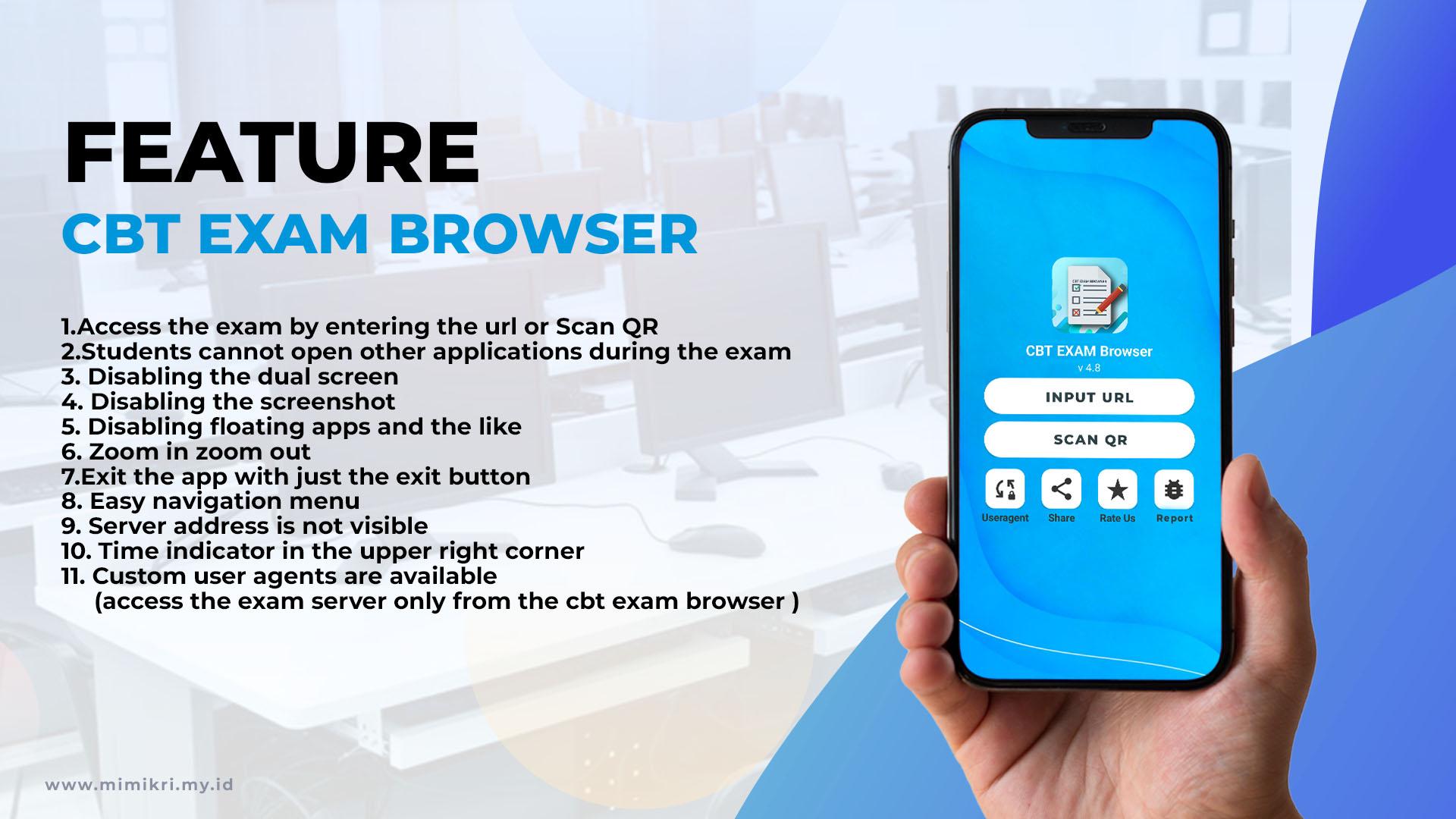
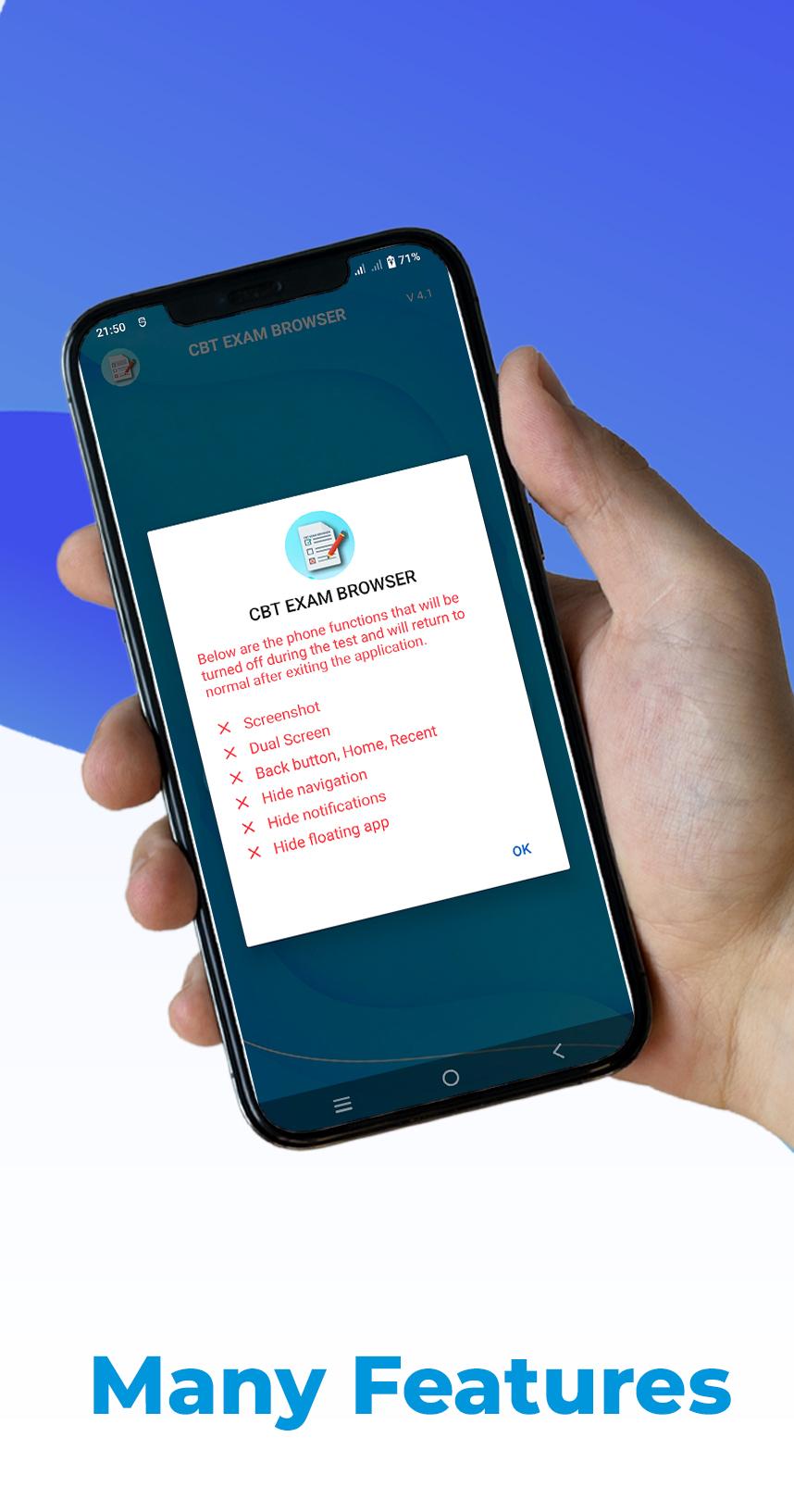
CBT Exam Browser limits access during exams. Students cannot open other apps. Dual screen and floating apps are disabled. Screenshots are also disabled to keep the test view private. This setup helps keep attention on the exam page.
Fast access to your test server
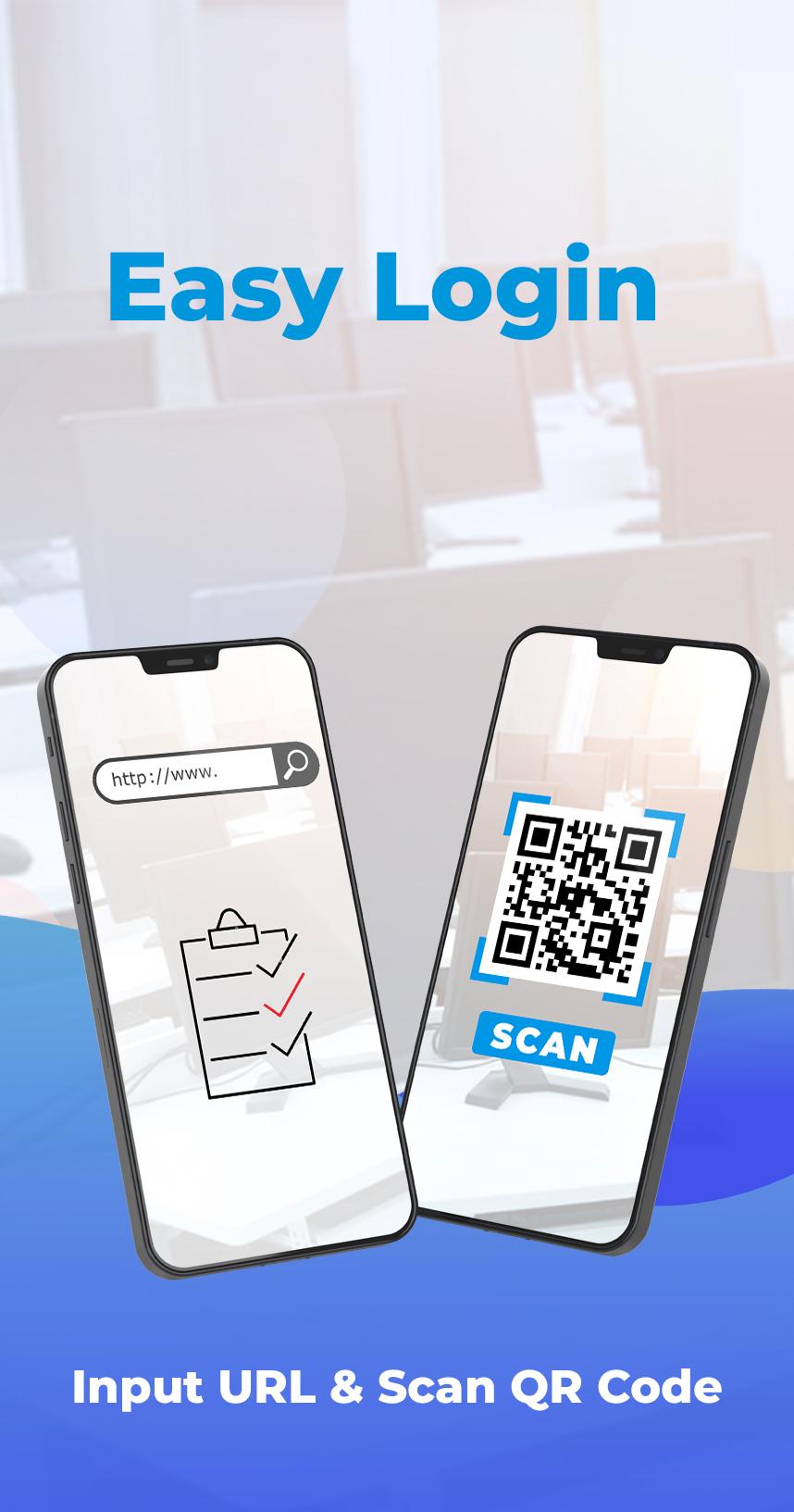
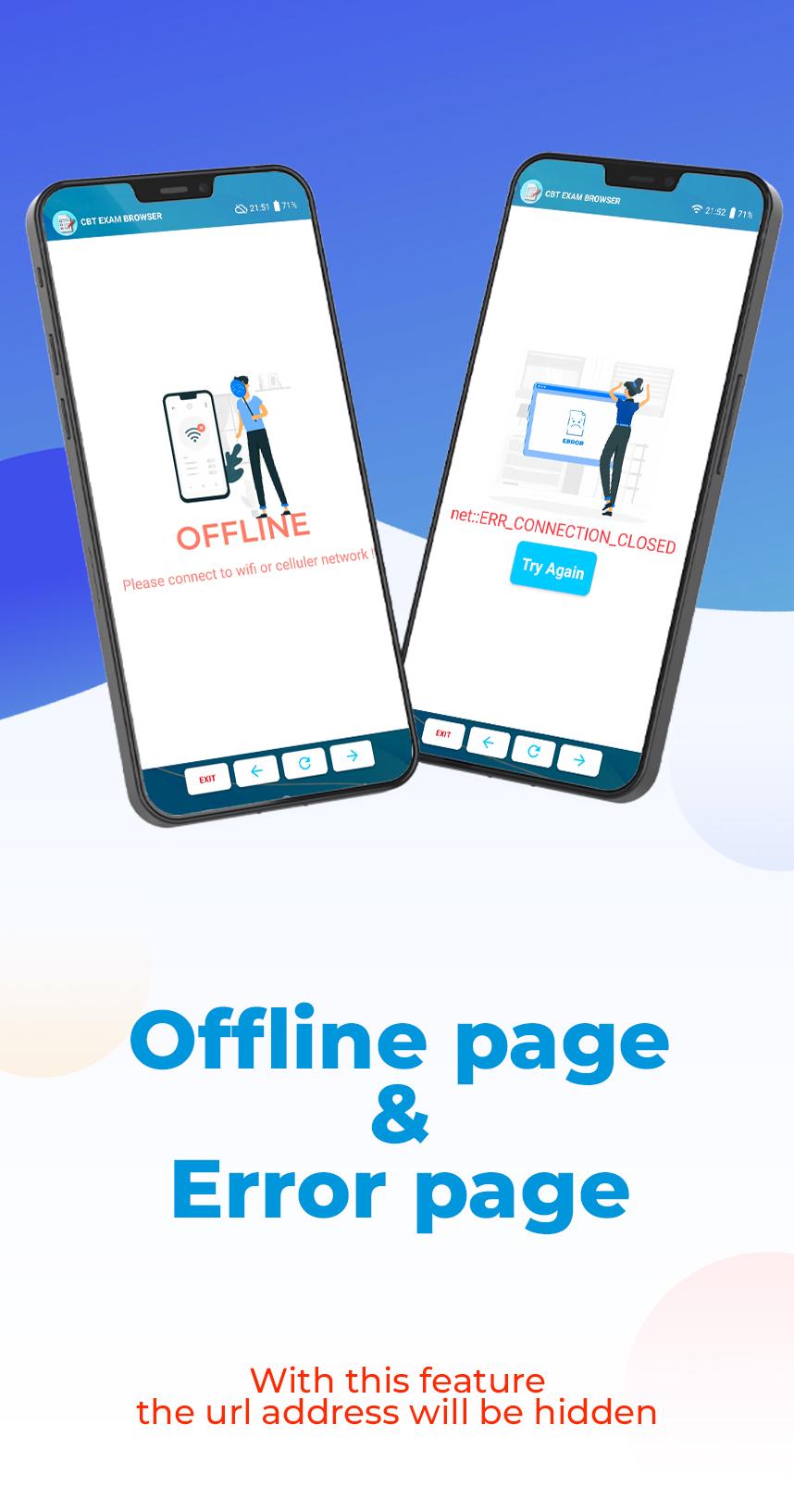
You can enter a server URL or scan a QR code to connect. After you connect, the server address is hidden from the student view. This helps reduce accidental sharing and keeps attention on the test content. These steps support quick preparation in classrooms and labs.
Custom user agent option
On screen tools for students
Students can zoom in or out for readability. A time indicator appears at the top right to track progress. Navigation uses simple on screen controls, and exit is available through a dedicated exit button. These tools assist students without leaving the test.
Review your exam server settings, then try a short practice session to confirm access and controls. If you need the CBT Exam Browser latest version, ensure the device follows your organization policy before installing. This setup helps students stay focused and keeps navigation predictable during online tests.
Latest Version
6.6Uploaded by
Siddharth Kumar
Requires Android
Android 6.0+
Category
Free Education AppContent Rating
Everyone
Security Report
Report
Flag as inappropriateLast updated on Oct 22, 2025
*Fixed Bug





APKPure - A multi-platform app store primarily focused on Android, providing extensive app-related content. Discover the app you want easier, faster, and safer, with quick and efficient downloads and installations.