Scan Date:Aug 5, 2026
Show More


Canvas supports students who need to keep up with classes while commuting or between activities. It brings course information, communication, and updates into a single mobile space so you can stay on track without a laptop. With quick access to materials and messages, it fits busy schedules and helps reduce missed tasks. For easier setup and use, you can download Canvas and sign in to your existing account to see your courses and updates right away.
Canvas keeps grades and course content available in one place on your phone or tablet. You can check scores, read materials, and see updates without opening a computer. Everything stays organized by course, which makes it simple to find what you need. This helps you quickly review progress before class or while moving between activities.
Submit assignments from your deviceYou can submit coursework directly from your device with Canvas. It supports turning in assignments while away from a desktop, which is helpful for tight schedules. Submissions go to the correct course and assignment, so your instructor receives them on time. This reduces the risk of delays when you are not near a campus computer lab.
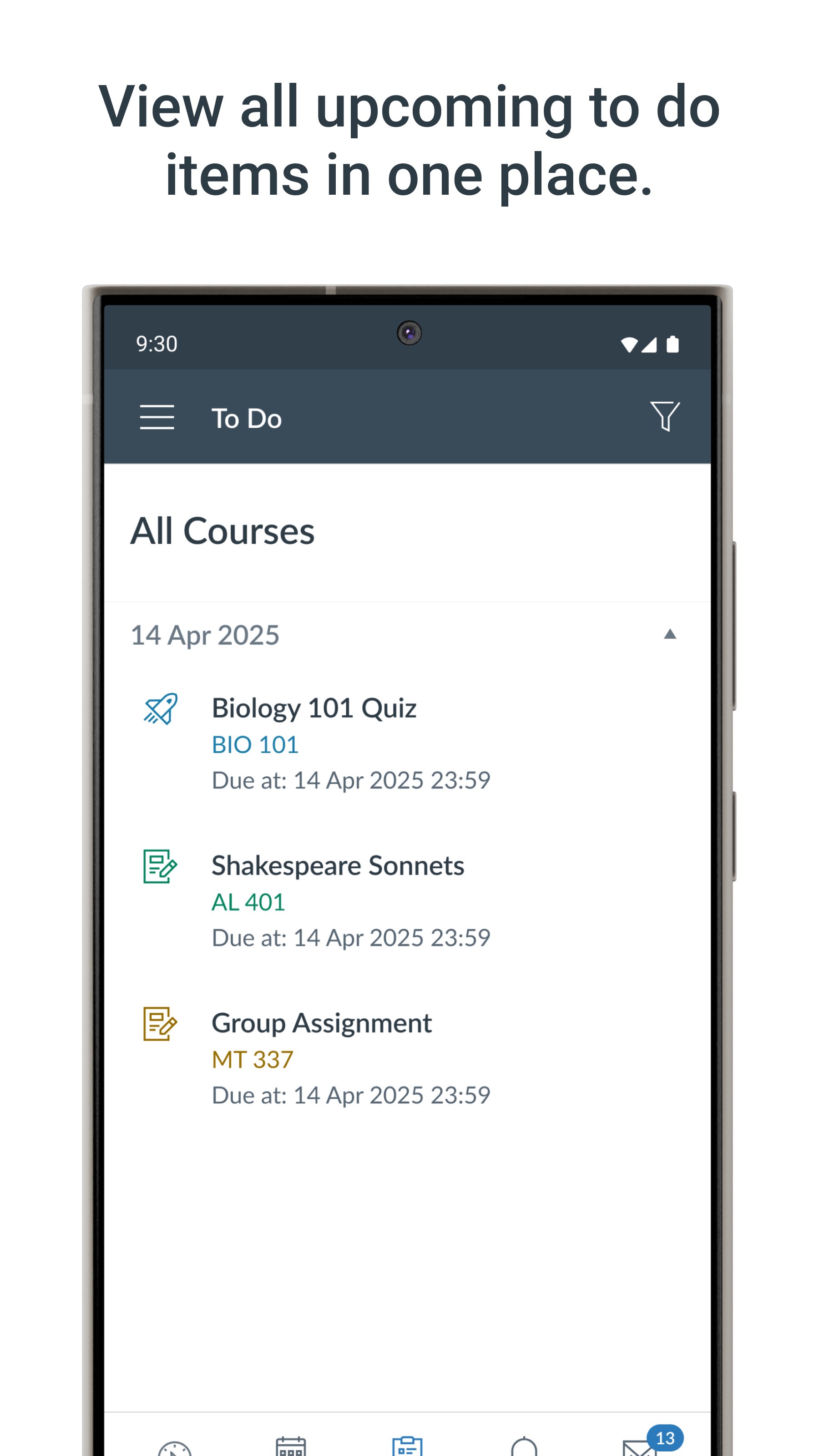
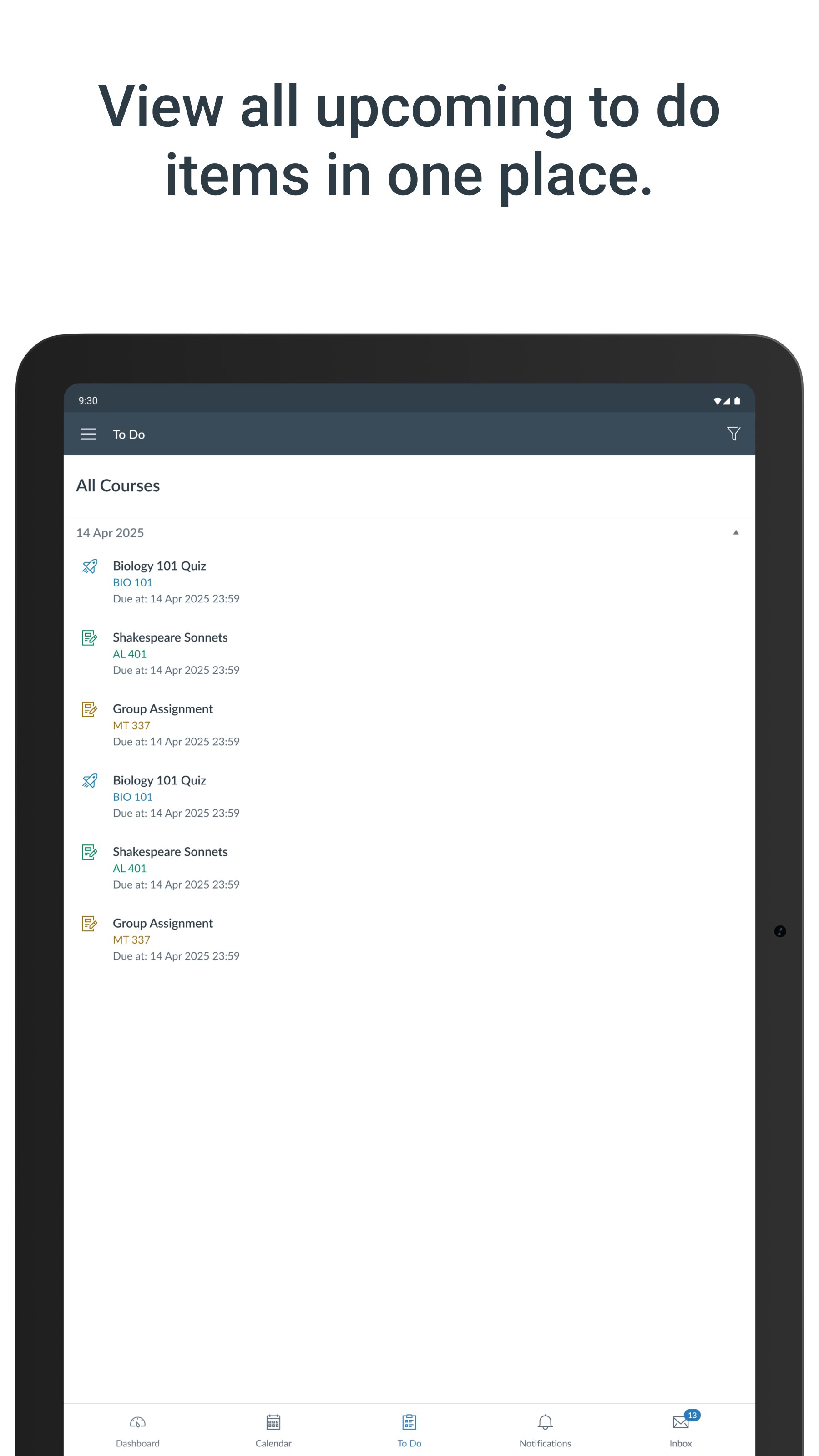
Stay on top of due datesCanvas includes a built in To Do list and calendar for tracking deadlines. You can see upcoming tasks, plan study time, and avoid last minute rushes. Due dates appear in a clear timeline, which helps you prioritize work across classes. This view is useful when juggling several courses in the same term.
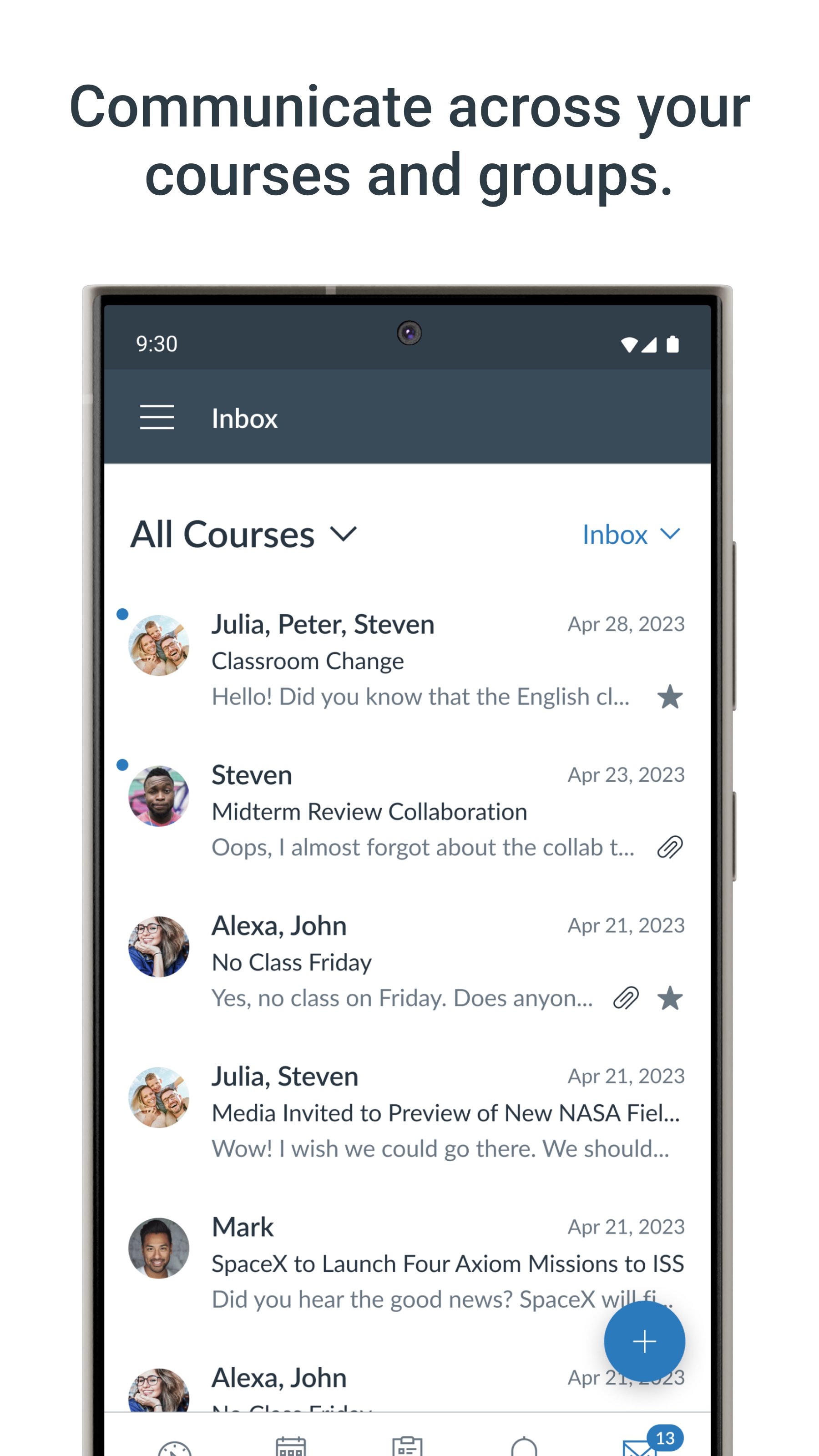
Communicate with your classCanvas makes it straightforward to send and receive messages with instructors and classmates. You can post to class discussions and take quizzes on the go, which keeps participation steady. Messages arrive alongside your course updates, so conversations stay connected to the right class. This consistent access supports quick questions and timely replies.
Receive timely notificationsCanvas sends push notifications for new grades and course updates. You receive alerts when scores are posted, assignments change, or announcements arrive. Notifications help you notice important items without checking every course manually. This keeps you aware of progress and changes during busy days.
To use Canvas, you need a Canvas LMS account from your school or organization. Sign in with your institution credentials so your enrolled courses appear on your device. If your school does not use Canvas LMS, you may not see classes after login. Before any Canvas app download, confirm your institution supports Canvas and provides access details.
This app is the Canvas LMS student companion by Instructure. It is different from design tools like Canva and unrelated to Microsoft Power Apps. Many institutions refer to it as Canvas Student, but the app name shown here is Canvas.
After installation, open the app and complete Canvas login with your institution account. Canvas APK access on Android gives you a mobile view of your courses and updates. The process below helps you start using core tools right away.
Canvas helps you keep coursework, communication, and updates accessible on your phone. For stable access to mobile tools, install the Canvas latest version and sign in to your institution account. Users can manage tasks and stay aware of grades wherever they study.
Latest Version
8.10.0Uploaded by
Dhruv Arora
Requires Android
Android 9.0+
Category
Free Education AppContent Rating
Everyone
Security Report
Report
Flag as inappropriateLast updated on Aug 5, 2026
- Canvas Career now supports offline submissions.
- Fixed Studio videos not playing in course content when the RCE Studio Embed Improvements feature is enabled.
- Fixed What-If grade totals on the Grades screen differing from the web calculation.
- Discussion and Announcement links inside a Discussion or Announcement now open the native screen instead of the full web view.
- Various bug fixes and stability improvements.





APKPure - A multi-platform app store primarily focused on Android, providing extensive app-related content. Discover the app you want easier, faster, and safer, with quick and efficient downloads and installations.