Scan Date:Nov 14, 2023
Show More
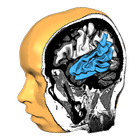
Explore the brain from the palm of your hand! Learn about the structure and function of the human brain by interacting with high-resolution rotatable 3D models in real-time like you've never experienced it before!
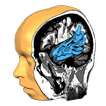
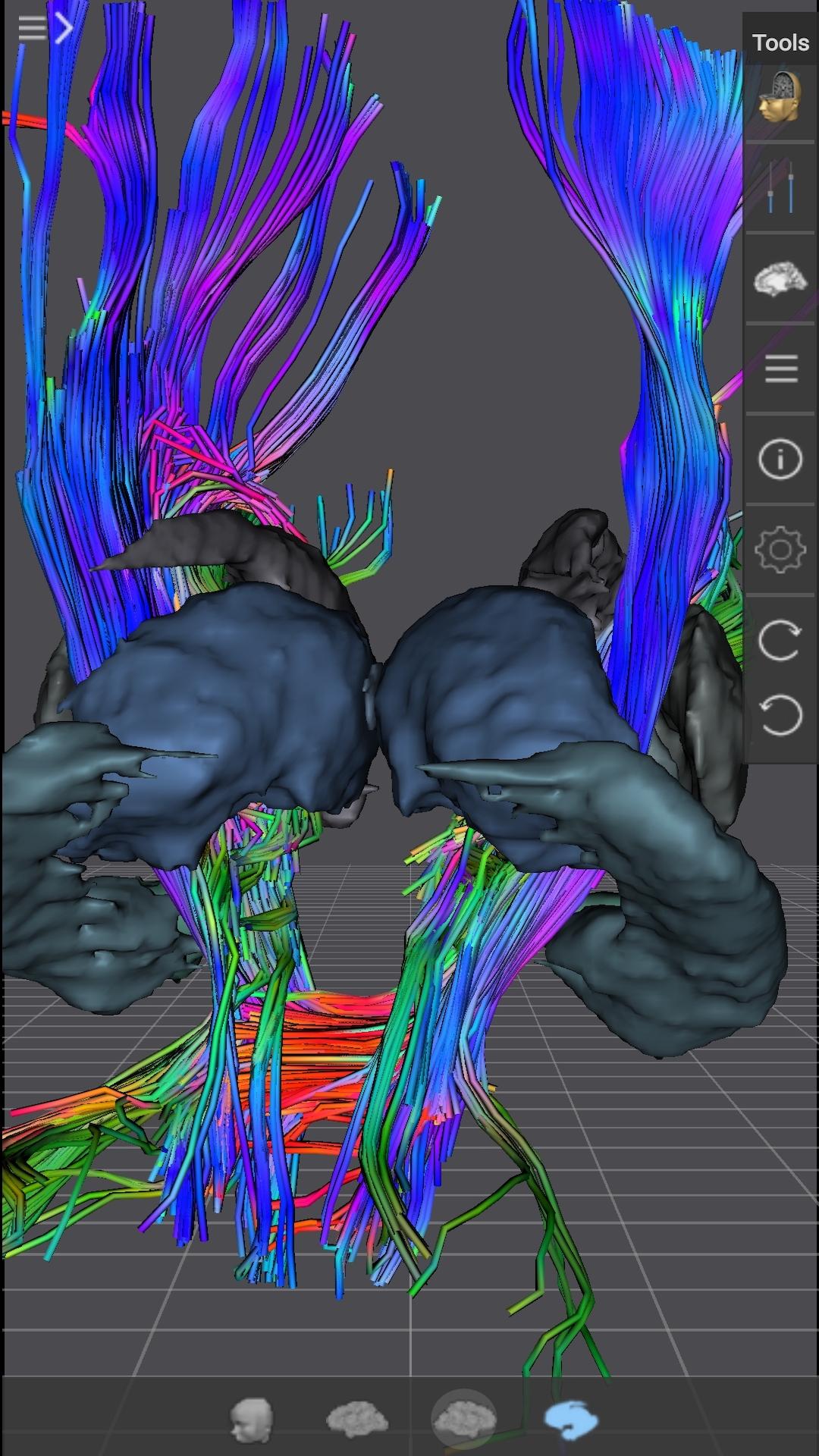
Brain Tutor uses rendered head and brain models as well as fiber tracts that were created from magnetic resonance imaging (MRI) scans of a study volunteer. The MRI data allows to look "inside" the brain using real-time slicing at millimeter resolution. For students, cognitive neuroscientists, medical professionals and everyone interested in the brain, the program provides information about the anatomy and function of the human brain with various atlases describing and visualizing lobes, gyri, sulci, Brodmann areas, subcortical structures, selected specialized functional areas and major fiber tracts.
With Brain Tutor you can:
* Explore high-resolution 3D models of the head and brain in real-time.
* Visualize major white matter fiber tracts.
* Slice the brain along three axes (sagittal, axial and coronal).
* View MRI brain slices at millimeter resolution.
* Learn from text information about the functions of selected lobes, gyri, sulci, subcortical structures, Brodmann areas, functional areas and fiber tracts.
* Learn where brain structures are located both within 3D brain models as well as in MRI slices.
To get started:
* Tap on a 3D brain model to reveal a brain area at that location.
* Switch to another atlas and a specific brain area or fiber tract using the navigation tables.
* Select a 3D model (left/right/both brain hemispheres, head) from the tab bar buttons at the bottom.
* Pan with one finger to rotate a brain model.
* Pan with two fingers to move a brain model.
* Use pinch gesture to zoom a brain model.
* Select the head model to switch to head slicing mode.
* Toggle between navigation and slicing mode by tapping the slicing icon at the top right.
* In head slicing mode, pan with one finger to move the slicing plane through the head.
* Tap on a slicing direction icon in the top bar to switch between three orthogonal slice planes.
* Tap on the displayed name of a selected brain structure to read text information in a popup dialog.
This app has been designed and programmed by Prof. Rainer Goebel, a leading expert in anatomical and functional brain imaging and award-winning developer of scientific software. For more information about his work, see http://www.brainvoyager.com/RainerGoebel.html.
Latest Version
2.0Uploaded by
SƠn
Requires Android
Android 6.0+
Category
Free Education AppContent Rating
Everyone
Security Report
Report
Flag as inappropriateLast updated on Mar 2, 2023
Version 2.0 is a major update of Brain Tutor 3D adding a separate 3D Slices View for orthographic slice planes on the left side and a new Tools panel on the right side. Tap the User's Guide button in the Tools panel to learn all the details of this powerful new version of Brain Tutor 3D!





APKPure - A multi-platform app store primarily focused on Android, providing extensive app-related content. Discover the app you want easier, faster, and safer, with quick and efficient downloads and installations.