Do you use your laptop as a media hub in your living room?
Do you find it annoying to go to your laptop every time you want to enter something on it?
Here is a solution for you!
Introducing WirelessKeyboard, a simple yet powerful app to turns your phone or tablet to a wifi-keyboard for your PC.
There are 4 basic modes:
1. Keyboard with mouse pad
2. Mouse pad
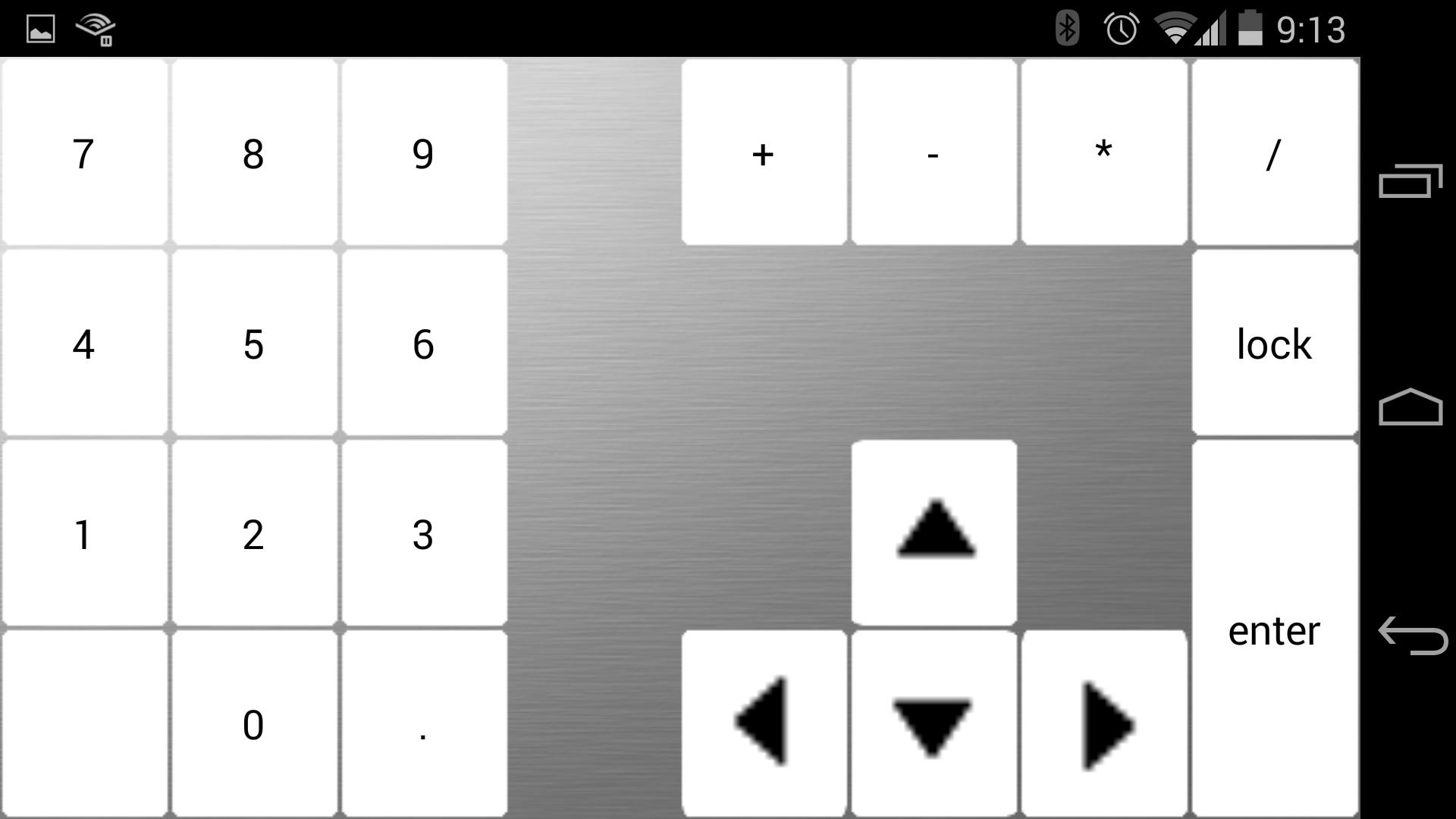
3. Number pad
4. Keyboard
This app can runs on phones and tablets. It supports Windows, Mac OS and Linux systems.
Setup Requirements:
1. To run this app, you need to install Java Runtime Environment. Click the link below to download and install.
http://www.oracle.com/technetwork/java/javase/downloads/index.html
2. After you install the Java Runtime Environment, you need to download the client app on your PC.
http://lab2apps.com/PCclient.zip
To run it, simply double click.
Tutorial:
If you have trouble setup the app, here is a tutorial
http://lab2apps.com/Tutorial.pdf
Última versão
1.0Enviado por
Omar Ezz El Din
Requer Android
Android 3.2+
Categoria
Grátis Ferramentas APPClassificação do Conteúdo
Unrated · Warning – content has not yet been rated. Unrated apps may potentially contain content appropriate for mature audiences only.
Relatório
Marcar como inapropriadoLast updated on Oct 15, 2015
Esta versão inclui pequenas correções de bugs e melhorias gerais. Atualize para a versão mais recente e tenha a melhor experiência.





APKPure - Uma loja de aplicativos multiplataforma focada principalmente em Android, fornecendo extenso conteúdo relacionado a apps. Descubra o aplicativo que você deseja de forma mais fácil, rápida e segura, com downloads e instalações rápidos e eficientes.