Scan Date:May 8, 2026
Show More


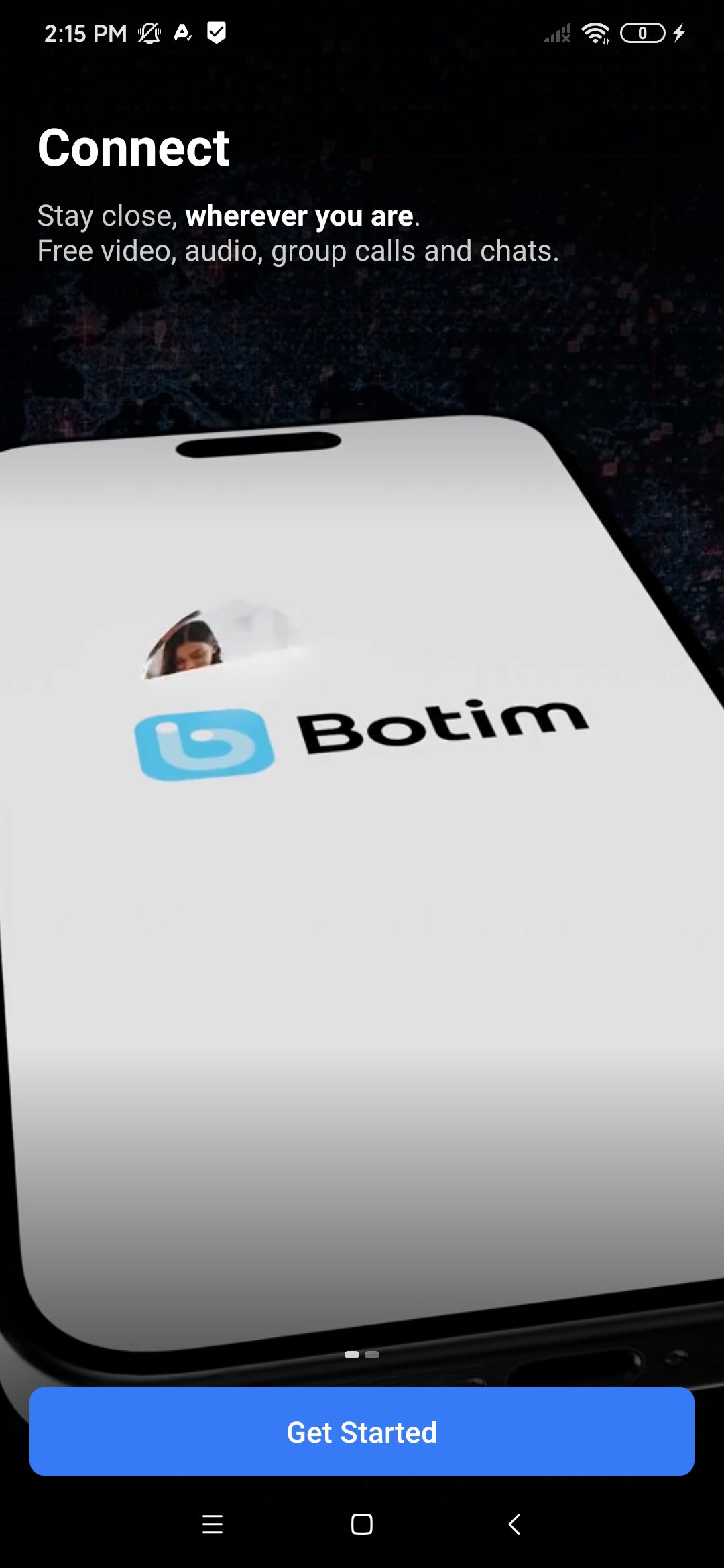
botim suits users who need to keep in touch and handle everyday payments in one place. It runs on both mobile and desktop, so you can switch devices without losing context during busy days. The layout focuses on quick actions, which helps you reach common tools with fewer taps. Whether you are calling overseas or paying a bill, communication and money tasks stay together for a simpler routine. Users looking to download botim can expect a consistent experience across devices.
HD voice and video calls
botim supports clear voice and video calls that stay stable even on low bandwidth. You can place a call, put it on hold when needed, then resume without starting over. Picture in picture keeps a small call window visible while you check other apps. Filters and effects are available for video, which helps you look prepared in quick meetings.
Chats with real time translation and money in chat
In chats, you can send messages, photos, and voice notes, then translate messages in real time if languages differ. The translation tool works directly in the thread, so conversations stay readable for both sides. When a payment is part of the conversation, you can send money from the chat screen without moving to another tab. This keeps replies and transfers in one place.
Transfers, wallet top ups, and bill payments
With Botim Money, you can move funds locally or internationally, add money to your wallet, and pay utility bills from one menu. You can also recharge mobile numbers for family and friends, including overseas operators when supported. A multi currency prepaid card is available for spending without linking a bank card in every service. This setup helps organize everyday payments alongside your chats and calls.
24/7 AI Companion for calls and payments
The AI Companion is available at any time in voice or chat to help with routine tasks. You can ask it to place a call, draft a message, translate a note, or guide a money transfer. It responds in multiple languages and keeps the steps inside the app. This assistant reduces switching between screens during busy moments.
Cross platform access across devices
botim offers official apps for Android and iPhone along with desktop apps for Windows, macOS, and Linux. You can also use botim web in a browser when you work on a shared computer. For Android users who prefer manual installation, the official option to download botim APK is available. This flexibility makes it practical to start a call on a phone and continue on a laptop.
If you handle calls during office hours, botim for pc helps you join from a larger screen with a headset. Desktop apps are available for Windows, macOS, and Linux, and botim web runs in a supported browser when you cannot install software. Contact syncing keeps your recent chats and call history aligned, so you can switch devices with minimal disruption. For travel or shared devices, signing out after use keeps your account secure.
If a call stays on “connecting,” checking your network is a practical first step. Try switching between mobile data and Wi Fi, then call again after a few seconds. Closing other streaming apps may free bandwidth for better call quality. Make sure the app has permission to use the microphone and camera, then test a short voice call before starting a longer video call.
Before sending money, confirm the recipient name and number, and verify the amount on the review screen. Some transfers may require extra bank checks, so keep an eye on any verification prompts that appear. If a transfer shows as pending, wait for the in app status update before trying again. For overseas recharges, select the correct operator and circle, then review fees and exchange rates when shown, for example when sending to India from the UAE.
To begin, install the botim app, create your account, and explore the main tabs for calls, chats, and money. Updating to the botim latest version helps with new features and fixes before you start. Once set up, you can place a call, translate messages, and pay a bill in a few steps.
botim brings calling, messaging, and payments into one app across phones, desktops, and the web. It suits users who want clear calls, translated chats, and everyday money tools in a single place. To get started quickly on Android, install the botim APK and finish verification.
For official information and help, see the developer website below.
Latest Version
4.9.2Uploaded by
Algento Cloud Computing Limited
Requires Android
Android 6.0+
Category
Free Communication AppContent Rating
Everyone
Security Report
Report
Flag as inappropriateLast updated on May 8, 2026
Send money with confidence: split payments across multiple people and see Aani fees before you commit.
Your calls just got smarter — redesigned controls, personalised filters, and one-tap redial put you in charge from the moment the call starts.
Plus a refreshed Money homepage and cleaner group chat view.





APKPure - A multi-platform app store primarily focused on Android, providing extensive app-related content. Discover the app you want easier, faster, and safer, with quick and efficient downloads and installations.