

Scan Date:Nov 2, 2024
Show More

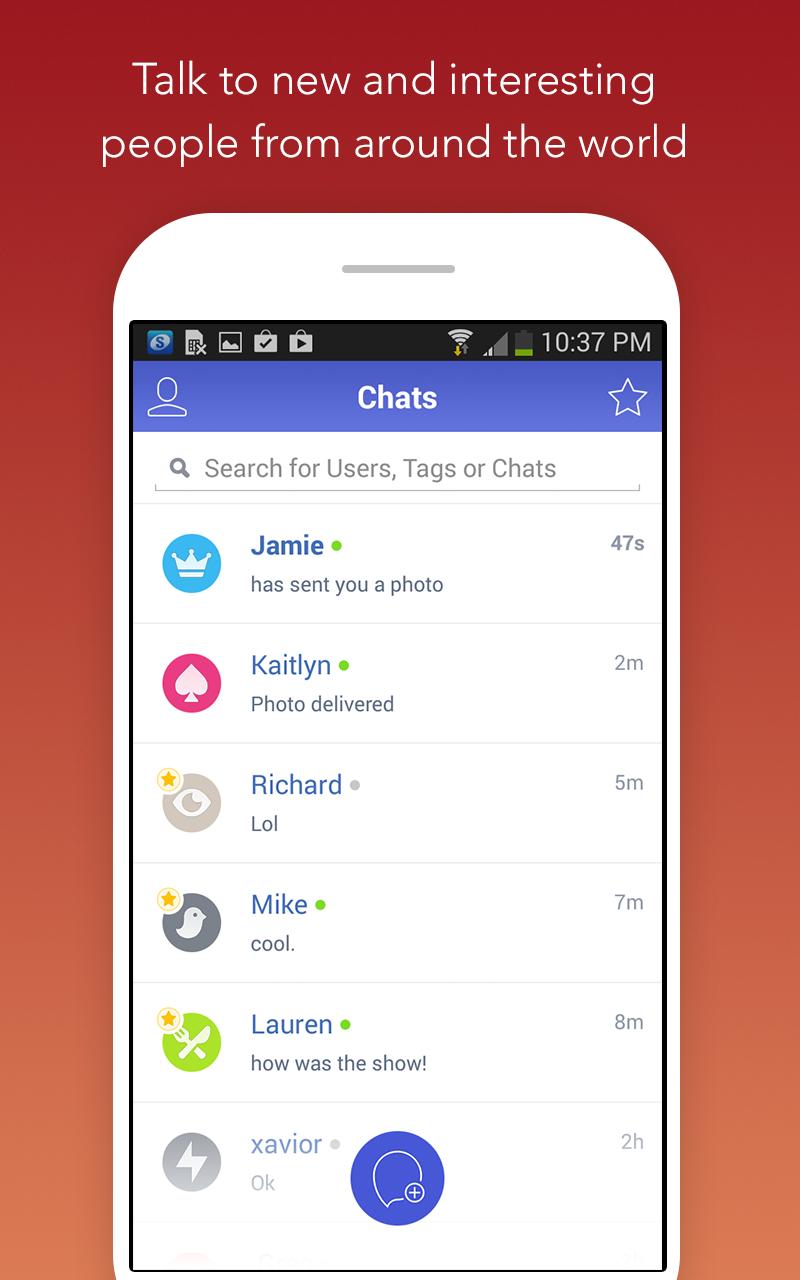
Chatous connects you with new people when you want to talk about specific topics or simply meet someone new. It suits quick exchanges as well as longer chats, while keeping your identity in your control. The same account can be used across devices, so continuing a conversation is easy. If you are looking for the Chatous APK, the details below explain how the service works and what to expect before getting started.
Interest based matching
Chatous helps you find people who want to talk about the same things you do. You can match by adding hashtags for your interests, or you can start a completely random chat if you prefer to be surprised. This makes it simple to enter a conversation that feels relevant from the first message.
Privacy controls that put you first
You can stay anonymous with a display name that you can change anytime. Location sharing is optional, so you decide if and when to share it. These controls make it easier to talk freely while protecting personal details you do not want to reveal.
Video and expiring media
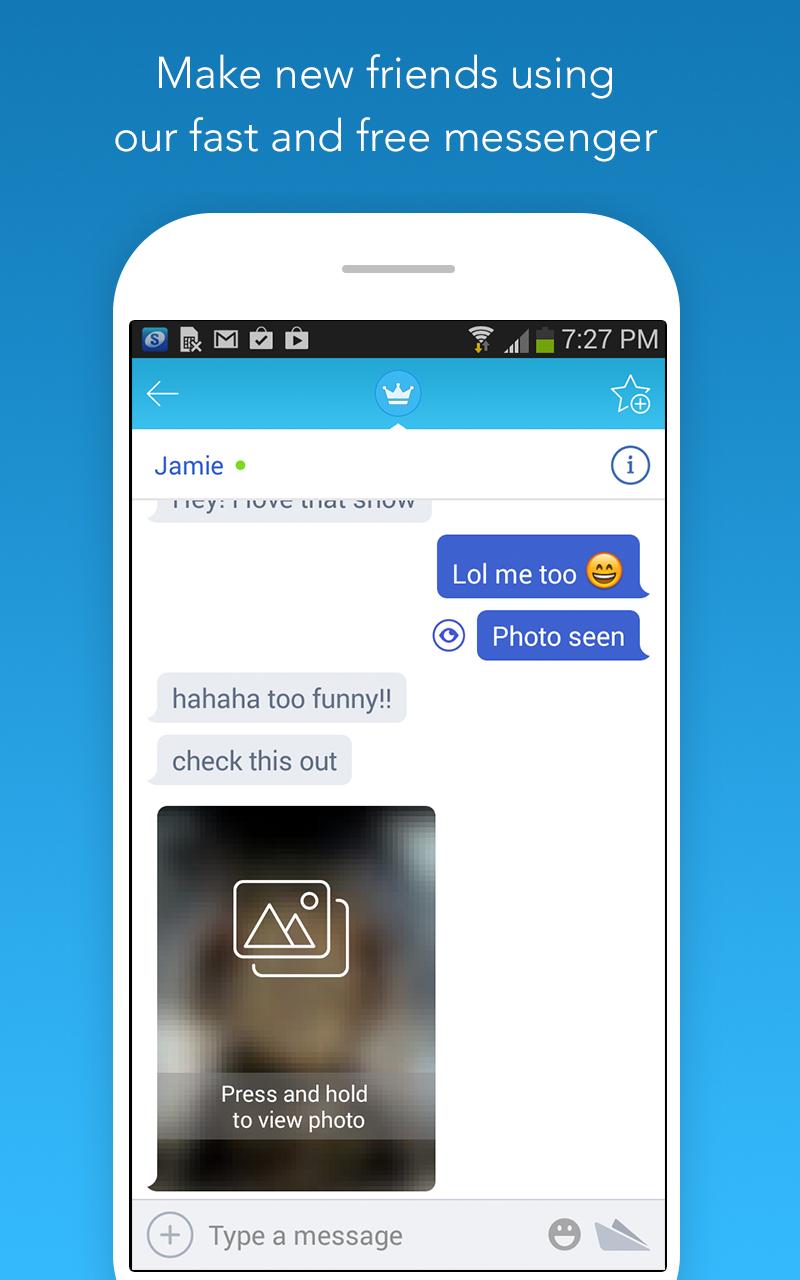
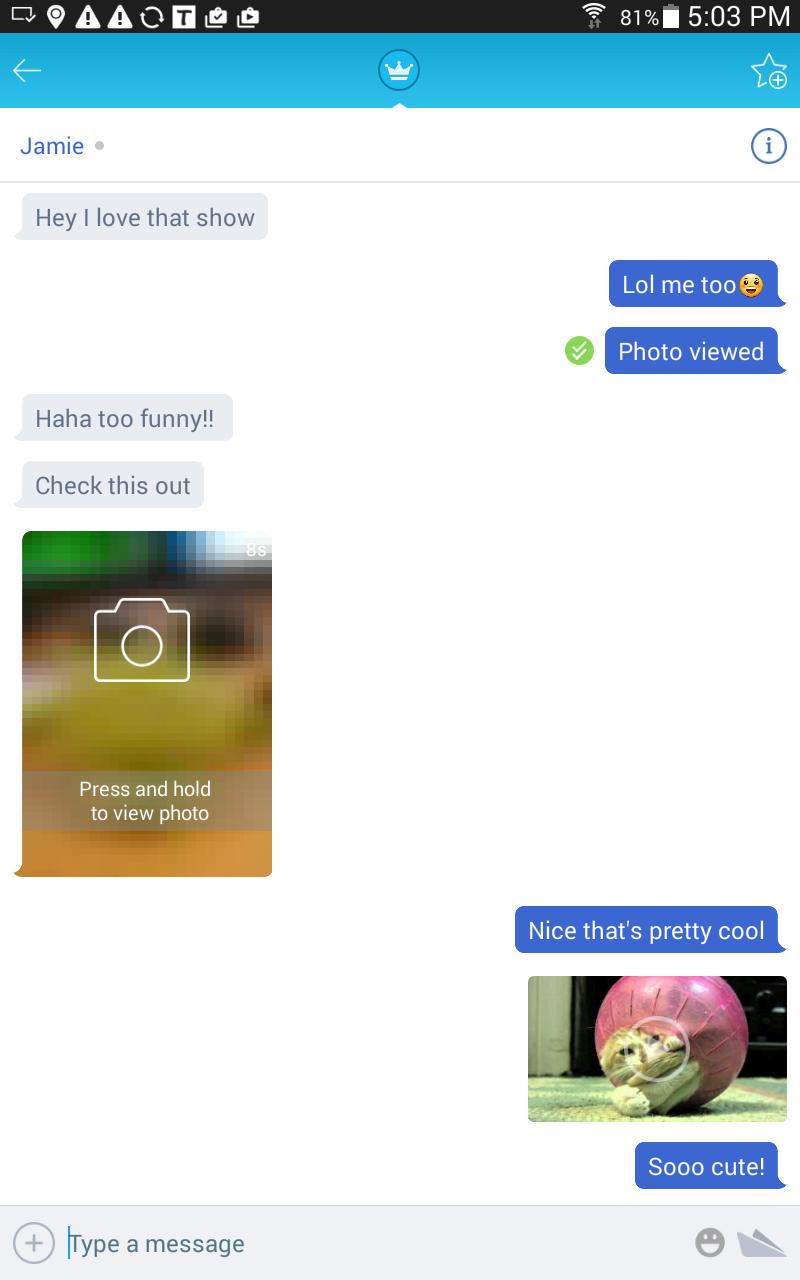
When a text chat is not enough, you can switch to video to add more context to a conversation. You can also share photos, videos, and audio that expire, which keeps sensitive moments from lingering longer than you intend. Media sharing is available with friends so you can manage who sees your content.
Keep connections and invite easily
Chatous lets you create a unique username so people can find you again. You can add friends and continue chats whenever you come back, so a good match does not end after one session. Invites can be shared with a personal link by text or through your social channels, which makes it simple to bring someone into a conversation.
Safety tools and community guidelines
If something feels off, you can report or block a user in a few taps. Anti spam screening helps reduce unwanted messages and keeps chats focused. Clear community and content policies guide behavior so everyone understands what is acceptable.
You can use Chatous in a browser at chatous.com if you prefer to chat on a laptop or when you cannot access the mobile app. This answers common questions about login without app, since you can sign up or log in on the web and sync your friends and chats to your phone later. Your account keeps conversations and contacts connected across devices.
Some student only areas may require a quick college verification using a school email ending in .edu where available. Location sharing is optional and can be turned on only when you want local matches to see it. As with any public chat, avoid sharing personal contact information in messages.
To get started, download Chatous and open it on your Android phone. You can create a free account to sync friends and chats across devices. The first setup is quick and guided on screen.
Chatous makes it easy to meet people by interests while staying in control of privacy and safety. Text, video, and expiring media are available when you want to add more context to a conversation. For the most stable experience and the newest tools, use the Chatous latest version.
For official help or more information, use the links below.
Latest Version
4.0.1Uploaded by
တမာခ်ိဳ တမာခ်ိဳ
Requires Android
Android 6.0+
Category
Free Social AppContent Rating
Mature 17+
Security Report
Report
Flag as inappropriateLast updated on Sep 11, 2023
- Library upgrades
- Bug fixes
- Search functionality updated





APKPure - A multi-platform app store primarily focused on Android, providing extensive app-related content. Discover the app you want easier, faster, and safer, with quick and efficient downloads and installations.