Scan Date:May 21, 2026
Show More


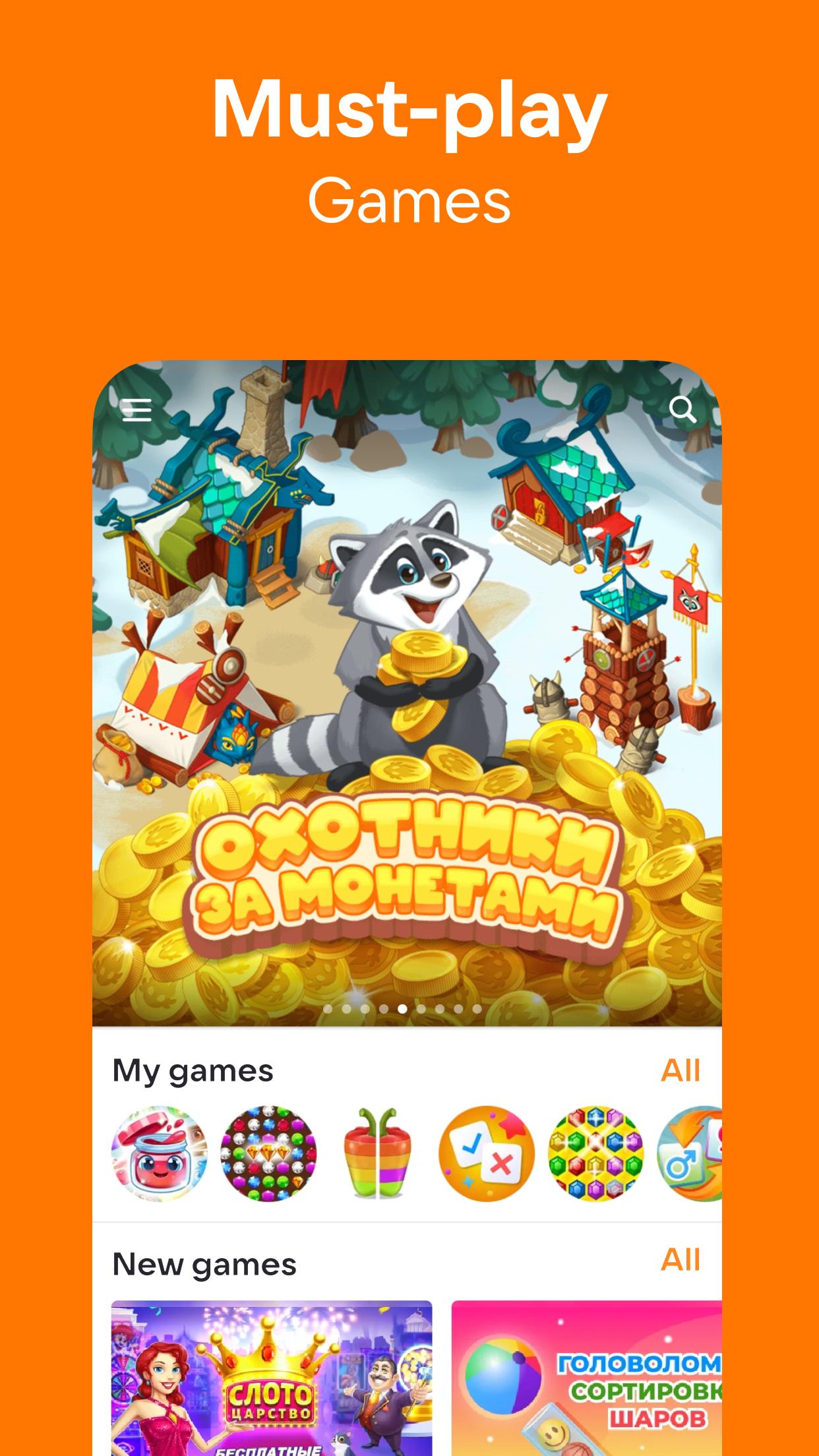
OK supports daily communication, community interaction, and rich media in one place. It suits users who want to keep up with friends, follow hobbies, and watch or listen without switching apps. You can share quick updates, browse groups, and manage small tasks like checking schedules or making payments. As needs grow, OK scales from one-on-one chats to larger social spaces. For Android users comparing versions, OK APK offers a direct way to install and keep current.
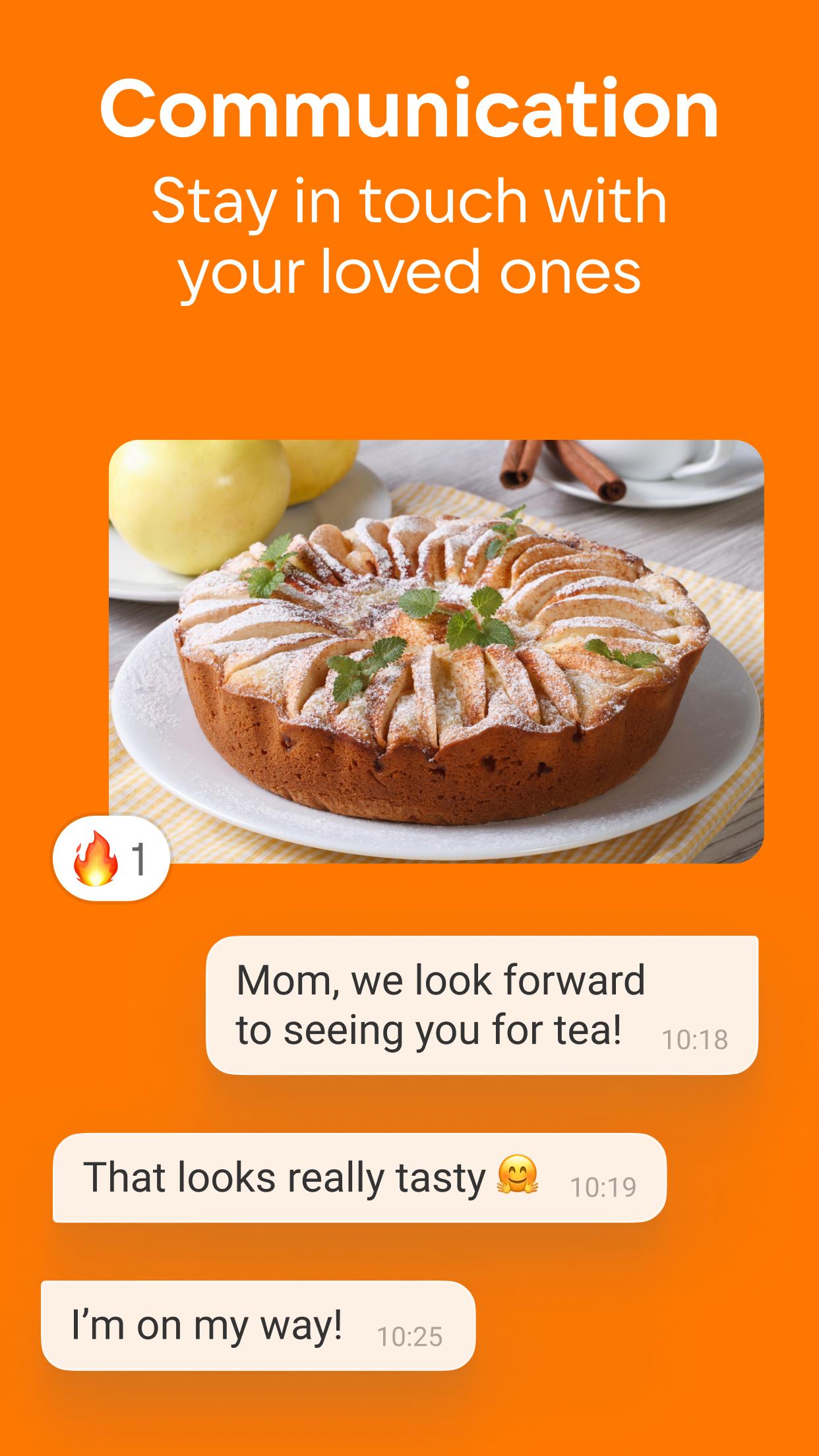
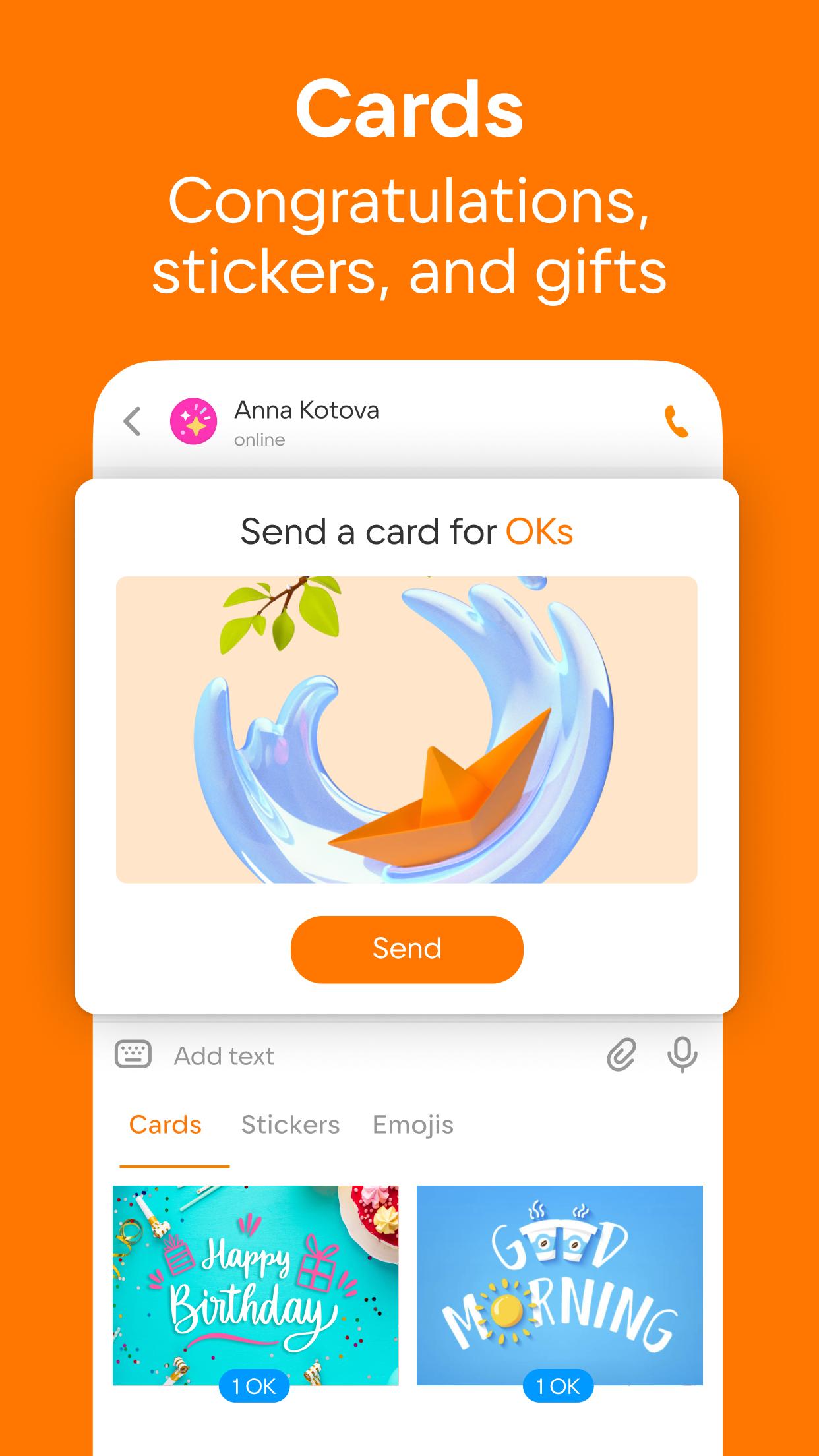
OK lets you place free audio and video calls, including group calls with up to 100 participants. You can start a quick chat, share stickers, and send digital gifts for birthdays or holidays. When a conversation needs more presence, go live so everyone can join in real time.
24-hour Moments with creative toolsMoments disappear after 24 hours, so you can share updates without filling your feed. Add frames, stickers, animated text, and attach links to guide followers to posts or profiles. This keeps short updates simple while adding context when needed.
Communities for hobbies and local interestsExplore groups across cooking, travel, fishing, cars, and pets to meet people who share your interests. You can read tips and jokes, save ideas, and post your own updates to keep a hobby moving. As your interests change, create a new group and invite friends to join.
Music and video in one placeListen to a large music library with themed playlists for work or relaxation. With a subscription, you can enable background listening and download tracks for offline playback. You can also watch shows, series, sports broadcasts, and live streams without leaving the app.
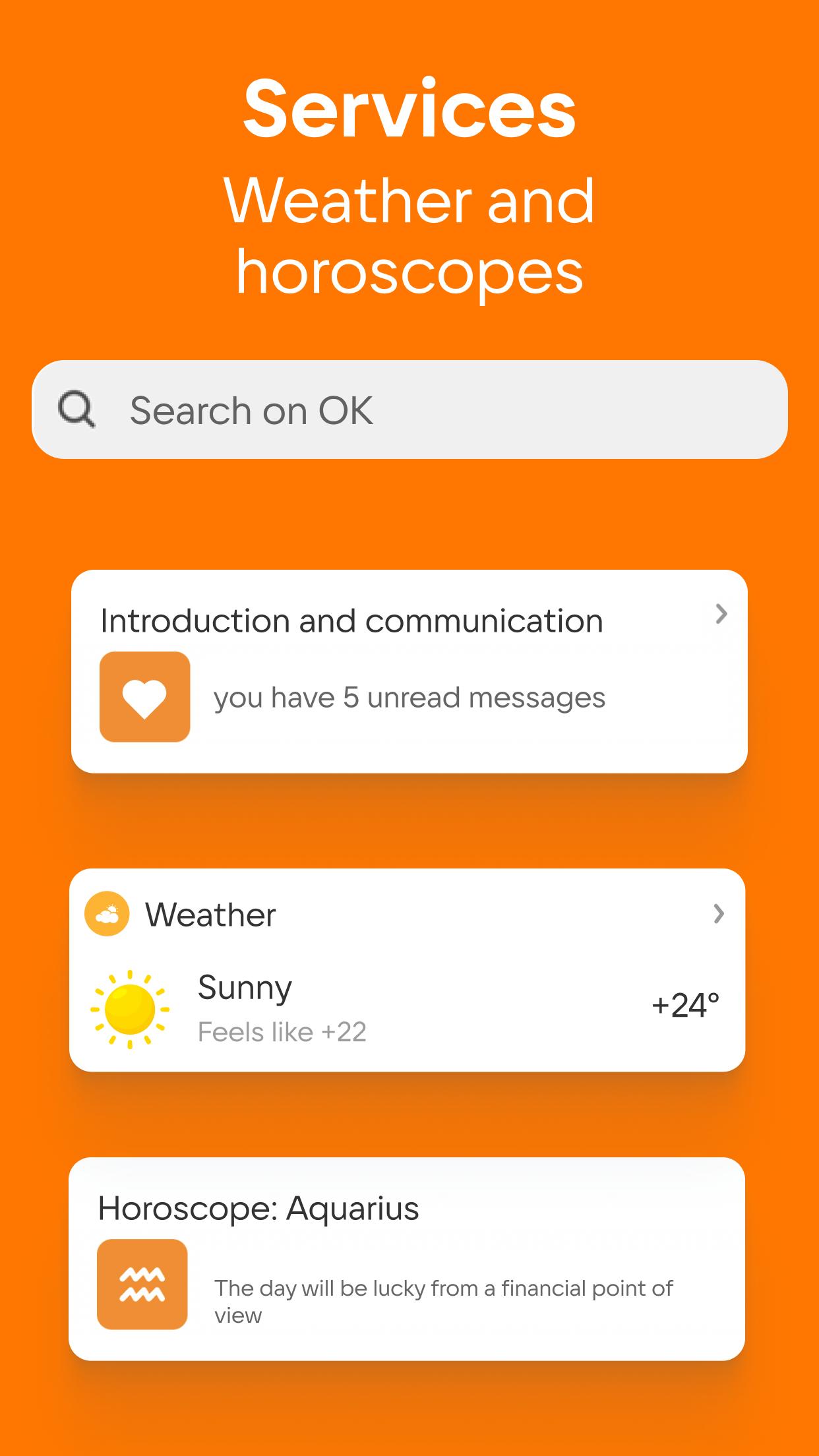
Services and business toolsCheck weather, TV guide, or horoscope when planning your day, then use public services or mobile payments when needed. Business profiles include basic stats to track reach, an ad account to promote posts, and virtual telephony for calls. This combines communication and simple service access in one place.
Account access is flexible, so you can sign in with a phone number, an email address, or supported social sign-in. New users can complete quick registration and start chatting right away. If you ever lose access, recovery options include phone or email codes, and you can enable face or gesture recognition to simplify daily login. This helps users manage OK app login safely while keeping entry steps short.
Users who prefer manual installs can track releases and compare builds before starting a download. When choosing the OK latest version, check version names and dates to match your needs and device. The app is also known as OK.RU or Odnoklassniki, so name variants may appear in materials or links. This context helps avoid confusion when you download OK for Android.
To begin, download OK and open it on your phone. The app guides you through account setup and helps you find friends and communities quickly. From there, features are organized to make calls, share Moments, and play media with minimal steps.
OK combines social networking, group calling, community content, and media streaming in one Android app. For a stable experience, install the OK latest version and set up your profile to begin.
For official guidance and support, use the following resource.
Latest Version
26.5.11Uploaded by
Áßď Áĺĺ Áĥ
Requires Android
Android 7.0+
Category
Free Social AppContent Rating
Teen
Security Report
Report
Flag as inappropriateLast updated on May 21, 2026
Get new gifts and win prizes in the «Today» section! Spin the «Prize Wheel», see the weather, read the horoscope, and catch up on the day’s events. Update the app now!
OK Support Team is ready for your feedback, text us at ok.ru/help





APKPure - A multi-platform app store primarily focused on Android, providing extensive app-related content. Discover the app you want easier, faster, and safer, with quick and efficient downloads and installations.