Scan Date:Feb 2, 2026
Show More

BlackOut: Stay Focused and Block Distractions/Beat Cell Phone Addiction/Mobile Phone Addiction
Stay focused, block distractions and beat cell phone addiction/mobile phone addiction with BlackOut.
Have you ever felt like you need to take a break from your phone? Or that you suffer from cell phone addiction? Or that you also suffer from 'screen addiction'? Do you lack the ability to stay focused? Or maybe your phone is affecting your sleeping patterns, or your job? Maybe quitting cold turkey can be really hard too.
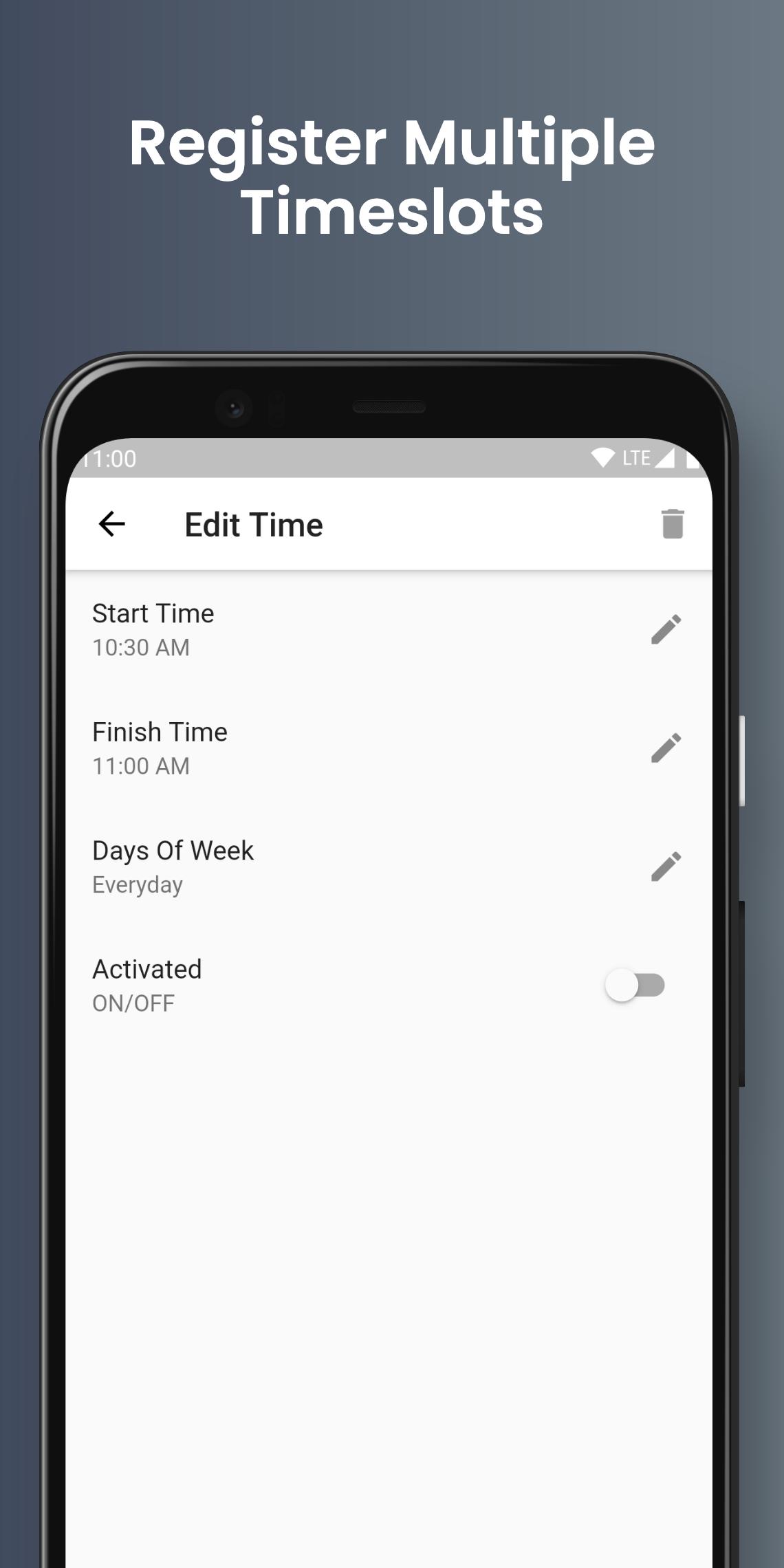
While developing/maintaining Detox(another app that helps users stay focused) we got a lot of reviews and emails from users saying they wanted an app where they could specify a time frame that they would not be able to use their smartphone for. That’s where the idea for BlackOut originally came from. The concept is really simple, you just open the app and select a starting time, finishing time and days of the week then activate the time slot. During the period and days you select your phone will dissuade you from using it until the time period ends. This will keep repeating everyday(or for the days you selected) until you de-activate it, just like how an alarm works.
How To Use
• Open the app, make sure you accept the required overlay permission
• Tap the floating plus icon
• Select a start time
• Select a finish time
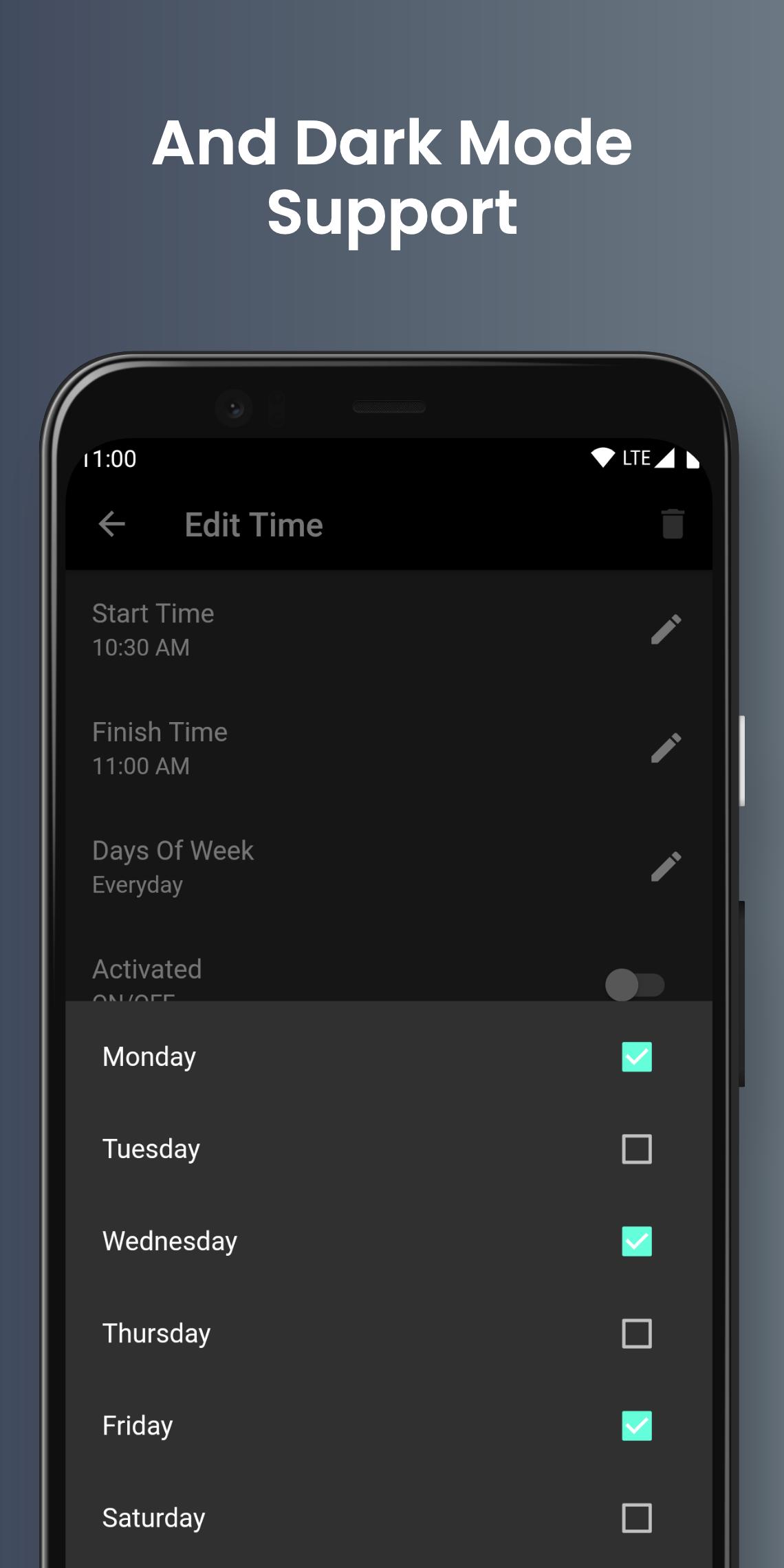
• Select the day/s of the week you want the app to operate for(can be everyday)
• Activate by turning the switch on in the list.
• Remember to de-activate if you don't want the restrictions to keep repeating.
Features
• You can register up to 3 different time frames of up to 4 hours(each) for free.
• A simple way to help you beat phone addiction or get better sleep.
• Stay focused and get more done.
• Stops you from using your phone during a specified time frame.
• You can select the days that the app will operate too, you could set it to only weekdays if that fits your schedule.
• Registering multiple time slots is possible(unlimited for premium users)
• You can make emergency calls
• Premium users can receive calls easily too
• Time slots that overlap two days(premium
• White list functionality(premium)
Recommended For
- People trying to beat cell phone addiction/screen addiction
- Students or workers that want to block out distractions
- People who are snubbing their loved ones
- People that want to stay focused and need an extra push
- People who want to reduce their screen time
- People who feel that have become anti-social because of their smart phone habits
- People who are scared they might have nomophobia
Troubleshooting
If you're new and having issues with BlackOut there are a few things to keep in mind:
• You need to set the time in 24 hour format(Ex. 11pm should be set as 23:00).
• BlackOut isn't always perfectly on time, it can be a couple of minutes late. This is to conserve battery. With this in mind there is not really any point setting a time slot for only a small period like 3 minutes because there is a chance it won't activate for such a short period of time.
• If you are using a phone that has some kind of battery saver(STAMINA mode etc.) you will need to turn it off for BlackOut to be properly functional.
• If you are using a phone that has Doze you might need to turn Doze off for BlackOut. You can do this from your settings app.
• If your phone has some kind of white list for protected apps(Huawei etc), you will most likely need to add BlackOut to this list.
• If you're still having issues feel free to email us at detox.app.now@gmail.com for help with troubleshooting.
Latest Version
2.18.13Uploaded by
Šmãɽť Ğîɽl
Requires Android
Android 6.0+
Category
Free Productivity AppContent Rating
Everyone
Security Report
Report
Flag as inappropriateLast updated on Jan 29, 2026
- Minor bug fixes and maintenance.




APKPure - A multi-platform app store primarily focused on Android, providing extensive app-related content. Discover the app you want easier, faster, and safer, with quick and efficient downloads and installations.