Package Name:cz.mobilesoft.appblock
SHA-256:ffa69907fbfe56752d0c36d6868d2b9f96fb2eed300b25e315db0aa4c7439cbb
Show More


AppBlock helps you build better habits by limiting interruptions across your phone and computer. It works on Android and iOS, and it also offers browser extensions for Chrome, Edge, and Brave so you can stay focused across devices. Students, professionals, and parents can set clear boundaries that support study sessions, deep work, and family time. People managing ADHD, mental health, or general well being can use gentle limits to create consistent routines. Get the latest AppBlock APK on APKPure to start reducing distractions and keep your attention where it matters.
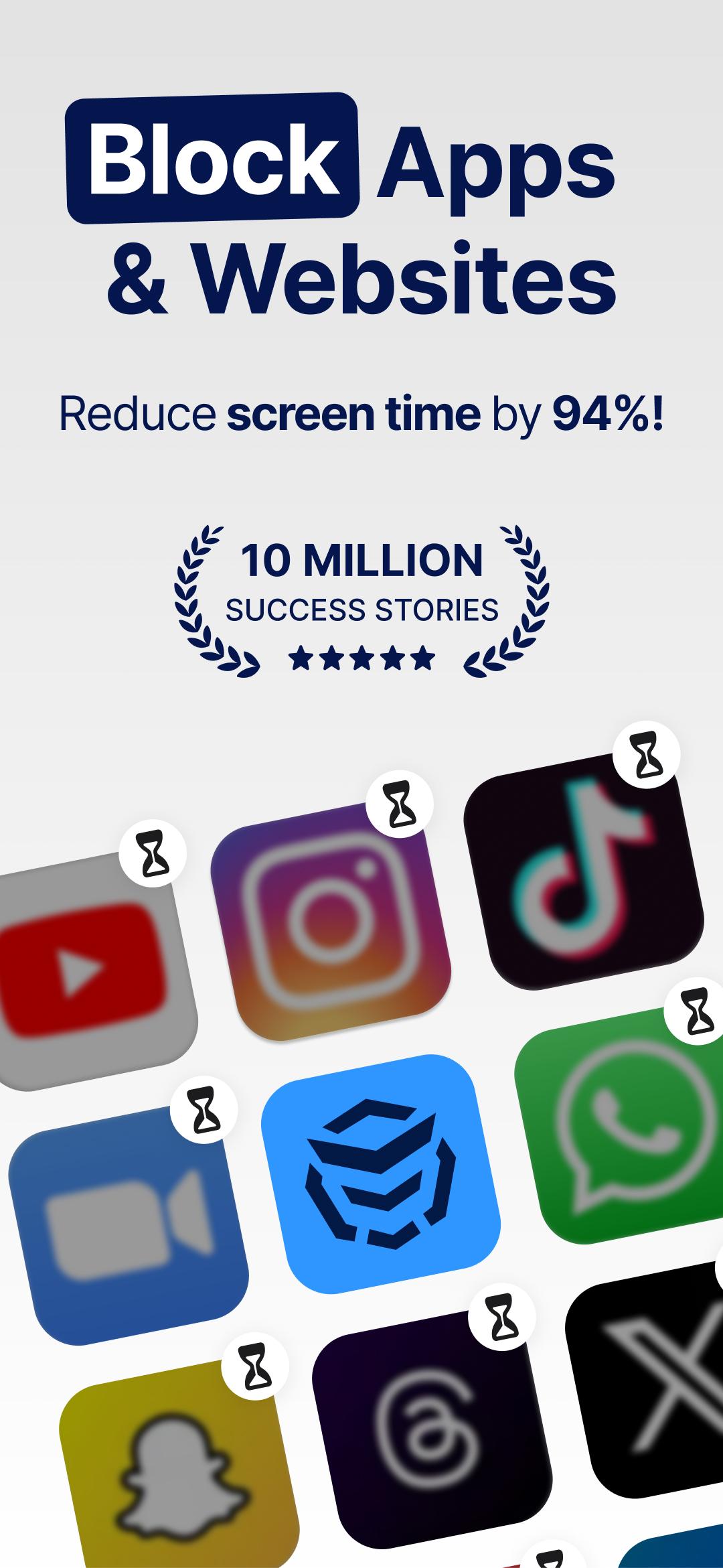
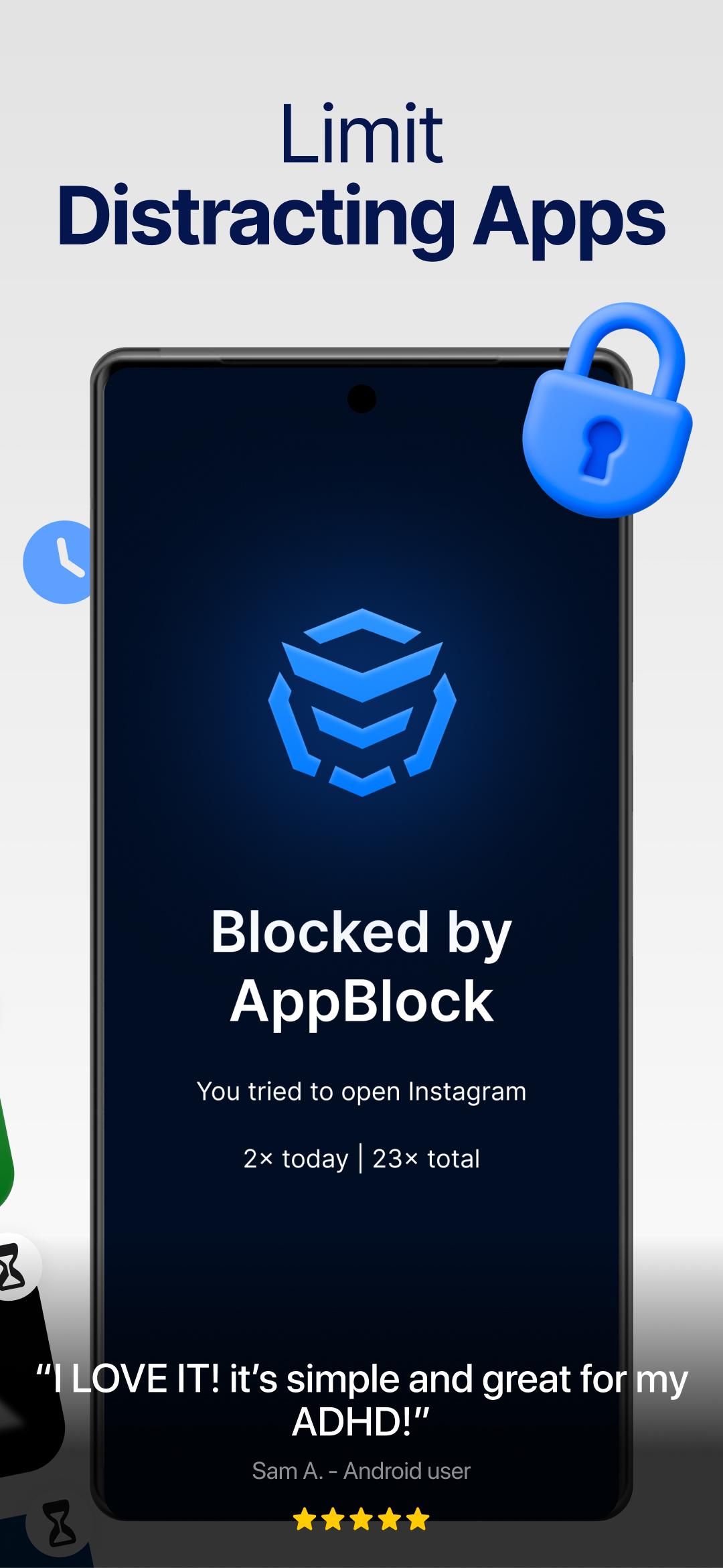
AppBlock lets you block specific apps, websites, and whole categories such as social media. You can start blocking instantly when you need to concentrate. This helps you remove common distractions during study, work, or downtime.
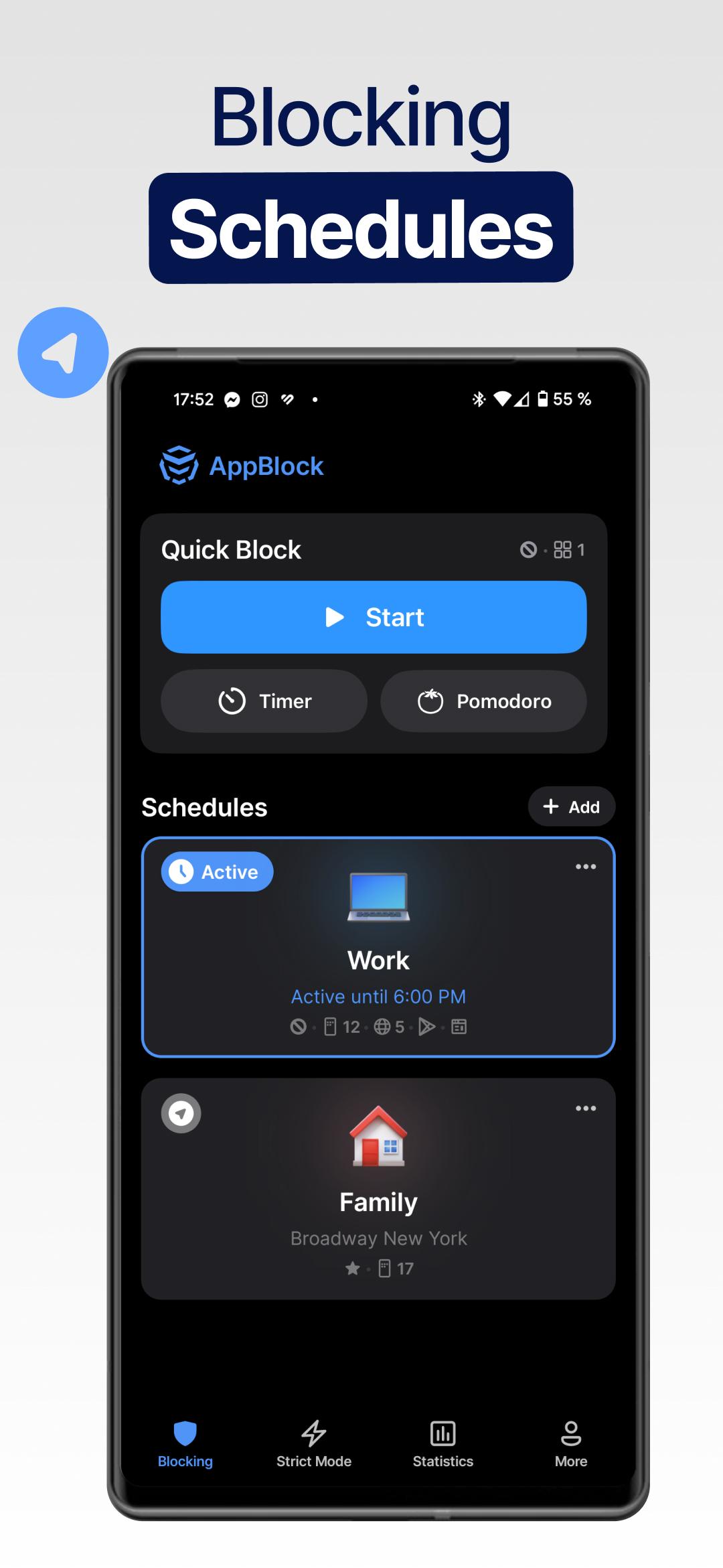
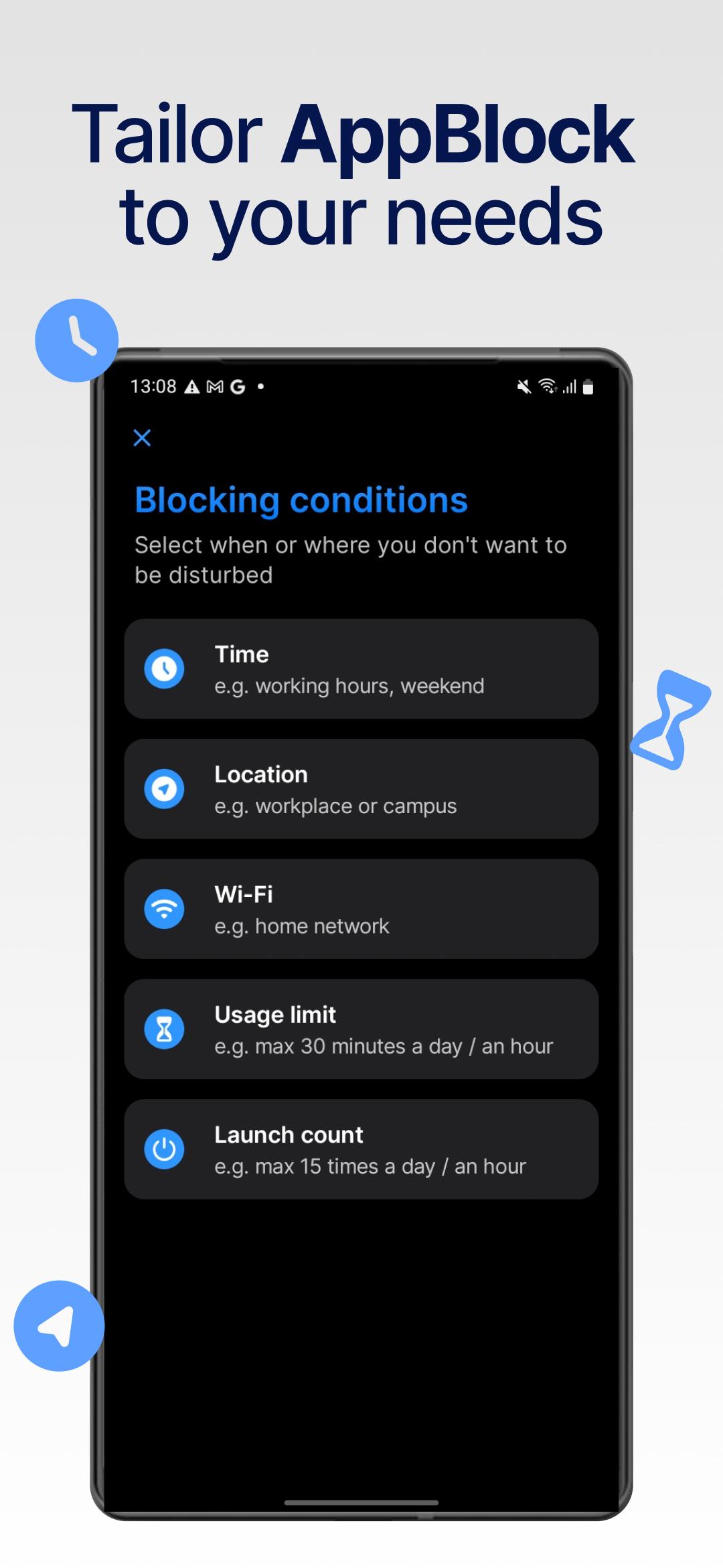
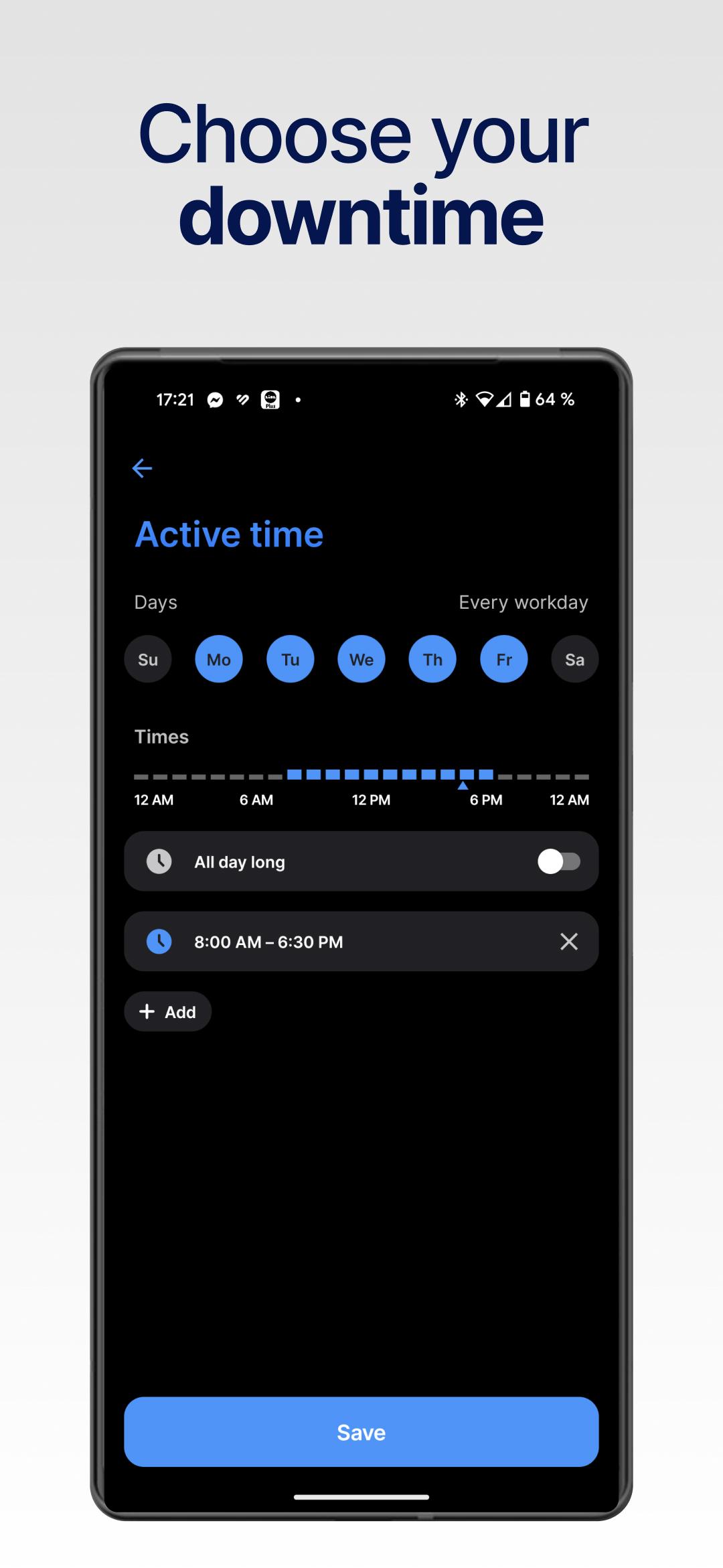
Smart schedulesAppBlock automates your limits with schedules based on time, location, Wi Fi network, or daily usage caps. You can create different profiles for weekdays, weekends, or specific places. This keeps your routine consistent without manual toggling.
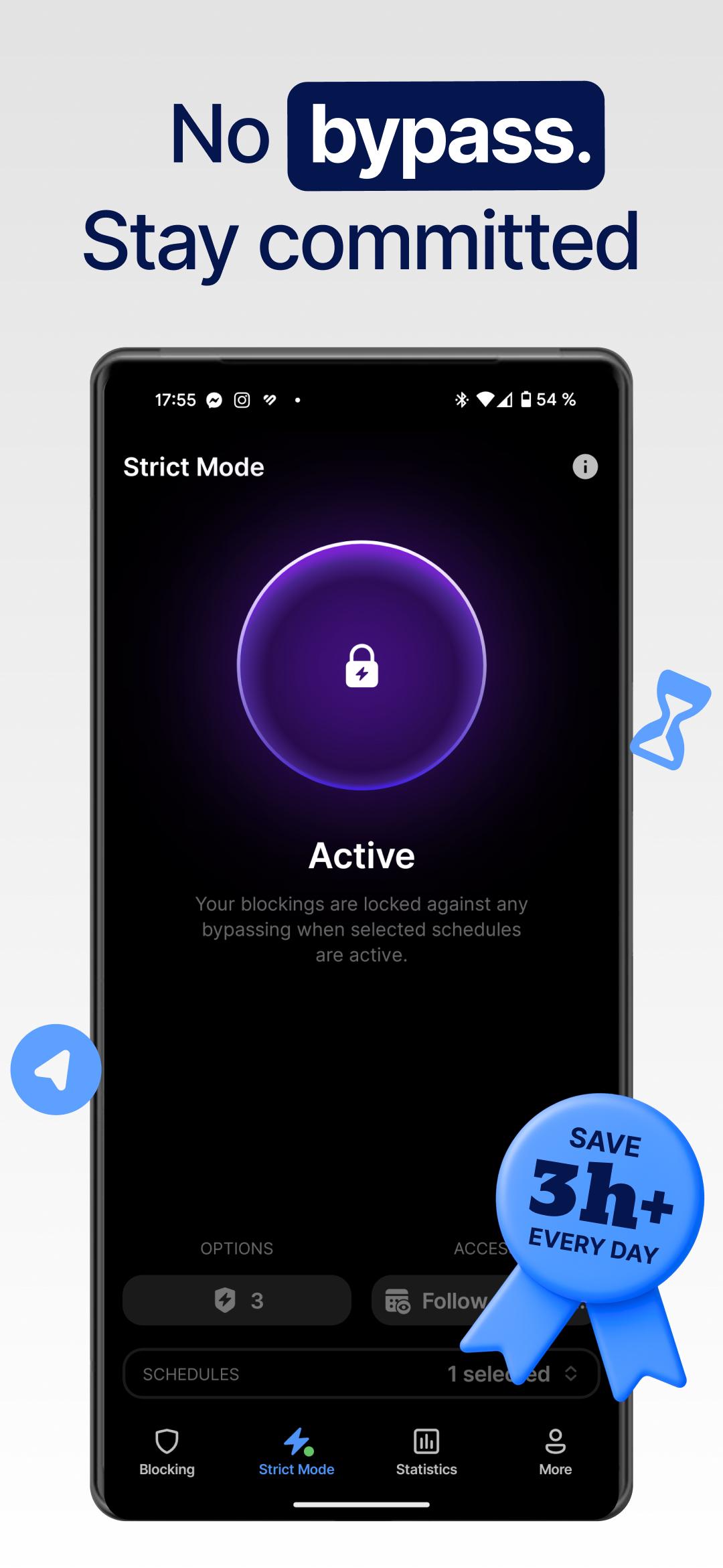
Strict ModeAppBlock includes a stricter control that is harder to bypass, which prevents quick workarounds when focus matters most. You choose how strict the rules are and when they apply. This is useful when you do not want to edit or disable a limit in the moment.
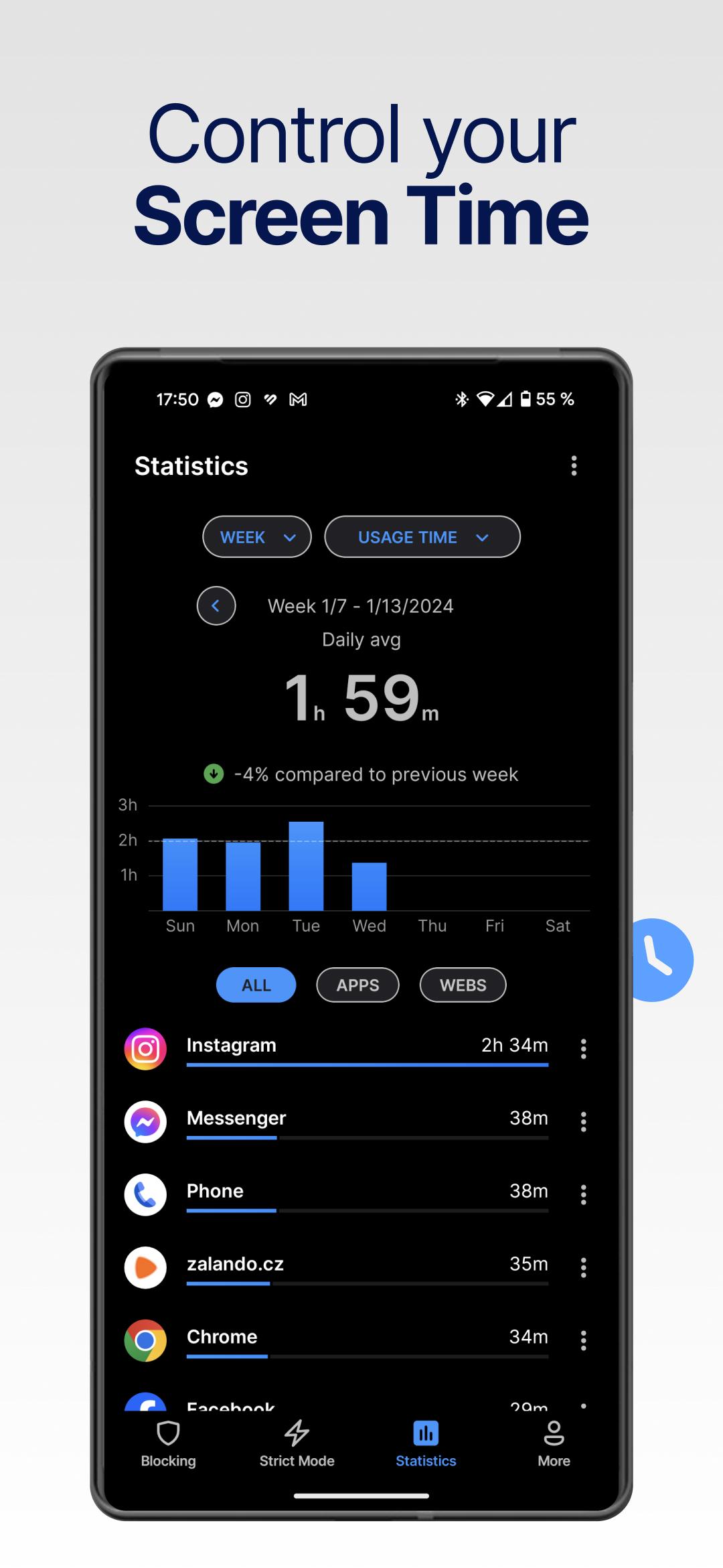
Screen time controlAppBlock shows your usage patterns so you can set clear goals and track progress. You can review time spent and adjust limits to support a digital detox or focused work blocks. This turns attention management into a manageable daily habit.
Cross platform coverageAppBlock runs on Android and iOS, and it also offers extensions for Chrome, Edge, and Brave. This allows you to block sites on desktop while your phone limits apps. As a result, your focus rules can follow you across devices.
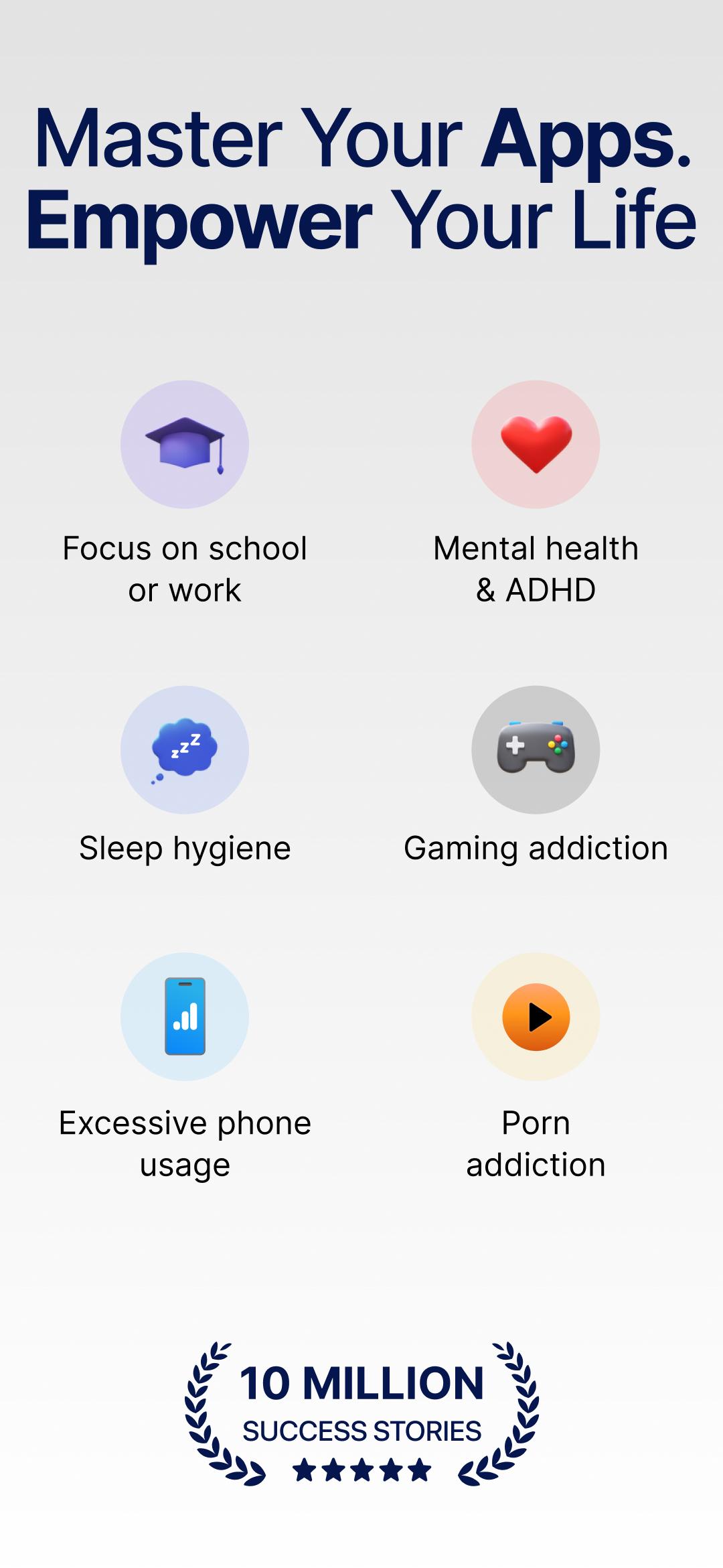
Guided modes for study, work, and familyAppBlock provides guidance tailored to common needs such as Students, Work, Parents, ADHD, Mental Health, and general Well Being. You can pick a starting template and refine it to match your day. This makes setup faster for first time users.
AppBlock includes core blocking and basic scheduling at no cost. An optional Premium plan adds more customization and expanded rule options for users who need deeper control. Pricing details and current benefits are shown inside the app before you subscribe.
AppBlock also supports desktop browsers through the AppBlock Chrome extension, which works on Chrome, Edge, and Brave. You can block distracting sites, set schedule rules, and keep work tabs clean. This is a simple way to use AppBlock for PC alongside your phone.
For Students, AppBlock can protect study hours by limiting social apps and entertainment sites until sessions end. For Work, it can mute personal distractions during deep focus blocks and meetings. For Parents, it offers structure for homework time, bedtime routines, and healthier screen habits for the family.
Use these steps to set up a distraction free session on your Android device. This quick guide focuses on creating a reliable blocking profile that fits your routine.
AppBlock helps you reduce distractions on mobile and desktop with clear limits that fit your day. Get the AppBlock APK latest version on APKPure to set up blocking profiles and stay productive across devices.
For official resources and support, use the links below.
Can AppBlock block only part of an app or a specific screen?
No, AppBlock blocks entire apps or websites rather than sections inside an app. AppBlock can prevent app launches, block chosen site URLs, and filter categories, which covers the most common distraction sources.
How do I remove the AppBlock app safely?
To remove AppBlock, first open AppBlock and turn off active profiles. If Strict Mode is enabled, disable it or wait for the timer to finish, then proceed. Next, uninstall AppBlock from your device settings like any other app. If you installed via APKPure, you can still uninstall through the device settings.
Can I share one blocking session between my laptop and my iPhone?
AppBlock works on Android, iOS, and desktop browsers through the AppBlock Chrome extension on Chrome, Edge, and Brave. AppBlock manages sessions per device, so you can set matching schedules on your phone and browser for a consistent experience across platforms.
Is there an app that blocks other apps and social media?
Yes. AppBlock blocks apps, websites, and categories such as social media, and it also supports schedules and a Strict Mode for stronger enforcement. This makes AppBlock suitable for study focus, work sessions, and daily screen time balance.
Where can I download or update AppBlock on Android?
You can download AppBlock and get the AppBlock APK latest version on APKPure. Use the button on this page to download AppBlock, then install and update it directly from APKPure when new versions are available.
Latest Version
7.17.2Uploaded by
Qdawi Al Ameri
Requires Android
Android 9.0+
Category
Free Productivity AppContent Rating
Everyone
Security Report
Check Now
Report
Flag as inappropriateLast updated on May 18, 2026
New schedule icons
Better organization, a clearer layout, and a few new icons. Make your schedules feel more yours.

APKPure - A multi-platform app store primarily focused on Android, providing extensive app-related content. Discover the app you want easier, faster, and safer, with quick and efficient downloads and installations.