Package Name:it.ksol.binarywatch
SHA-256:989927a139786cd80fe99ecfa4be6f5ec0513a3937380a65d0c56c9bc00899bf
Show More

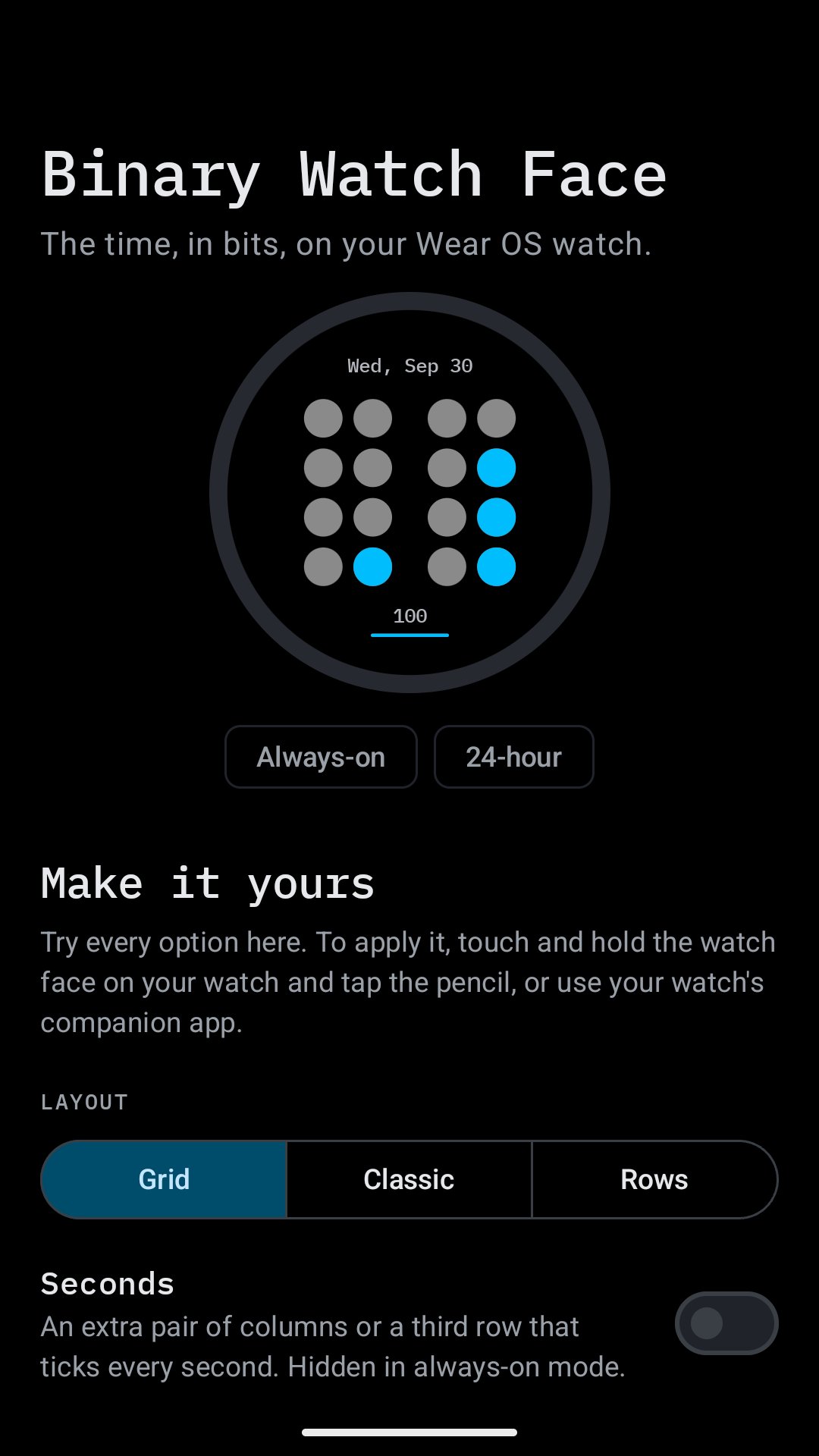
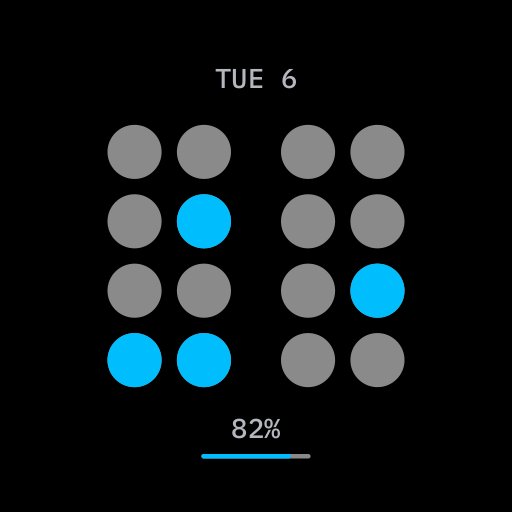
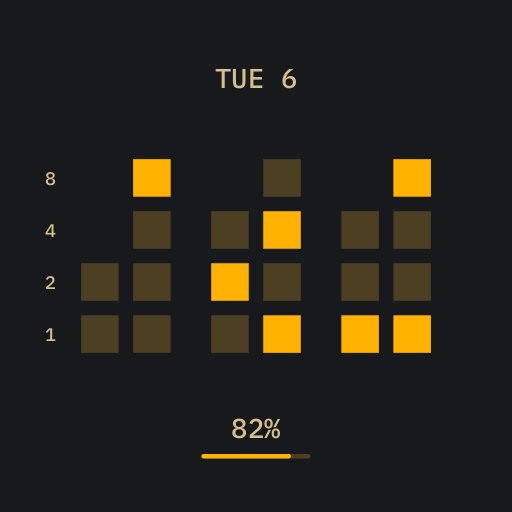
Binary Watch Face shows the time the way a computer counts: in bits. Every lit dot adds its value; the sum is the time.
Free:
• The classic binary-coded look: one column per digit, four dots each
• Follows your watch's 12/24-hour setting
• Battery-friendly always-on mode with slim rings
Pro, a one-time purchase on your phone or your watch, unlocks every option in the watch face editor:
• Three layouts: Grid and Classic (one column per digit) or Rows (plain binary, one row each for hours, minutes and seconds)
• Optional seconds that tick along in an extra pair of columns or a third row
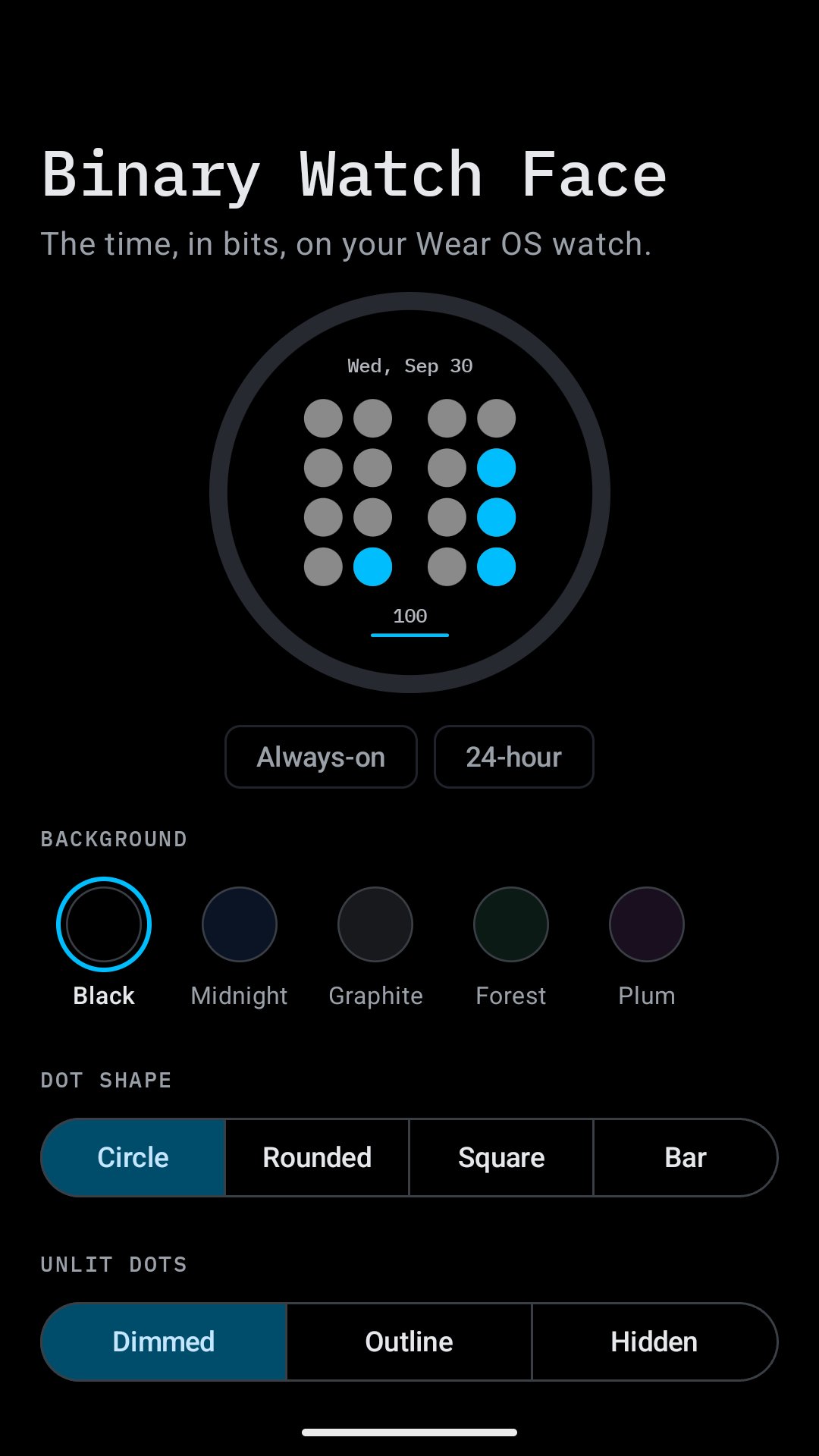
• 16 colour themes, including multi-colour themes with separate colours for hours, minutes and seconds
• Five backgrounds, four dot shapes (circle, rounded, square, bar) and three styles for unlit dots
• Learning aids: bit values and the decimal time next to the dots, until you read binary at a glance
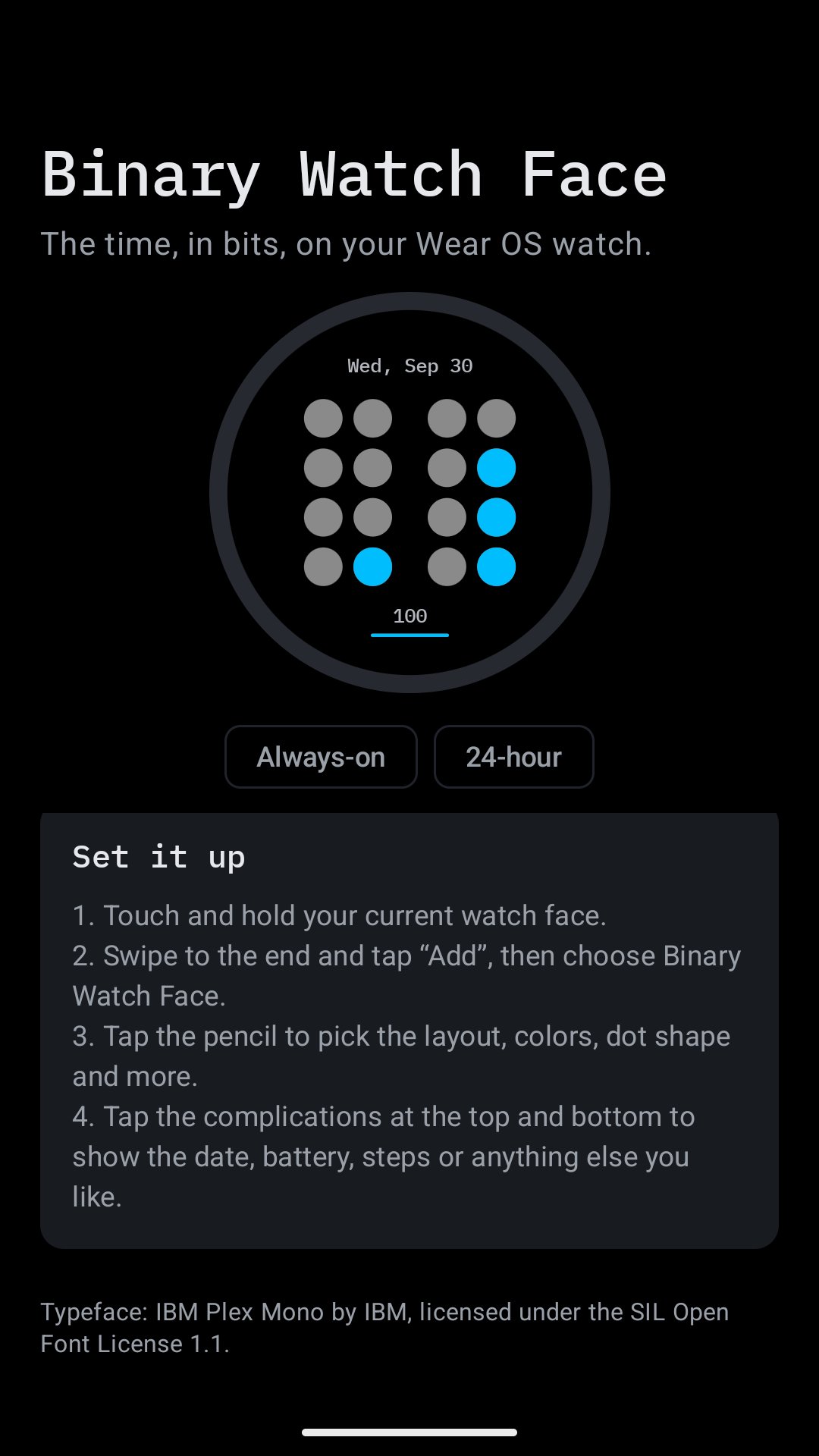
• Two complications for the date, battery, steps, weather or any other data
• Two always-on styles
Built with Google's Watch Face Format: light on memory and battery. The watch app installs the watch face for you; open it and tap "Use this watch face".
Requires a watch with Wear OS 6 or newer. The phone app shows a live preview of every option, explains how to read the face and opens it in the Play Store on your watch.
Latest Version
1.0.3Uploaded by
Killian Mandar
Requires Android
Category
Free Lifestyle AppContent Rating
Everyone
Security Report
Check Now
Report
Flag as inappropriateLast updated on Oct 13, 2026
Fixes





APKPure - A multi-platform app store primarily focused on Android, providing extensive app-related content. Discover the app you want easier, faster, and safer, with quick and efficient downloads and installations.