
Scan Date:May 11, 2026
Show More

bilibili helps users who want quick access to shows and clips without distracting ads. It brings a mix of seasonal anime, bite-sized dramas, creator uploads, and live rooms into one mobile player. Subtitles and viewing controls are built in, which keeps watching simple at home or on the go. As you browse, recommendations surface new episodes and channels that match your habits. When you download bilibili, you can keep up with your favorites and continue watching across screens with progress that stays in sync.
Licensed anime and short dramas
bilibili offers a large catalog that spans seasonal simulcasts, films, and quick short dramas. Curated sections help you find trending titles faster, and search makes it easy to jump to a specific series. The layout is designed for quick discovery, so you can move from one episode to the next without losing your place.
Multilingual subtitles in the player
You can switch subtitle languages directly while the video is playing. This setup supports cross-language discovery and makes global shows easier to follow. It also helps mixed-language households choose the right track without leaving the player.
Ad-free playback with clear quality controls
Streaming starts quickly, and seeking is reliable for long episodes or short clips. You can choose HD or higher quality where available, or select data saving options to fit your connection. Controls are placed where you expect them, so the focus stays on the video.
Offline downloads and follow-up tools
You can save episodes or full playlists for later and manage everything in one downloads view. Watchlists and follow buttons make it simple to track series and creators, then receive update reminders when new parts arrive. Progress sync helps you continue where you left off when switching screens.
Interactive danmaku and live rooms
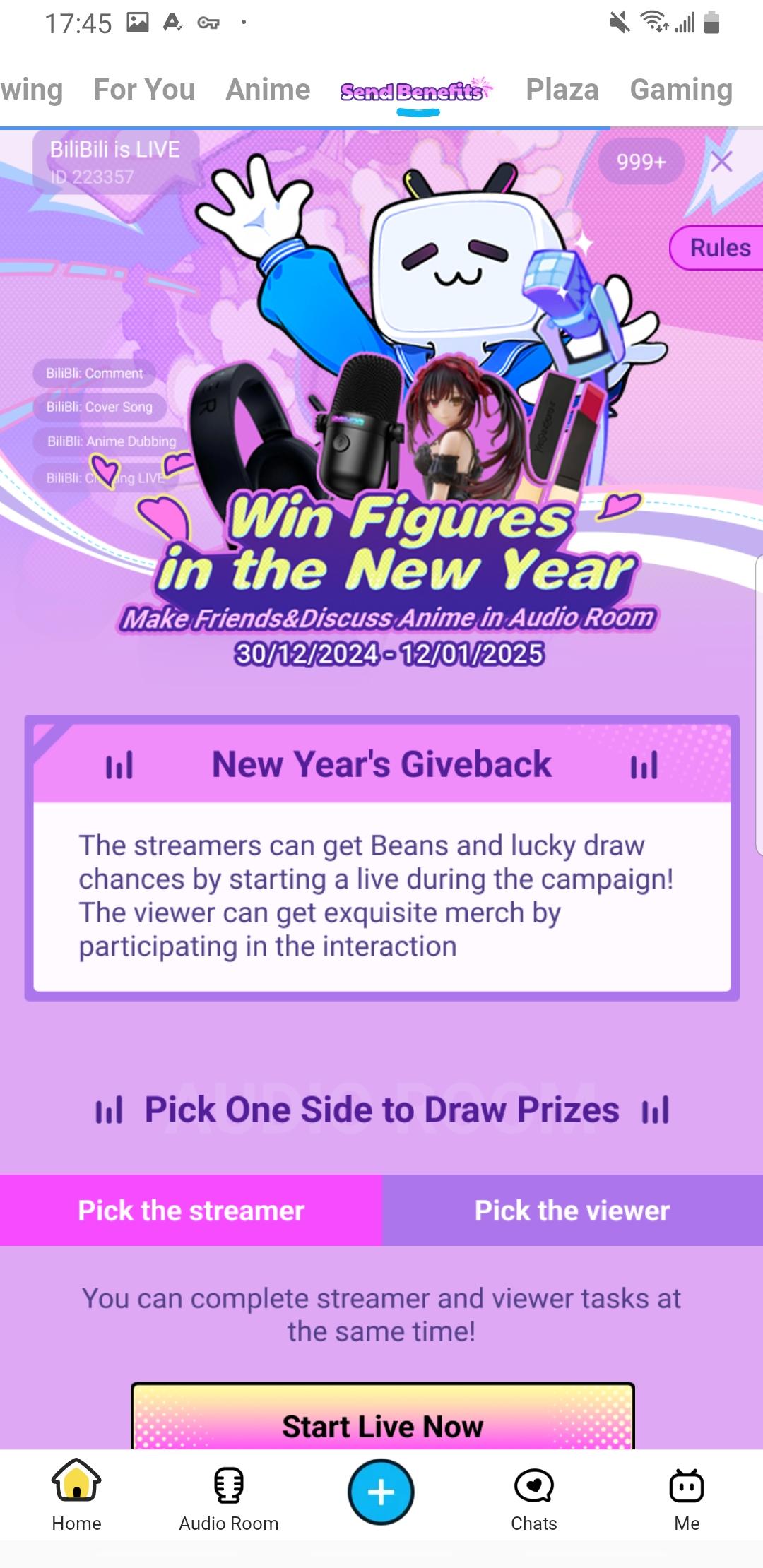
Real-time bullet comments create a shared viewing experience on recordings and streams. Comment density and visibility can be adjusted, so you can keep chat active or keep the screen clear. Live rooms cover games, music, and esports, and supported events may reach high clarity up to 4K.
Content availability can vary by territory due to licensing. Some videos, subtitles, live events, and download options may differ by region or by title. Playback quality up to 4K is only available when a specific stream supports it. Esports and event schedules are subject to change based on rights in each area.
Use this quick guide to start watching on your phone. It covers browsing, playback controls, following updates, and offline saves. If you plan to install from a bilibili APK, confirm the version details before proceeding.
Open the app after installation, then allow basic permissions so playback and downloads work correctly. If prompted, sign in to keep your progress synced across screens.
From the home tabs, browse Anime, Short Dramas, Live, or Categories. You can also use search or the personalized recommendations row to find a title fast.
Select a video to start playback. In the player, adjust quality based on your connection, switch subtitle languages, and toggle danmaku visibility to match your preference.
On a show or creator page, tap Follow or Add to Watchlist. Turn on update reminders so you get alerts when new episodes or uploads arrive.
When you need offline viewing, tap Download on an episode or playlist. Open the Downloads section to check progress, manage storage, and play without a connection.
bilibili brings licensed anime, short dramas, creator content, and live rooms into a focused mobile player. You can download bilibili latest version APK from APKPure. With bilibili on your phone, you can browse, watch, and save episodes for later with tools that fit daily use on bilibili Android.
Official links for reference:
Website: https://app.bilibili.com/
Latest Version
3.81.2Uploaded by
รักเดียว ใจเดียว
Requires Android
Android 7.0+
Available on
BilibiliCategory
Free Video Players & Editors AppContent Rating
Teen · Diverse Content: Discretion Advised
Security Report
Report
Flag as inappropriateLast updated on May 11, 2026
1. Fixed bugs and improved performance






APKPure - A multi-platform app store primarily focused on Android, providing extensive app-related content. Discover the app you want easier, faster, and safer, with quick and efficient downloads and installations.