
[How to use]
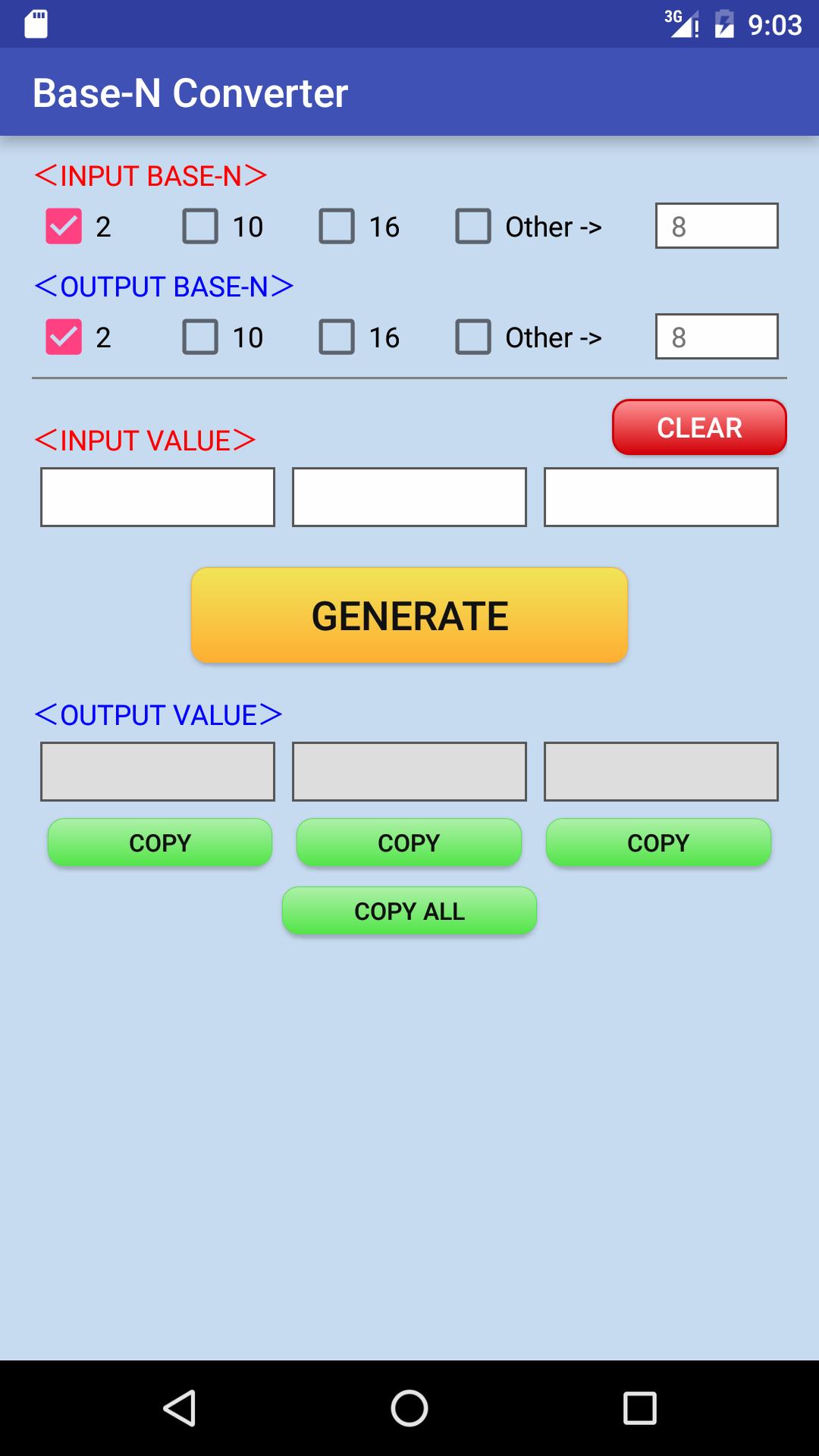
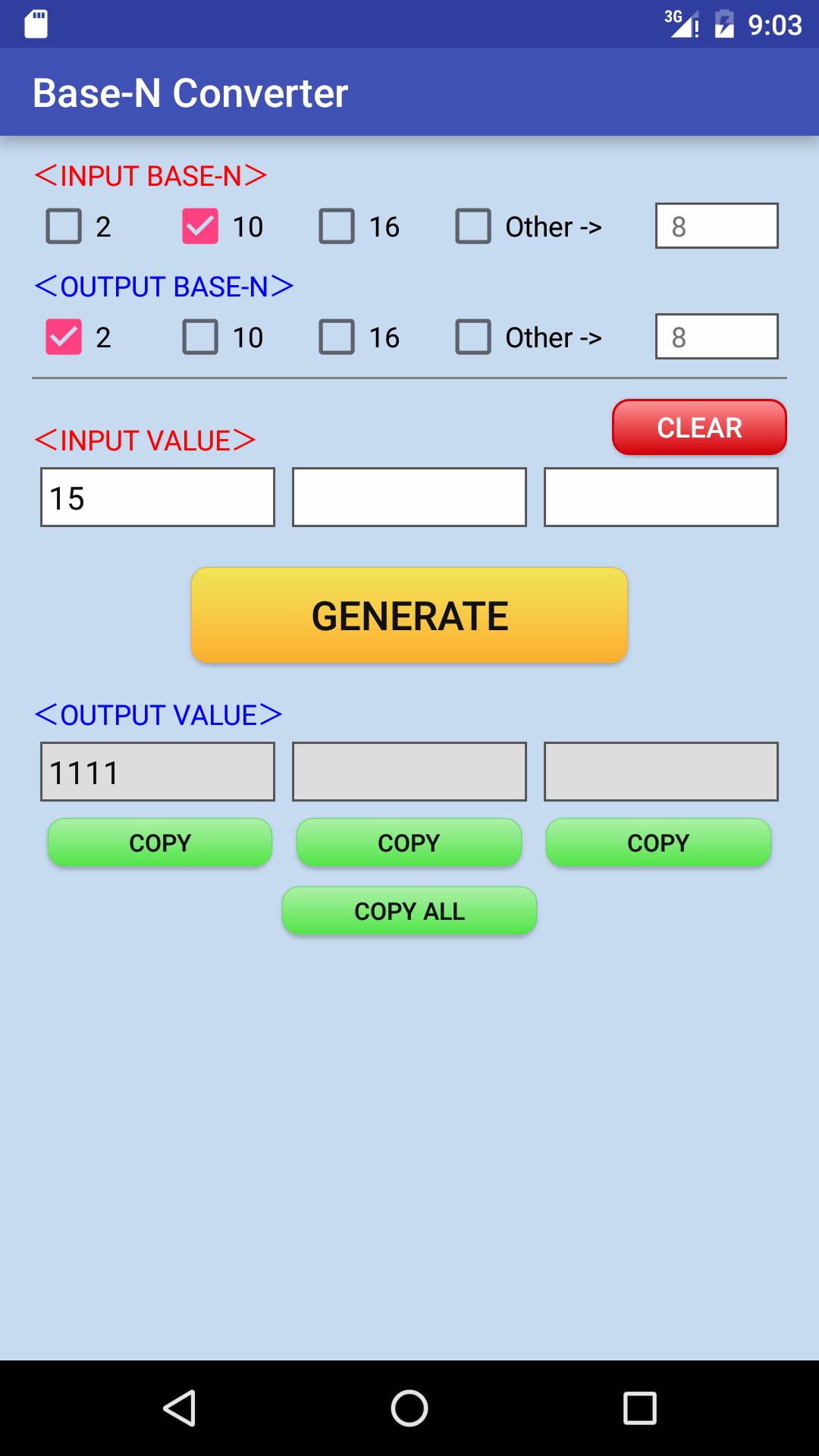
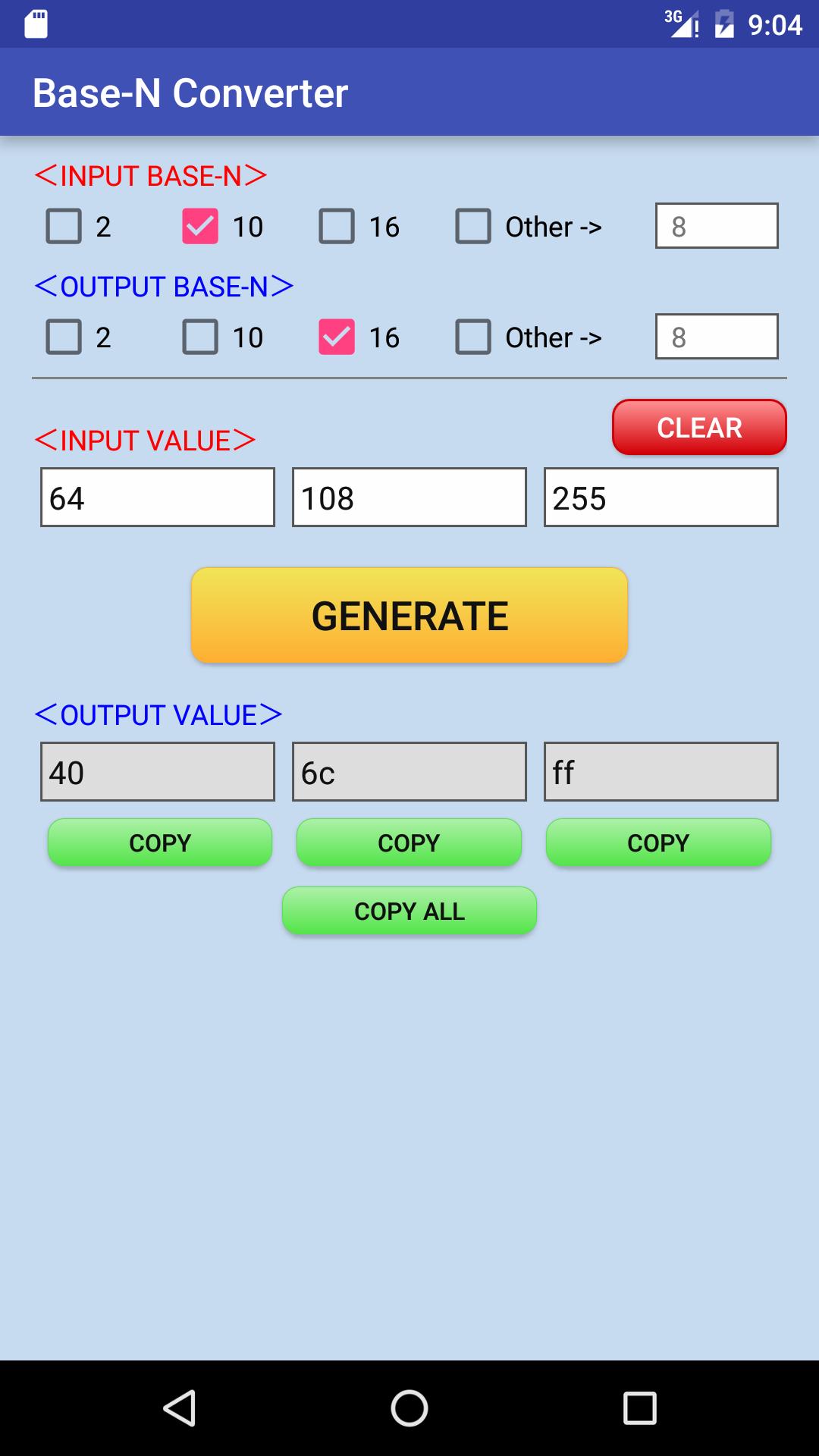
1. Select the [INPUT BASE-N] and [OUTPUT BASE-N].
2. Enter the [INPUT VALUE].
3. When you press the [CONVERT] button, results are output to the [OUTPUT VALUE] area.
Latest Version
1.3Uploaded by
Evos Marsha
Requires Android
Android 4.0+
Category
Free Tools AppContent Rating
Everyone
Report
Flag as inappropriateLast updated on Dec 23, 2016
2016/12/23 v1.3
"CLEAR" button was added.

APKPure - A multi-platform app store primarily focused on Android, providing extensive app-related content. Discover the app you want easier, faster, and safer, with quick and efficient downloads and installations.