
NOTE: You need to have Microsoft Azure Rights Management for individuals or an RMS enabled Office 365 account to use Microsoft Azure Information Protection viewer application. You can sign up for a free account by using the Azure Information Protection page. You cannot use Microsoft Account (Live, Hotmail or Outlook.com) account to sign in.
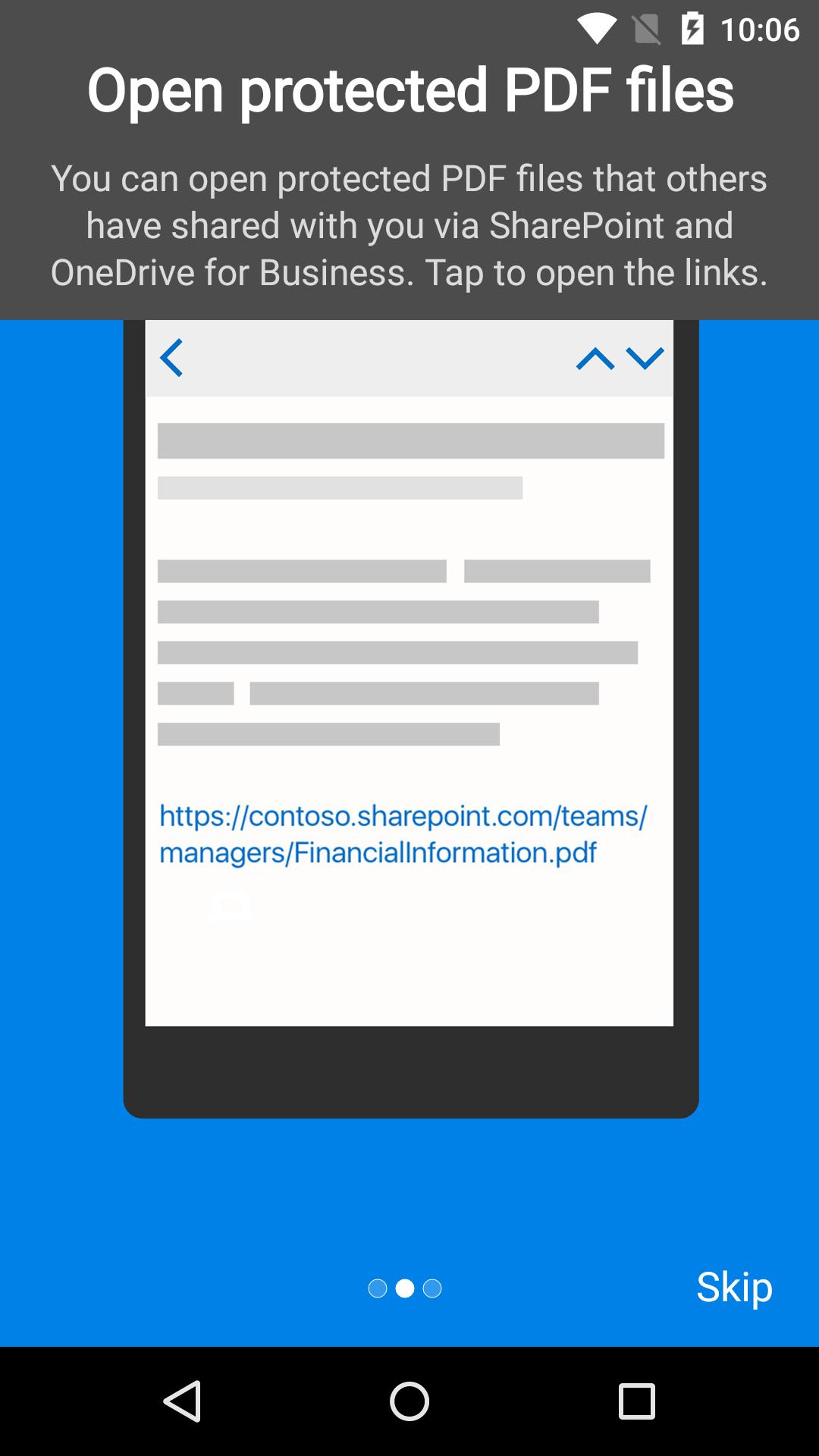
Azure Information Protection app enables you to securely collaborate with others. You can view protected files (Rights protected email messages, PDF files, pictures, text files, and any other file format that is protected as a .pfile) that others have shared with you.
Azure Information Protection app lets you breathe easy knowing your files are safe and can only be opened by users you trust and share with.
IT administrators can also deploy and manage the app for devices that are enrolled by Intune.
For more details, read our FAQ page http://go.microsoft.com/fwlink/?LinkId=828412
Latest Version
2.8Uploaded by
نايف الكربلائي
Requires Android
Android 8.1+
Category
Free Productivity AppContent Rating
Everyone
Report
Flag as inappropriateLast updated on Sep 9, 2025
This release includes minor bug fixes and general improvements. Update to the latest version for the best experience.





APKPure - A multi-platform app store primarily focused on Android, providing extensive app-related content. Discover the app you want easier, faster, and safer, with quick and efficient downloads and installations.