

AutoTagger addresses messy libraries where tracks show incorrect titles, missing artists, or no cover images. It focuses on local files so your collection stays consistent across devices and players. The workflow is simple, with clear controls for checking and applying changes at your pace. If you plan to download AutoTagger, expect straightforward tools for cleaning up tags and artwork across common audio formats and SD card folders.
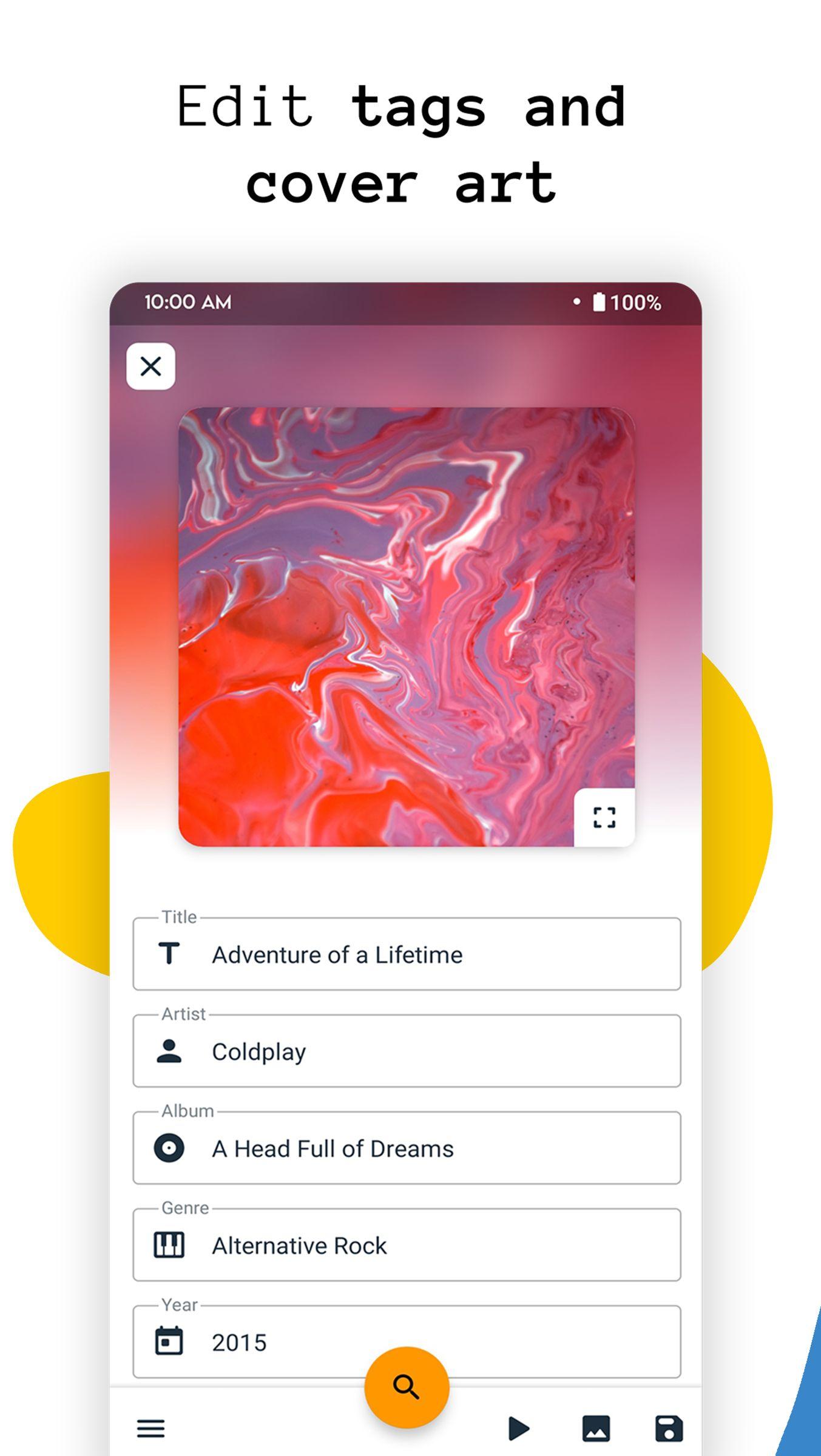
Edit any tags
AutoTagger lets you change song title, artist, album, album artist, year, genre, track and disc numbers, comments, and lyrics. It supports MP3 with ID3v1 and ID3v2, MP4, M4A, FLAC, OGG, WMA, and WAV. You can also edit music stored on an SD card.
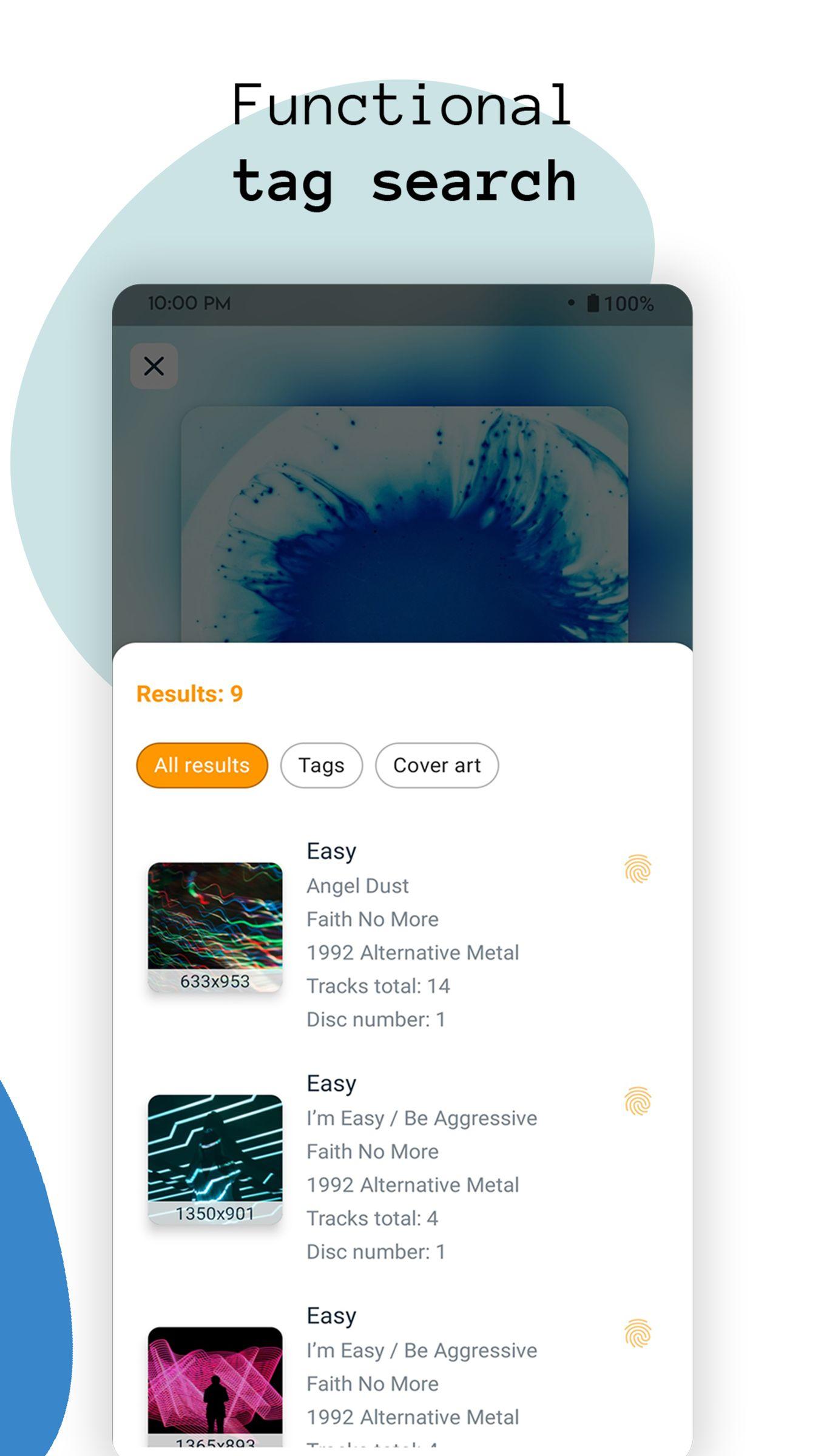
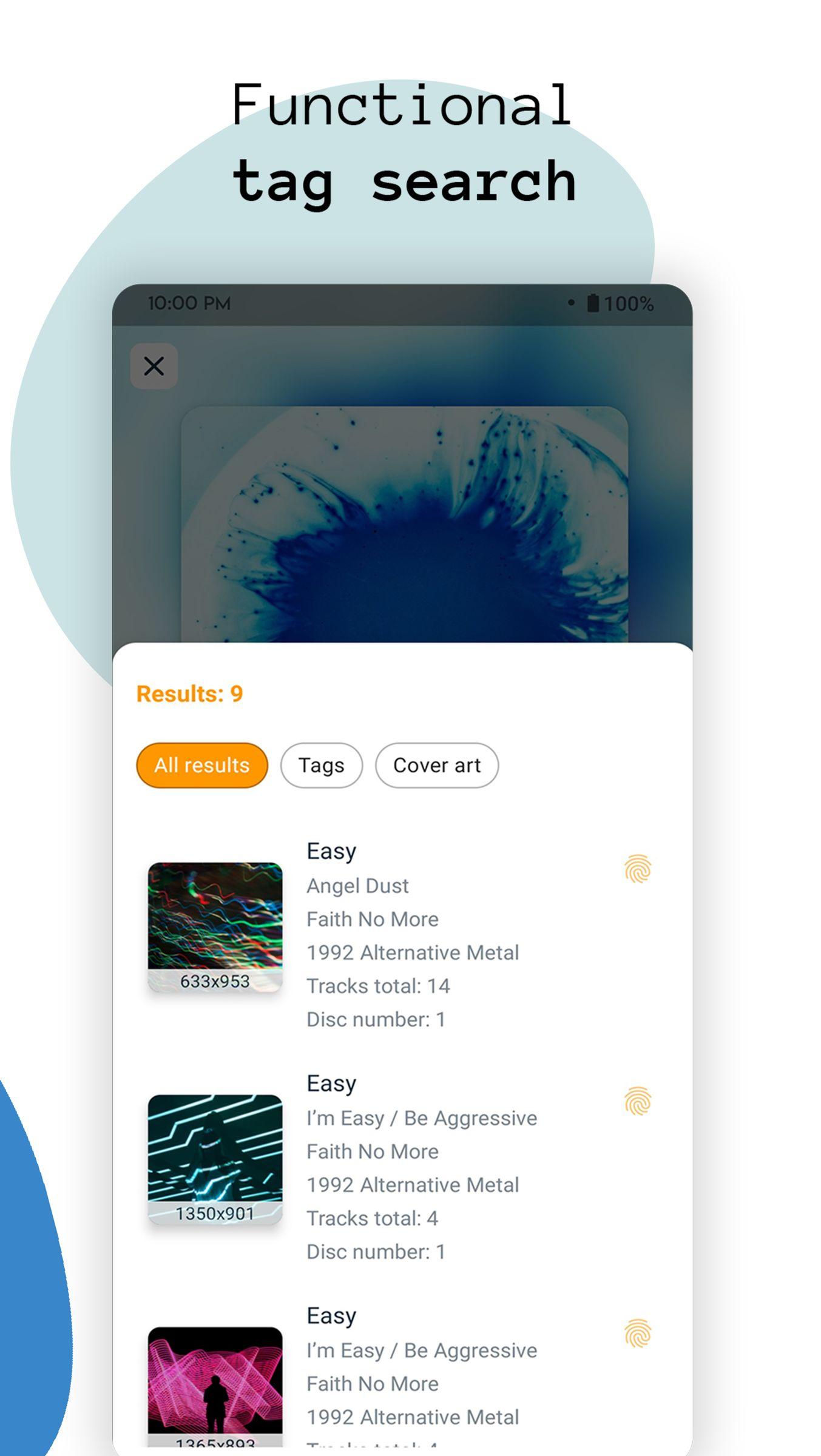
Auto tag search
AutoTagger can search for tags using music recognition and present options within seconds. You review matches and pick the most accurate result before saving.
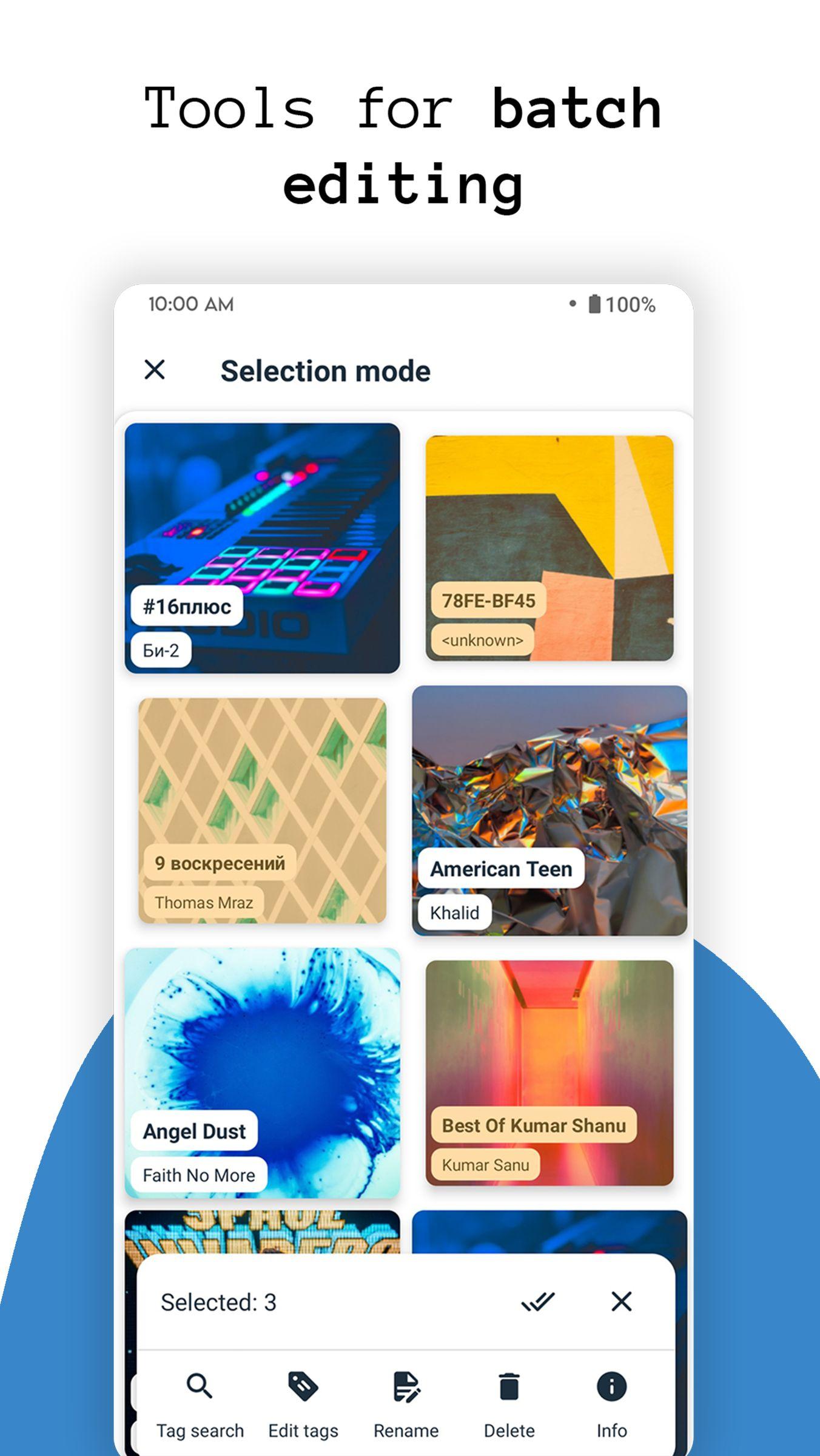
Batch editing and renaming
For larger collections, you can edit songs, albums, or artists in one action. File renaming uses patterns you define, and you can apply one cover image to many tracks at once.
Cover art and reliability
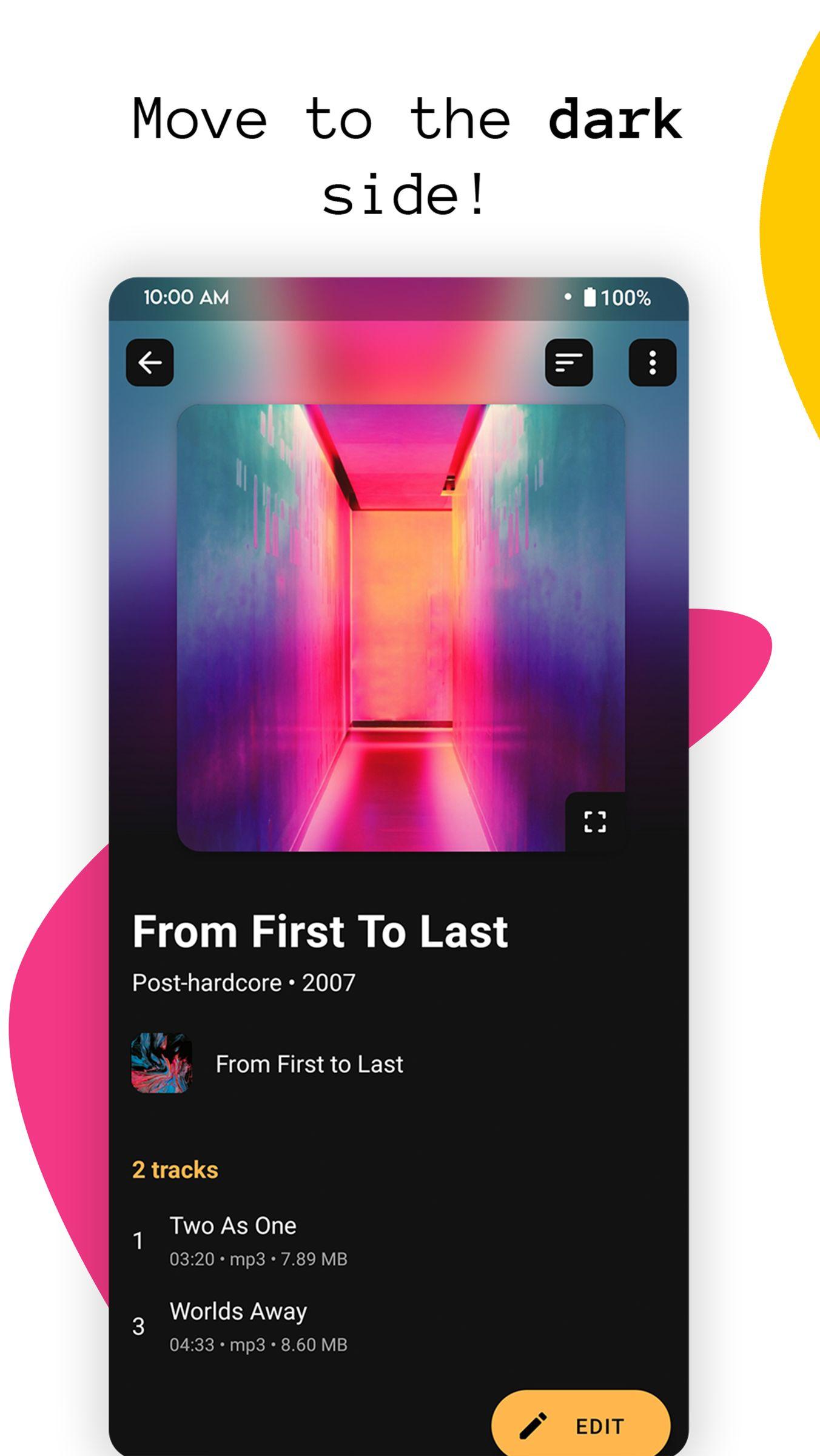
This app focuses on accurate tag fixes, cover art tools, and batch actions for everyday music libraries. Install the AutoTagger latest version to work with local files and keep updates stored inside your audio tracks. Review results, apply changes, and keep your collection organized on internal storage or an SD card.
Latest Version
3.4.1Uploaded by
Hian Matos
Requires Android
Android 5.0+
Category
Free Music & Audio AppContent Rating
Everyone
Report
Flag as inappropriateLast updated on Feb 3, 2024
Full native support for Android 11 & 12
Fixed files editing in some cases




APKPure - A multi-platform app store primarily focused on Android, providing extensive app-related content. Discover the app you want easier, faster, and safer, with quick and efficient downloads and installations.