Scan Date:Apr 26, 2026
Package Name:jp.co.sharp.DigitalInformationAppliance.RecoderRemoteReservation
SHA-256:96f98ed97b0a155185c55e542f930746f61dc79ec47510722038186ef97b9404
SHA-1:6d156dc525cb286493ea726804202ad5fa7f6823
Show More

For details of this application, please refer to https://jp.sharp/support/bd/info/remote.html Please check
"AQUOS Remote Reservation" is a smartphone application that allows you to search for programs and schedule recordings on a Sharp Blu-ray Disc recorder (hereinafter referred to as AQUOS Blu-ray) from outside.
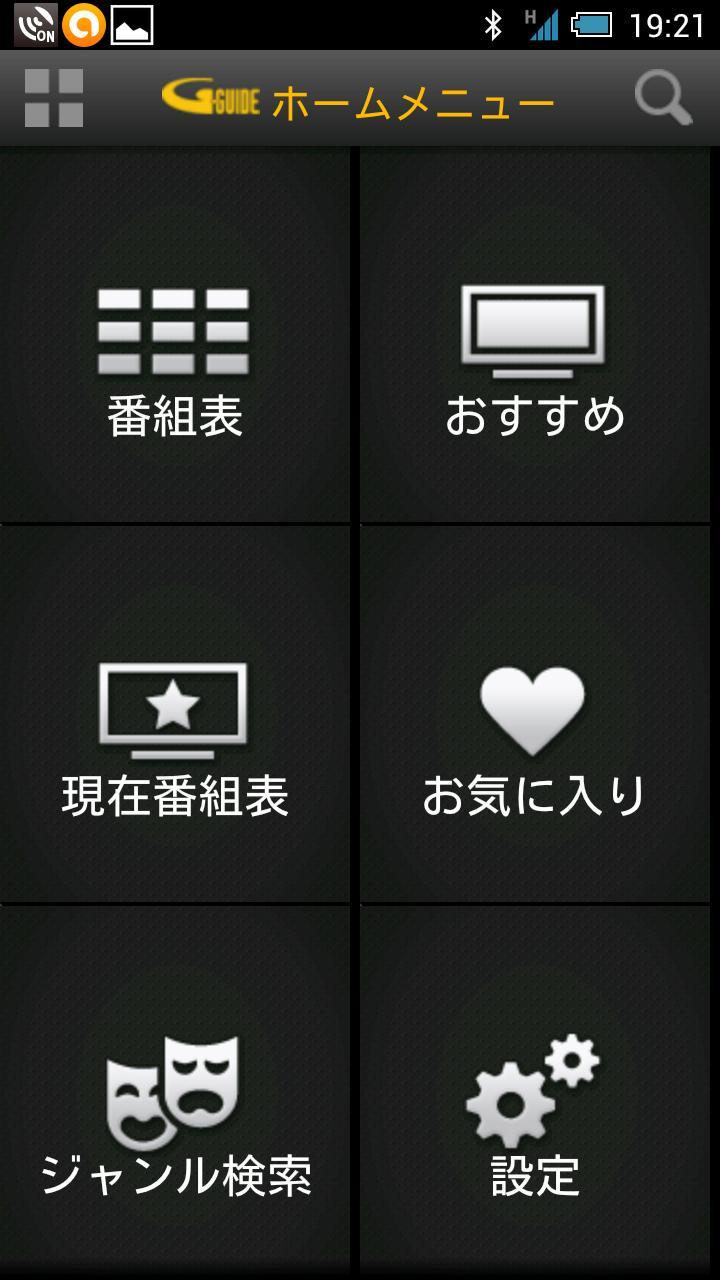
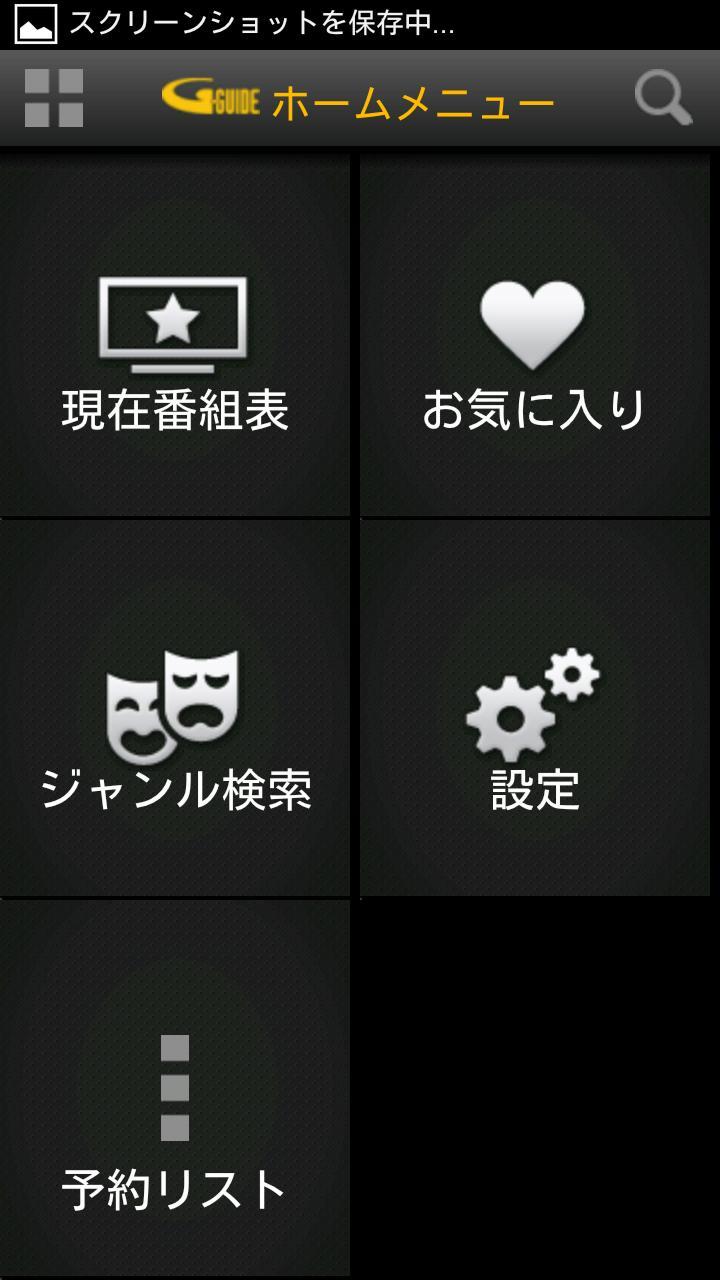
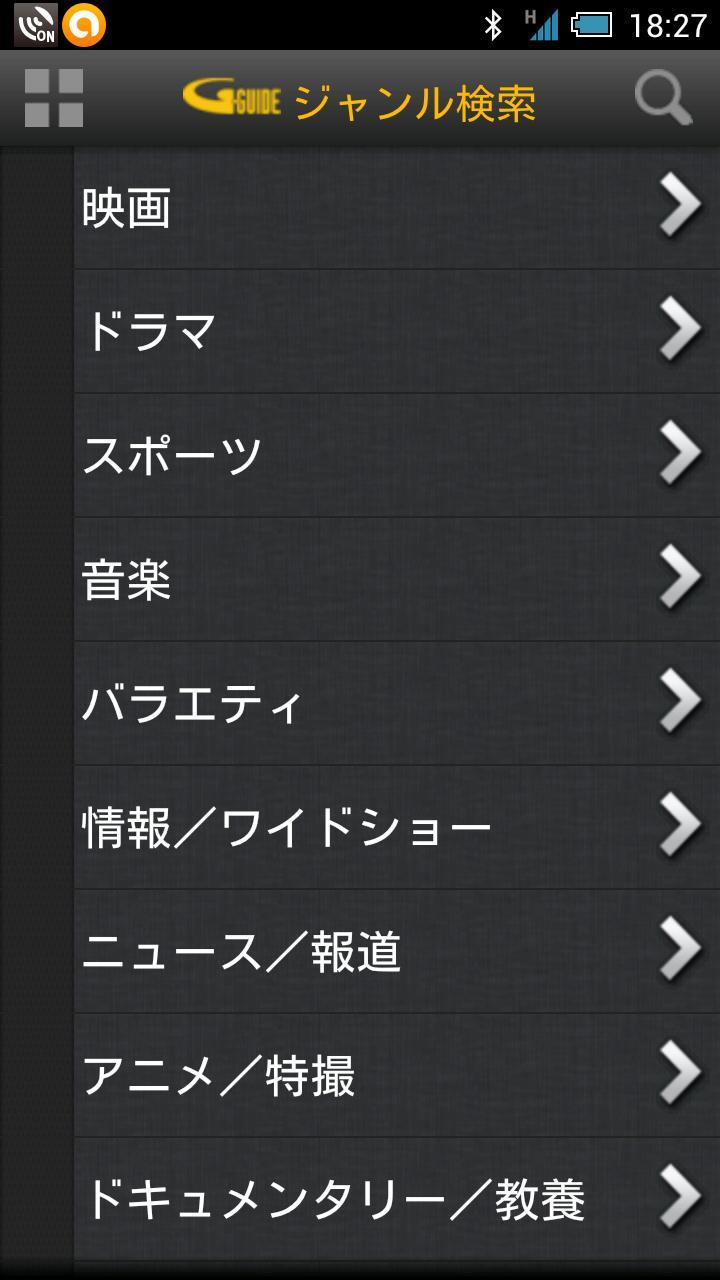
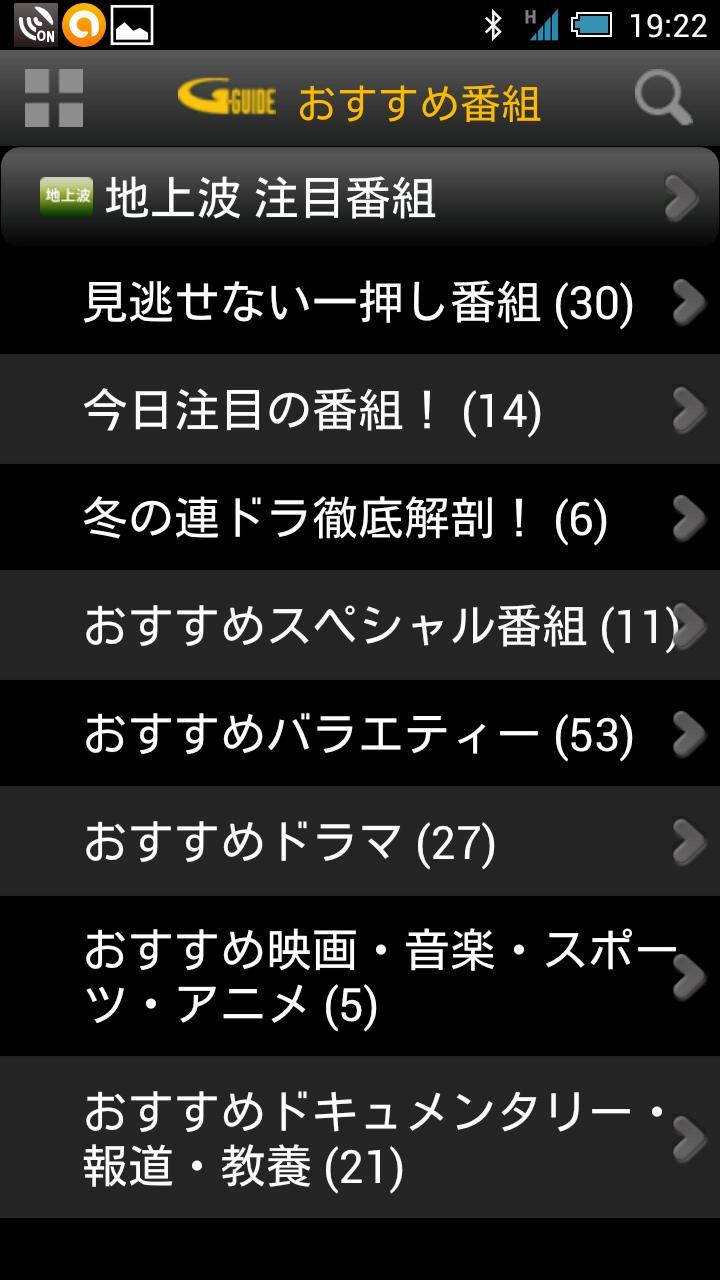
By installing AQUOS Remote Reservation on your smartphone, you can search for programs and schedule recordings from your smartphone. You can search for the program you want to watch from a richer amount of information than a broadcast program guide, and easily make a reservation at any time from anywhere in the house or on the go. While viewing the program guide (*1) and program details displayed on the smartphone screen, you can reserve the recording of the program you want to watch, and you can also quickly search for the appearance program of your favorite celebrity registered as a favorite. You can also select a program you are interested in from the program list recommended by the broadcasting station and reserve it for recording.
(*1) The electronic program guide uses the G-guide developed by Rovi Corporation in the United States. Rovi, Rovi, G-Guide, G-GUIDE, and the G-Guide logo are trademarks or registered trademarks of Rovi Corporation in the United States and/or its affiliates in Japan.
■ Features of “AQUOS Remote Reservation”
[A TV schedule]
A detailed program guide using the G-GUIDE program guide.
The program is rich in content and has pictures.
[recommendation]
Official "recommended programs" from broadcasting stations are displayed, divided by genre.
[favorite]
If you register a performer in your favorites, the program list of the performer will be displayed.
For details and applicable models, see https://jp.sharp/support/bd/info/remote.html< Please check /a>.
■ Notes
・We do not guarantee normal operation with all devices.
・Since the screen size of each device is different, the screen may be enlarged or reduced, and the button position may be shifted.
・When using the remote reservation function, please make LAN settings and connect to the Internet in advance on the AQUOS Blu-ray. For LAN settings, refer to "LAN settings" in the operating instructions.
・"Remote reservation setting" of AQUOS Blu-ray is required.
・“AQUOS Remote Reservation” is subject to change without notice.
Latest Version
1.09Uploaded by
Infi Nix
Requires Android
Android 4.0+
Category
Free Tools AppContent Rating
Everyone
Security Report
Report
Flag as inappropriateLast updated on Feb 8, 2026
動作の安定性を改善しました。


APKPure - A multi-platform app store primarily focused on Android, providing extensive app-related content. Discover the app you want easier, faster, and safer, with quick and efficient downloads and installations.