App Locker is an application that adds an extra layer of security for your phone. With this application you can block access to certain applications that you choose. Only you will know the password that unlocks the access. The interface is clean with an iOS like keypad for the security code and one page that lists all the apps installed on your phone.
Usage:
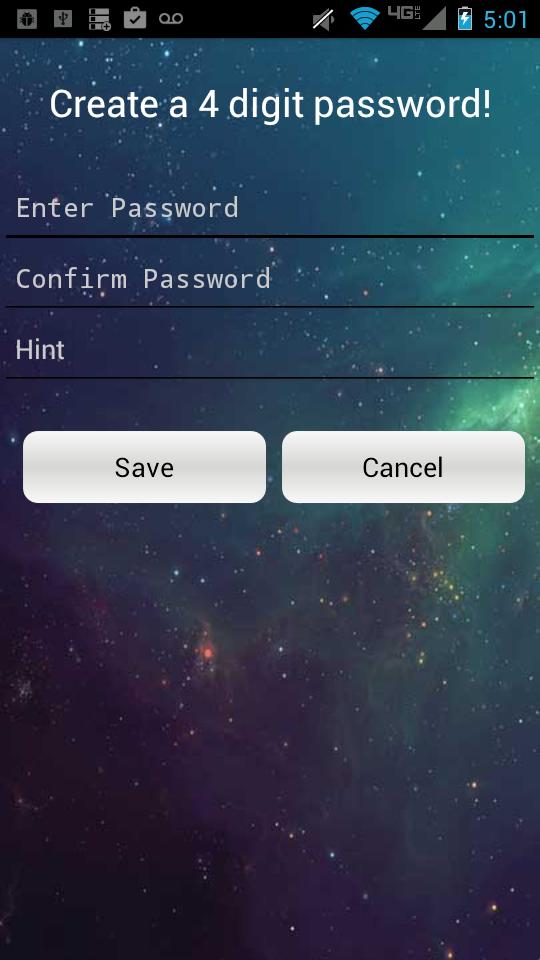
Step 1: Create a 4 digit password
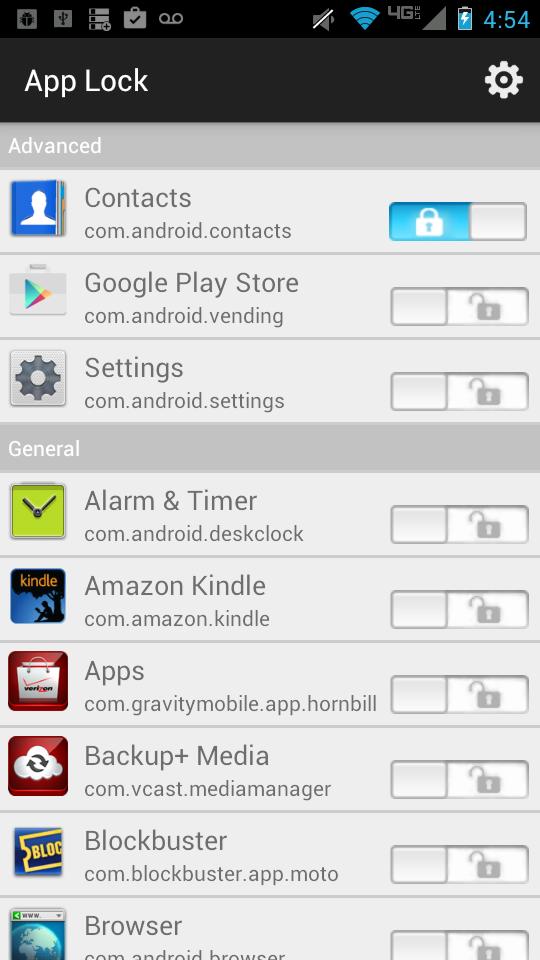
Step 2: Choose the applications you want protected
Step 3: You're done.
Now you can sleep deep knowing that no one will browse your phone to gain access to your messages or photos.
Latest Version
2.0Uploaded by
Noval Badhu
Requires Android
Android 2.3.4+
Category
Free Tools AppContent Rating
Everyone
Report
Flag as inappropriateLast updated on May 23, 2016
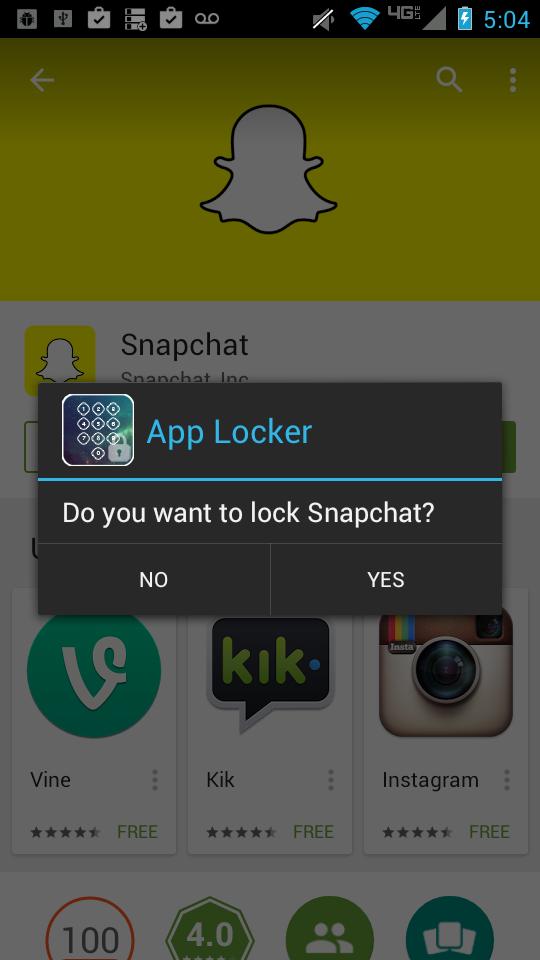
New setting in Setting menu to Enable/Disable pop-up for new app installations
App Lock now has less bugs :)
You can now set the relock time in the settings. Default time is 30 seconds.





APKPure - A multi-platform app store primarily focused on Android, providing extensive app-related content. Discover the app you want easier, faster, and safer, with quick and efficient downloads and installations.