
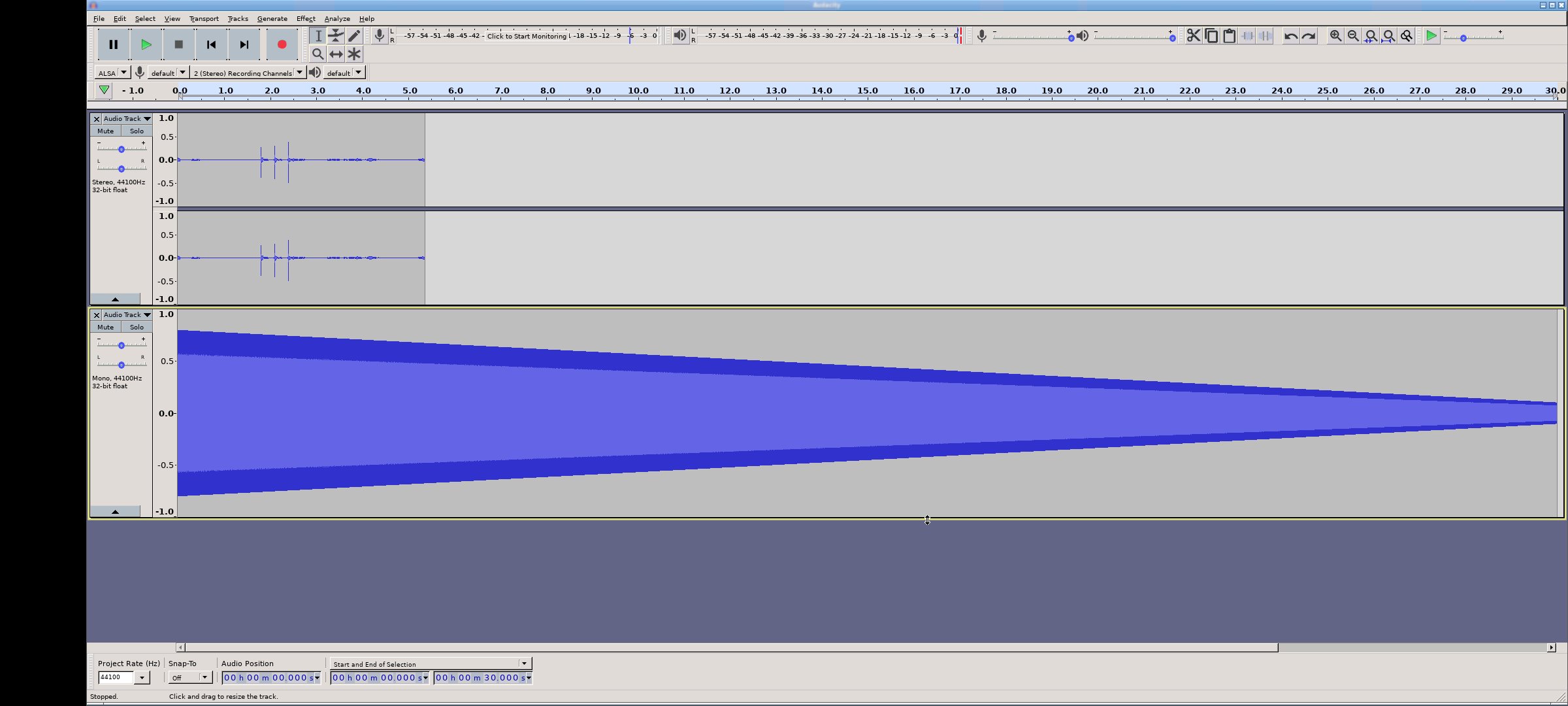
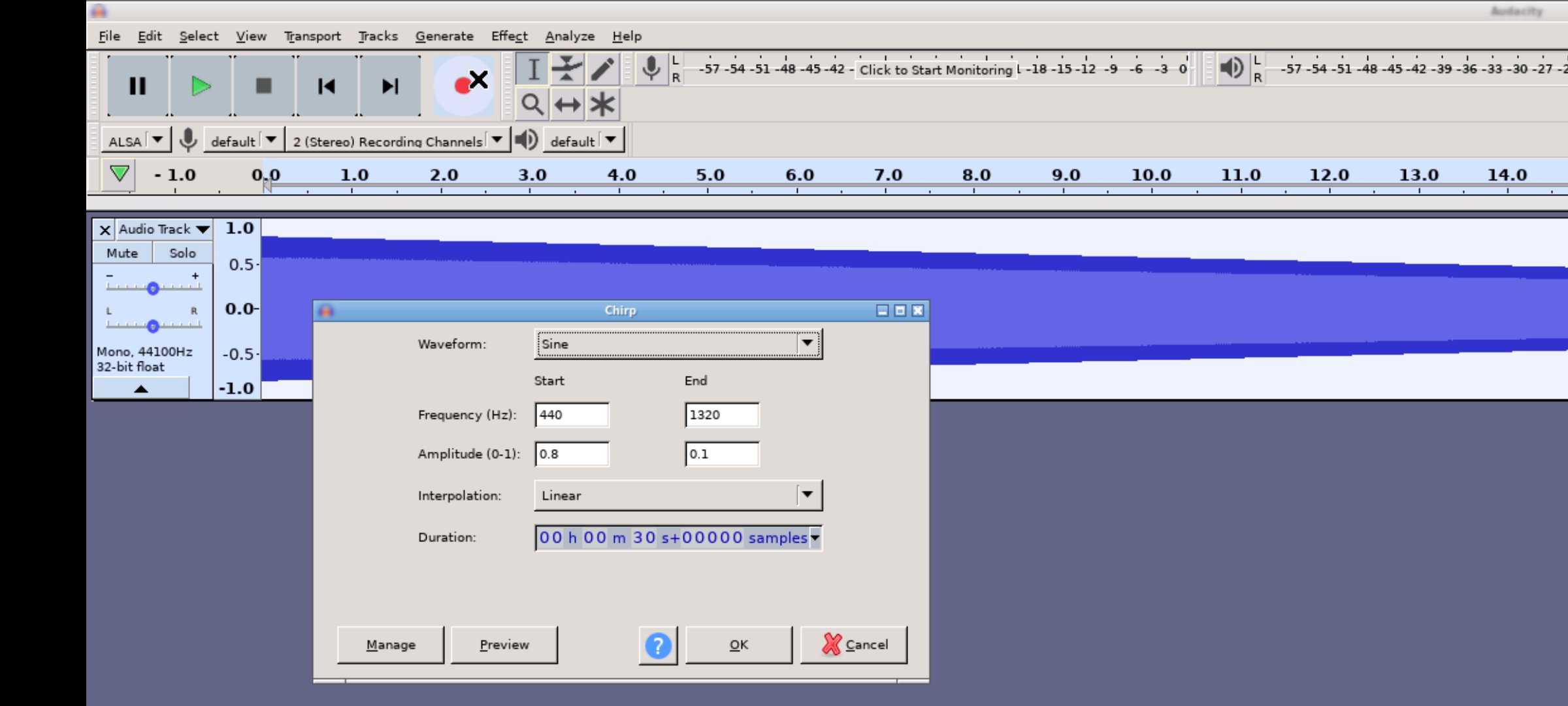
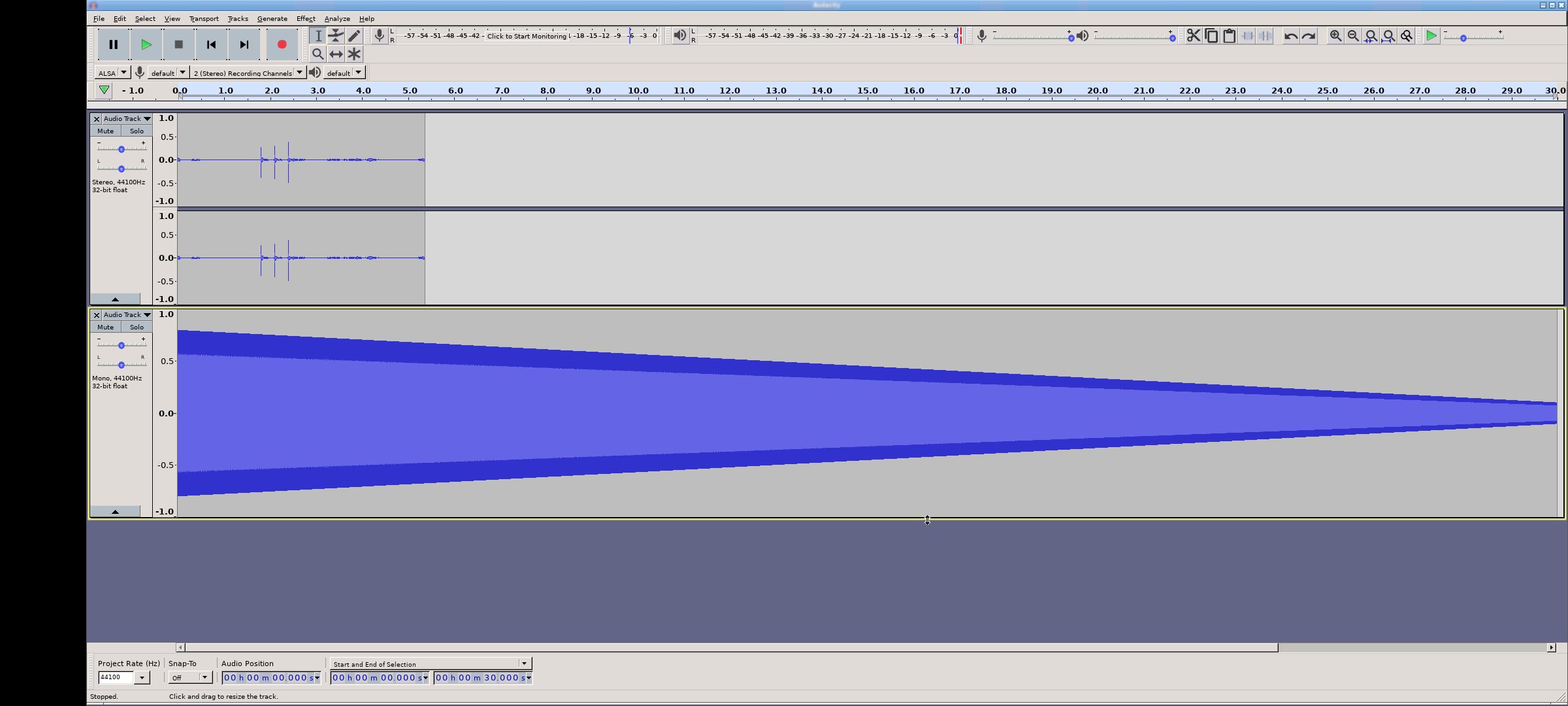
Andacious allows you to run Audacity® on an Android device.
This is a powerful and feature rich audio recorder, editor and mixer.
What is Andacious?
Andacious is not Audacity itself and is not a built or maintained by the Audacity team or the Muse Group. Instead, it is a compatibility layer that sets up a Linux desktop Audacity build, launches it, renders it and provides a way to interact with it.
What features does running Andacious provide?
In short, everything you can normally do with Audacity including:
* Record live with a microphone or mixer. Or digitize imported recordings.
* Edit your tracks fast with intuitive tools, including cutting, pasting and smooth volume mixing.
* Perfect your audio with more advanced effects:
* Reduce background static with noise reduction tools.
* Adjust tempo without altering pitch or vice versa.
* Alter frequencies with equalizers, high and low-pass filters and more.
* Reduce or isolate vocals in stereo tracks.
* Add impact with distortion, echo, reverb and more effects.
* Import, export and convert files in every popular audio format, including mp3, m4a, AIFF, FLAC, WAV and more. You can even combine clips from multiple formats into the same project.
* Take your editing to the next level with an extensive selection of third-party effects plugins, designed by the passionate Audacity, open-source community.
* Visualize and analyze your audio clips in Spectrogram view.
* Etc
Description provided via the CC-by 4.0 https://creativecommons.org/licenses/by/4.0/
You can read more details here: https://www.audacityteam.org/FAQ/
How to Use Andacious?
Use it just like normal. But here are some specifics to the app.
* Tap with one figure to click.
* Tap with two fingers to right click
* Pinch to zoom.
* Slide one finger to pan.
* Slide two fingers to scroll.
* If you want to bring up a keyboard, tap on the screen to get a set of icons to appear and then click the keyboard icon.
Other tidbits:
Andacious uses standalone libraries built from the bVNC project and the Termux project which are provided via the GPL and hosted here:
https://github.com/CypherpunkArmory/
Latest Version
Varies with deviceRequires Android
Category
Music & Audio AppContent Rating
Everyone
Report
Flag as inappropriateLast updated on May 29, 2026
This release includes minor bug fixes and general improvements. Update to the latest version for the best experience.







APKPure - A multi-platform app store primarily focused on Android, providing extensive app-related content. Discover the app you want easier, faster, and safer, with quick and efficient downloads and installations.