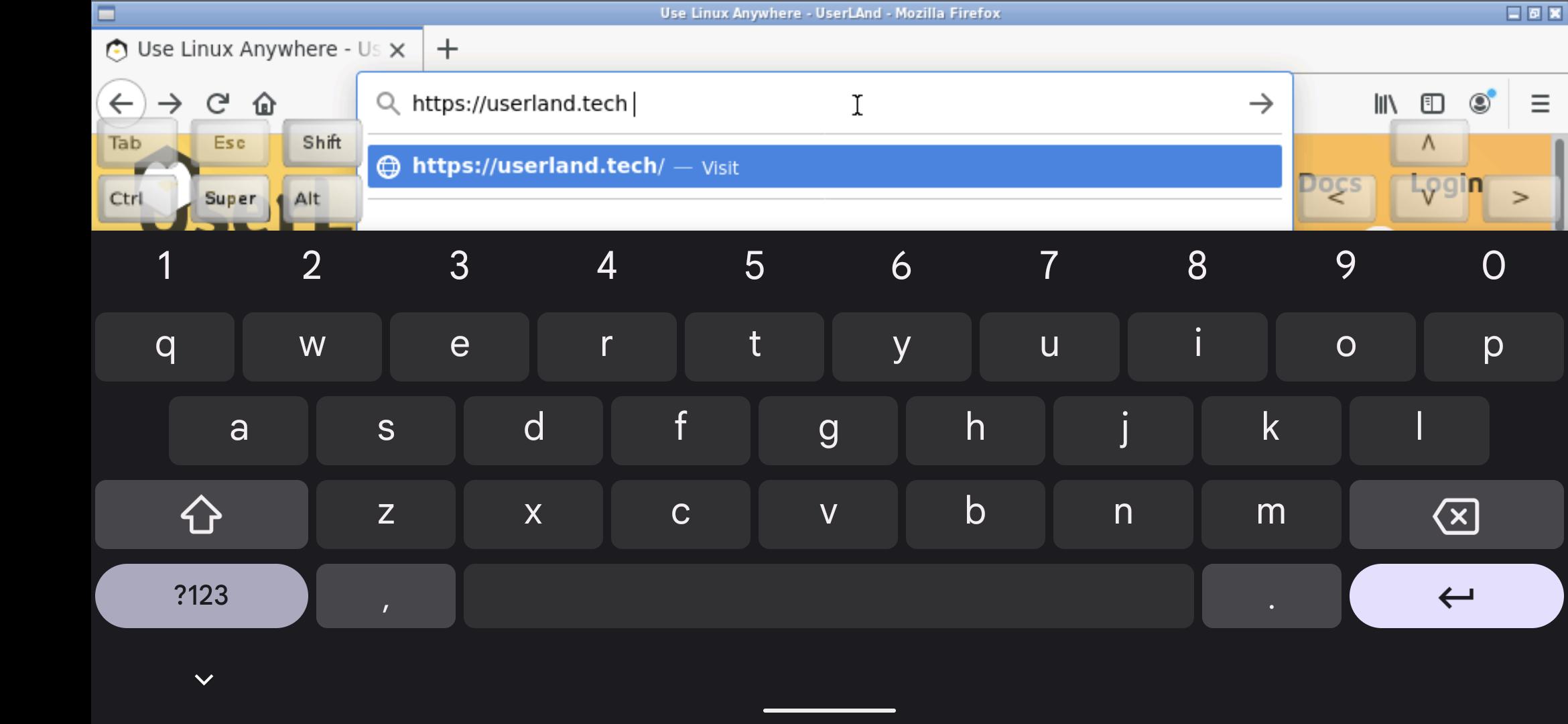
FoxBox Lite allows you to run desktop Firefox on an Android device.
What is FoxBox?
FoxBox is not Firefox itself and is not a Mozilla project, but instead is a compatibility layer that sets up a Linux desktop Firefox build, launches it, renders it and provides a way to interact with it.
What features does it provide?
*Web page rendering
*Standard desktop Firefox extensions
*Built-in file manager. Can interact with files on sdcard, after you give it permissions.
*Developer tools.
*Sound support.
*Etc
How to Use FoxBox?
Use it just like normal. But here are some specifics to the app.
* Tap with one figure to click.
* Pinch to zoom.
* Slide to fingers up and down to scroll.
* If you want to bring up a keyboard, tap on the screen to get a set of icons to appear and then click the keyboard icon.
* Hold and slide one finger to pan (useful when zoomed in).
* If you want to do the equivalent to a right click, tap with two fingers.
* If you want to change the scaling or the dns settings, find the service android notification and click the settings. You have to stop and restart the app after changing these settings for them to take effect.
Why Use FoxBox?
Desktop Firefox has a different set of features than the Android mobile app. Also, websites behave different when opened in a desktop browser vs a mobile browser (even when you say you want the desktop version of a website).
Other tidbits:
FoxBox is fully open source with the source code posted on github: https://github.com/CypherpunkArmory/FoxBox
Latest Version
0.0.6Uploaded by
อรรถวิช สิงหสุต
Requires Android
Android 5.0+
Category
Free Tools AppContent Rating
Everyone
Report
Flag as inappropriateLast updated on Mar 26, 2022
Supports sound
Requires either:
A) Uninstall and reinstall of Foxbox (easiest)
or
B) Minimize the browser and run this in the terminal
sudo apt install pulseaudio
then stop Foxbox and restart it.
Will come up with better way to handle this later.




APKPure - A multi-platform app store primarily focused on Android, providing extensive app-related content. Discover the app you want easier, faster, and safer, with quick and efficient downloads and installations.