Thank you for your interest in the Alienated theme for TouchPal created by FreshLight.
Alienated.
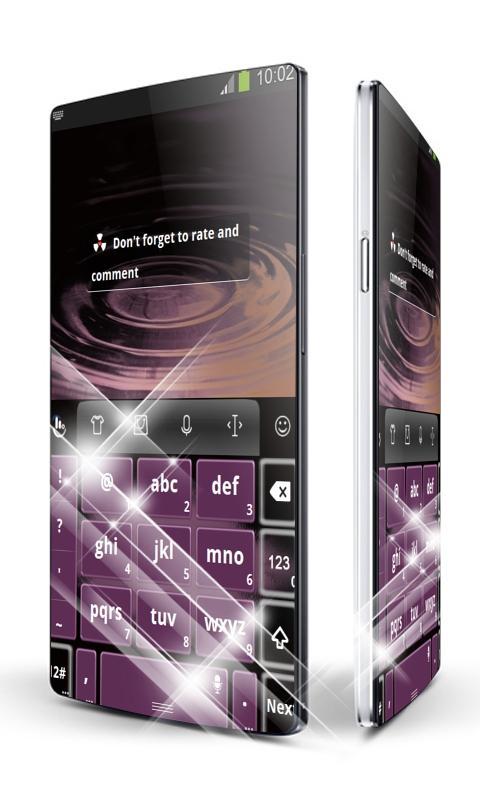
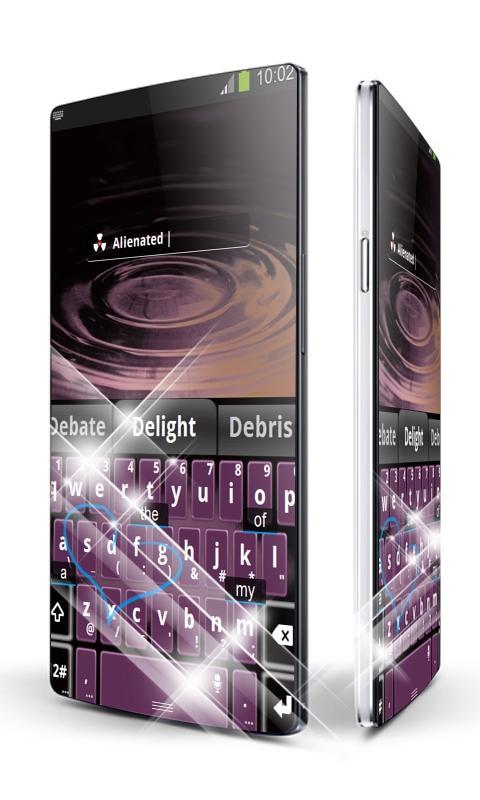
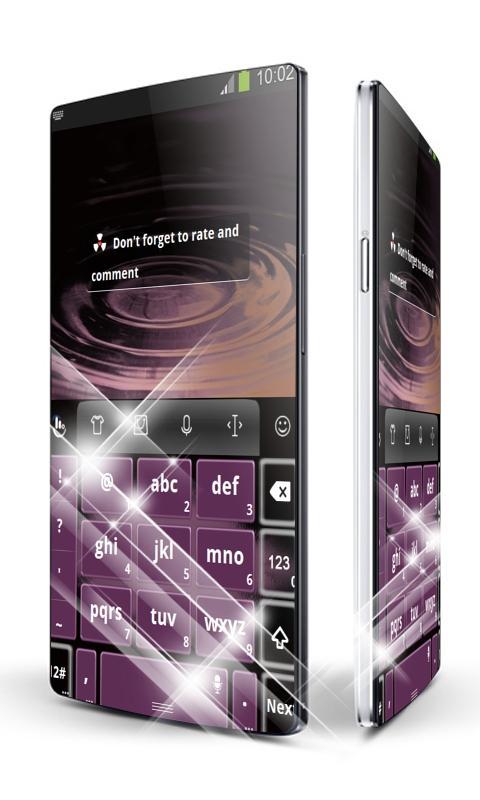
Look with your inner artist at this reddish grey TouchPal keyboard and you will easily find the elements that gave it such a pleasing appearance - solitude, night and meditation.
There are days when solitude is a heady wine that intoxicates you with freedom, others when it is a bitter tonic.
The essence of this TouchPal theme was captured in its predominant color - black, which is associated with glamour.
Need a purple colored device that can stand up to the challenge? Download the "Alienated" inspired TouchPal that not only looks stunning, but also is cosy and easy to use!
*** How to Apply this TouchPal theme ***
1. Open "Alienated TouchPal" after installation
2. Drag the center circle to the "Apply theme" circle on top
*** How to use our custom font ***
1. Go to Settings > General Settings > Keyboard font
2. Select "TouchPal font"
Your ratings and comments are appreciated.
We included the free font Droid Sans Bold by Ascender Corporation, http://www.ascendercorp.com/.
Latest Version
1.3 Burnt YellowUploaded by
Diego Di'rasher
Requires Android
Android 3.0+
Category
Free Personalization AppContent Rating
Mature 17+ · Violence, Sexual Content, Use of Drugs
Report
Flag as inappropriateLast updated on Aug 19, 2016
This release includes minor bug fixes and general improvements. Update to the latest version for the best experience.






APKPure - A multi-platform app store primarily focused on Android, providing extensive app-related content. Discover the app you want easier, faster, and safer, with quick and efficient downloads and installations.