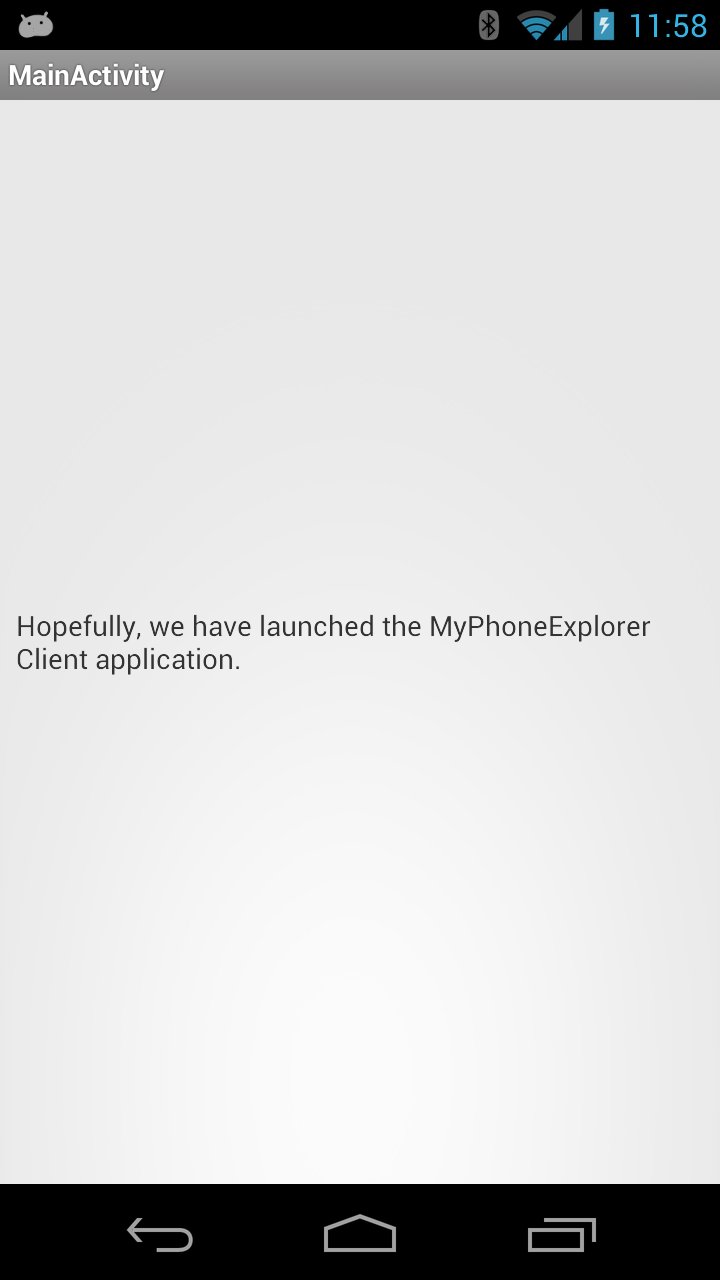
This app attempts to launch the MyPhoneExplorer Client app for those whose touch screens no longer function and wish to retrieve files and information from their devices.
Note: this app (and the companion AF Rescue app) do not work on all devices or versions of Android; it seems that newer versions of Android will not autostart apps that listen for various intents (like a system reboot or new app install) unless the app has been previously manually launched (which is kind of hard to do if your touch screen is not functioning).
Anyway, to use this app:
1. Install the MyPhoneExplorer Client via the Google Play Market's install feature:
https://play.google.com/store/apps/details?id=com.fjsoft.myphoneexplorer.client
2. Next, install this app (AF Rescue 2) from the Google Play Market
3. To get my app to launch, you'll have to reboot or install another app from the Google Play Market (I've added a listener for a new app install intent to make it easier to try to launch the app)
Best of luck--sorry if this doesn't work on your device, but I hope it does :).
Latest Version
1.0Uploaded by
กามีละห์ แวจิ
Requires Android
Android 2.2+
Category
Free Tools AppContent Rating
Unrated · Warning – content has not yet been rated. Unrated apps may potentially contain content appropriate for mature audiences only.
Report
Flag as inappropriateLast updated on Oct 18, 2015
Minor bug fixes and improvements. Install or update to the newest version to check it out!



APKPure - A multi-platform app store primarily focused on Android, providing extensive app-related content. Discover the app you want easier, faster, and safer, with quick and efficient downloads and installations.