Package Name:com.sshlroot.advancedraidcalculator
SHA-256:060b93c223ec681171a16fa57256214a8dc64b8eb5b5486b8b314eb527a68d5d
Show More
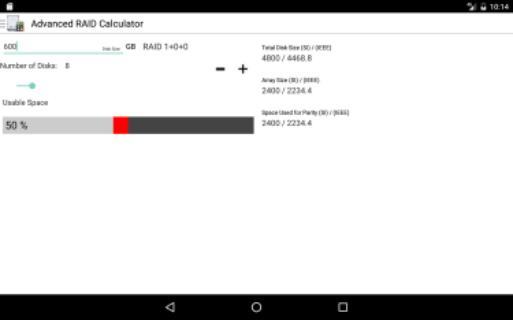
Using the Advanced RAID Calculator you can see the exact amount that your array will have using any size of Hard Disk.
ARC Supports the following RAID Levels:
0, 1, 3, 3+0, 4, 5, 6, 0+1, 1+0, 1+0+0, 5+0, 5+1, 6+0, 6+1, BeyondRAID, unRAID, X-RAID, RAID-Z, RAID-Z2, RAID-Z3, RAID DP, SHR, SHR-2.
The app also provides an IOPS calculator to find the type of disk required to achieve the IOPS in the backend as well as a power requirement calculator to help in selecting the appropriate PSU for your setup.
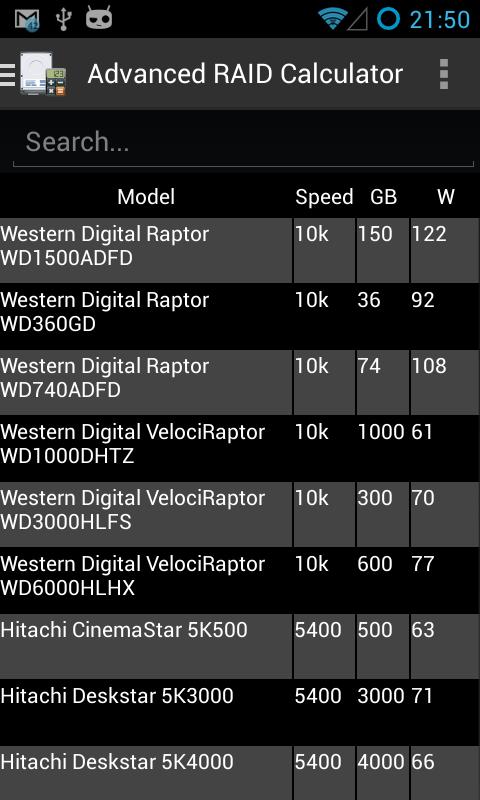
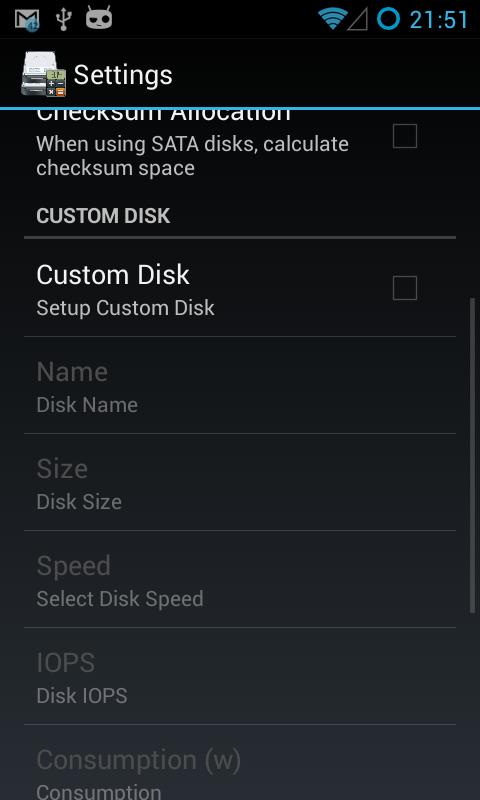
It currently has an extensive database of HDD's but you can also add 1 custom disk with your own specs.
To get access to Alpha & Beta Releases please join this community: https://plus.google.com/communities/101728749503292151303
Please note that EMC & NetApp storage calculations may not be complete or accurate since the manufacturers don't provide detailed information. Please do not forward to me documentation and tools meant for internal use by any company. I am not able to use them legally and you are breaking their TOS.
The app now has the same appearance for any Android version and any Resolution (Including Tablets and Netbooks)
Latest Version
1.6.322.78Uploaded by
Reynata Rehan
Requires Android
Android 1.6+
Category
Free Tools AppContent Rating
Everyone
Security Report
Check Now
Report
Flag as inappropriateLast updated on Jan 14, 2017
1.6.322.78: Fix search text color
1.6.321.77:
Switched to using internal storage for settings by default
#10 RAIDList to select the return value according to the Setting GUI
#8 About tab theme GUI
#7 New setting to select SI or IEEE value for copying to clipboard Settings
#6 Copy clicked RAIDList to clipboard GUI
#5 Add Clipboard Support GUI
#4 Change RAIDList return value to second line GUI
#3 Change Images to Dark version GUI
#2 Change theme to Light GUI
#1 Allow theming GUI




APKPure - A multi-platform app store primarily focused on Android, providing extensive app-related content. Discover the app you want easier, faster, and safer, with quick and efficient downloads and installations.