Package Name:com.adguard.android.contentblocker
SHA-256:d3bbd0714c0034abcb1d136955e9a72718669417a79b58b3fb14675323557738
Show More


AdGuard: Content Blocker is designed for users who want cleaner pages and quicker loading while browsing on supported Android browsers. It focuses on filtering inside the browser only, so your device settings remain unchanged. This makes it suitable if you prefer simple controls with no root permission. To get started quickly, you can download AdGuard: Content Blocker and keep browsing with fewer distractions in Samsung Internet or Yandex Browser.
Browser focused ad blocking
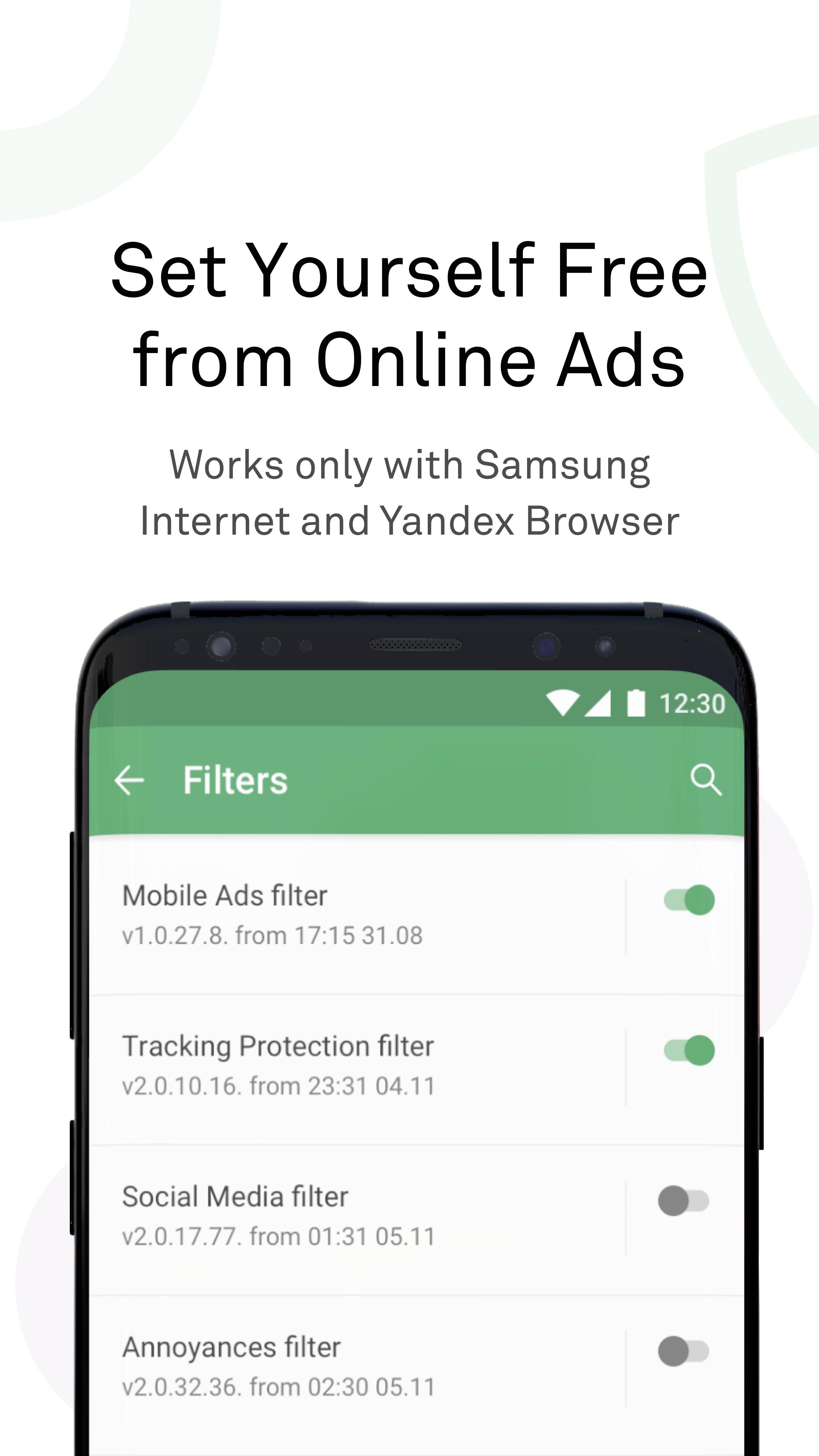
AdGuard: Content Blocker works with Samsung Internet and Yandex Browser using each browser’s content blocking technology. You do not need root access, and the app does not make system wide changes. This focused approach keeps control inside the browser while you browse.
20 plus filter lists with language options
You can select from general filters and language specific lists to match regional sites. Options include lists for France, Spain, Germany, Korea, and more. AdGuard: Content Blocker lets you combine lists so the rules fit your browsing habits across different languages.
Allowlist for sites and pages
You can allow specific domains or single pages when you want to support a creator or let a site show its own ads. AdGuard: Content Blocker applies your choices immediately and keeps filtering active on other pages. You can add or remove entries at any time.
Custom rules for precise control
If a page needs special handling, you can write your own rules to block, hide, or re allow elements. AdGuard: Content Blocker processes both built in lists and your rules together. This helps you adjust the experience when a site uses uncommon layouts or new ad placements.
Save battery and mobile data
By stopping heavy media and video ads from loading, AdGuard: Content Blocker can reduce data usage and power consumption during browsing. Pages render faster because fewer external elements are requested. This is especially helpful on slower networks or while roaming.
This app filters content only in Samsung Internet and Yandex Browser. It does not filter ads system wide and does not block ads inside other apps or unsupported browsers. If you need device wide filtering, note that this app is a lighter option than the full AdGuard for Android product. AdGuard: Content Blocker focuses on ad removal and page elements, not parental control or network level content filtering.
AdGuard: Content Blocker is free to use and built on the AdGuard team’s filtering technology. The project is open source, and the code is available on GitHub for public review. This transparency helps users and developers verify how filtering works and confirm that no system wide changes are made.
Getting started takes only a few minutes on an Android phone, and no root is required. If needed, install using the AdGuard: Content Blocker APK from a source you trust. Then use the steps below to enable filtering inside your browser.
Open AdGuard: Content Blocker and complete the initial setup prompts, if shown.
Next, open Samsung Internet or Yandex Browser and go to the browser settings menu.
Find the content blocker or extensions section, then enable AdGuard: Content Blocker.
Return to the app and choose the filter lists that match your browsing language and region.
As you browse, add sites to the allowlist or create custom rules when needed, then refresh the page to apply changes.
AdGuard: Content Blocker focuses on cleaner pages and faster browsing in compatible Android browsers. It gives you control with selectable filters, allowlists, and custom rules without changing system settings. To try the current build, look for the AdGuard: Content Blocker latest version and install it on your device.
For official resources or support, use the links below.
Latest Version
2.8.0Uploaded by
Fadel Mohamad
Requires Android
Android 5.0+
Category
Free Tools AppContent Rating
Everyone
Security Report
Check Now
Report
Flag as inappropriateLast updated on Oct 21, 2024
This is a technical update aimed to increase the app stability and fix minor bugs.


APKPure - A multi-platform app store primarily focused on Android, providing extensive app-related content. Discover the app you want easier, faster, and safer, with quick and efficient downloads and installations.