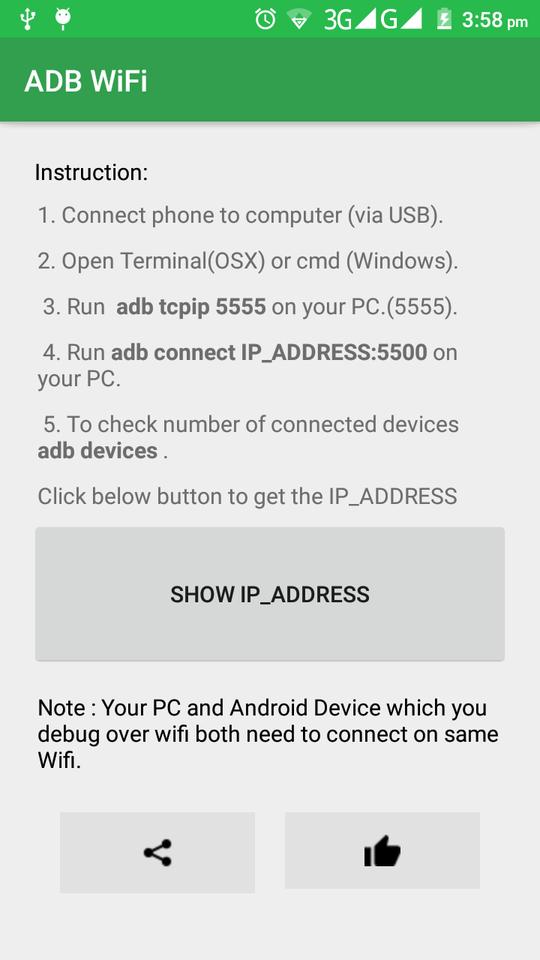
ADB WiFi makes it easy to debug your apps directly on device via WiFi TCP/IP connection. No need to use USB cable. After enabling ADB over WiFi, to connect your computer to the device open the console and run
1. Connect phone to computer (via USB).
2. Open Terminal(OSX) or cmd (Windows).
3. Run adb tcpip 5555 on your PC.(5555).
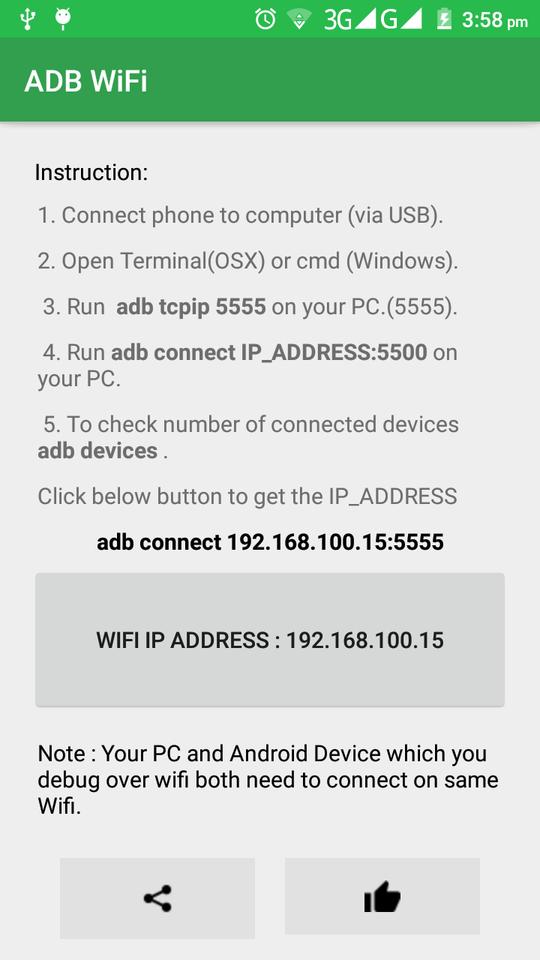
4. Run adb connect IP_ADDRESS:5500
adb connect 192.168.100.6:5555
5. To check number of connected devices adb devices.
Note : Your PC and Android Device which you debug over wifi both need to connect on same Wifi.
Latest Version
0.0.5Uploaded by
Jodel Ayala Aguila
Requires Android
Android 4.0.3+
Category
Free Tools AppContent Rating
Everyone
Report
Flag as inappropriateLast updated on Sep 5, 2017
This release includes minor bug fixes and general improvements. Update to the latest version for the best experience.





APKPure - A multi-platform app store primarily focused on Android, providing extensive app-related content. Discover the app you want easier, faster, and safer, with quick and efficient downloads and installations.