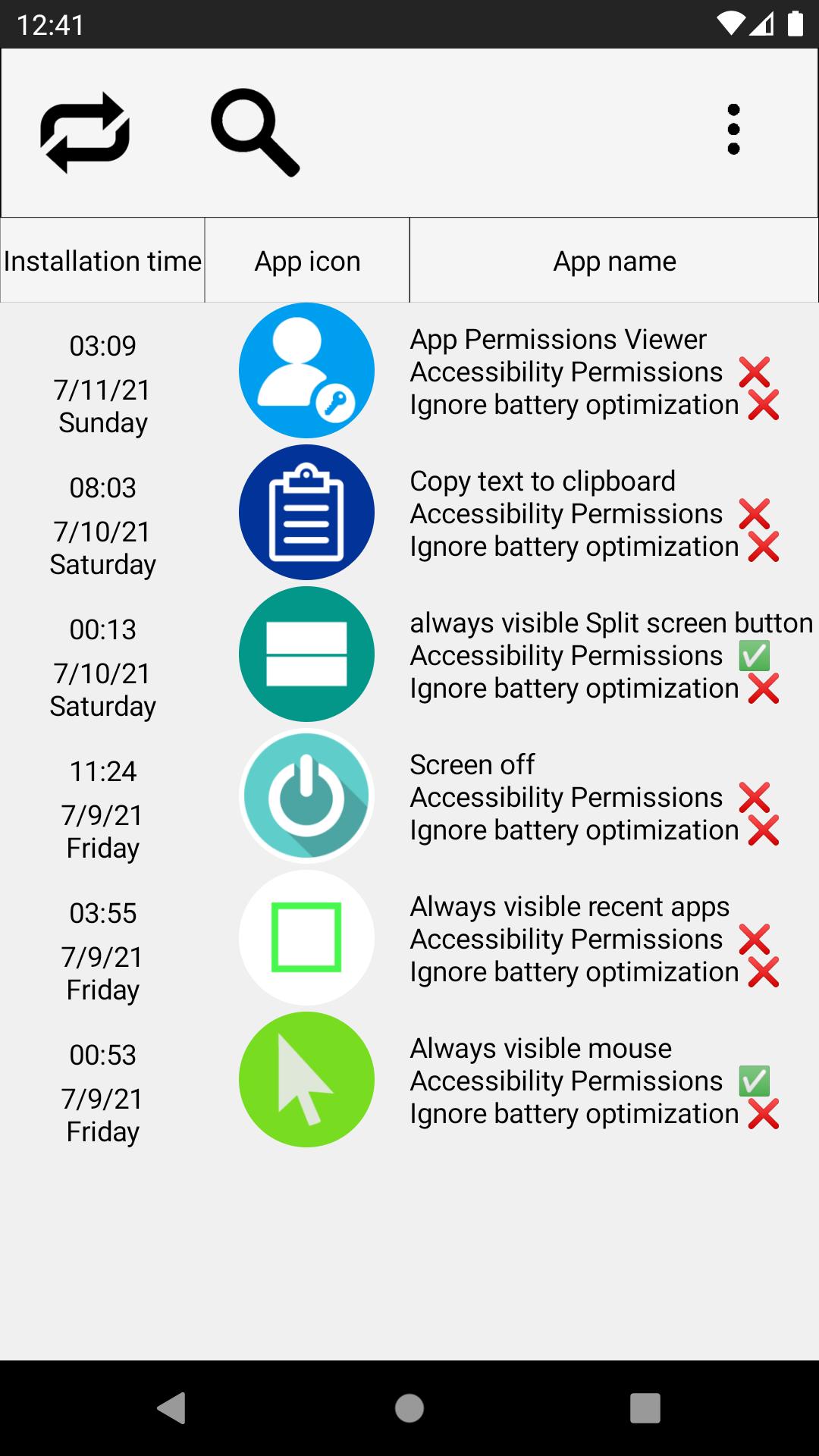
Click the app list and then click Permissions to set or cancel permission settings. You can find apps with the app search function.
Click the Sort Apps button to sort apps by various permissions.
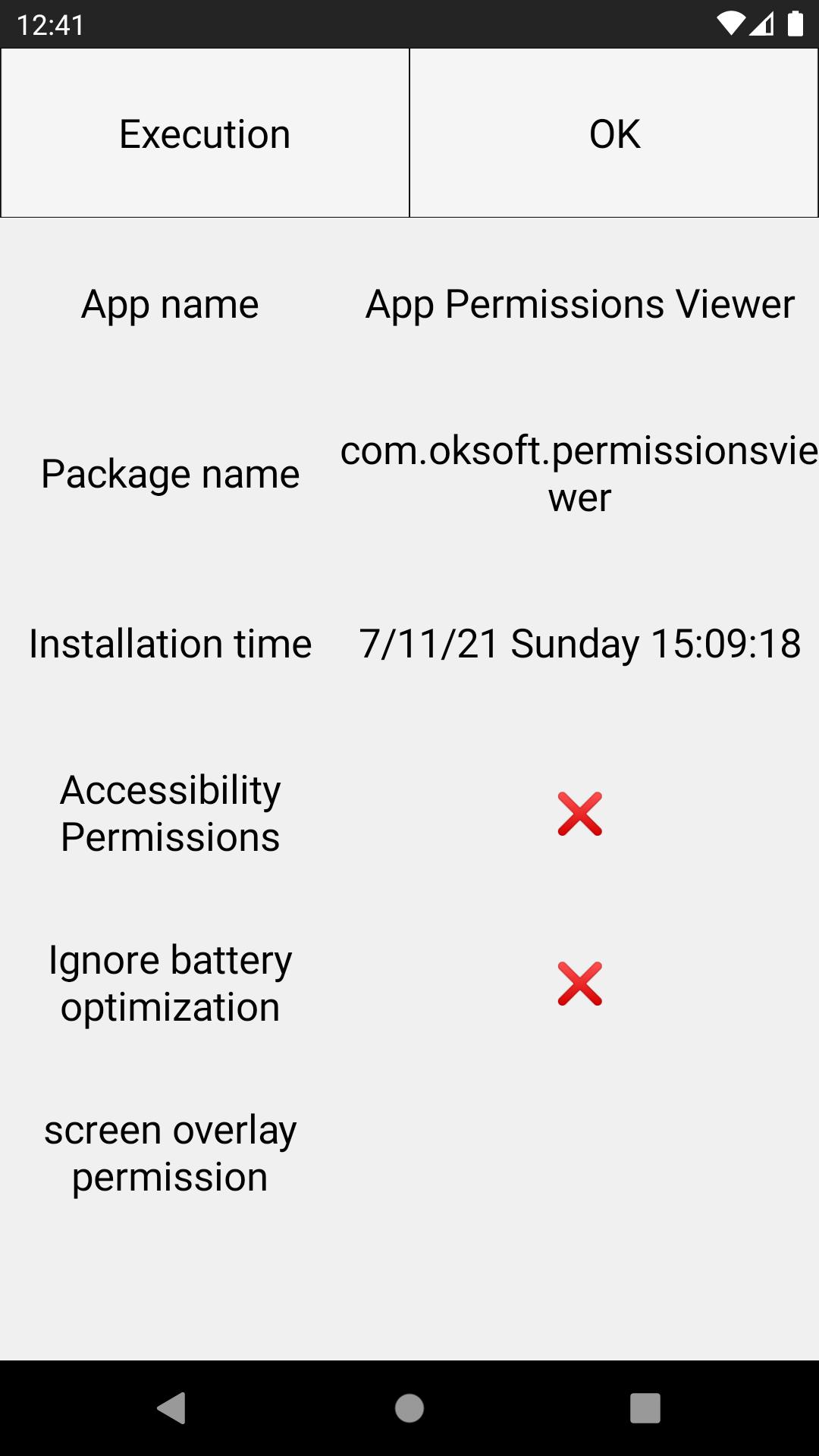
Click on the app and click the bottom button to see all the passive permissions.
Latest Version
1.33Uploaded by
Akash Guchhait
Requires Android
Android 7.0+
Category
Free Tools AppContent Rating
Everyone
Report
Flag as inappropriateLast updated on Jun 11, 2025
UI optimized for Android 15.
Fixed a bug that prevented all system apps from being displayed.
Loaded using multiple cores of CPU


APKPure - A multi-platform app store primarily focused on Android, providing extensive app-related content. Discover the app you want easier, faster, and safer, with quick and efficient downloads and installations.