Package Name:com.abiro.abironfcwriter
SHA-256:33678722ea9131945fbc26fda3cec54f74704250eb0ff7dc22d023ba7a82735f
Show More

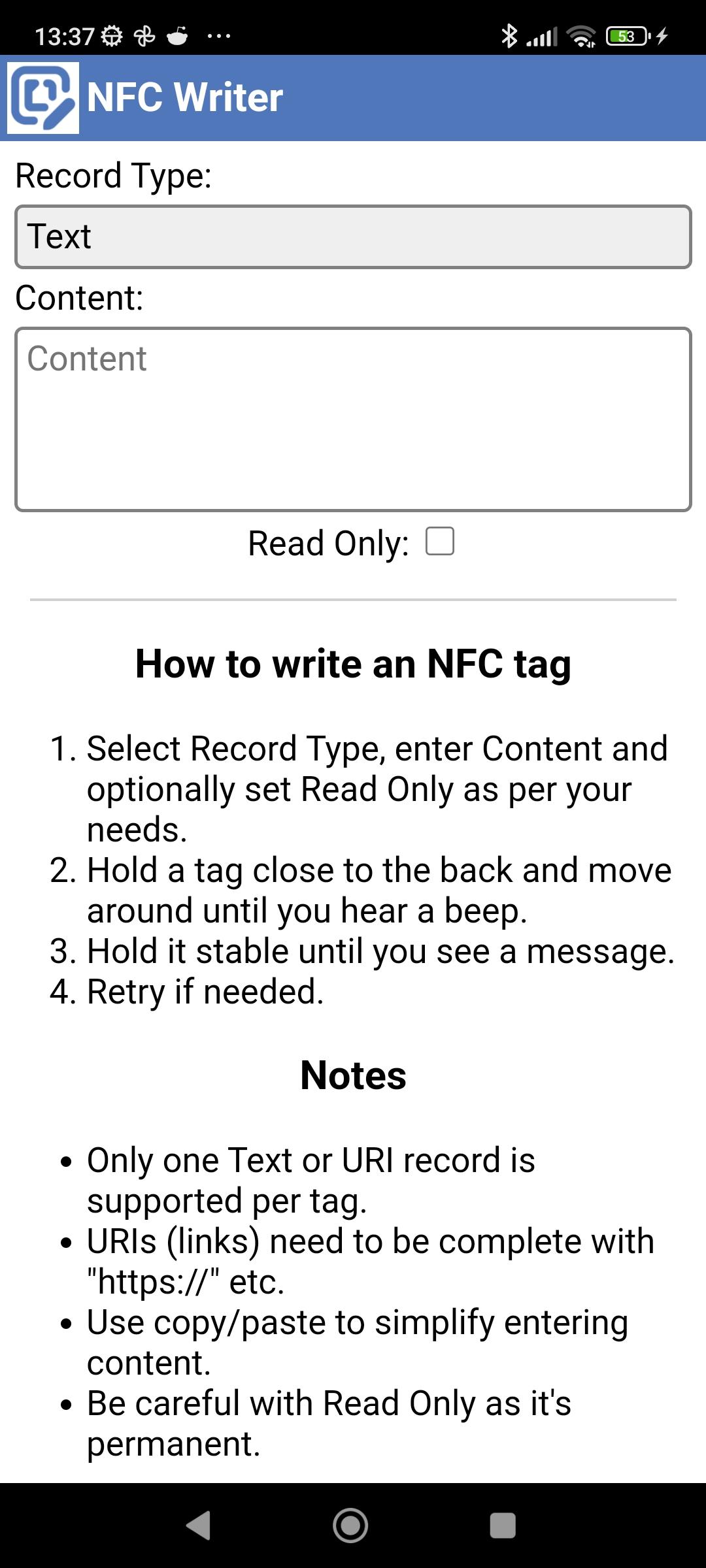
Use this very simple tool to write NFC tags, e.g. for opening sites.
How to write an NFC tag:
1. Select Record Type, enter Content and optionally set Read Only as per your needs.
2. Hold a tag close to the back and move around until you hear a beep.
3. Hold it stable until you see a message.
4. Retry if needed.
Notes:
- Only one Text or URI record is supported per tag.
- URIs (links) need to be complete with "https://" etc.
- Use copy/paste to simplify entering content.
- Be careful with Read Only as it's permanent.
Latest Version
2.07Uploaded by
Trần Hoàng
Requires Android
Android 7.0+
Category
Free Productivity AppContent Rating
Everyone
Security Report
Check Now
Report
Flag as inappropriateLast updated on Sep 16, 2025
Minor bug fixes and improvements. Install or update to the newest version to check it out!



APKPure - A multi-platform app store primarily focused on Android, providing extensive app-related content. Discover the app you want easier, faster, and safer, with quick and efficient downloads and installations.