Package Name:com.google.android.apps.youtube.kids
SHA-256:8619e9197909742db49d488d7d04b84cd34f030b246970729dd320fb998f2929
Show More


YouTube Kids addresses everyday concerns about what kids watch online and how to keep things manageable. It organizes videos into simple sections and keeps navigation clear so children can browse more easily. At the same time, parents can guide what appears across phones, tablets, compatible TVs, and the web for a consistent setup. While kids explore, adults stay in control with tools designed for home use. Download the latest YouTube Kids APK on APKPure to start with the most recent improvements.
Age levels and Parent Approved Only
YouTube Kids offers age tailored modes to match each child’s stage. You can choose Preschool, Younger, or Older to adjust what shows up. If you want full curation, select Parent Approved Only and hand pick the specific channels, videos, or collections that your child can watch.
Per child profiles and search controls
Create separate profiles so each child gets their own viewing preferences.
Turn search on or off to limit how videos are discovered, especially for younger viewers.
Block channels or individual videos from appearing in that profile’s recommendations.
Manage settings from a parent account, with options that also work alongside Google Family Link.
Safety filters and reporting tools
The app uses automated filters, human review, and parent feedback to help keep content family friendly. If you see something you do not want to appear, you can block it or report it quickly from the video page. These actions feed back into the system and help refine what is suggested next.
Screen time timer
To keep viewing balanced, a built in Timer can pause the app when time is up. Set a limit before playback begins, and the app shows clear on screen alerts as the end approaches. When the timer ends, videos stop, which helps structure viewing without constant reminders.
Library, navigation, and every screen viewing
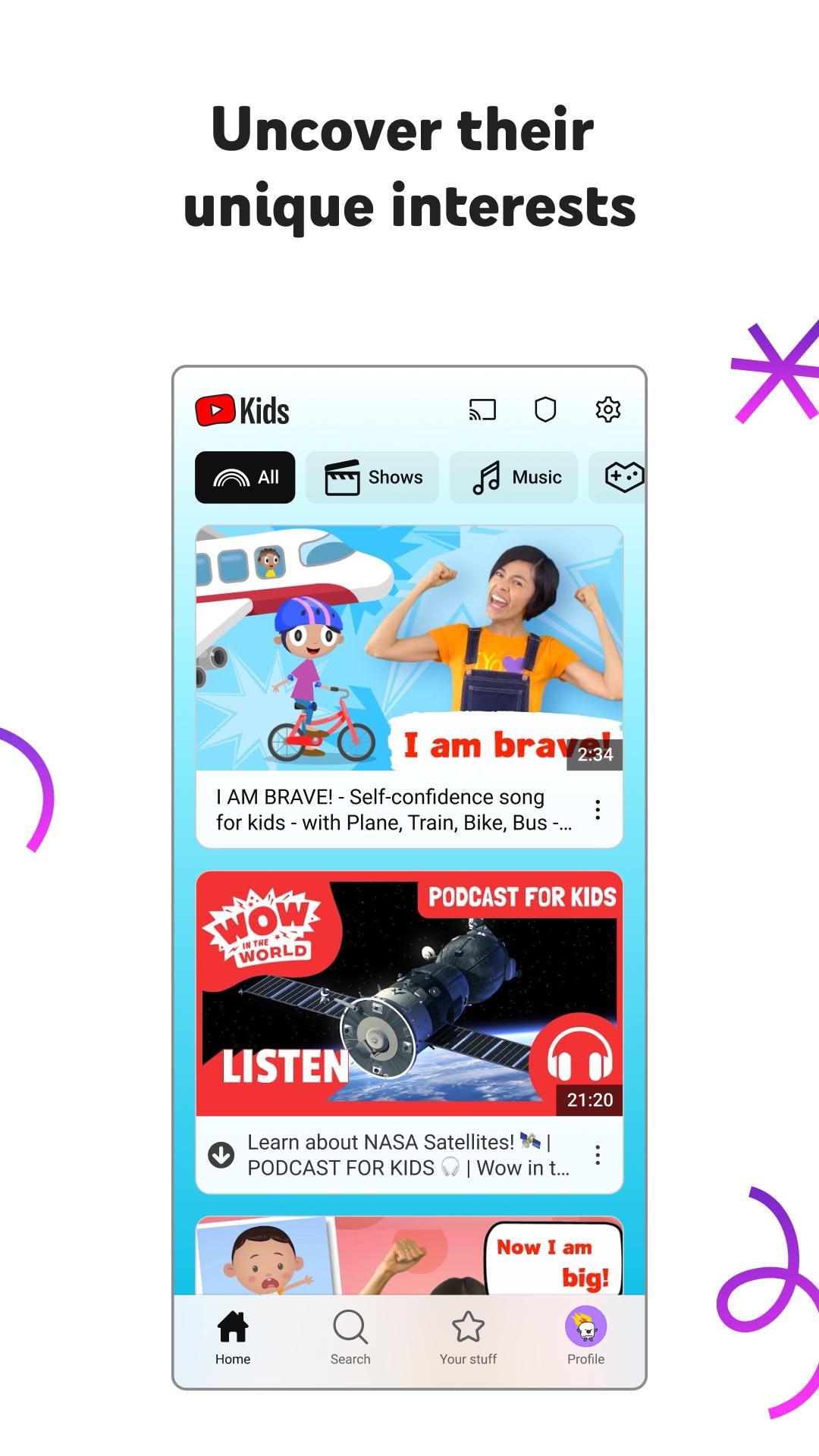
Large visuals and simple categories make browsing easy for kids, including arts and crafts, toys and play, learning and hobbies, shows and cartoons, and music.
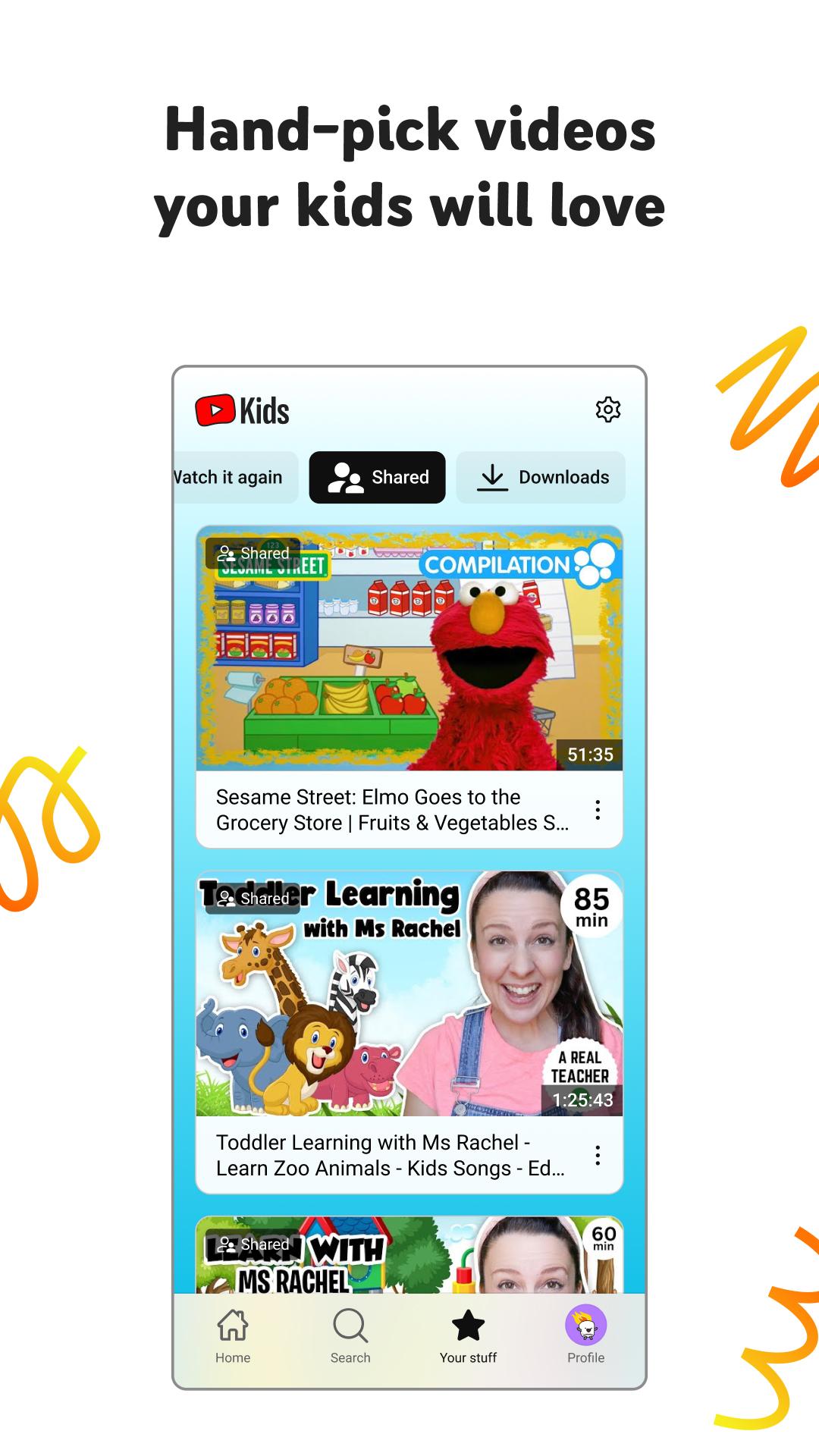
A Watch It Again row brings recently viewed videos back to the front for quick access.
Use the free app on mobile and tablets, visit the web at youtubekids.com, or watch on compatible TVs with a consistent profile experience.
If you prefer a browser, go to youtubekids.com to watch on the web using the same family settings. For TV use, open YouTube Kids on a compatible television, follow the on screen code, and complete activation with the parent account. Step by step activation guidance is available in the Help Center at support.google.com/youtubekids.
For detailed guidance on parental controls, including how filters work and how to block or report content, visit the Help Center at support.google.com/youtubekids. For younger profiles, consider turning search off to limit discovery to curated sections. If you want full control over every video, use Parent Approved Only and add content case by case.
Use the steps below to set up profiles and core controls on a phone. If you plan to download YouTube Kids first, keep the parent device nearby for verification. The process takes only a few minutes and helps keep viewing organized.
Open the app after installation, review the initial prompts, and complete the required parent verification. Sign in with a parent account if asked so settings can be saved.
Create a child profile by adding a name and age, then choose an age level or select Parent Approved Only for a fully curated library.
Adjust profile settings. Toggle search on or off, review suggested content areas, and block any channels or videos you do not want to appear.
Set a screen time Timer before playback. Start watching by browsing categories or using the home screen, and use Watch It Again to return to recent videos.
To keep the experience consistent on other screens, sign in on another device or go to youtubekids.com in a browser and use the same parent account. For TV activation, follow the code shown on the TV and complete the steps in the Help Center.
YouTube Kids provides a contained video experience with controls that help you guide what children watch. Download YouTube Kids APK latest version on APKPure to set up profiles, manage content, and start watching across your devices.
For official guidance and web access, refer to the resources below.
Official website: https://www.youtubekids.com/
Learn about YouTube Kids: https://www.youtube.com/kids/
Help Center and support: https://support.google.com/youtubekids
Latest Version
11.19.540Uploaded by
Sawmyint Oo
Requires Android
Android 6.0+
Category
Free Entertainment AppContent Rating
Everyone
Security Report
Check Now
Report
Flag as inappropriateLast updated on May 11, 2026
Bug fixes and stability improvements





APKPure - A multi-platform app store primarily focused on Android, providing extensive app-related content. Discover the app you want easier, faster, and safer, with quick and efficient downloads and installations.