Scan Date:Dec 9, 2025
Show More


YTV Player suits users who already have video links or IPTV playlists and want a quick way to open them on a phone. It focuses on loading the content you provide, with a simple layout that keeps setup to a minimum so you can start watching fast. Because it is a link player, it does not host or fetch content for you and requires legal URLs supplied by the user. For those who prefer direct control over streams and playlists, YTV Player APK offers a compact, focused tool for everyday viewing.
Instant playback from a link
YTV Player lets you paste a video URL and start watching right away. This is useful when you have a direct stream or a shared link and want to avoid extra steps. The app reduces friction by keeping the flow simple from paste to play so you can focus on the video.
Support for common stream and playlist formats
You can open live or on demand streams that use typical formats found online. YTV Player supports TS, M3U, and M3U8, which are often used for IPTV style playlists and direct streams. This helps you load a variety of sources without converting files or switching apps.
Link saving and organization
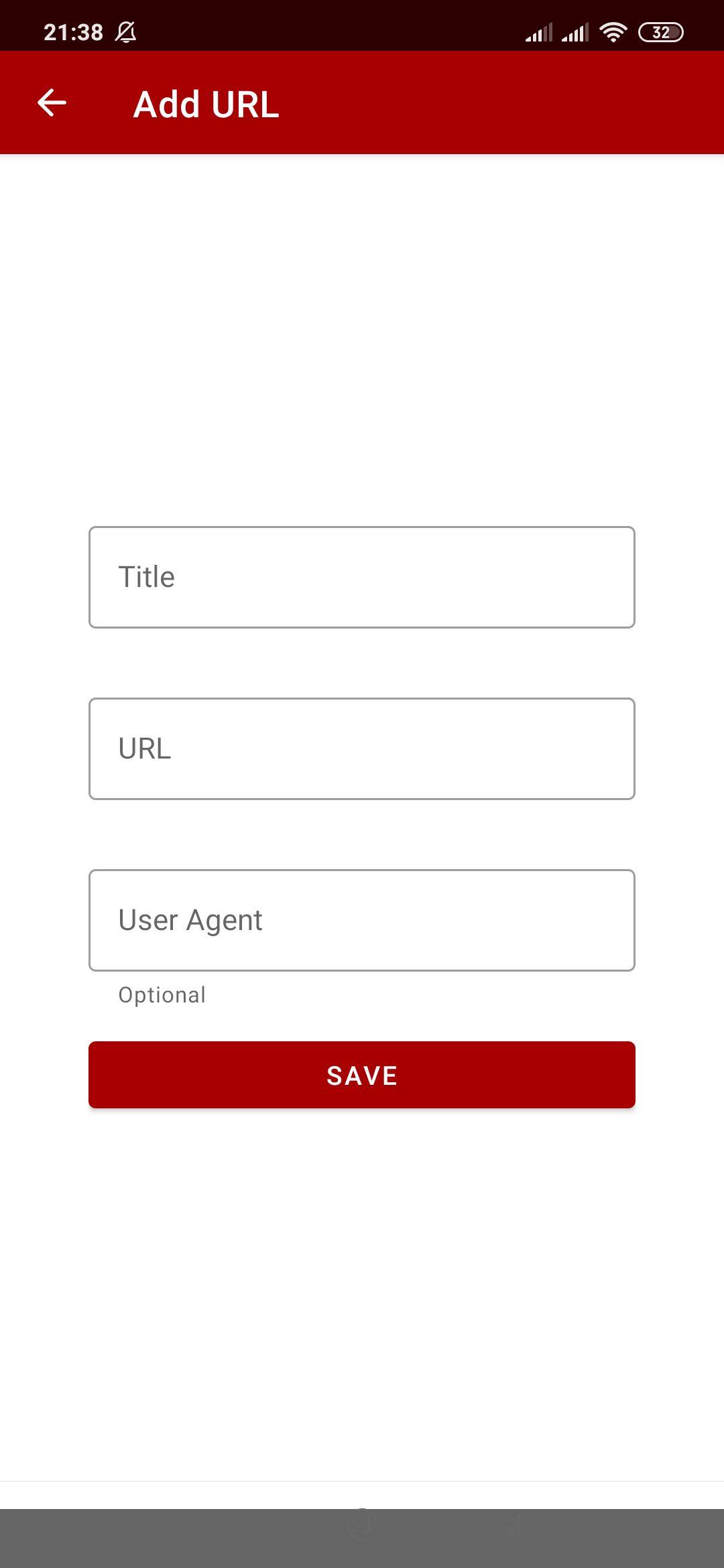
The app provides basic link management so you can save, edit, and revisit your favorite sources. When you collect multiple links, this helps you keep everything in one place and reduces repeat copying. As a result, you can return to a saved item and open it with a single tap.
Viewing controls for aspect ratio and rotation
During playback, YTV Player includes simple controls for aspect ratio and screen rotation. These options help you adjust the picture to fit your display or match the original video orientation. If the image looks stretched or cropped, a quick change can improve the view.
YTV Player Pro for enhanced control
For users who want more control, YTV Player Pro offers an upgraded experience. The Pro edition enhances link management and playback controls for a more precise workflow. If you maintain larger playlists or switch between many sources, the Pro version may better match your routine.
YTV Player is a link player and does not host or provide any content. You must supply your own links or playlists that you have the right to access. Always follow copyright laws in your region and use only lawful sources. If a link infringes rights, the appropriate action is to contact the hosting provider in line with DMCA or local takedown procedures.
The developer states in the app’s data safety details that no data is collected and no data is shared. This means your pasted links and playback actions are not reported as personal data to the developer. Users who prefer tools that minimize data collection may find this policy reassuring during everyday use.
Both editions focus on playing content from links with a lightweight approach. Choose the standard app if you only need quick paste and play with occasional saved links. Consider the Pro edition if you manage many sources and want stronger controls for organizing and handling playback.
You can open single links and full playlists with just a few steps. The quick guide below covers adding a direct stream, importing an M3U or M3U8 list, and adjusting the view in the YTV Player latest version.
YTV Player focuses on playing the links you provide, with playlist support and simple viewing controls. If you already have legal URLs or M3U lists, download YTV Player to open them quickly on your Android device.
For official support or information, use the details below.
Latest Version
14.0Uploaded by
Renato Silva
Requires Android
Android 6.0+
Category
Free Video Players & Editors AppContent Rating
Everyone
Security Report
Report
Flag as inappropriateLast updated on Dec 9, 2025
Fix some errors





APKPure - A multi-platform app store primarily focused on Android, providing extensive app-related content. Discover the app you want easier, faster, and safer, with quick and efficient downloads and installations.