Package Name:cn.xender
SHA-256:680ada92672a70293dc97376b441bd612ecfe5a1cb08d286540f9a8317eab4f7
Show More


Xender helps users move photos, videos, music, apps, and documents between phones and computers when internet access is limited or unavailable. It sets up a direct local connection so large files and entire folders can move quickly without cables or extra steps. This suits office handoffs, classroom exchanges, and phone upgrades where time matters. Transfers keep original quality and open right away, which keeps tasks moving. For those looking to sideload, the Xender APK is also commonly used.
High-speed offline transfer
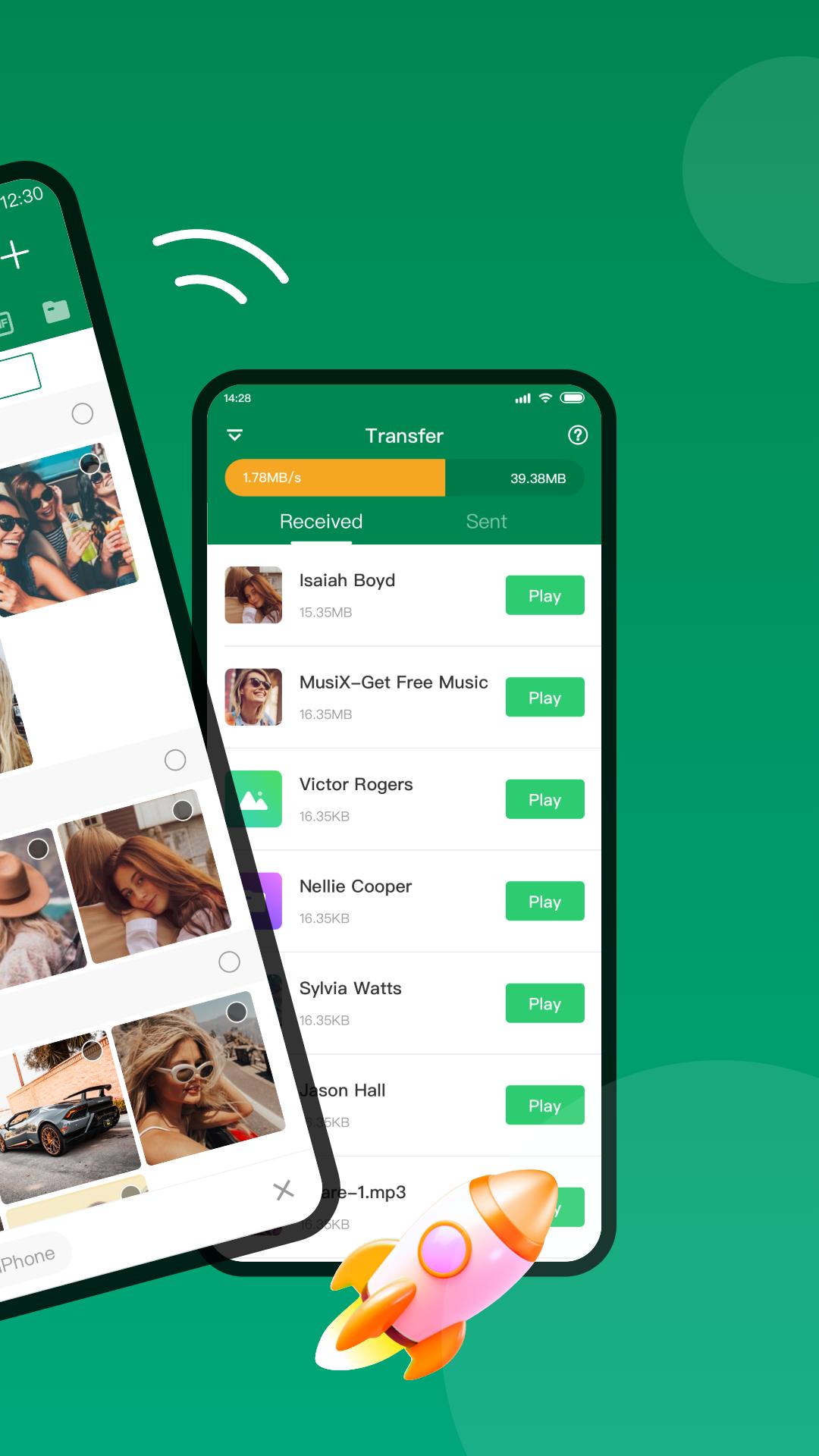
Xender creates a local link between devices to move files without using mobile data. Transfers can reach up to 40 Mb per second and are around 200 times faster than Bluetooth in typical use. This speed supports very large videos and multi-gigabyte folders during travel, events, or areas with weak signal. Once connected, you can start sending right away.
Cross-platform and desktop workflow
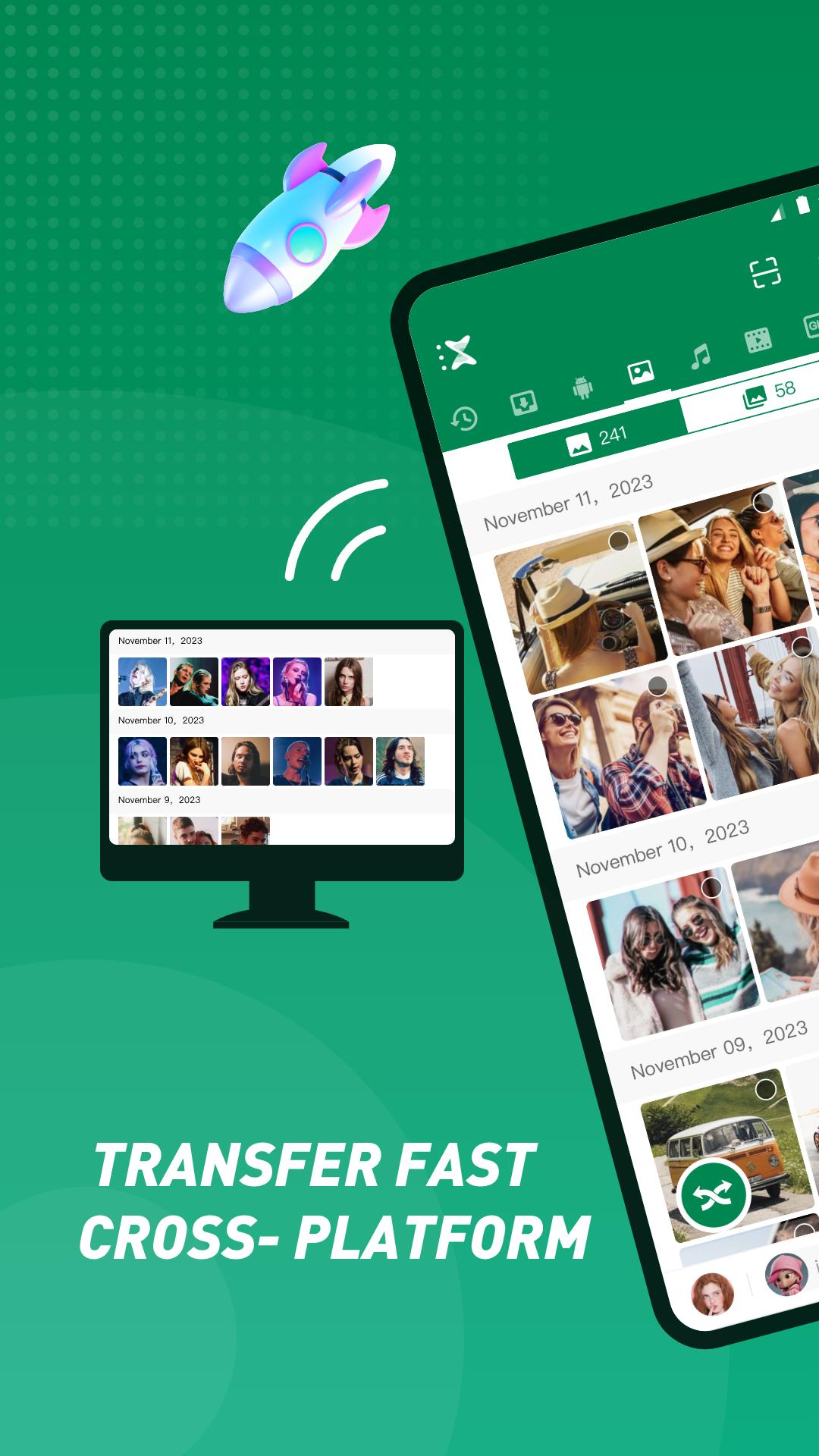
Xender connects Android, iOS, Windows PC, and Mac so you can move content across your phones and computers. With Xender Web in a browser, you can browse your phone media, upload and download files, and remove items you no longer need. This desktop view helps you organize storage with simple drag and drop actions. It also reduces the need for cables while working on a laptop or office computer.
Any file type with no size limit
You can send apps, photos, videos, music, documents, and full folders without a preset cap. Xender keeps original quality because it does not compress your files during transfer. After the move finishes, you can open or play items immediately to confirm everything arrived. This makes quick checks easy before clearing space on the source device.
Phone copy and backup
When moving to a new phone, Xender provides a guided process to copy content from the old device. You select what you want to bring over, then follow clear prompts until the transfer completes. This reduces setup time during a phone switch and helps avoid missing photos, media, or app files. If needed, you can repeat the process to catch anything left behind.
Local-only and private by design
Xender transfers happen on a local connection such as a direct hotspot or the same WiFi network. Files are not uploaded to cloud storage and remain between the connected devices. The app is designed to complete transfers without accessing user data outside the transfer flow. This approach supports privacy while keeping quality intact.
To discover nearby devices and create a stable local link, Xender may prompt you to enable WiFi or Bluetooth. You can pair devices by scanning a QR code or by joining a phone-created hotspot, which helps in places without a router. For computers, open Xender Web in a browser and ensure the phone and computer can see each other on the same network or via the hotspot method. These options keep setup quick for both home and office use.
Getting started is simple, and you can download Xender to move files without cables. The app uses a local link so both devices can connect quickly. Follow these steps to send your first files.
Open Xender on your Android phone and allow the requested permissions so the app can find and share files.
Next, connect to the other device. For a phone, choose Send or Receive and follow the prompts to join a hotspot or scan a QR code. For a computer, select Xender Web and pair from your browser.
After the connection is ready, browse Photos, Videos, Music, Apps, or Files inside Xender and select what you want to move.
Then tap Send on the sender device and accept the transfer on the receiver. Keep both screens awake until the progress completes.
Finally, open or play the received items to check them. If you are switching phones, choose Phone Copy to migrate selected content in one session.
Xender moves files across phones and computers using a private local connection that avoids mobile data. It handles big folders, cross-platform sharing, and quick phone-to-phone migration. For the best experience, use the Xender latest version before starting important transfers.
For official support and information, use the links below.
Website: https://www.xender.com/
Email: service@xender.com
Latest Version
18.5.0.primeUploaded by
υηκηΦωη ακ ακ
Requires Android
Android 6.0+
Category
Free Tools AppContent Rating
Everyone
Security Report
Check Now
Report
Flag as inappropriateLast updated on Apr 16, 2026
1. Other bug fixes and transfer optimizations





APKPure - A multi-platform app store primarily focused on Android, providing extensive app-related content. Discover the app you want easier, faster, and safer, with quick and efficient downloads and installations.