Package Name:com.weaver.app.prod
SHA-256:b1255f45150cc68f6aaa809cfd43593351083702896512c8fb7bc27378e1a841
Show More

Talkie brings character chat and creation into one place so you can talk, create, and share without switching tools. You can explore a global feed of AI characters, join conversations, and collaborate with other creators. The app supports multi modal storytelling with text, voice, images, video, audio, and music so ideas move from chat to content quickly. Memory helps characters grow more consistent over time for more personal exchanges. Get the Talkie APK latest version on APKPure for a secure Talkie app download, and start discovering AI Character Chat that fits learning, coaching, roleplay, and fiction.
Create your own AI characters
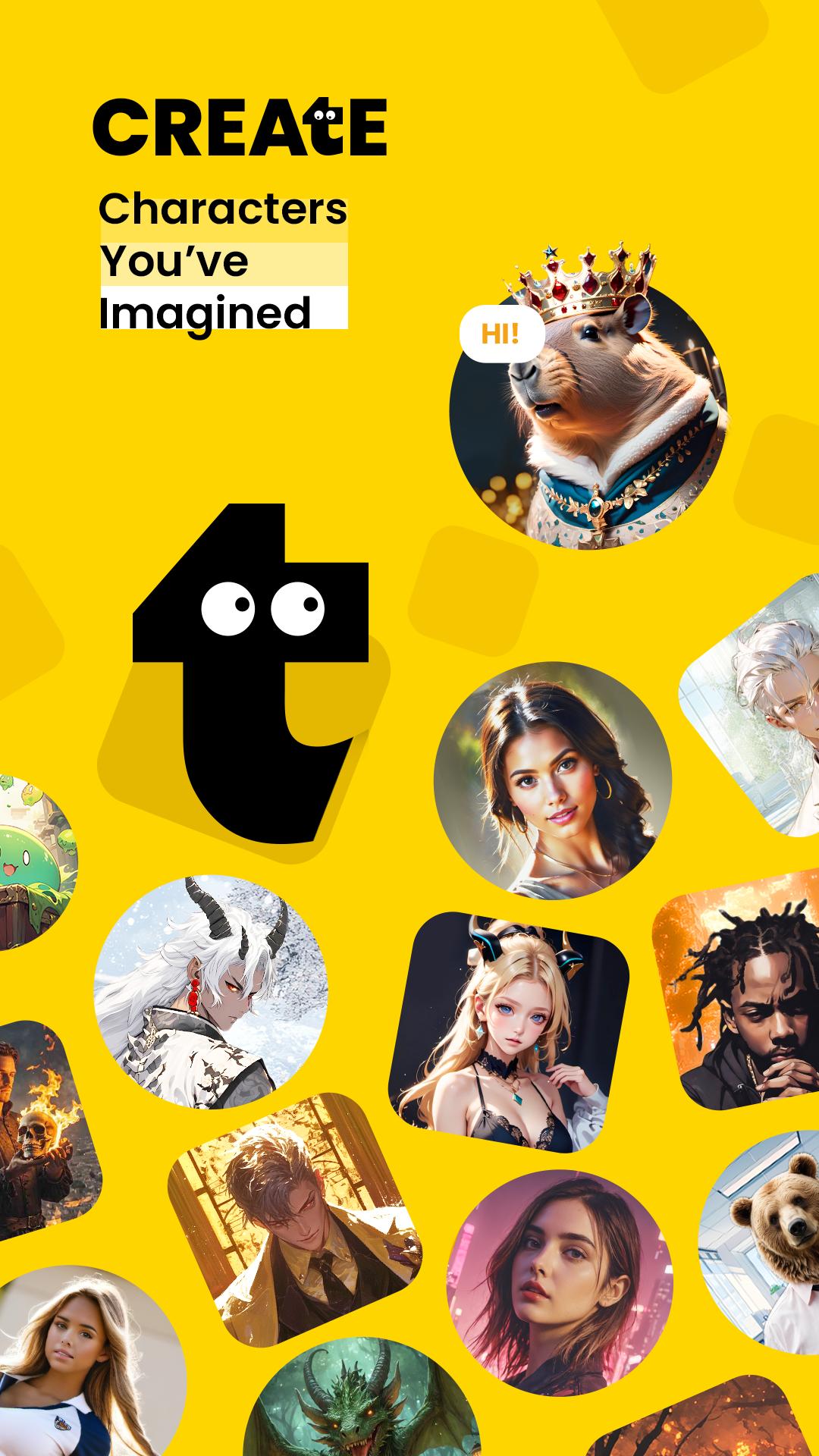
Talkie lets you define an appearance, a profile, and a voice, then set personality and goals for each character. You can build Talkies for tutoring, coaching, roleplay, or interactive fiction. The creation flow is simple, and you can refine details anytime as your ideas evolve.
Natural chat by text or voice
You can message a Talkie by typing or by speaking. Conversations feel more consistent over time because Talkie uses extended memory to retain context. As you keep chatting, characters adapt to your preferences so replies become more aligned with your style and topics.
Multi modal tools for rich stories
Talkie supports images, video, audio, and music so you can move beyond plain text. You can turn character moments into short clips or assemble scenes that behave like simple AI movies. This makes it easier to present lessons, scripts, or storyboards that others can follow.
Explore and collaborate in the community
The home feed highlights new Talkies from creators around the world. You can follow profiles, comment with feedback, and invite others to build scenes or refine prompts together. This community layer helps ideas improve through collaboration and shared examples.
Safety controls and privacy options
Talkie includes content controls such as Teenager Mode to limit mature material. There are clear reporting tools for content and profiles. Reviews and guides note that Talkie states conversations are not shared with advertising partners, which adds clarity to private chats.
Use it on mobile and the web
Talkie works across devices so you can continue a chat on your phone and review creations on the web later. This helps creators maintain workflows without losing context. It also makes it easier to publish a Talkie and respond to comments wherever you are.
Safety matters in creative spaces, therefore Talkie provides content settings that help you control what you see. Teenager Mode aims to reduce exposure to mature topics so younger users can browse with more confidence. You can also report content or profiles that do not match your preferences, and mute or unfollow accounts to shape your feed over time.
Privacy is addressed through clear statements that Talkie does not share your conversations with advertising partners. This distinction is important for AI Character Chat because people often mix casual talk with learning and personal goals. For more details about policies and contact options, you can visit the official site at talkie-ai.com.
Creators can design Talkies for interactive fiction by setting roles, goals, and example dialogues. Then readers can continue the story in a chat that reacts to their choices. Tutors can build characters that practice vocabulary and correct common mistakes during language sessions, and coaches can set up structured prompts that keep weekly check ins organized.
Because Talkie supports images, audio, and music, you can pair an explainer Talkie with visuals or voice demos. This is useful for pronunciation practice, scene direction, or quick product mockups. Collaboration features let others remix your Talkie, credit your work, and push a concept forward with comments and shared edits.
To avoid confusion with similarly named tools, look for the package name com.weaver.app.prod when you download Talkie. This identifier helps you confirm you are installing the correct Talkie APK on Android. On APKPure, the listing title also clarifies the brand as Talkie, Creative AI Community for AI Character Chat.
This short guide shows how to start chatting and creating in Talkie. It covers the basics so you can go from first launch to publishing a Talkie with a few steps.
Talkie combines AI Character Chat with creation tools and a social feed, which makes it useful for conversation, learning, and storytelling. Get the Talkie APK latest version on APKPure for a safe and fast Talkie app download, and keep your chats and creations in one place.
Official resources
How do I download Talkie APK and get the latest version?
To download Talkie and keep it current, get the Talkie APK on APKPure and update from the same page when a new build appears. This ensures you always have the Talkie APK latest version with the newest fixes and features.
Is Talkie safe for teens and families?
Talkie includes Teenager Mode and other content controls, which help limit mature content and tailor the feed. The app also provides reporting and moderation tools. These options make Talkie easier to manage in shared or younger environments.
Are my messages private in Talkie?
Talkie states that conversations are not shared with advertising partners. This stance helps keep AI Character Chat more private while you learn, roleplay, or plan projects. For complete policy details, refer to the official site at talkie-ai.com.
Can people see my chats on Talkie?
Direct chats with a Talkie are not posted publicly unless you choose to share content from them. You control what goes on your profile, and you can adjust privacy or content settings to fit your use case.
What is the correct Talkie app on Android?
The official Android build uses the package name com.weaver.app.prod. When you download Talkie from APKPure, confirm this identifier on the app page to ensure you install the correct Talkie APK.
Latest Version
2.51.004Uploaded by
سيراج سولين
Requires Android
Android 8.0+
Category
Free Entertainment AppContent Rating
Teen · Sexual Themes
Security Report
Check Now
Report
Flag as inappropriateLast updated on May 7, 2026
Optimize the user experience and resolve bugs.




APKPure - A multi-platform app store primarily focused on Android, providing extensive app-related content. Discover the app you want easier, faster, and safer, with quick and efficient downloads and installations.