Scan Date:May 11, 2026
Show More


Microsoft Teams combines conversations, meetings, calling, file sharing, and apps in a single workspace so people can work together in real time. It runs on desktop, web, and mobile, and it also offers a progressive web app for Linux users. The app connects deeply with Microsoft 365, so files and calendars stay in sync. It supports communities and projects, and it offers enterprise-grade protection for data. Download the Microsoft Teams APK on APKPure today. Stay connected with coworkers, classmates, and groups, and keep your work organized across devices.
All in one workspace
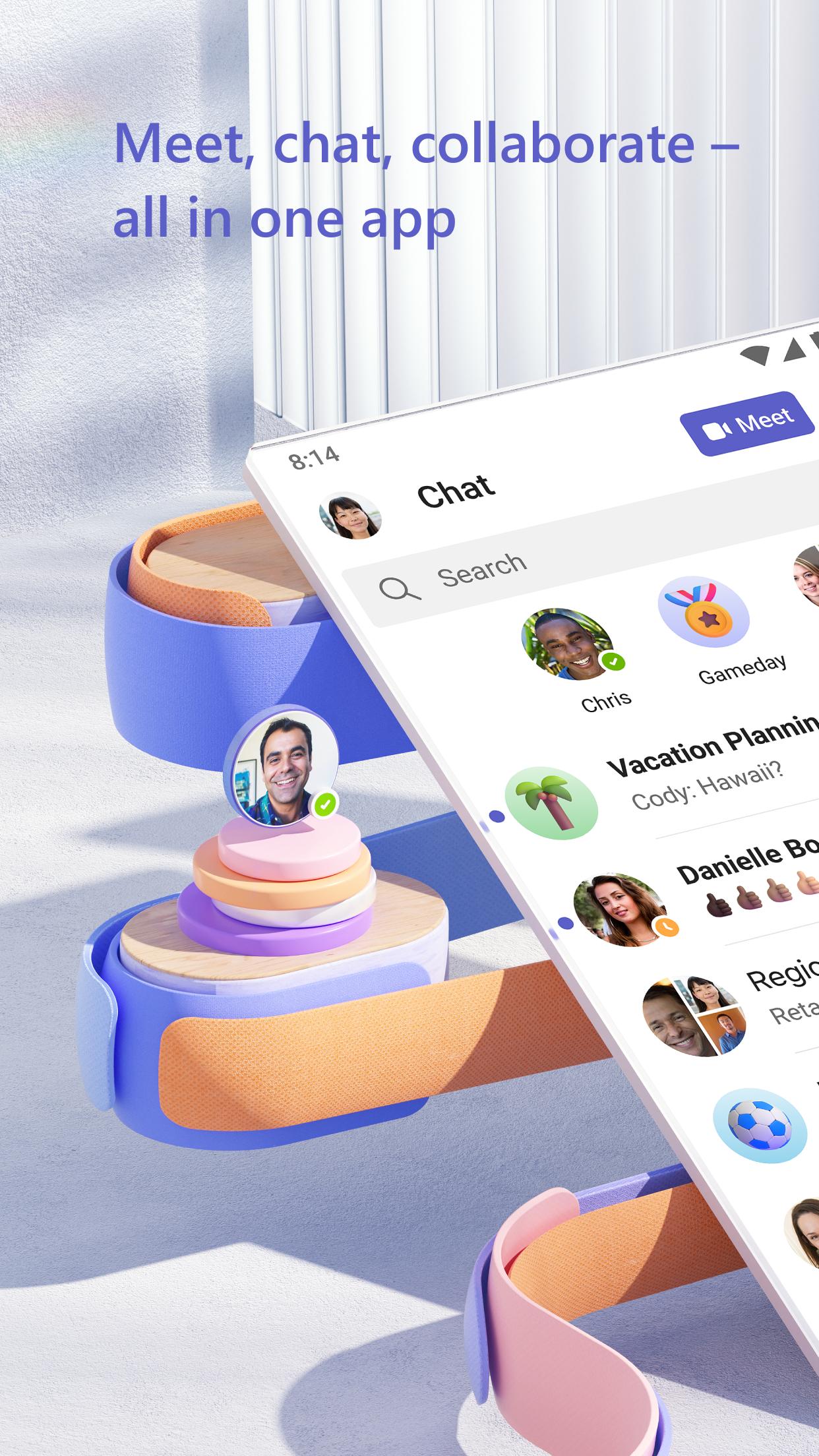
Microsoft Teams brings chats, channels, meetings, calls, files, tasks, calendars, communities, and events into one app. Everything stays organized in the same place, so you can switch between conversations and work with fewer clicks. This reduces context switching and helps you focus on what matters.
Meet anywhere anytime
Run meetings with screen sharing, Microsoft Whiteboard, breakout rooms, and AI-generated meeting notes. These tools help teams capture decisions and follow up quickly. And you can invite guests to join without creating an account for simple collaboration with clients or partners.
Chat and call with clarity
Send direct messages or use group chats with emojis, file attachments, and suggested replies. Microsoft Teams also supports voice calling with Teams Phone, including voicemail, call transfers, and group calls. This keeps your communication in one place instead of juggling separate apps.
Work stays structured and searchable
Use channels for topics, shared task lists for assignments, and file storage with real-time co-authoring. You can find past messages and documents with the search feature, so nothing gets lost. This structure helps teams maintain a clear record of work over time.
Cross-platform and secure by design
Access Microsoft Teams on Android, iOS, Windows, Mac, and the browser with quick guest access and a Linux PWA option. Data for meetings, chats, calls, and files is encrypted, and Microsoft 365 compliance features support organizational needs. This makes Microsoft Teams suitable for personal use and enterprise work.
The new Microsoft Teams is faster, more reliable, and lighter on device resources. It supports multiple accounts and organizations in one app, so you can switch without signing out. Moreover, it offers improved notifications and better performance in large meetings.
Existing users can move to the new experience from within the app when prompted. Your chats, channels, files, and meetings continue to work after the switch, and your organization’s settings remain intact.
Microsoft Teams offers different plan options so people can start free and upgrade as their needs grow. Teams Free covers core chat, meetings, and file sharing for smaller groups. It has limits on meeting duration, participants, and storage that fit casual or lightweight use.
Paid plans add longer meeting durations, larger meeting sizes, increased storage, advanced meeting features, and admin tools. Enterprise plans add compliance and security controls for regulated environments. This helps teams pick the right level without overpaying for features they do not need.
Follow these steps to install and start using the app for work, school, or community collaboration. This quick guide covers sign-in, permissions, and joining a meeting.
Download Microsoft Teams APK latest version on APKPure and install it on your device.
Open Microsoft Teams, then sign in with your work, school, or personal Microsoft account. You can also continue as a guest when invited to a meeting.
Allow microphone, camera, and notifications if prompted. After that, tap Calendar or Meetings to join a scheduled call or use a meeting link.
Tap Chat to start a conversation or create a group chat. Then add files or reactions to keep the discussion clear and trackable.
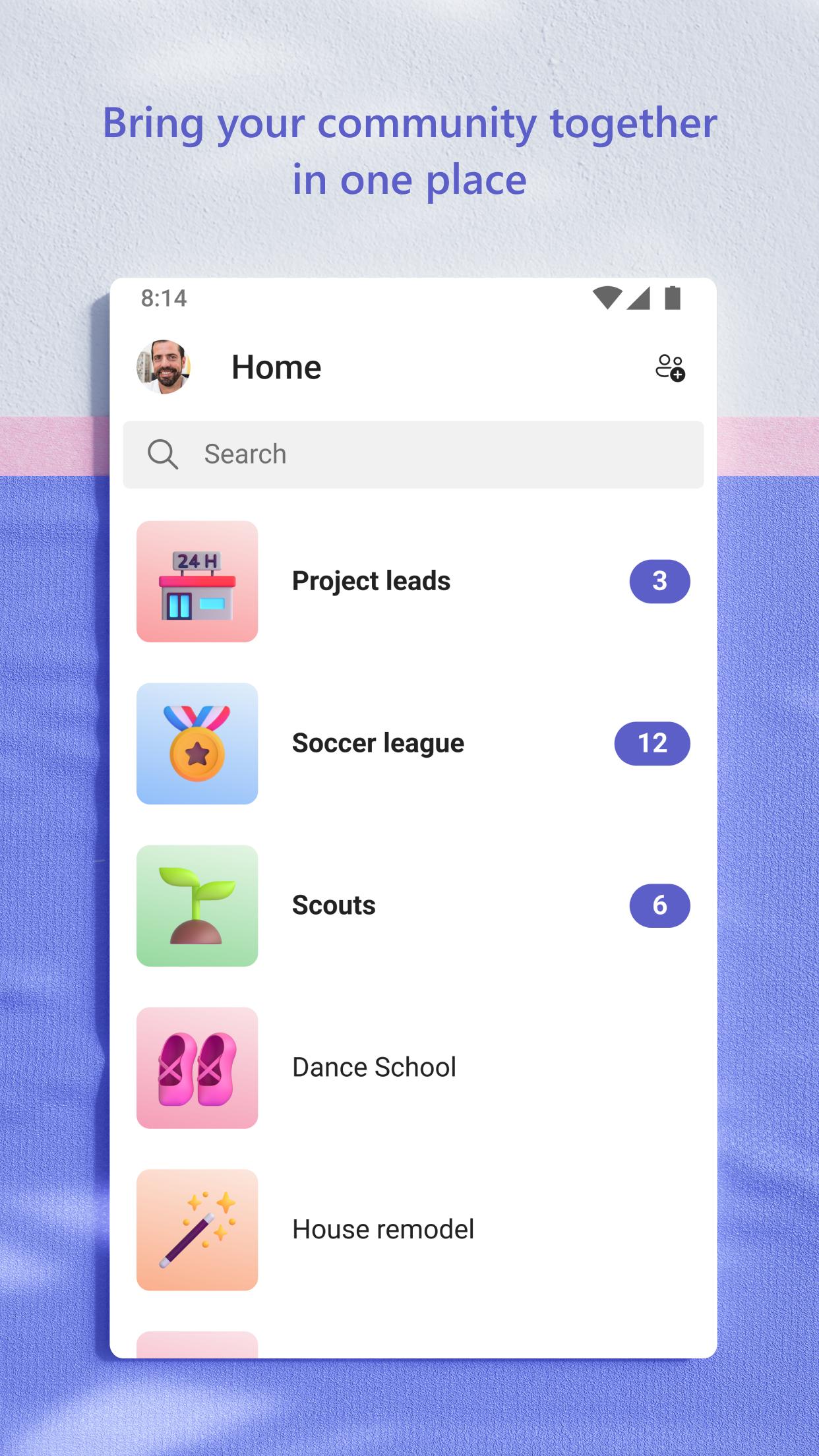
Create or join a team to access channels, shared files, and tasks. So you can keep projects organized and find content later with search.
Microsoft Teams brings chat, meetings, calling, and files into one place so you can work from anywhere. Download Microsoft Teams APK on APKPure and stay connected with your team on the go.
For more official information, visit the Microsoft Teams website or contact the app team using the email below.
Official website: https://www.microsoft.com/en-in/microsoft-teams/group-chat-software
Support email: mtiosapp@microsoft.com
Is the Microsoft Teams app free to use?
Microsoft Teams offers a free plan with core chat, meetings, and file sharing. It also has paid plans that add longer meeting limits, more participants, extra storage, and admin controls. You can download Microsoft Teams on APKPure to start free, then upgrade later if your needs change.
What are the benefits of the new Microsoft Teams app?
The new Microsoft Teams is faster, more reliable, and uses fewer device resources. It also supports multiple accounts and organizations in one app, which simplifies switching. You get improved notifications and better performance in large meetings compared to the classic version.
What happens to the classic Microsoft Teams app?
Classic Microsoft Teams is being replaced by the new version, and users are encouraged to switch. Your chats, channels, files, and meetings continue to work after you move. Organizations keep their existing settings, so the transition does not interrupt ongoing work.
Latest Version
1416/1.0.0.2026082702Uploaded by
Asif Shah
Requires Android
Android 11.0+
Category
Free Business AppContent Rating
Everyone
Security Report
Report
Flag as inappropriateLast updated on May 11, 2026
Use Copilot to summarize channel meetings





APKPure - A multi-platform app store primarily focused on Android, providing extensive app-related content. Discover the app you want easier, faster, and safer, with quick and efficient downloads and installations.