Scan Date:Apr 30, 2026
Show More


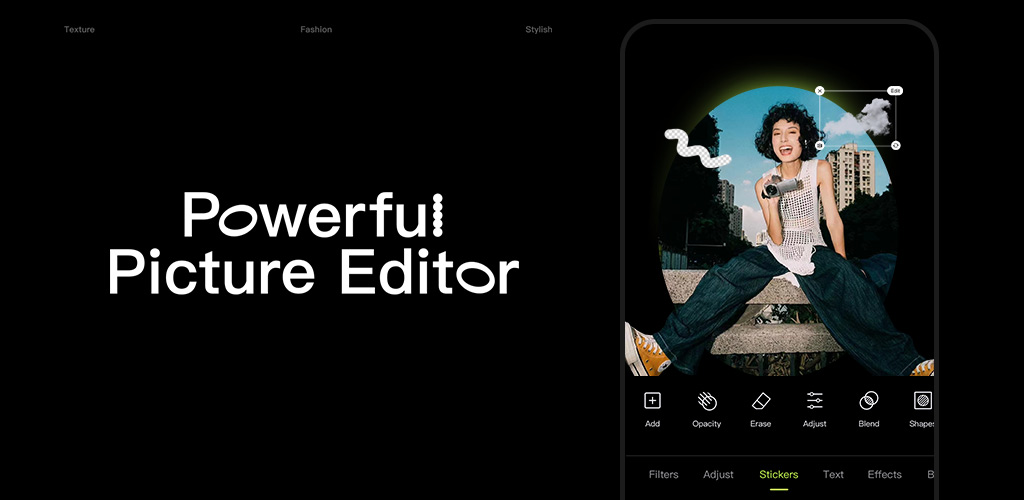
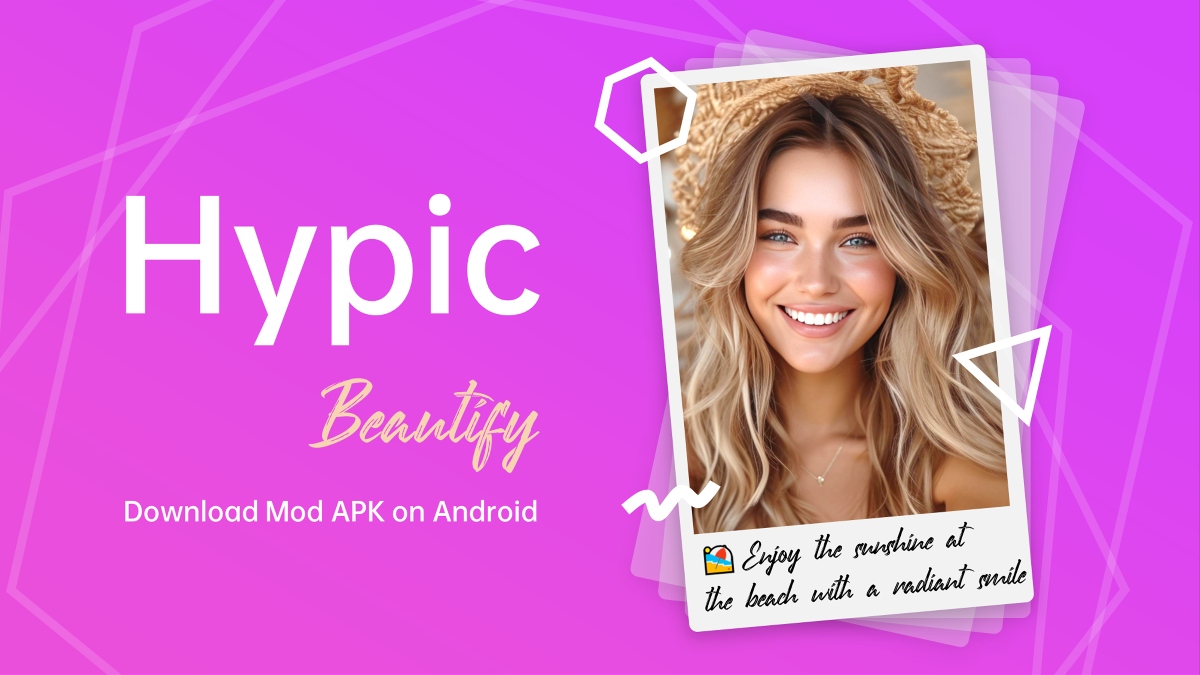
Hypic helps you fix and stylize photos in minutes with smart tools and ready-made looks. It focuses on fast workflows, so you can clean up images, adjust faces, and match a theme without learning complex editing. The design suits everyday users who want simple controls and consistent output. Moreover, Hypic supports social formats to help you prepare posts with the right size and layout. Download Hypic APK latest version on APKPure for secure installation and simple updates, and start turning casual shots into neat, shareable visuals.
AI editing features
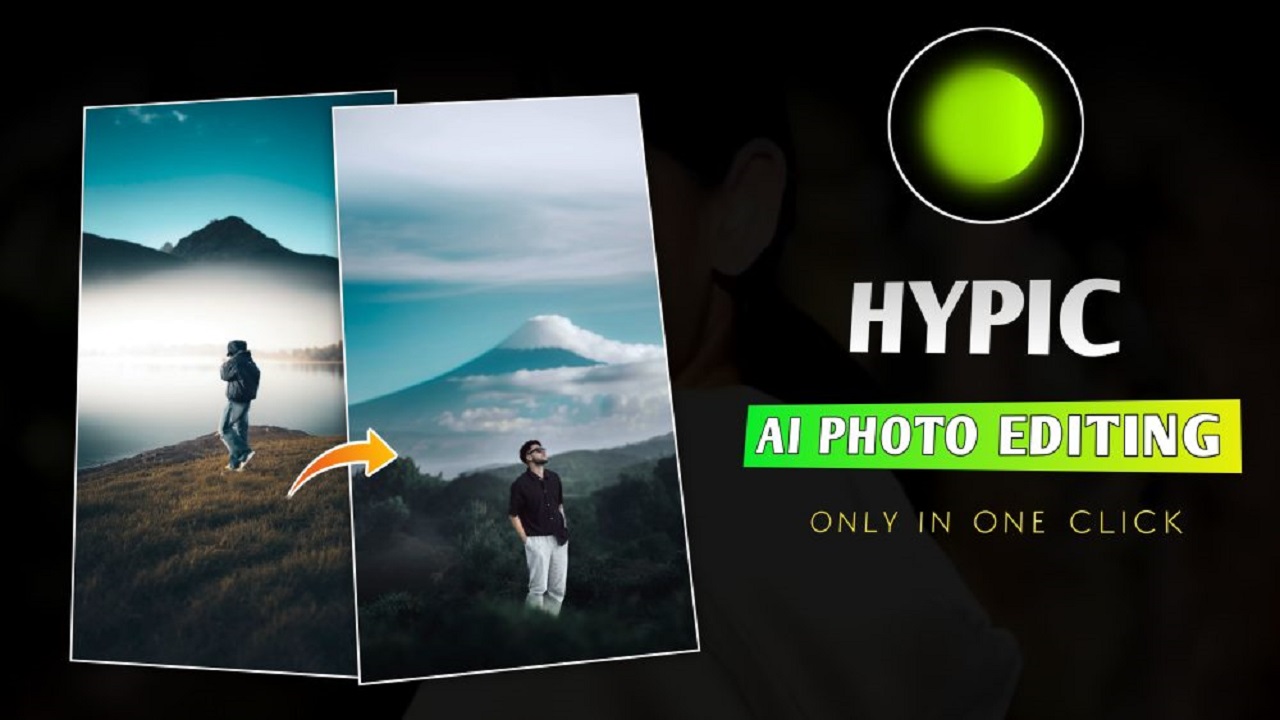
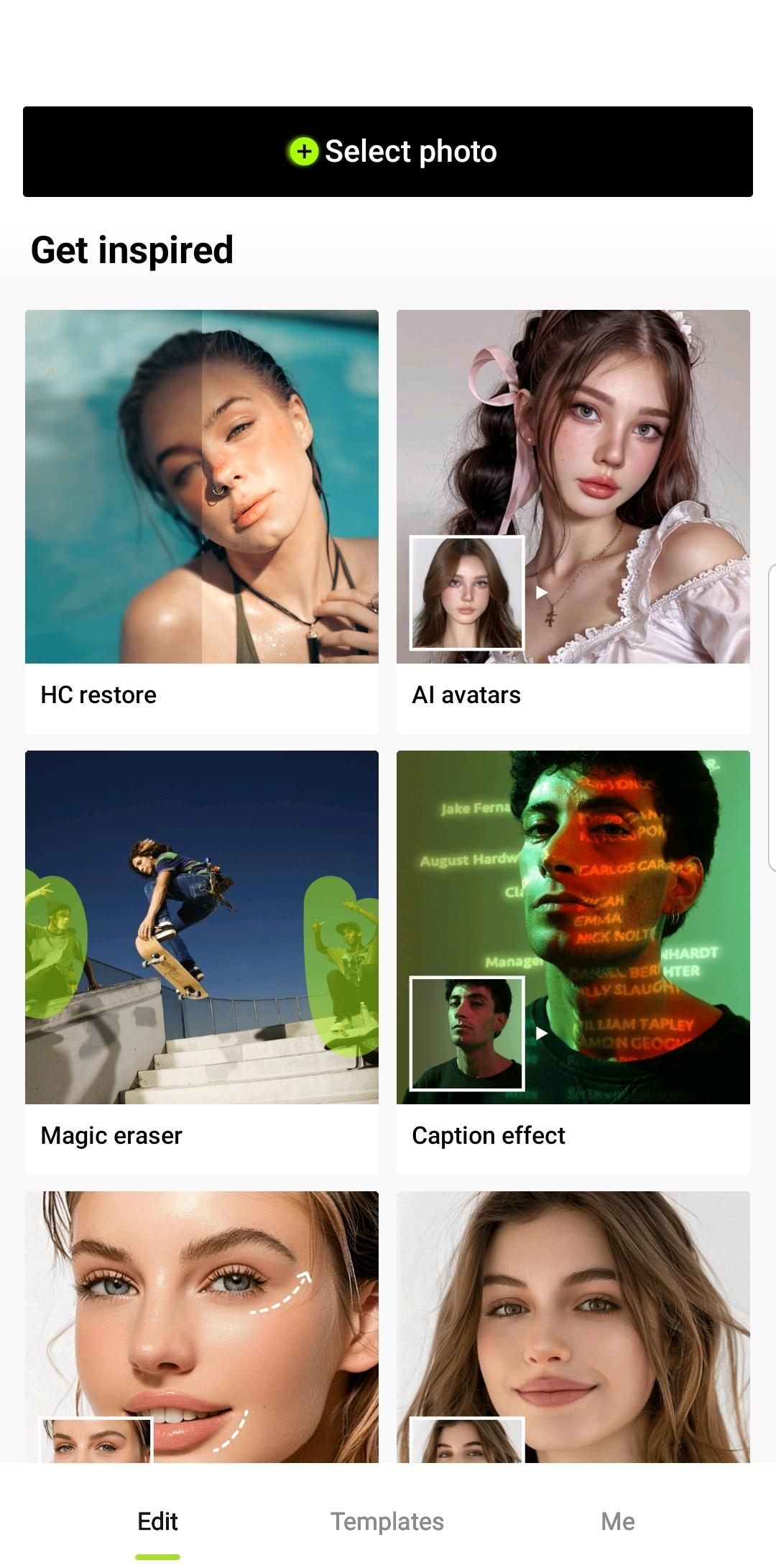
Hypic uses AI to remove or replace backgrounds, clean unwanted objects, and improve image quality. You get quick transformations with minimal manual work. Therefore, it is easy to create clean product photos, profile pictures, or styled scenes in a few taps.
Face retouch with natural controls
Hypic offers skin smoothing, brightness adjustment, and subtle reshape tools for eyes, lips, and proportions. Results aim to look natural rather than over-edited. In addition, sliders help you fine-tune the effect level with clear previews.
Aesthetic filters and effects
Hypic includes retro film looks, soft glow, and lo-fi styles to match different moods. You can apply a preset to keep a consistent feed across posts. Also, quick compare helps you check before and after to confirm the style.
Social templates and layouts
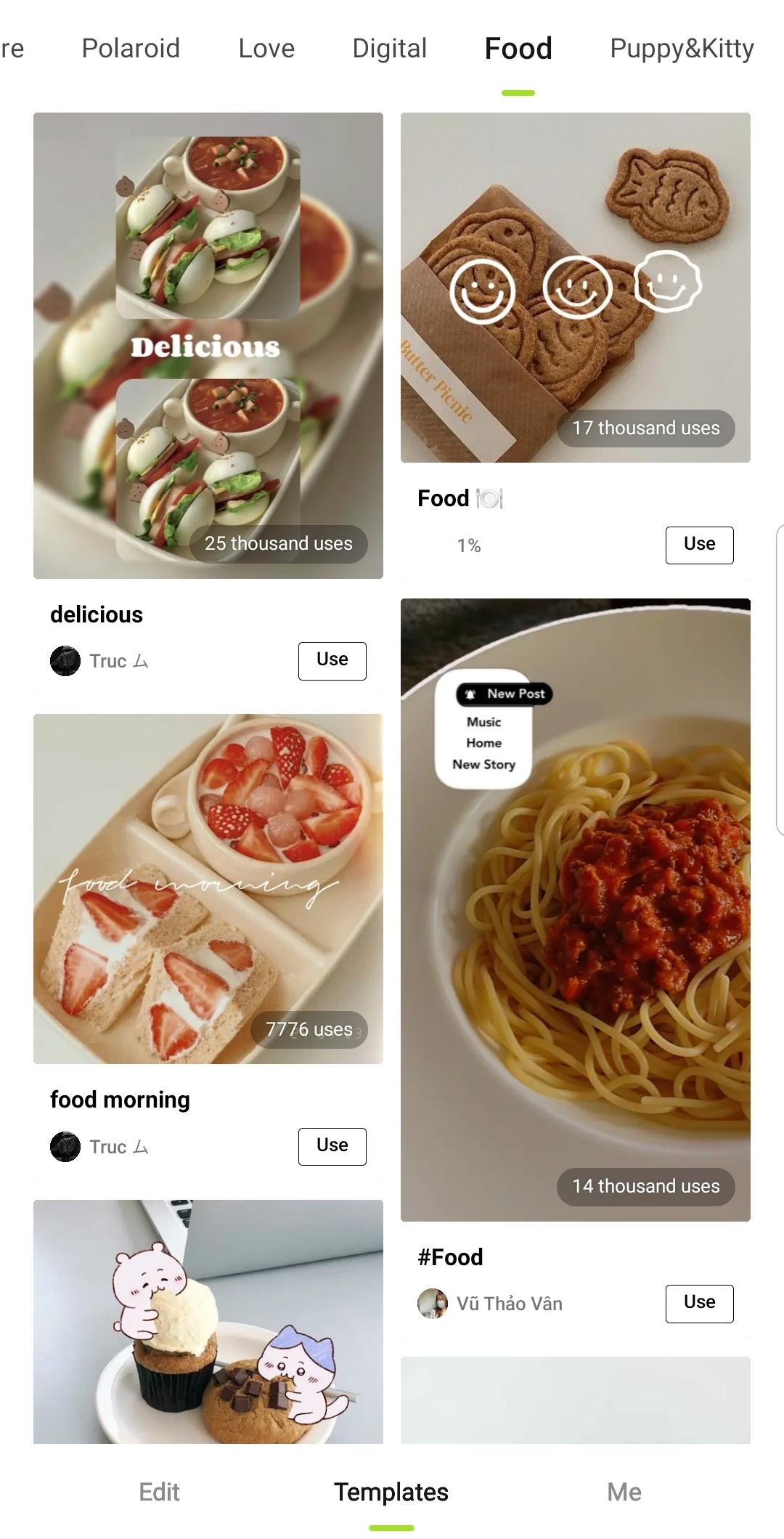
Hypic provides ready designs for Stories, Reels-style frames, daily vlogs, and photo dumps. You can drop images into a layout and adjust text or stickers. Moreover, built-in sizes help you export formats that fit common social feeds.
Collage and batch editing
Hypic lets you combine multiple photos and apply the same edits across a set. This saves time when you have a series of events. Therefore, you can keep a consistent tone for albums, previews, or thumbnails.
Beginner-friendly workflow
Hypic uses clear labels and one-tap styles so new users can get started fast. The app guides you with simple steps and instant previews. In addition, core tools are free, with optional Pro tools for advanced edits.
Hypic is free to download and includes core editing, filters, templates, and basic AI tools. Some advanced options, like higher upscale sizes or premium styles, may require Hypic Pro. You can continue with the free plan for everyday tasks, and you can upgrade inside the app if you need more features.
To access the newest tools and fixes of Hypic, just download Hypic APK latest version from APKPure.
If you want Hypic on a desktop, you can run it through an Android emulator on Windows or macOS. First, install a trusted emulator on your computer. Then download Hypic APK from APKPure and open it with the emulator to install. After setup, you can edit photos from your computer and export results to files or cloud drives. This path is useful for batch work and keyboard-based file management.
Some regions search for Hypic app download options outside the phone’s default store. Hypic APK is available for secure download below on APKPure. Moreover, APKPure provides the Hypic APK latest version and earlier versions, so you can pick what works for your device and update when ready.
This short guide helps you get started with Hypic AI tools, filters, and templates. Follow these steps to import a photo, apply edits, and export a ready file.
Open Hypic and tap to add a photo from your gallery, or take a new picture with the camera.
Choose an editing path such as AI Background, Object Removal, Enhance, or Face. Adjust the strength with sliders and review the preview.
After the main edit, tap Filters to test a look like retro or soft glow, then use Basic adjustments to fine-tune exposure and color.
Then go to Templates if you want a layout for Stories or Reels style frames, and add text or stickers where needed.
So when everything looks right, tap Export to save the image to your device or share it to social apps. You can also duplicate the steps for batch items.
Hypic Photo Editor & AI Art focuses on fast, reliable edits for social and everyday photos. Download and install Hypic APK latest version from APKPure to keep your toolbox in Hypic updated, and create consistent results with simple steps.
For official support and information, use the following resources.
Official website: https://m.hypic.com
Support email: retouchpics.support@bytedance.com
Is Hypic free to use?
Hypic is free to download, and its free tier includes core tools at no cost. If you want to use extra features like premium styles or larger upscale sizes, you can choose to upgrade inside the app.
Can I use Hypic in India?
Yes. Hypic is available in many regions include India. To use Hypic in India, just download the Hypic APK on APKPure and install it on your device. You can also return to APKPure to check for the Hypic APK latest version when updates are available.
Is the Hypic app safe?
APKPure offers verified signatures and Virustotal scanning for APK files. You can always download and install the Hypic app safely on APKPure.
Latest Version
8.6.0Uploaded by
Nolan Home
Requires Android
Android 6.0+
Category
Free Photography AppContent Rating
Everyone
Security Report
Report
Flag as inappropriateLast updated on May 11, 2026
Minor bug fixes and improvements. Install or update to the newest version to check it out!






APKPure - A multi-platform app store primarily focused on Android, providing extensive app-related content. Discover the app you want easier, faster, and safer, with quick and efficient downloads and installations.