Scan Date:Apr 8, 2026
Show More


Hello, Mario! helps parents and kids fill short waits with simple, hands on play. It focuses on playful reactions from Mario’s face that suit quick sessions and guided interaction. After you download Hello, Mario!, the app opens to a clear screen with simple icons, so young players can try it without fuss. Settings include health and safety information for guidance before play, and the experience is designed for shared use.
Make silly faces
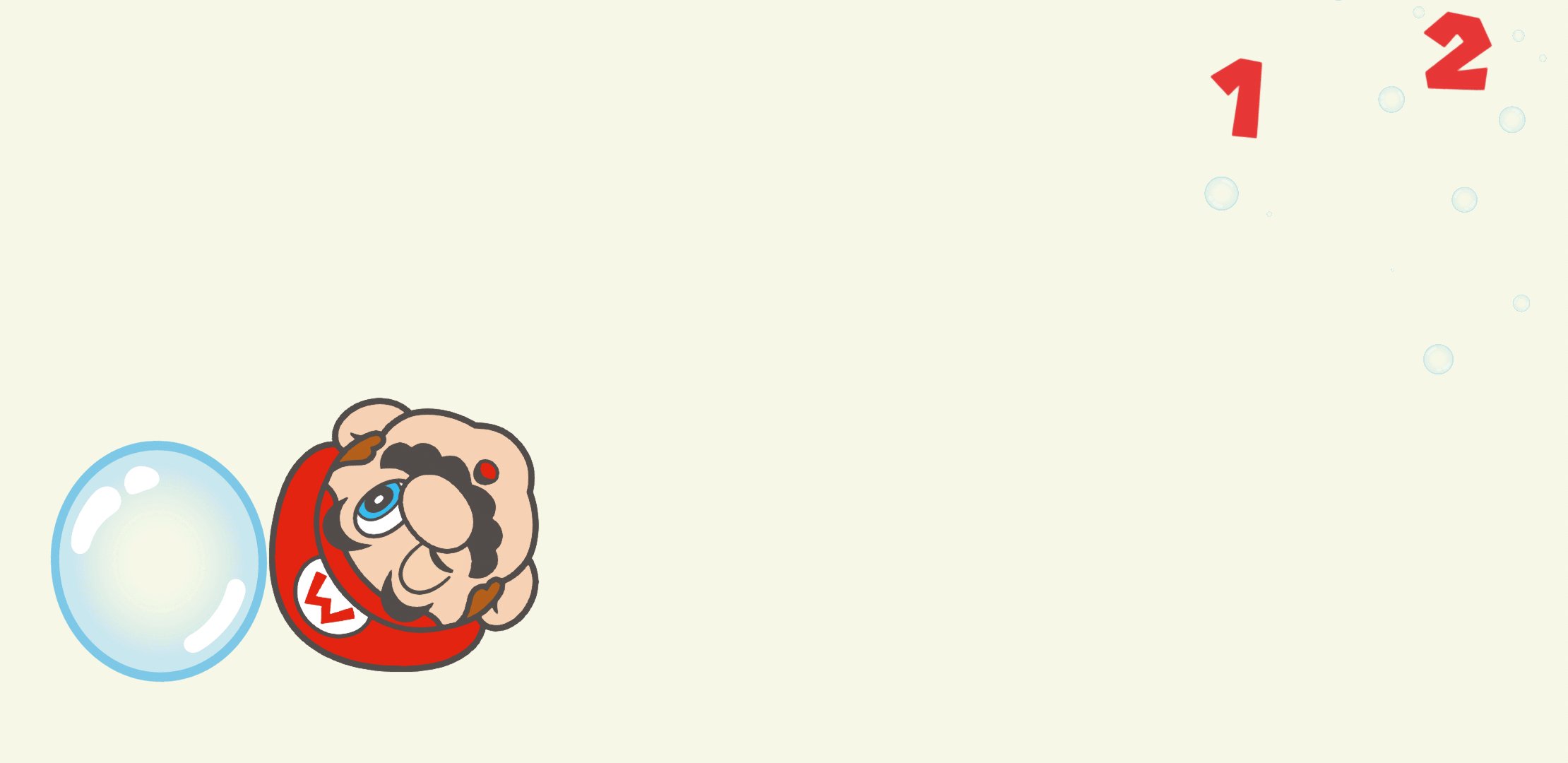
You can stretch, pull, poke, and spin Mario’s face to see different expressions. Tap the question block icon to place familiar items next to Mario, including a Super Mushroom, a Super Star, pipes, or even enemies. Each selection changes the scene and gives you a new reaction to explore.
Peekaboo mode
When you want a change of pace, open the question block menu and tap the leftmost icon to start Peekaboo. Mario will hide and reappear for a simple, playful routine. Sometimes Boo may show up as a guest during this mode.
Built in breaks and settings
After a period of play, Mario will get sleepy and fall asleep, which naturally pauses the activity. You cannot wake him by tapping while he sleeps. If you prefer to keep playing, turn this setting off by tapping the gear icon at startup to open the menu.
Offline play and notices
This app offers simple, shared interaction built around Mario’s expressions, with quick modes that are easy for kids to follow. For the most stable experience, check your device performance and review the in app safety guidance. Install the Hello, Mario! latest version to access the current features and settings.
Latest Version
1.0.3Uploaded by
သ် ွင္သူ႐ိယ ဆား ခါး
Requires Android
Android 6.0+
Category
Free Action GameContent Rating
Everyone
Security Report
Report
Flag as inappropriateLast updated on Apr 8, 2026
Implemented bug fixes.







APKPure - A multi-platform app store primarily focused on Android, providing extensive app-related content. Discover the app you want easier, faster, and safer, with quick and efficient downloads and installations.





![[Live Wallpaper] Pocket Camp APK](https://image.winudf.com/v2/image/Y29tLm5pbnRlbmRvLnphY2Eud19pY29uXzE1MTA3MjA4NzNfMDQ5/icon.png?w=102&fakeurl=1)