Scan Date:May 5, 2026
Show More


GreenTuber helps when you want to watch Tube videos without constant breaks or account tracking. It aims to keep playback steady on mobile while you multitask or switch apps. Because it focuses on privacy, you can watch without sharing account details or history. To get started quickly, you can download GreenTuber and begin watching in a familiar layout.
GreenTuber blocks video ads and pop ups so you do not have to pause and skip manually. It detects interruptions and auto skips them to maintain the flow of playback. This reduces distractions and helps you focus on the video from start to finish.
Background play to keep audio goingWith background play, you can keep a video or audio track running while opening other apps. This is useful for listening to long videos or music while chatting or checking email. You can lock the screen and the audio continues, then return to the player at any time.
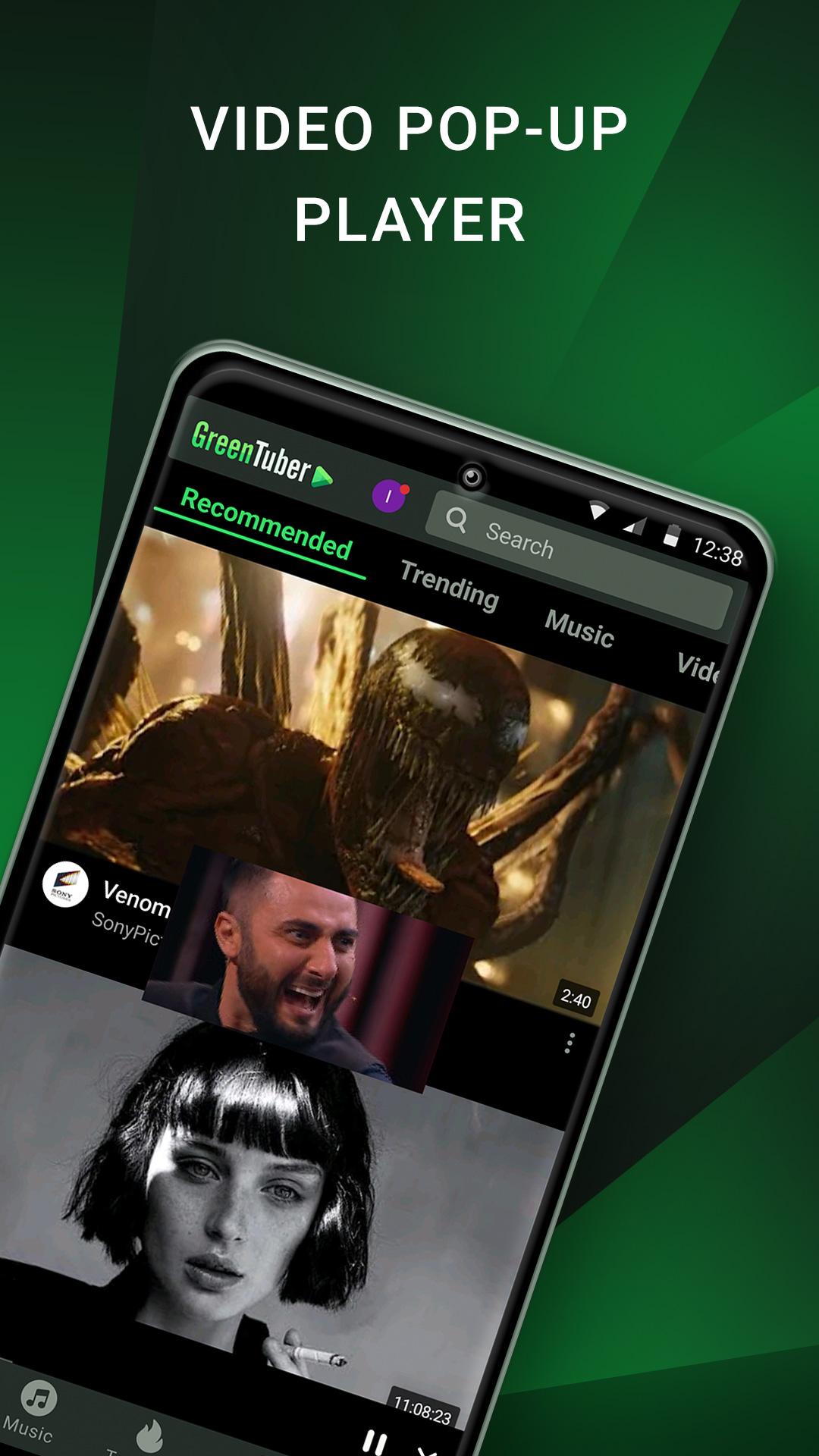
Floating window for multitaskingGreenTuber includes a floating mini window that stays on top of other apps. You can move it around the screen, resize it, and switch between the mini view and full screen. This makes it practical to watch while reading, browsing, or checking notes without closing the player.
Resolution control from 144p up to 8KYou can choose the video quality that fits your connection and data use. GreenTuber lets you switch between resolutions from 144p to 8K when available. Lower resolutions help on slow networks, while higher settings improve clarity on larger screens. This control helps you balance quality and stability.
Privacy focus and no subscriptionGreenTuber does not collect Tube account information or your watch history. You can use the player without extra software or a paid plan. The GreenTuber app focuses on core playback functions and keeps your viewing activity local to your device.
If you rely on specific behaviors or layouts, older APK versions may be helpful. Prior builds can be useful when a new release changes something you use often. Check this page for previous releases if you need to roll back to an earlier build. This option can help restore stability while waiting for a newer update.
From time to time, the Tube service may update its rules and block third party clients. If playback stops or search results do not load, it may be due to a service change. In that case, check for the GreenTuber latest version on this page and install the most recent build. If the issue persists, a previous build may temporarily work until a fix arrives.
This quick guide covers the basics for playback, quality control, and multitasking. After installing the GreenTuber APK, the player opens with a simple layout so you can start watching right away.
GreenTuber combines ad blocking, background play, a floating window, and manual quality control in one player. To stay current, install the GreenTuber latest version and check for updates if playback changes.
Official resources for reference are listed below.
Latest Version
0.1.8.9Uploaded by
Ádám Nagy
Requires Android
Android 6.0+
Category
Free Entertainment AppContent Rating
Teen
Security Report
Report
Flag as inappropriateLast updated on May 5, 2026
bugs fixed





APKPure - A multi-platform app store primarily focused on Android, providing extensive app-related content. Discover the app you want easier, faster, and safer, with quick and efficient downloads and installations.