Scan Date:May 13, 2026
Show More


Google Play Books helps users explore and read across formats in one place. Whether you prefer long novels, quick comics, or hands free listening, the app keeps your library accessible and easy to manage. It suits casual readers who pick up a chapter on the go and those who want to revisit their thoughts later. Because it focuses on ownership, you buy titles when you need them, not on a subscription. For installation needs, many users look for Google Play Books APK to keep the app current.
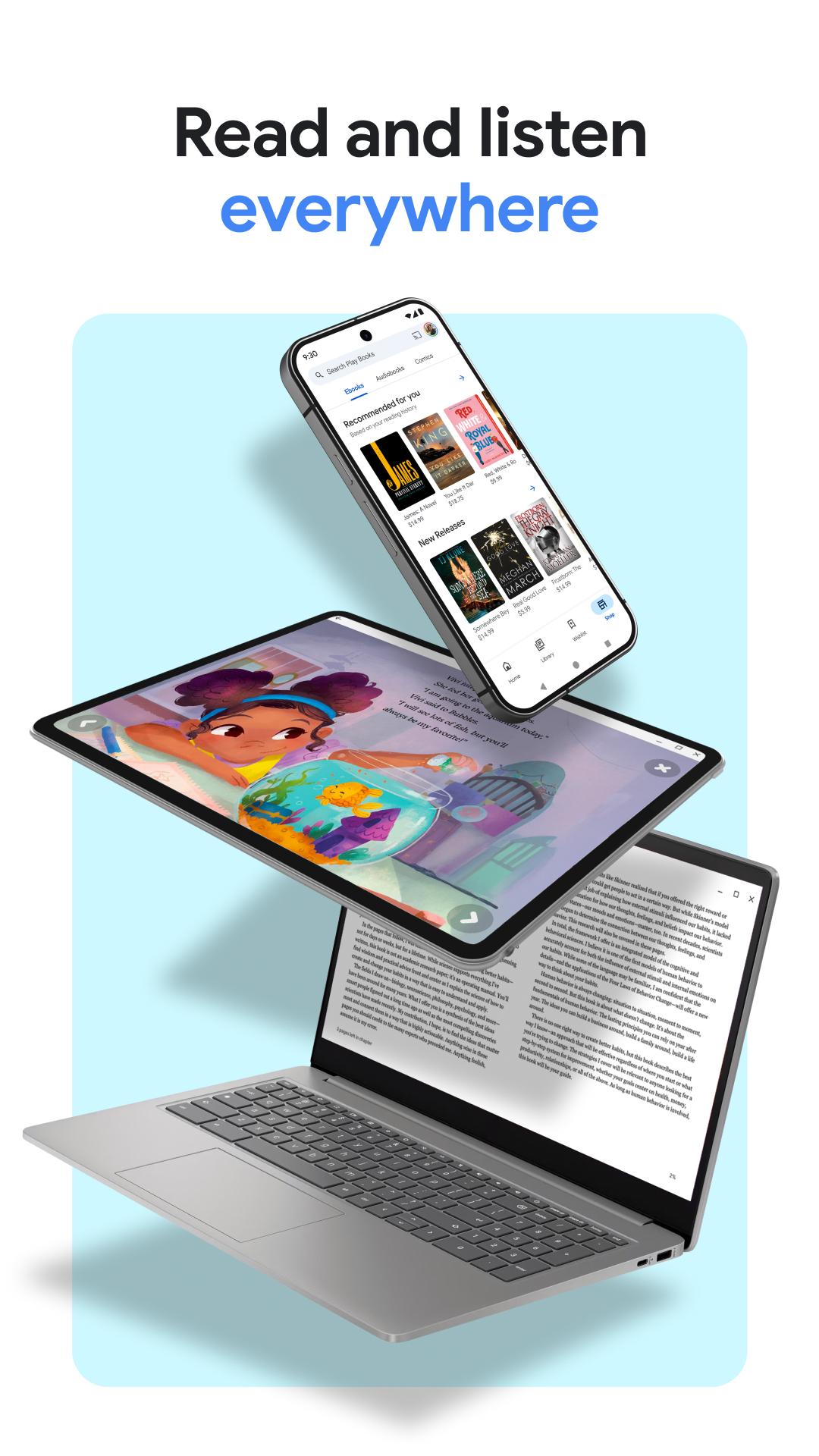
Read anywhere
Google Play Books lets you access your library on your phone, tablet, computer, and in compatible cars through Android Auto. You can download titles to read offline when the connection is limited. This makes it simple to keep your place and continue reading across devices.
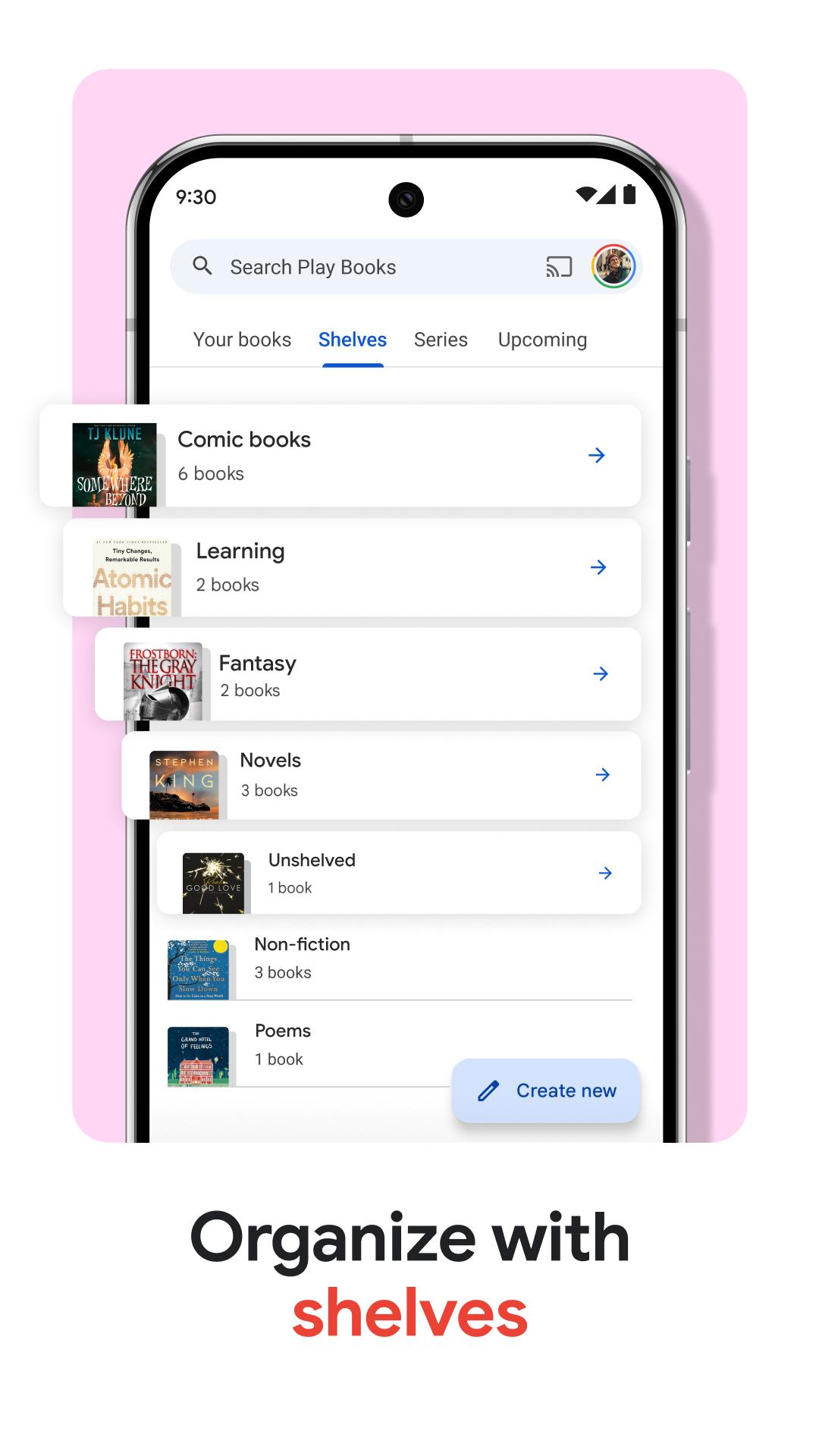
Organize with custom shelves
Once your collection grows, create shelves to group books by genre, author, or any theme that fits your habits. This helps you find the right title quickly and keeps large libraries tidy and easy to browse.
Smart notes and sharing
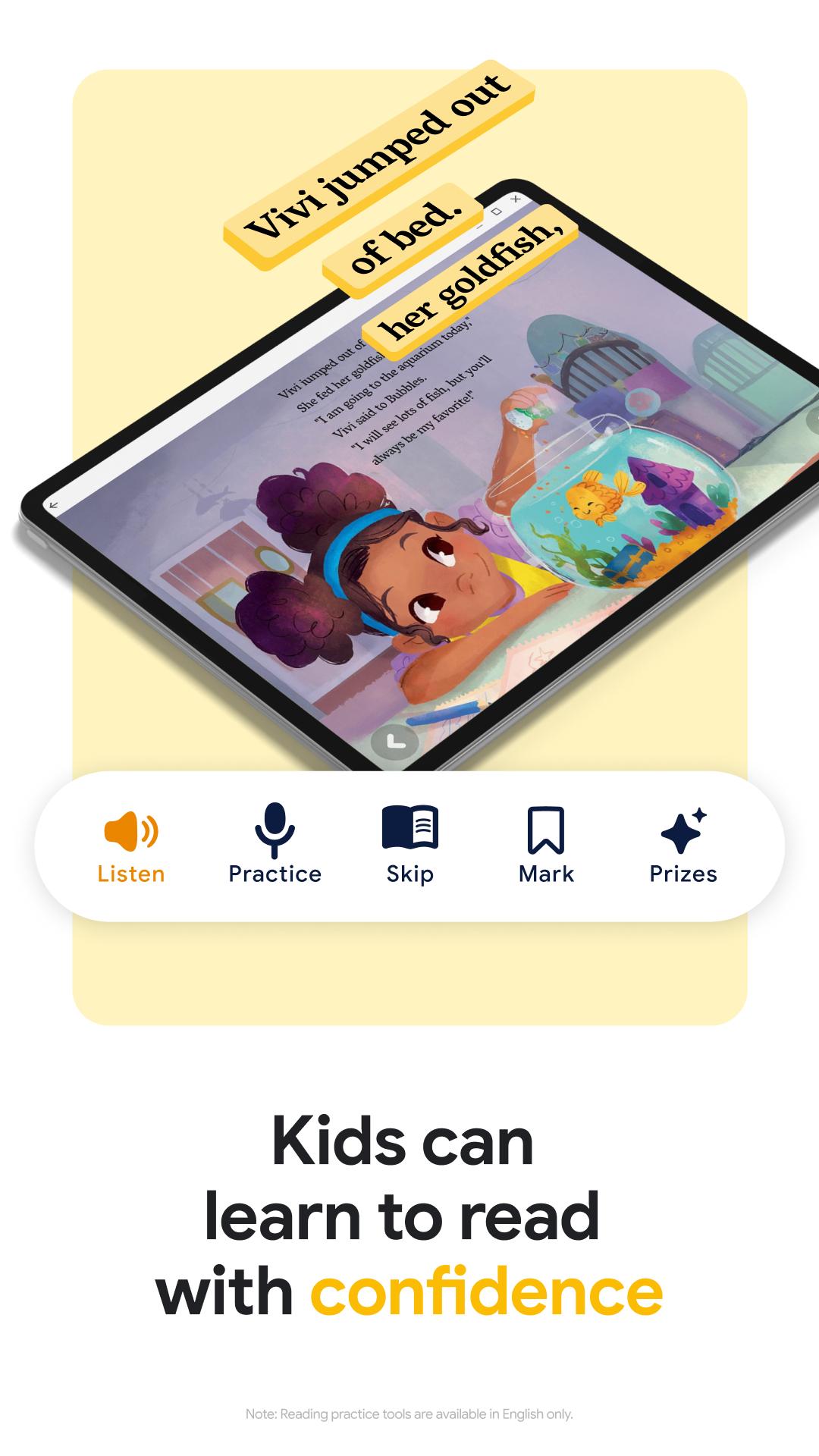
When you need to capture ideas, take notes that sync to your Google Drive. You can share notes to collaborate with classmates or colleagues. For families, built in tools let kids hear text aloud and check word meanings. Reading practice tools are available in English only.
Comics and audiobooks controls
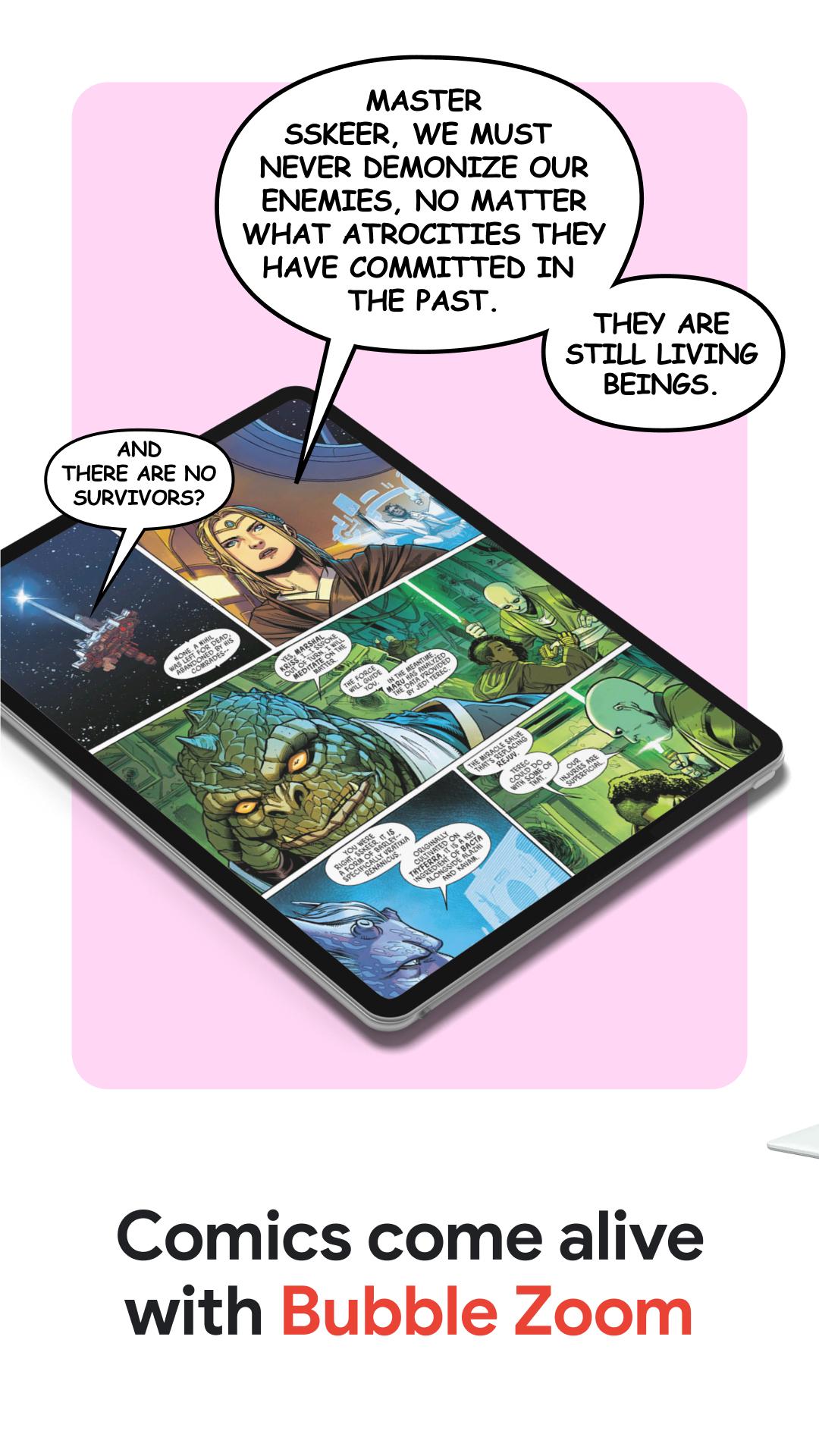
For visual stories, Bubble Zoom enhances comics and manga by focusing dialogue bubbles. For audio, control playback with your voice using Google Assistant for hands free listening. You can also adjust font, text size, and brightness to match your reading comfort.
Google Play Books brings ebooks, audiobooks, comics, and manga into a single library you control. You can explore samples before buying any title and customize the reading view to suit your preferences. To begin, download Google Play Books and choose the formats that fit your routine.
Latest Version
2026.5.1.1 (361691)Uploaded by
Google LLC
Requires Android
Android 7.0+
Category
Free Books & Reference AppContent Rating
Teen · Diverse Content: Discretion Advised
Security Report
Report
Flag as inappropriateLast updated on May 13, 2026
New in version 2025.1.10
• Improved ease-of-use in ebook text selection menu
Check out these features
• Upload EPUB and PDF files and read them on all of your devices
• Download purchased ebooks and audiobooks (DRM-free if allowed by the publisher) to read on other devices such as Nook, Sony Reader, Kobo





APKPure - A multi-platform app store primarily focused on Android, providing extensive app-related content. Discover the app you want easier, faster, and safer, with quick and efficient downloads and installations.