Scan Date:May 4, 2026
Show More

Google Docs supports everyday writing on Android when you need to draft reports, notes, or shared plans. It works across phones and tablets, so you can edit on the go and continue later on a computer. Teamwork stays simple with clear sharing controls, and your content is saved as you work. To begin, download Google Docs and sign in to your account.
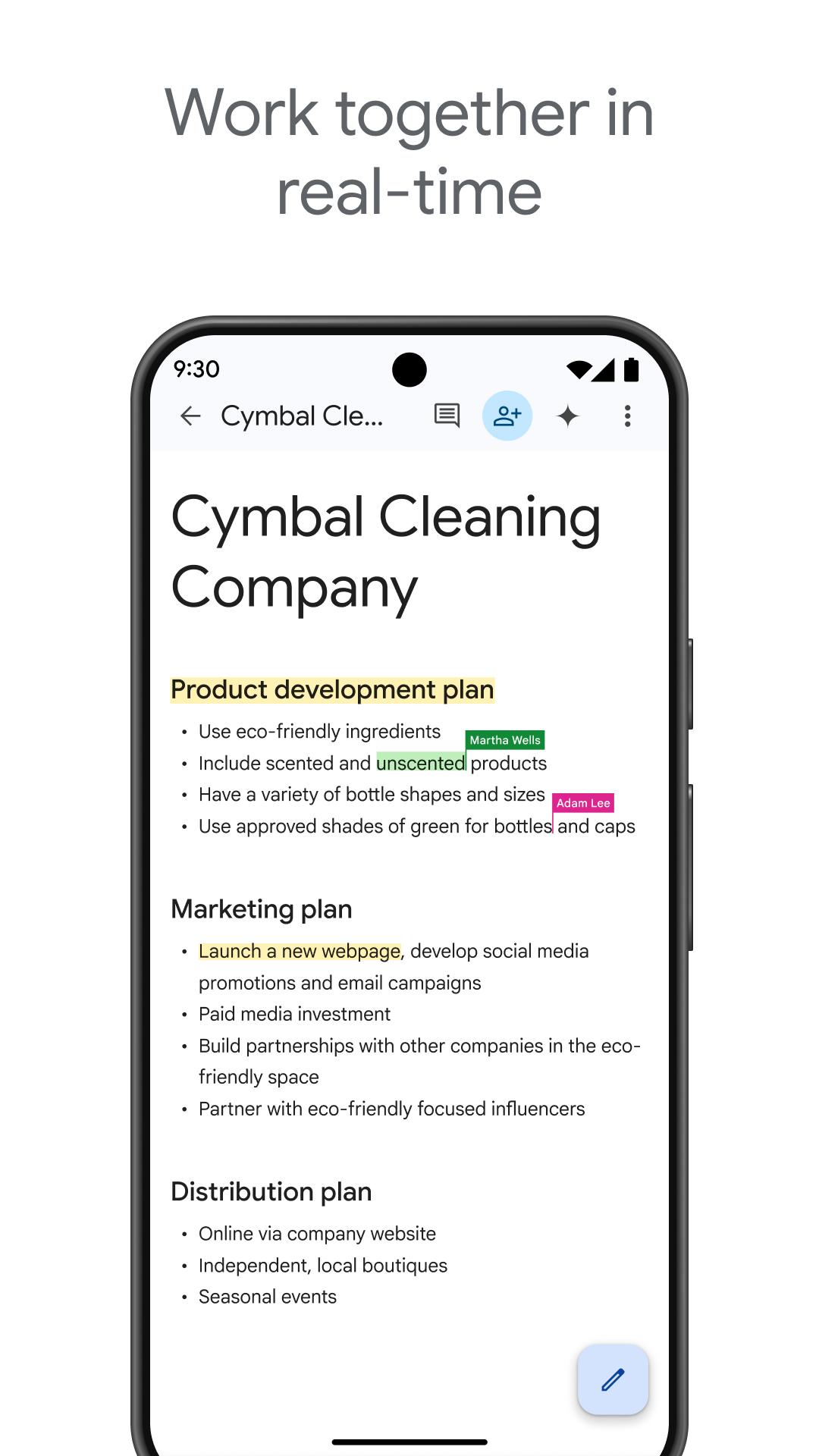
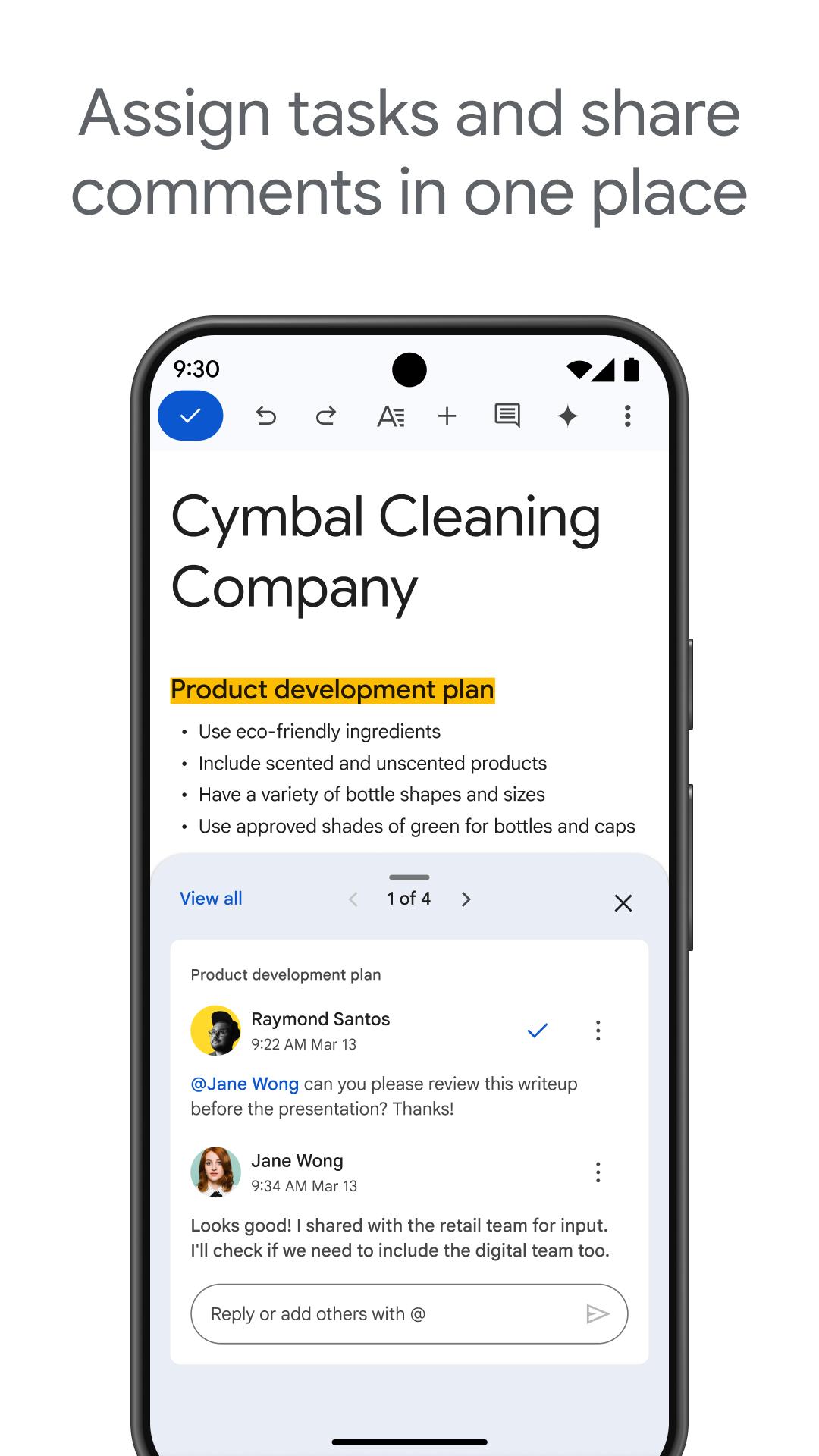
Google Docs lets you share a file and co-edit with teammates in real time. You can add comments and suggestions to keep changes clear. With @-mentions, you bring people, files, or calendar events into the document, and action items help track responsibilities.
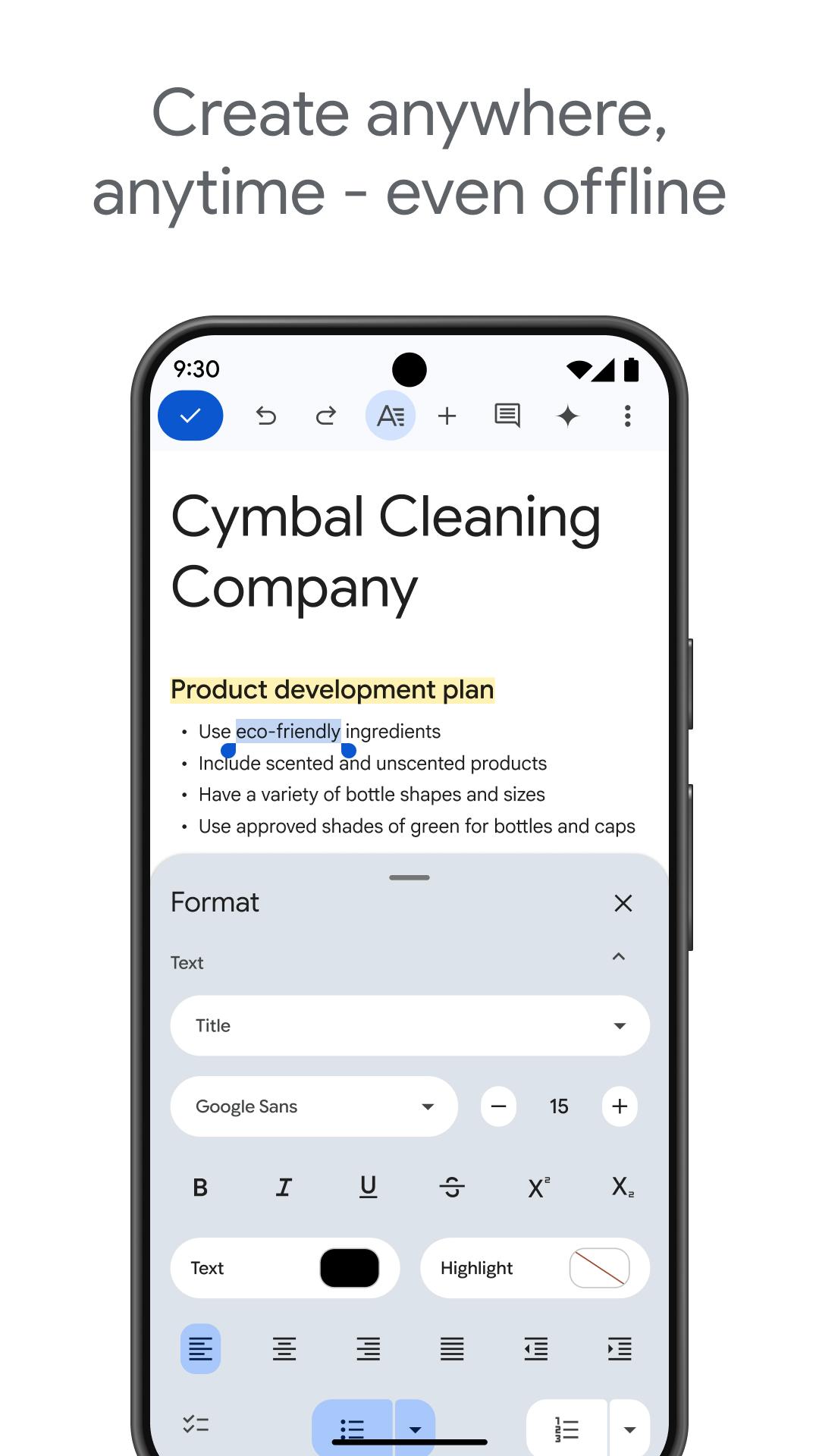
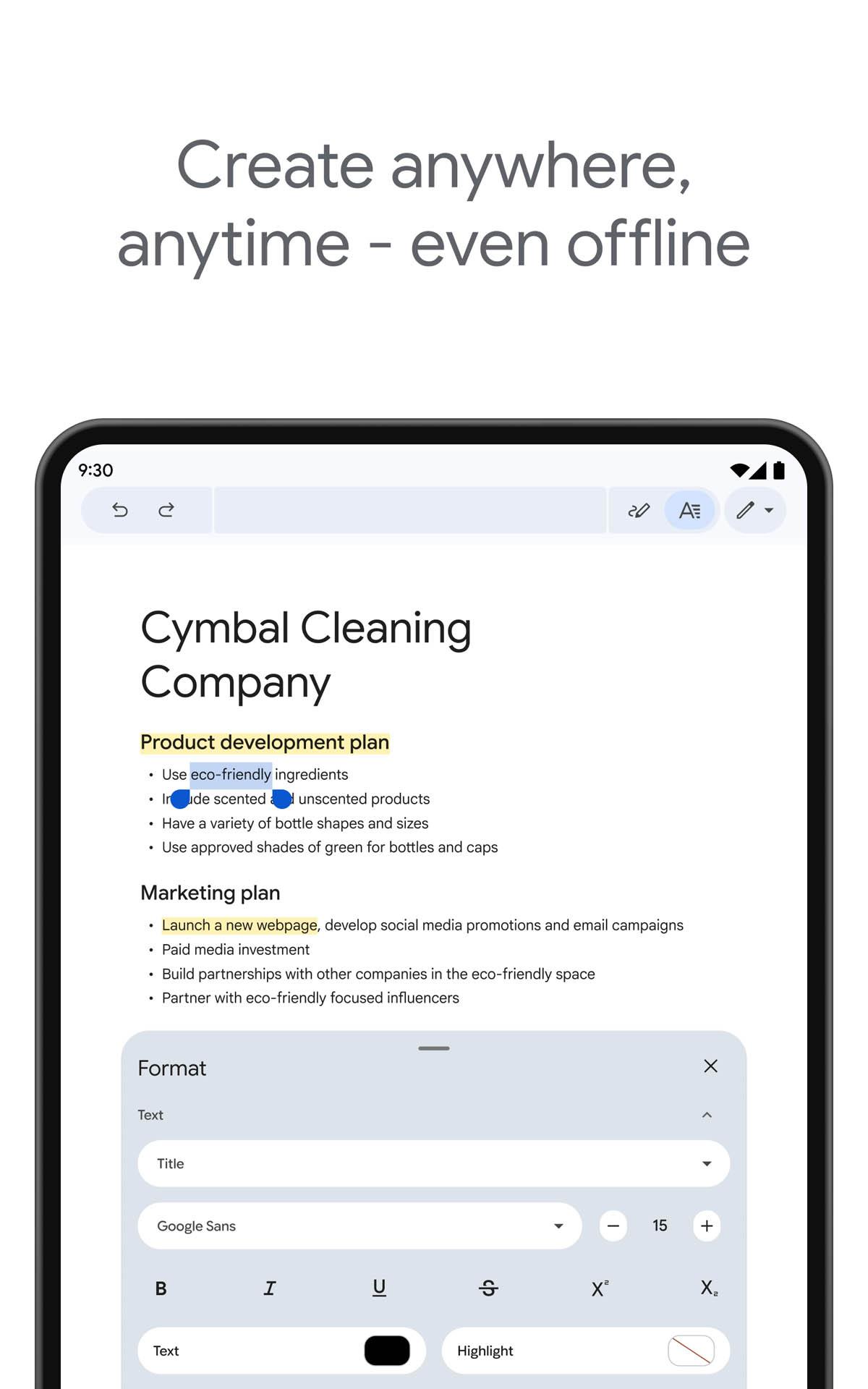
Work offline on mobileYou can create or edit documents without an internet connection. Changes store locally and sync automatically when you are back online, which helps during travel or low signal. Before going offline, open the file to ensure it is available on the device.
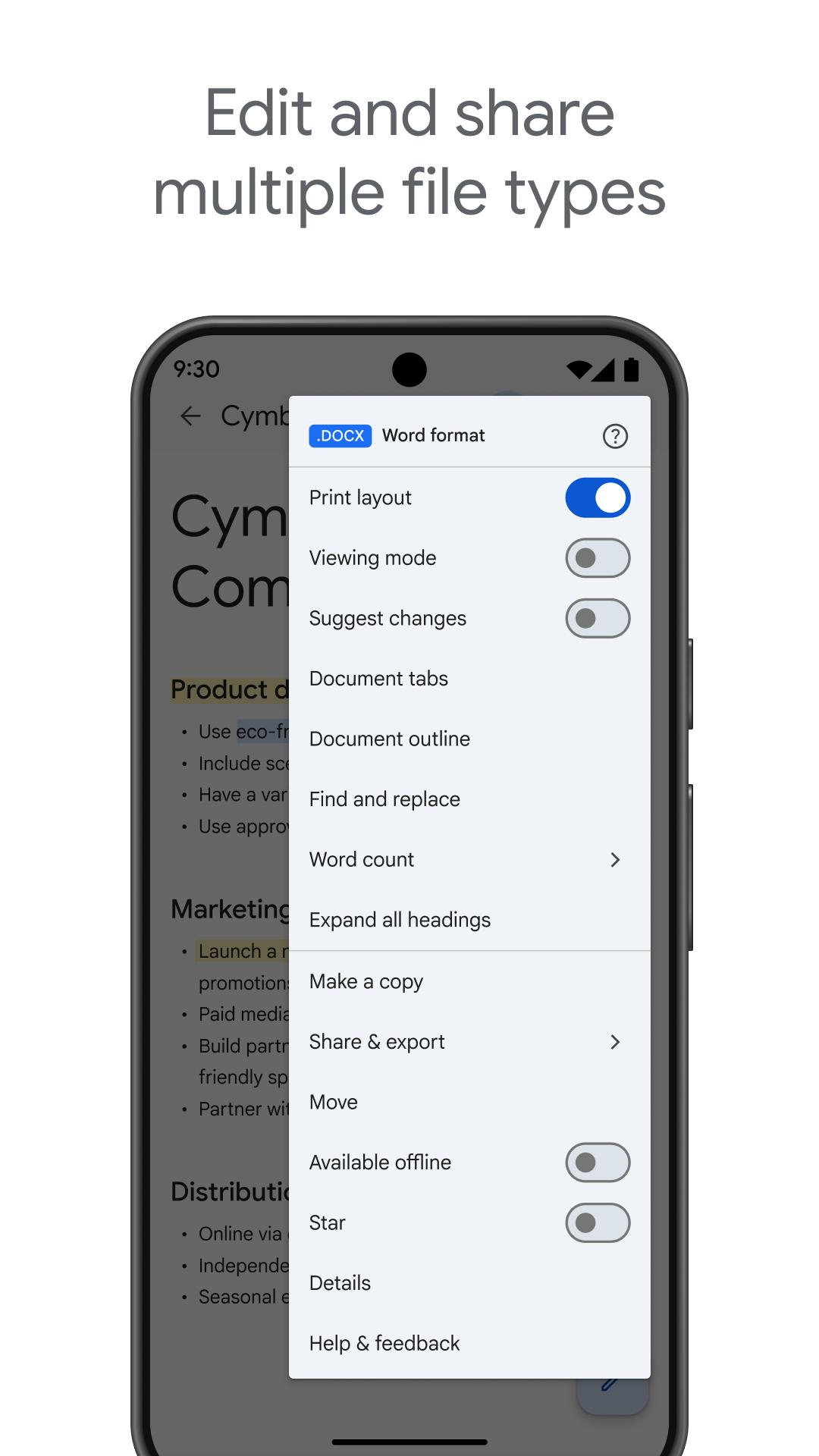
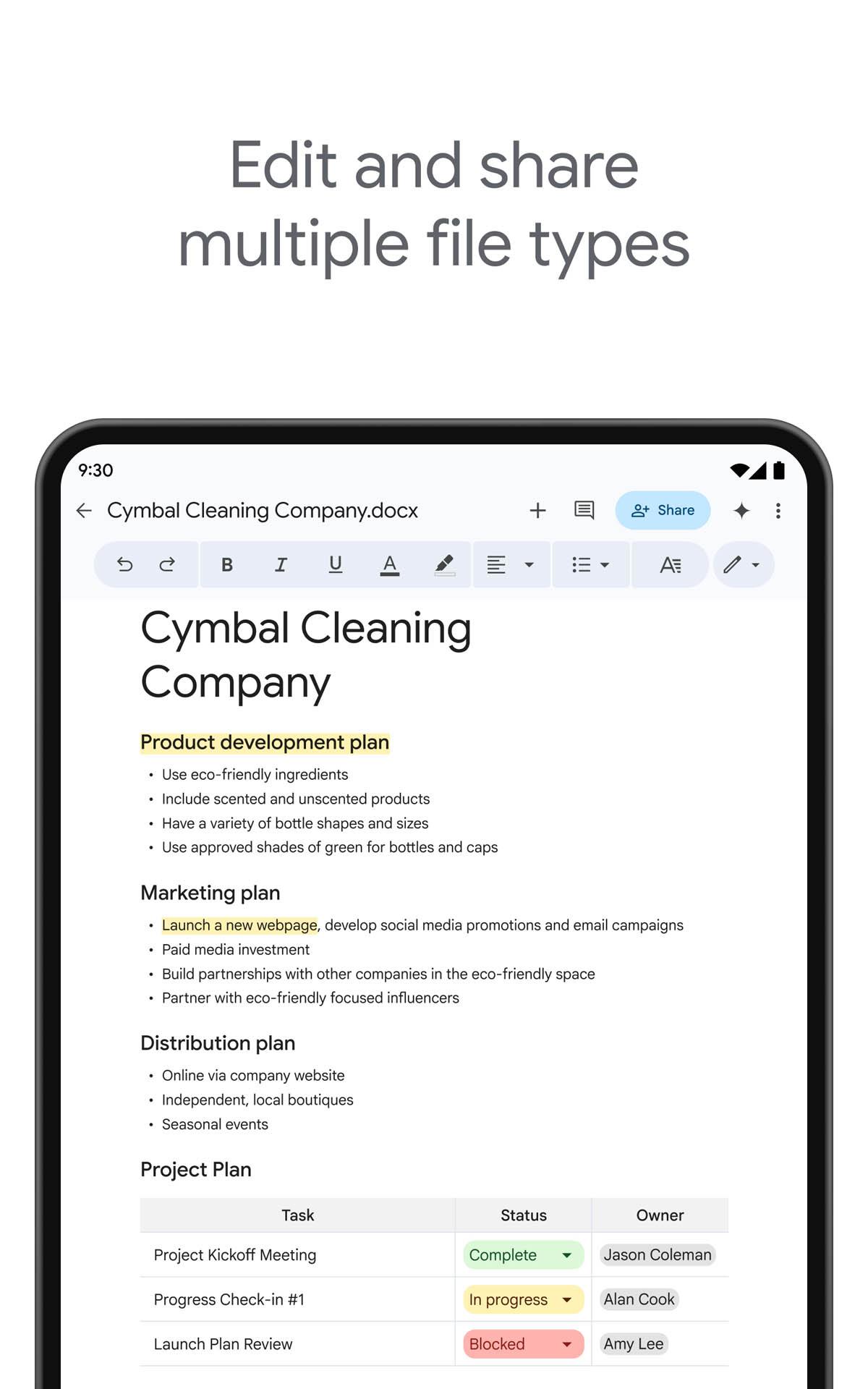
Open and edit Word and PDFsGoogle Docs opens Microsoft Word files and keeps formatting consistent during edits. You can import a PDF to make it instantly editable. Converting or exporting is available when you need a different file type, which reduces friction when collaborating with people who use other tools.
Smart writing tools built inGoogle Docs suggests spelling and grammar fixes as you type. Smart Compose offers next word suggestions to speed up drafting, and voice typing lets you dictate text. Quick translation helps when you need another language, so you can refine a draft without leaving the app.
Works with other Google appsDocuments save to Drive with autosave and version history for tracking changes. You can reply to comments from Gmail and share a document link in Meet during a call. Sheets charts embed directly in Docs, so updates flow through and your workflow stays in one place.
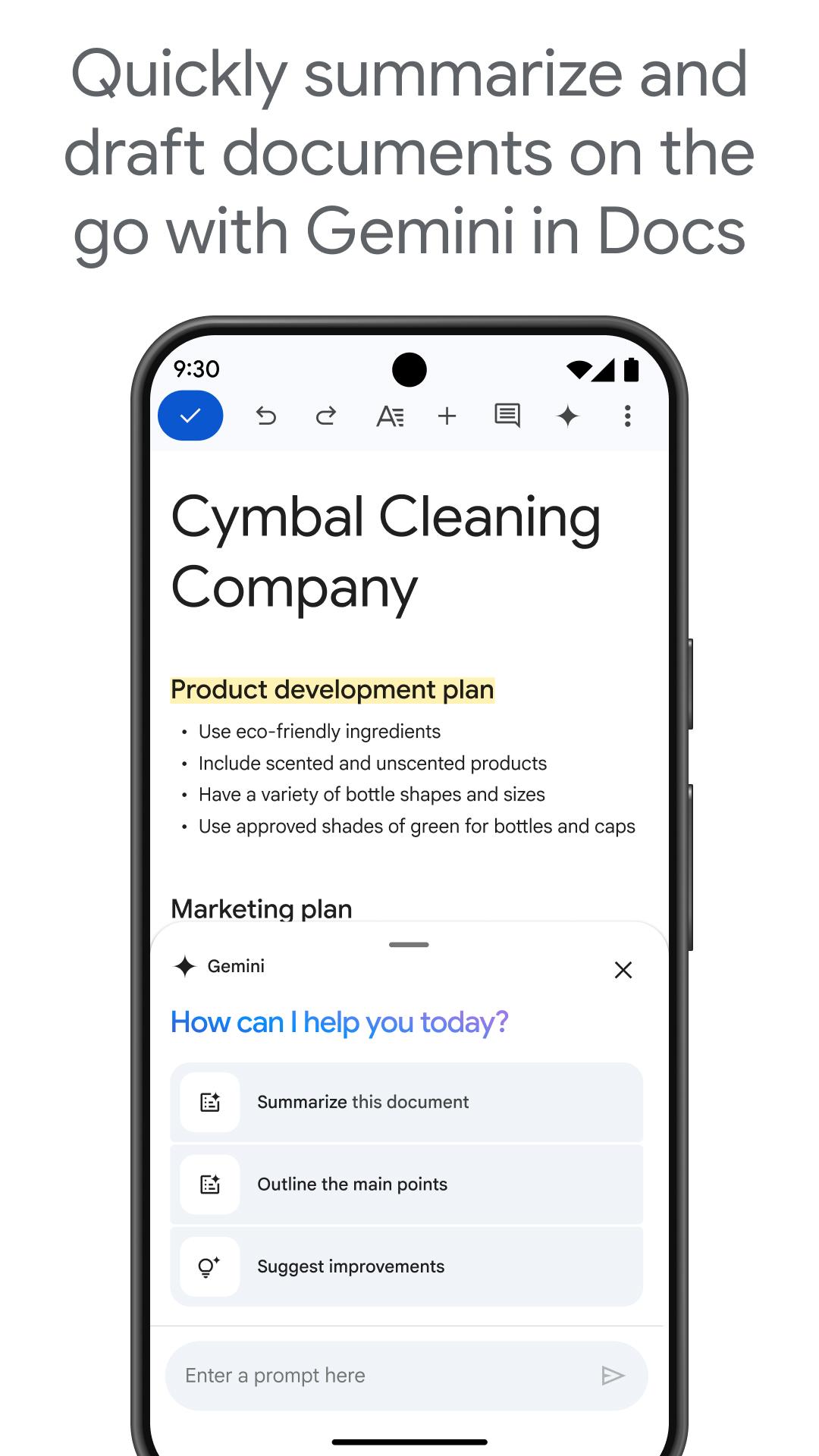
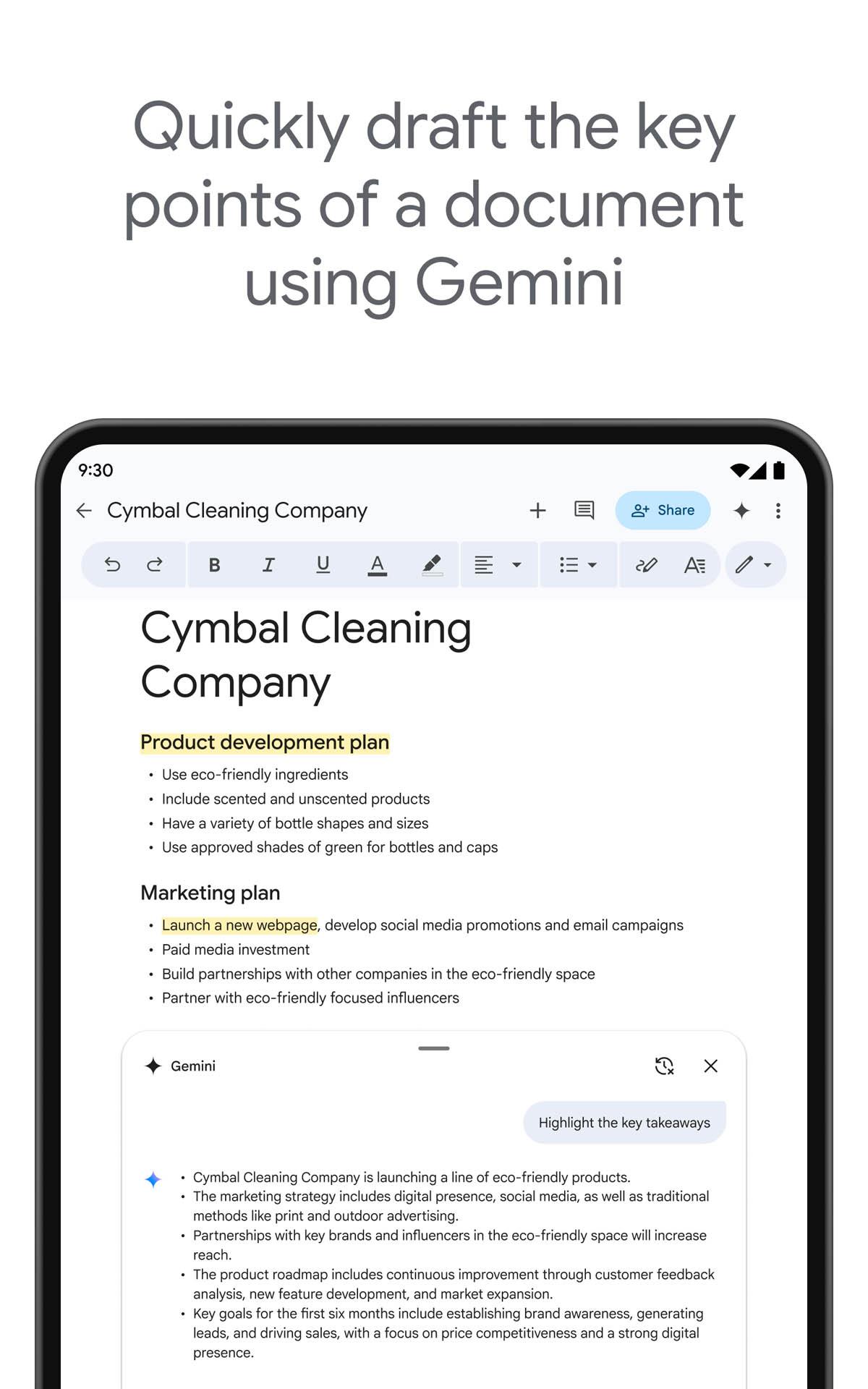
Templates, add-ons, and GeminiYou can start quickly with templates for resumes, reports, and project docs. Third party add-ons support tasks like electronic signature or project tracking. Google Workspace subscribers can use Gemini in Docs to draft, edit, create images, and improve writing with AI, and this option appears for eligible accounts.
Core document creation, editing, sharing, and collaboration features are available at no cost. Templates and many add-ons are accessible, though some third party services may require separate subscriptions. Advanced features such as Gemini in Docs are available to Google Workspace subscribers. If your team needs enterprise controls, consider whether a Workspace plan fits your workflow.
Documents are encrypted in transit and at rest. Google states that independent experts regularly verify controls and compliance. The service does not use your Docs content for ad purposes and does not sell your personal information. These commitments help users and organizations keep work protected while collaborating.
For quick access, type docs.new in the browser to start a new document instantly. People who do not use Google accounts can still review or collaborate through shared links if permissions allow. On mobile, complete your Google Docs app download and sign in to open files from Drive or shared links. You can also open documents from docs.google.com in a mobile browser when needed.
The steps below outline a simple way to write and collaborate on your phone with the Google Docs APK. Follow them to create a document, share it, and keep work moving with your team.
Google Docs keeps writing and collaboration simple across devices, with mobile editing, sharing, and helpful tools. To stay current, update to the Google Docs latest version when available. Once installed, open a blank doc or a template and start writing.
For official product information, visit:
Latest Version
1.26.161.04.90Uploaded by
Shreya Reddy
Requires Android
Android 8.0+
Category
Free Productivity AppContent Rating
Everyone
Security Report
Report
Flag as inappropriateLast updated on May 5, 2026
* Bug fixes and performance improvements


APKPure - A multi-platform app store primarily focused on Android, providing extensive app-related content. Discover the app you want easier, faster, and safer, with quick and efficient downloads and installations.