
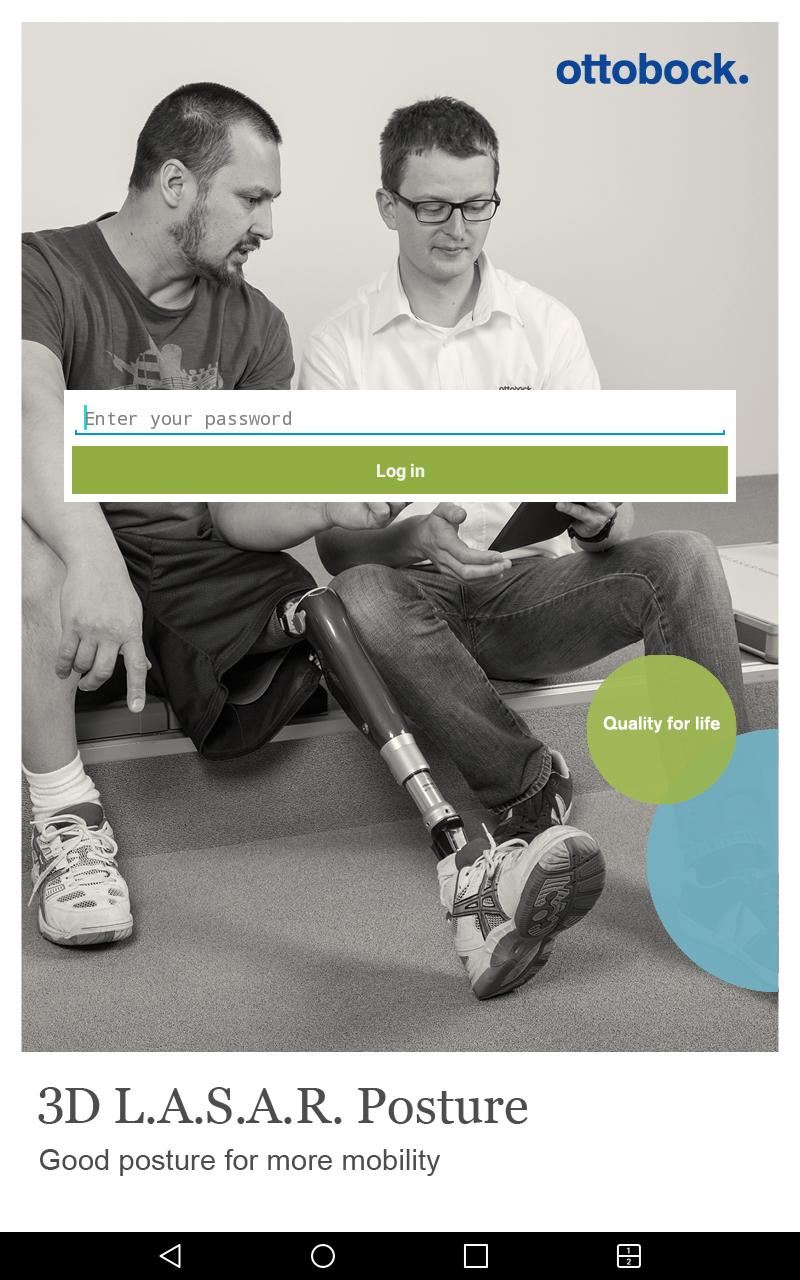
All of the functions of the 3D L.A.S.A.R. Posture can be controlled using the 3D L.A.S.A.R. Posture app. It enables orthopaedic technicians to provide a biomechanically correct static alignment of prostheses and orthoses with a degree of precision that cannot be achieved through patient feedback or with the naked eye: Devices can be optimally adjusted to each patient and individual patient statics are easily documented.
Notice: The app only works in combination with the 3D L.A.S.A.R. Posture.
Additional information
When it comes to making standing as relaxed as possible for your patient, not only is the selection of components important but, above all, their placement, orientation and adjustment as well. The 3D L.A.S.A.R. Posture gives you the right tools to achieve this. Its integrated cameras transmit your patient's image and the data from the measuring plate directly to your tablet PC. The app then superimposes all of the force vector lines onto the image with millimetre precision in the live view mode. This view displays not only the vertical line over the resulting force application point (as previously with the L.A.S.A.R. Posture), but, if required, the horizontal forces exerted when standing as well. You can see the effects of changes in the alignment in real time.
Here's how device alignment works with the app:
• The intuitive user interface shows you how the forces are being exerted.
• Horizontal and vertical force vectors display the effects of the device alignment on the patient's overall statics in real time. Frontal and lateral views are captured without the patient having to turn themselves.
• The analysis of the exerted forces provides valuable information for the static alignment of prostheses and orthoses.
Advantages at a glance:
• Every modification is immediately visible in the live view.
• Numerous additional functions make alignment and documentation easier, e.g. by measuring distances between the force line and the marker points, identifying pivot points with a digital pivot point gauge or displaying load distribution across both legs.
• Starting with the 2016 release, patient data can be conveniently transferred to the Opedia patient documentation software.
• The fitting can be easily documented, e.g. with numerous patient details and screenshots of the fitting(s).
• All components can be easily transported thanks to the compact case.
• The integrated help function uses clear animations to provide tips on interpreting the force lines.
Latest Version
2.5Uploaded by
Suchin Suchin
Requires Android
Android 5.0+
Category
Free Medical AppContent Rating
Everyone
Report
Flag as inappropriateLast updated on Jun 12, 2019
Fixed bug in Wifi connection handling.
Please observe the following:
- Please do not uninstall the app. Doing so irreversibly erases the database on the SD card.



APKPure - A multi-platform app store primarily focused on Android, providing extensive app-related content. Discover the app you want easier, faster, and safer, with quick and efficient downloads and installations.