
Dream League Soccer 2026 brings club-building, matchday action, and online competition together in one place. You manage transfers, training, and tactics with real-world licensed players. Matches feel responsive and tactical, and you progress from lower divisions toward top competitions. There are options for solo play without a connection and dedicated modes for head-to-head matches. Customization includes visual identity and stadium upgrades, and the game supports high frame rate on compatible devices for smooth play. Therefore, Dream League Soccer is suitable for both quick sessions and long careers where you shape a club over time.
Build a licensed squad
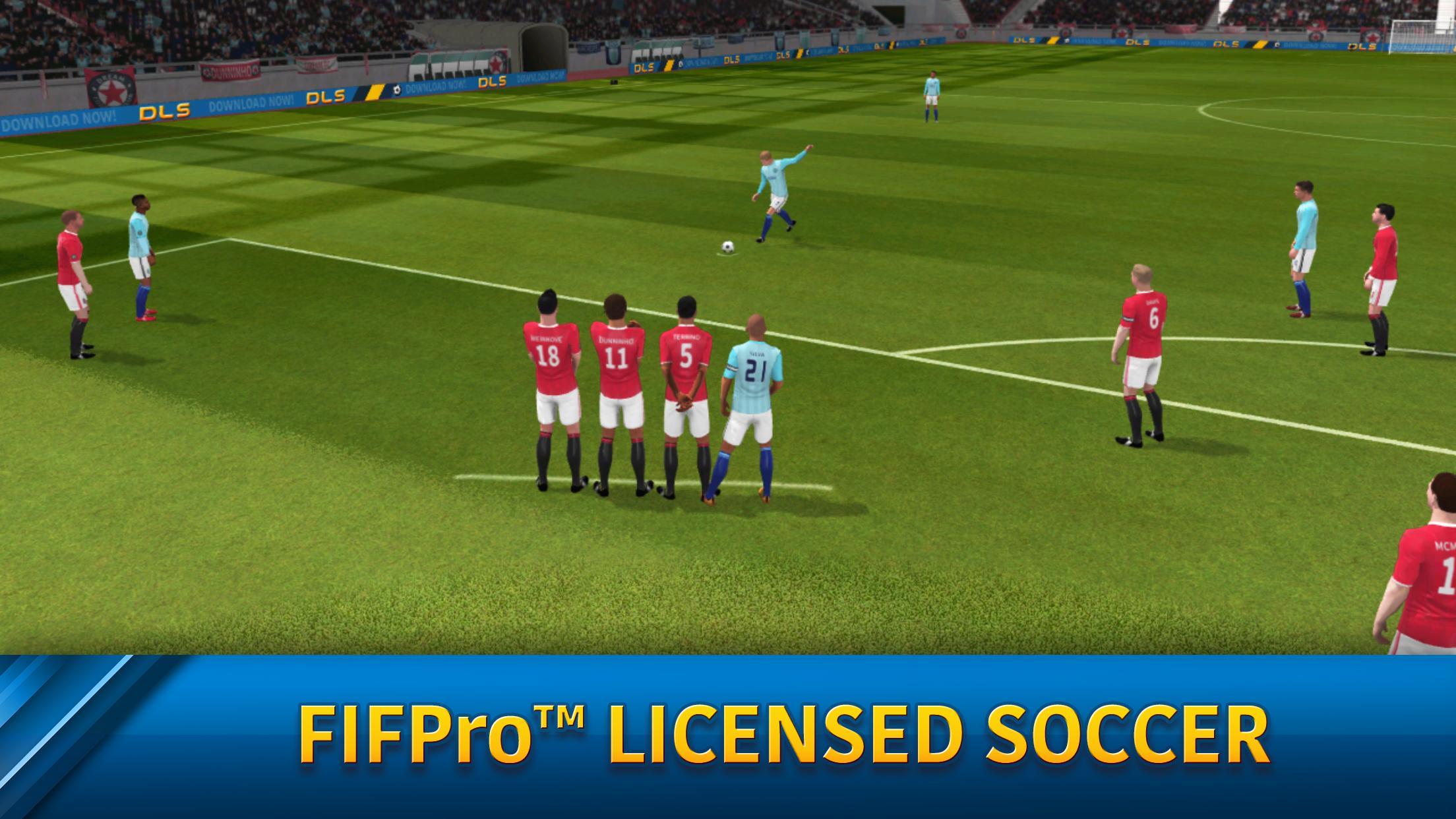
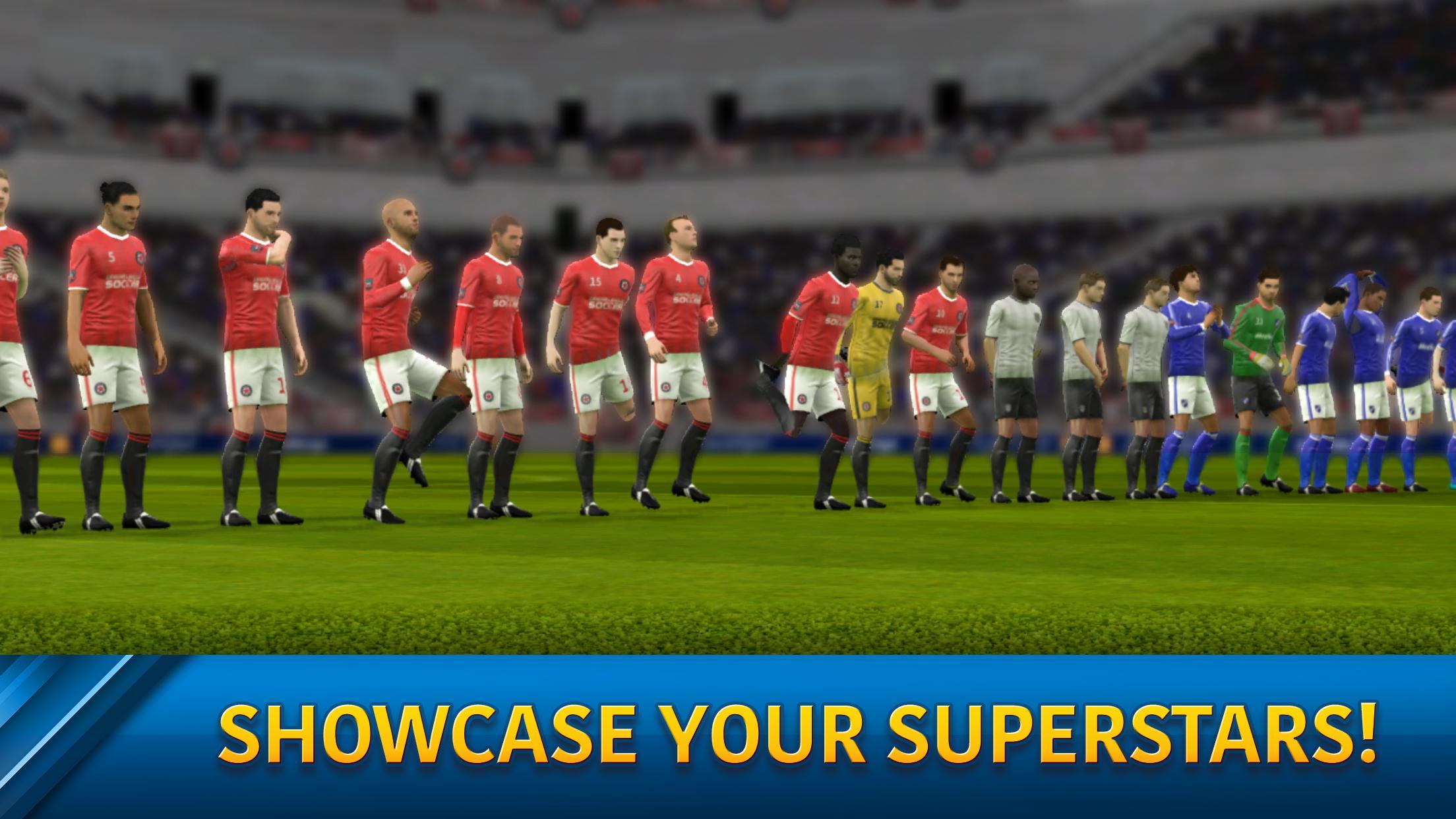
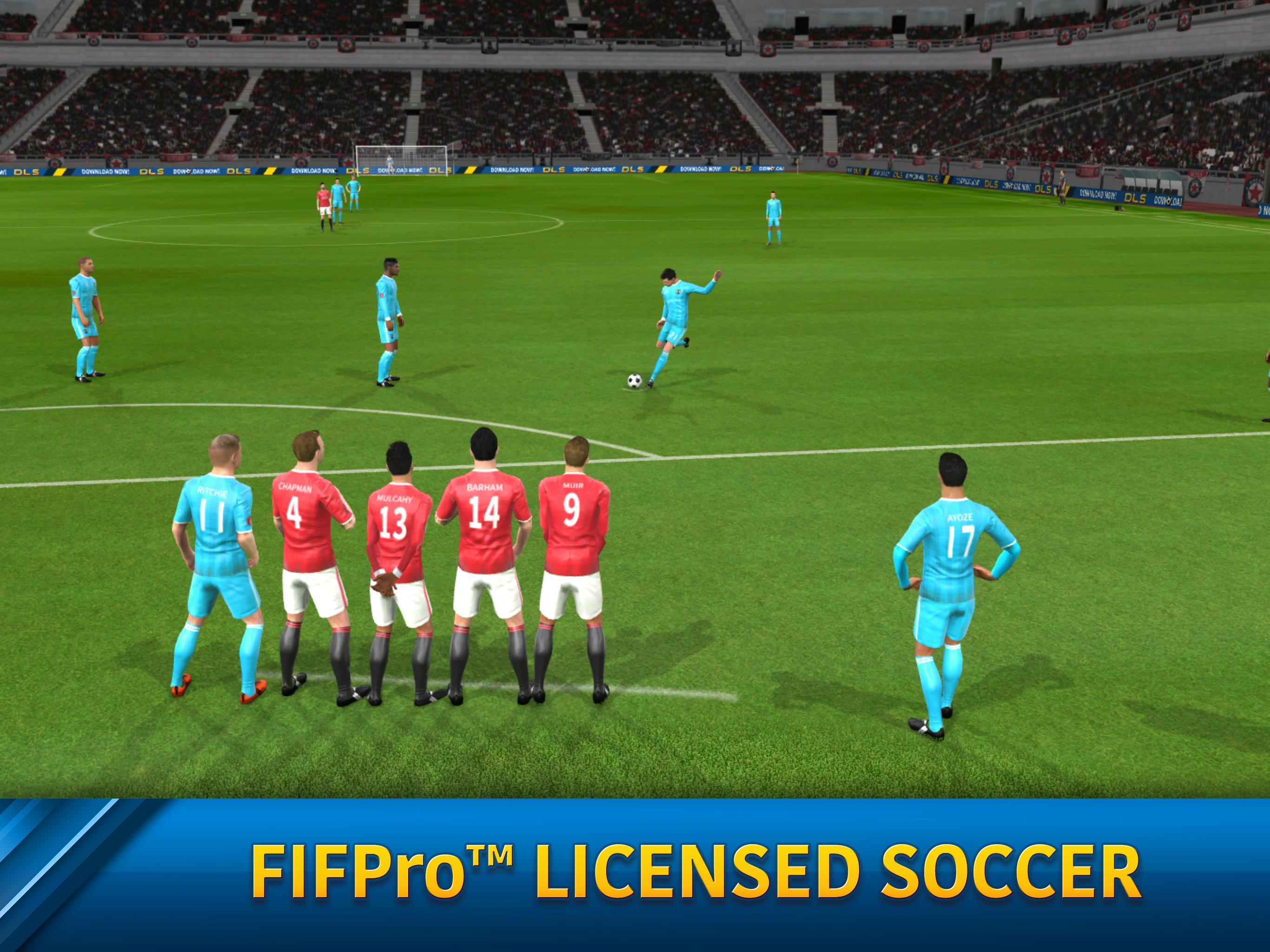
Dream League Soccer 2026 lets you sign from a pool of more than 4,000 FIFPRO licensed players and develop them over seasons. You improve attributes through training and match experience. As your squad grows, you refine a playing style that fits your goals.
Progress through divisions and cups
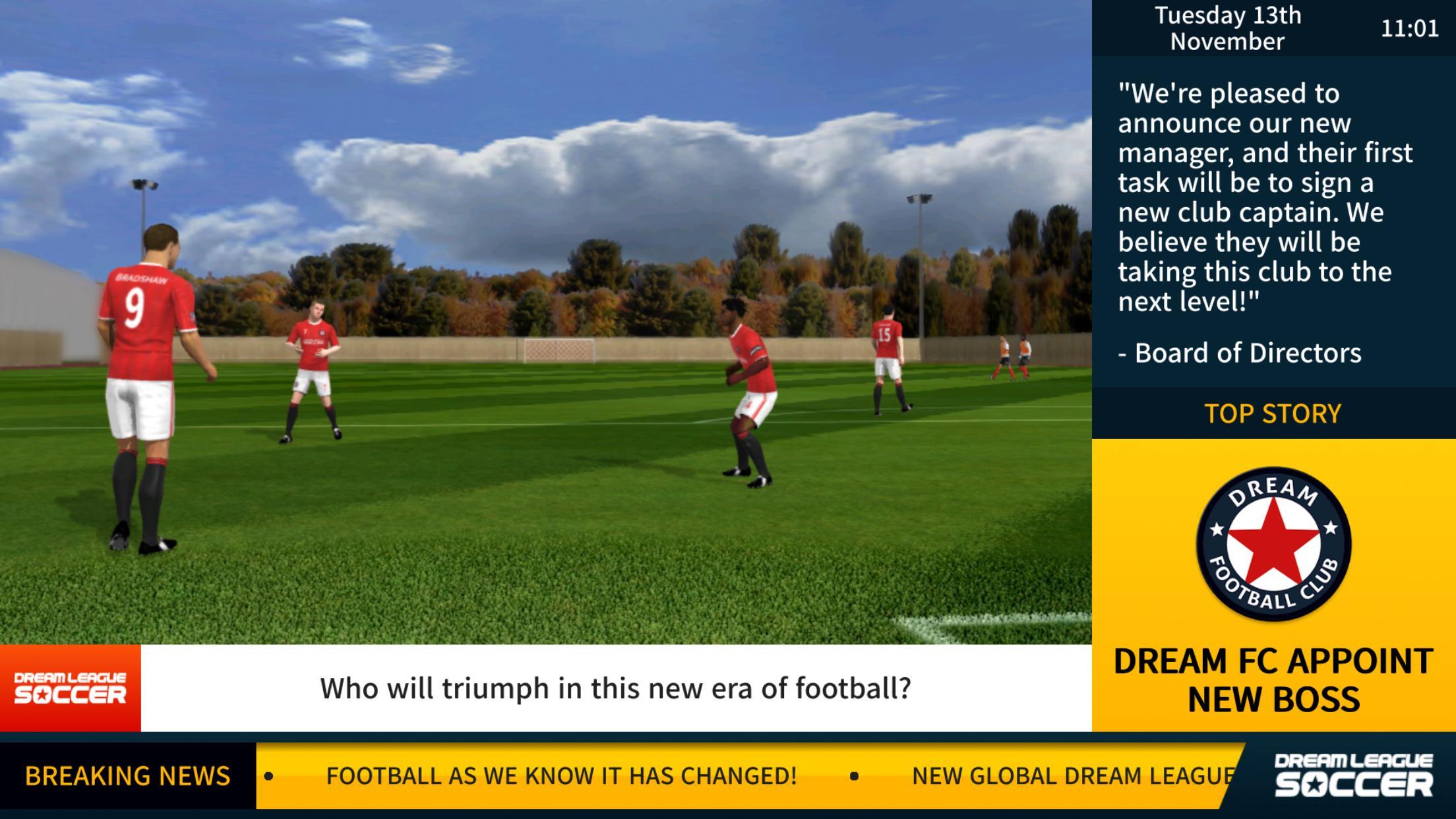
You start in lower divisions and work your way through eight tiers and multiple cup competitions. Each stage in Dream League Soccer raises the challenge and rewards. As you advance, the opposition becomes tougher, and your club's reputation improves.
Dream League Online competition
Dream League includes ranked online matches with live events, achievements, and leaderboards. You test your team against global opponents and track progress over time. This creates a clear path for competitive play beyond career mode.
Deep club control and customization
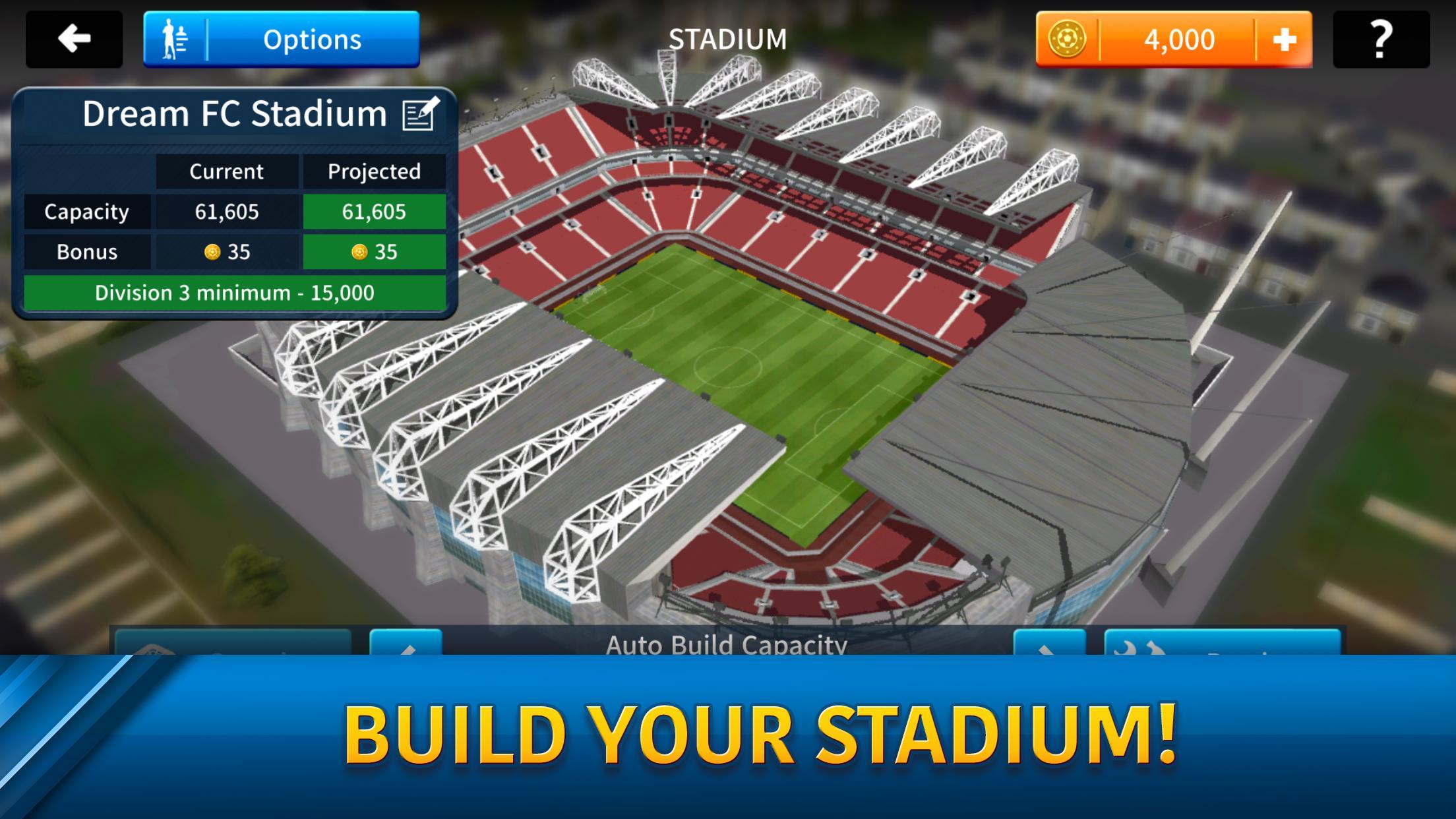
You set formations and tactics, adjust roles, and import custom kits and logos to match your brand. As you invest earnings, Stadium building adds capacity and facilities.
Fluid gameplay and visuals
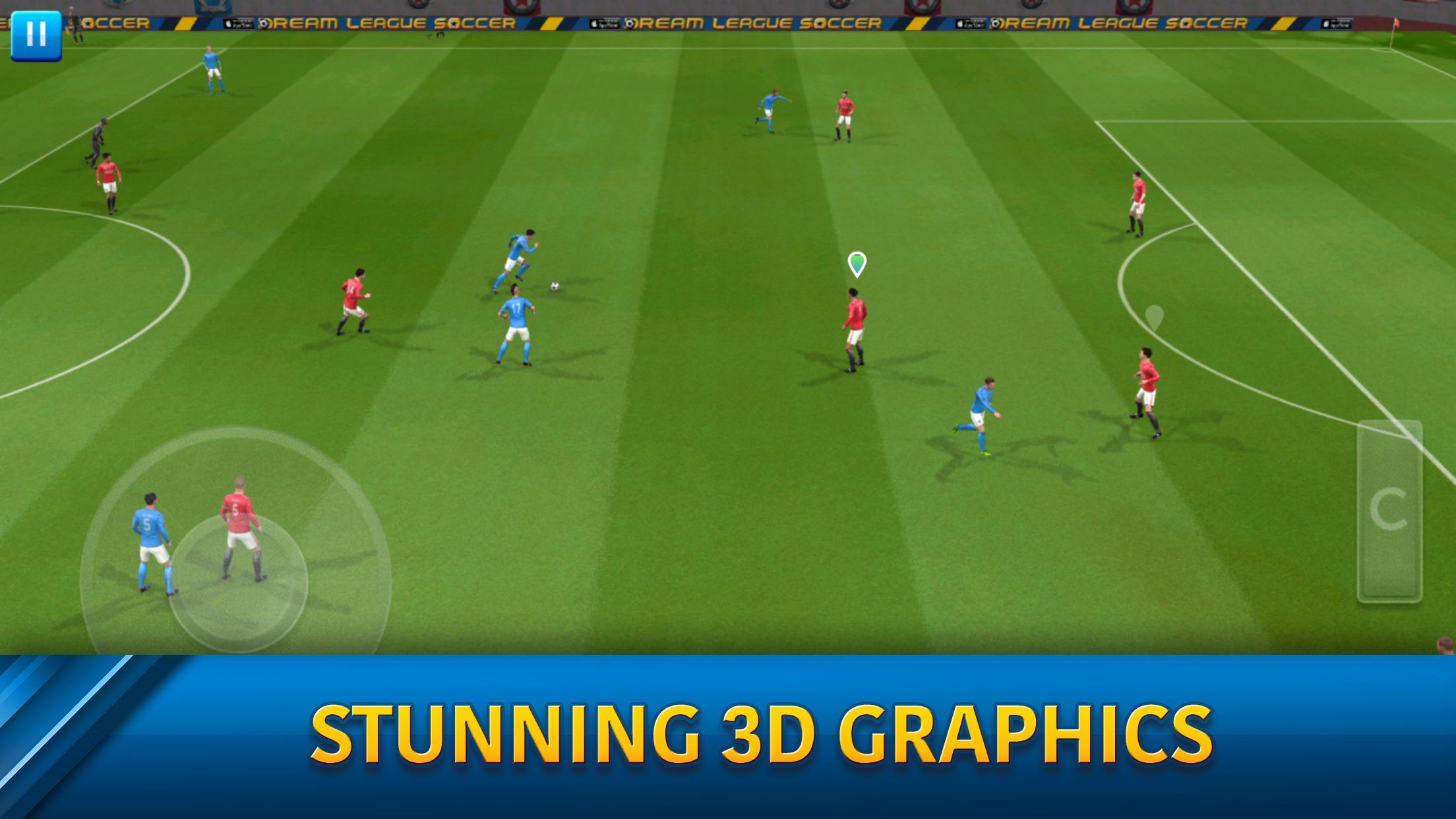
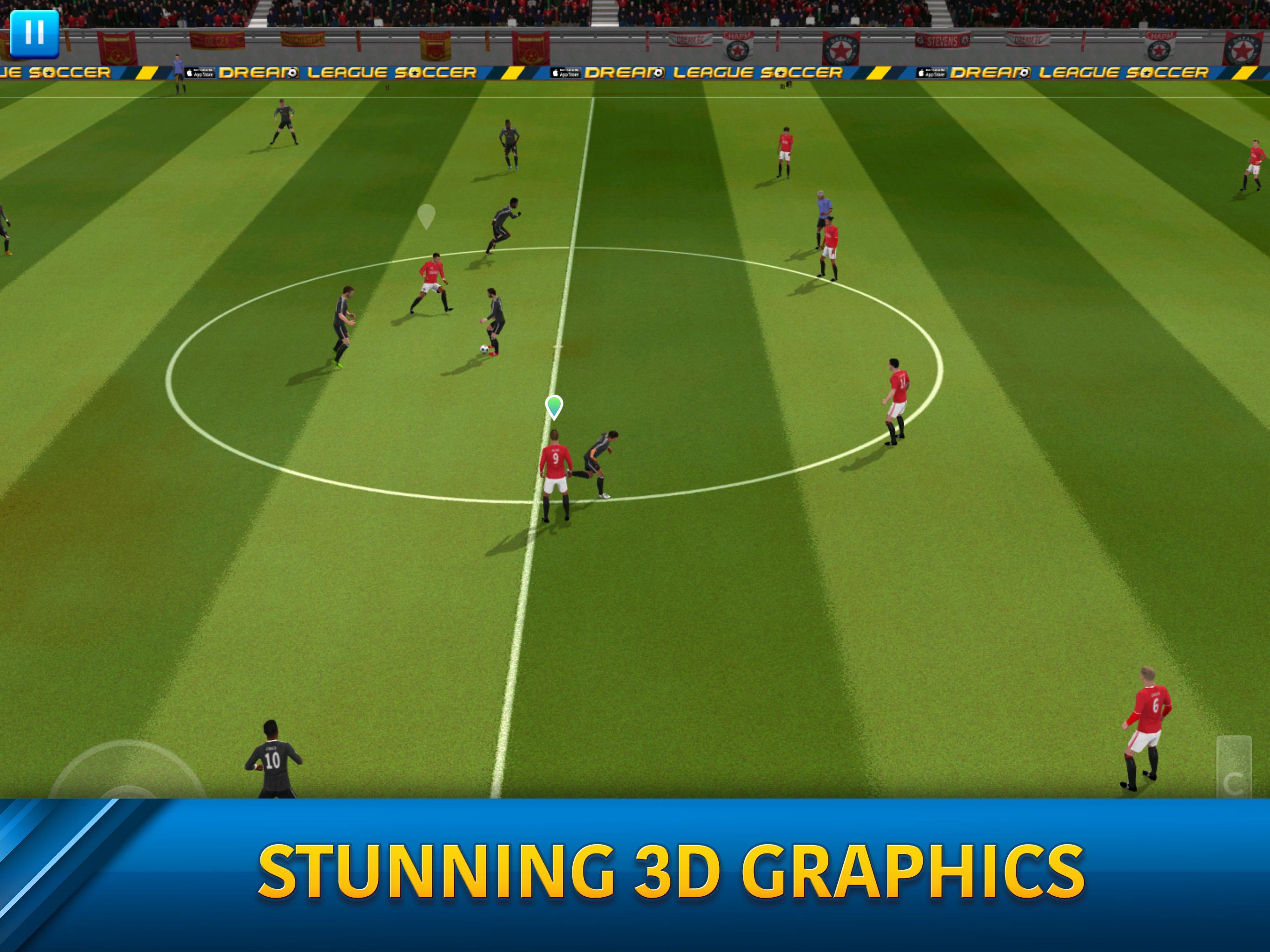
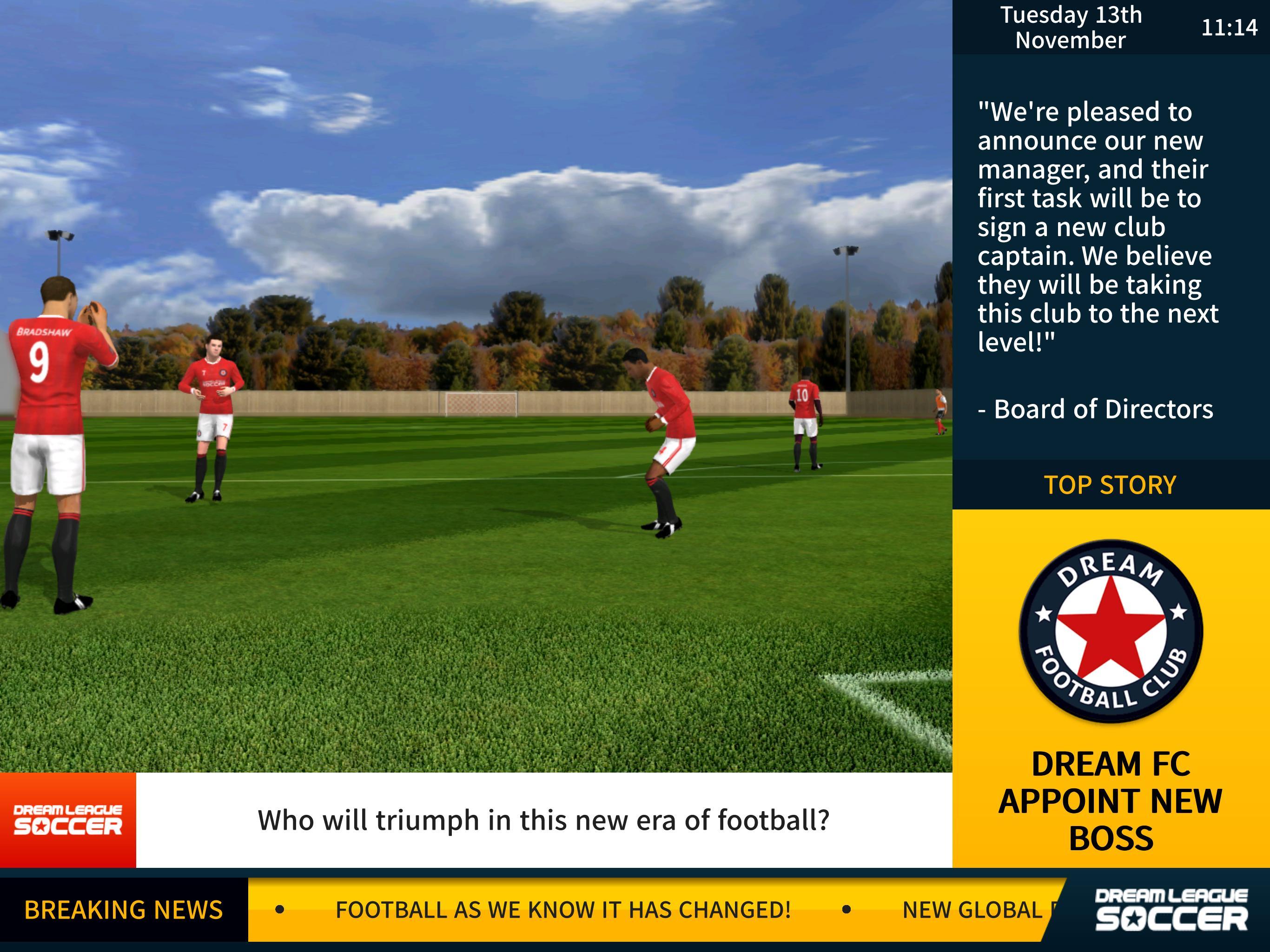
Dream League Soccer delivers realistic animations and responsive controls for clear passing and shooting. High frame rate support on compatible devices keeps action smooth. As a result, on-pitch decisions feel precise during critical moments.
Play your way
You can enjoy offline play for solo matches and training, or join online modes when connected. Cloud save support helps keep Dream League Soccer progress backed up. Regular events provide fresh objectives and rewards throughout the season.
Monetization and ads
Dream League Soccer is free to play with optional in-app purchases for currency and upgrades. Third-party ads may appear during play sessions. After purchasing in-game currency, you can disable ads within the shop.
Data usage and controls
The game may download content and ads over WiFi or mobile data. You can turn off mobile data usage from the in game settings to control bandwidth. Therefore, large downloads can be reserved for WiFi only.
Playing on PC
Dream League runs on Android devices and can also be played on a Windows PC using an Android emulator. Install an emulator, then use the Dream League APK from APKPure to set up the game. This approach is helpful if you prefer a keyboard or a larger screen.
Use this quick guide to set up your club and begin your first season. The steps cover basic setup, team building, and your first matches。
Download Dream League Soccer APK latest version on APKPure, install it, and launch the game.
Complete the initial tutorial, choose your captain, and review the basic controls.
Open the Transfers and Team Management screens to sign players and adjust your lineup and formation. After that, assign set-piece takers and pick a tactic that suits your squad.
Play a few career matches to earn coins and experience. Then visit Training to practice shooting, passing, and defending for better results.
Upgrade your stadium and customize kits and logos in the Club section. So when you are ready, enter Dream League Soccer Online to try ranked matches and live events.
Dream League Soccer combines licensed players, career progression, and online competition with strong customization options. Download Dream League APK latest version on APKPure and start building your club today.
Official support and news channels:
Official website: ftgames.com
Facebook: Dream League Soccer
Twitter: @firsttouchgames
YouTube: First Touch Games
How do I import custom kits and logos in Dream League Soccer?
To import graphics, open Club, select Customize Kit or Customize Logo, and choose the import option. Paste a valid image URL that meets the game’s size and format requirements, then confirm to apply it. Dream League Soccer will update your visuals instantly, and you can switch designs anytime.
How do I back up or sync my progress in Dream League?
Open the game settings and enable cloud save to back up your club. This lets Dream League store your progress online so you can restore it after reinstalling or when switching devices. Make sure the backup completes before logging in on another device.
How do ranks and leaderboards work in Dream League Soccer Online?
Dream League Soccer Online assigns ranks based on your match results, with leaderboards that refresh over time. Winning increases your points and position, while losses may reduce them. Live events and achievements add extra goals that contribute to rewards for sustained play.
Does Dream League Soccer support high frame rate, and how do I enable it?
Dream League Soccer supports high frame rate on compatible devices. Go to settings and look for graphics or frame rate options, then select the higher setting. If performance drops, reduce quality to maintain stable gameplay.
Latest Version
6.15Uploaded by
Victor Miguel Victor Miguel
Requires Android
Android 5.0+
Category
Free Sports GameContent Rating
Everyone
Report
Flag as inappropriateLast updated on Oct 8, 2024
Minor bug fixes and improvements. Install or update to the newest version to check it out!


APKPure - A multi-platform app store primarily focused on Android, providing extensive app-related content. Discover the app you want easier, faster, and safer, with quick and efficient downloads and installations.