Sharing files by converting into zip, is a professional way. So, try this Zip File Reader: Rar Extractor, Zip file extractor app and convert your files into zip file and share them where you want. Compression and decompression are possible with this zip rar extractor for android: zip reader. You can also reduce size of your files by decompressing them with the help of this zip file reader: zip unzip app.
Key features of this Zip File Reader: Rar Extractor, Zip file extractor
It is a zip opener android
Zip and unzip audio files
Share and delete zip files
Compress video files
Zip and unzip video files
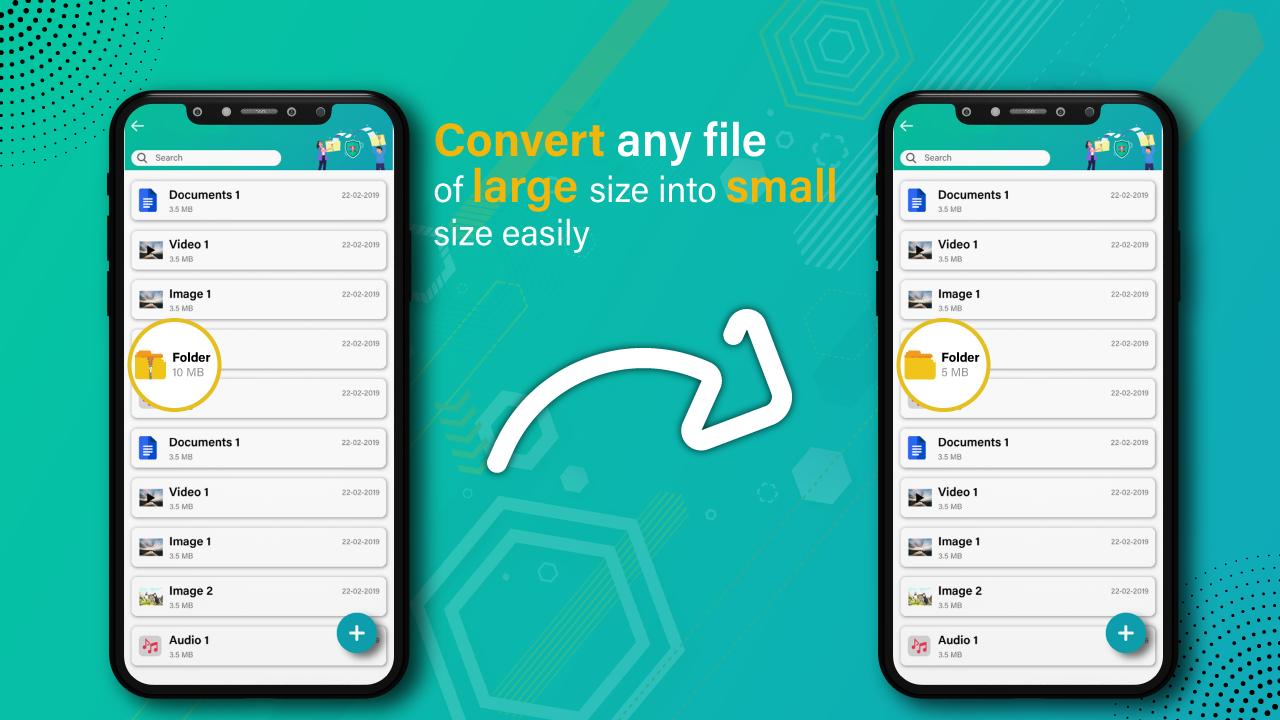
Reduce file size
Compress audio files
zip viewer: zip file maker
This zip opener android: Zip File Reader allows you to make zip files easily. If you have phone space issue, then you can compress your data and reduce size of your files to save your phone memory. Mostly we face issues while sending large files via social media, so convert your files in zip files and send to others easily. This zip unzip app provides you some amazing features like you can open and view your files before converting them into zip files.
Compress audio files - zip file reader
Zip file extractor for android: zip viewer allows you to convert audio files into zip format. You can also unlock zip files by using this zip file extractor for android: zip reader app. The easy way to zip and unzip your files is that, simply install this Zip File Reader: Rar Extractor, Zip file extractor. Sending zip files is the professional way to share data, so try to do professional things and convert your audio files, documents and video files into zip format with the help of this zip file maker: Zip Unzip File app.
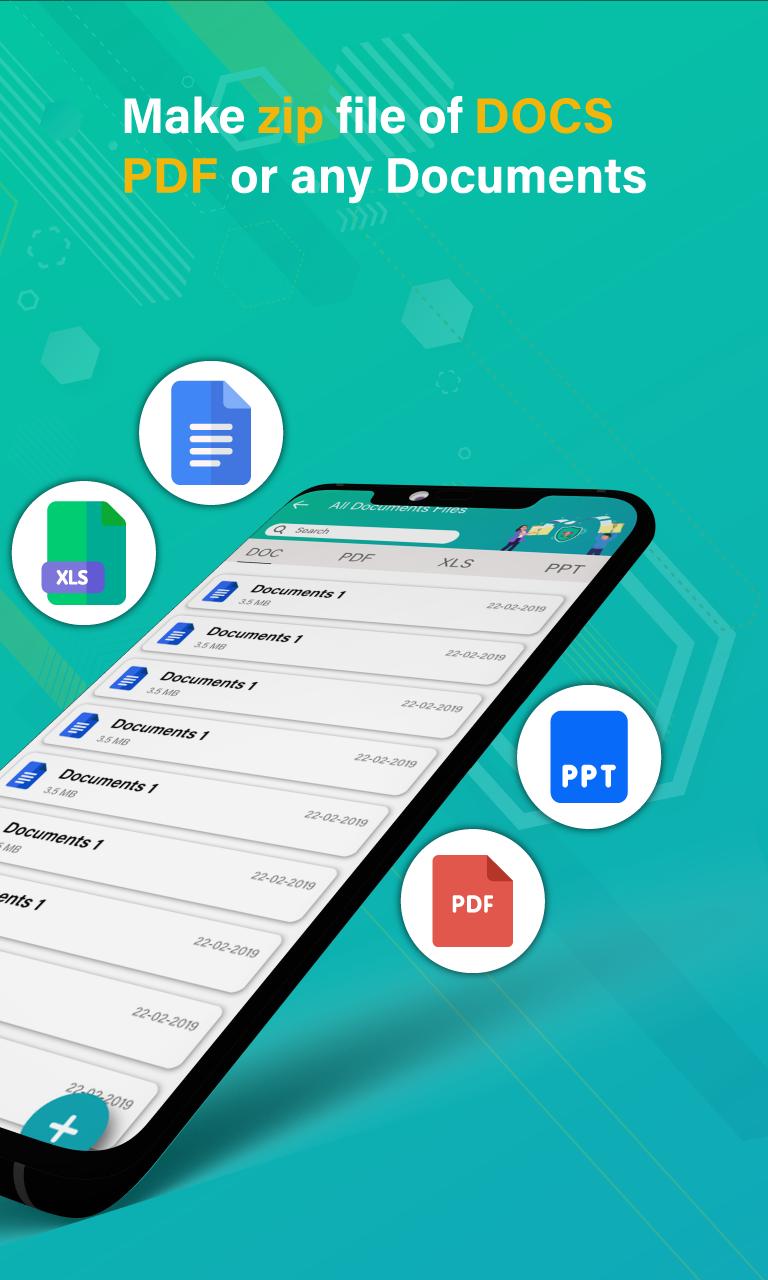
Open pdf files: zip opener android
This zip software: zip archieve has the ability to open pdf files before converting it into zip format. You can preview your documents before making it zip file. Zip your pdf document and reduce size of your pdf document to send it to others. If you have less internet data then compress your documents or files and share in less internet data. This zip reader app: zip opener android can load your all files separately.
zip decompressor: zip rar extractor for android
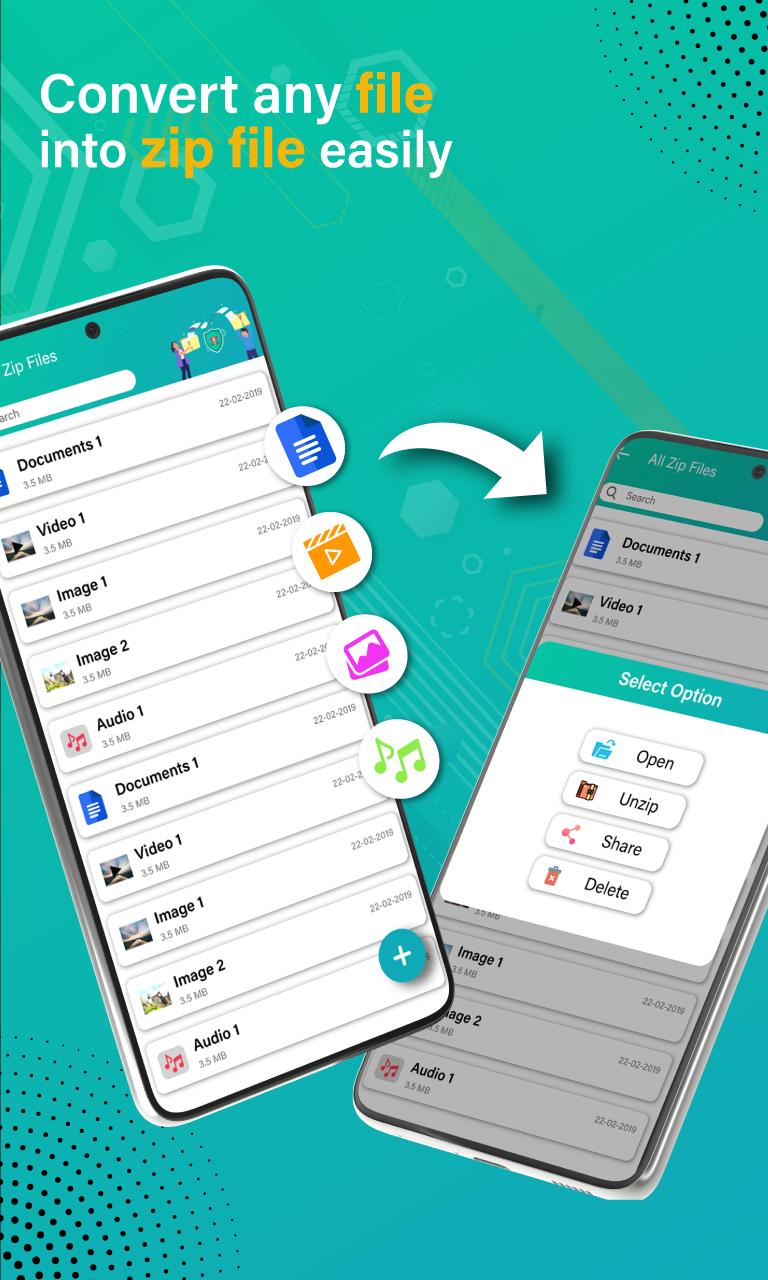
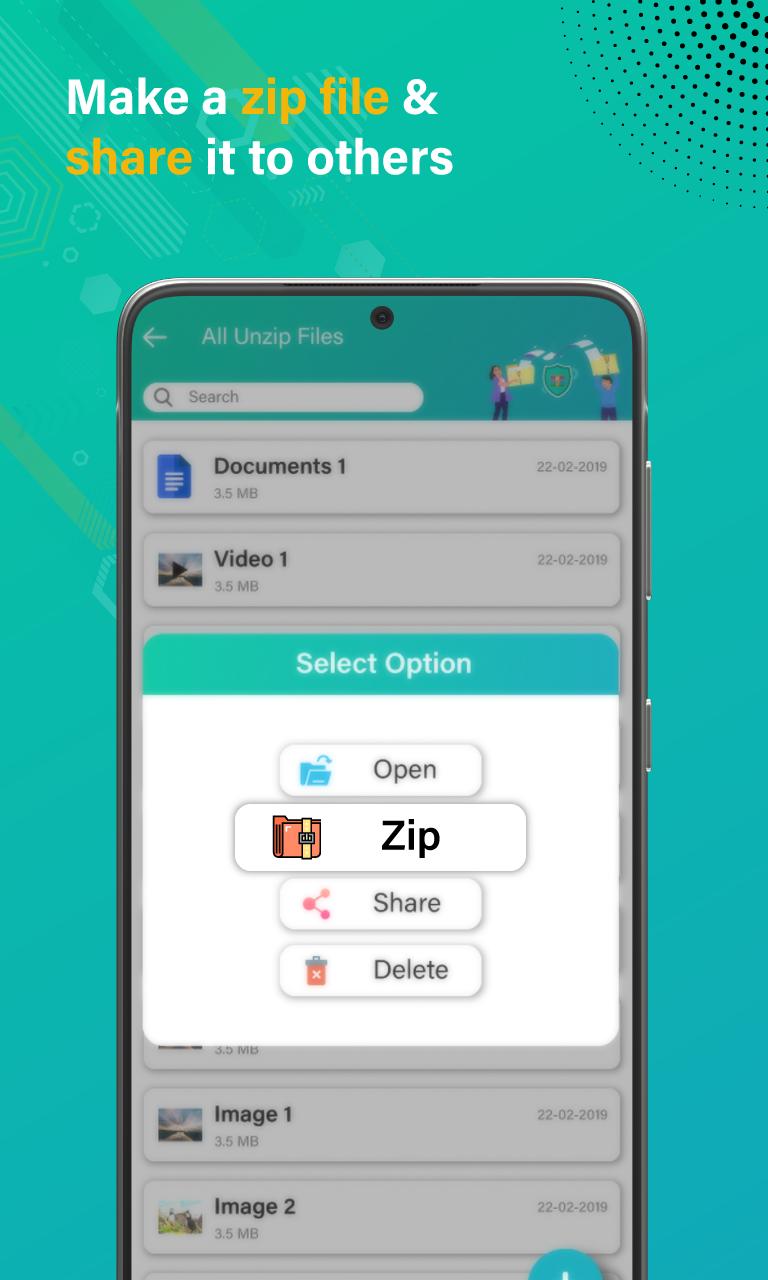
If your phone already contains zip files and you want to unzip files, the you can also do this by the help of our zip file extractor for android: zip viewer. You can make one zip file of multiple documents because this Zip File Reader: Rar Extractor, Zip file extractor allows you to do multi selection of documents to delete, share and make zip file.
Compress video size: Zip unzip tool
Sending zip files is a secure way to share data, how it secures? When you make zip file of any document, it can only be open with the RAR extractor or unzip tool. No one can open it without unzipping tool or file extractor. If you want to share large videos via social media, then instantly zip your video file, when you convert your video file into zip file, size of zip file will automatically reduce and it will consume less internet data while sharing.
Files which you can convert into zip format:
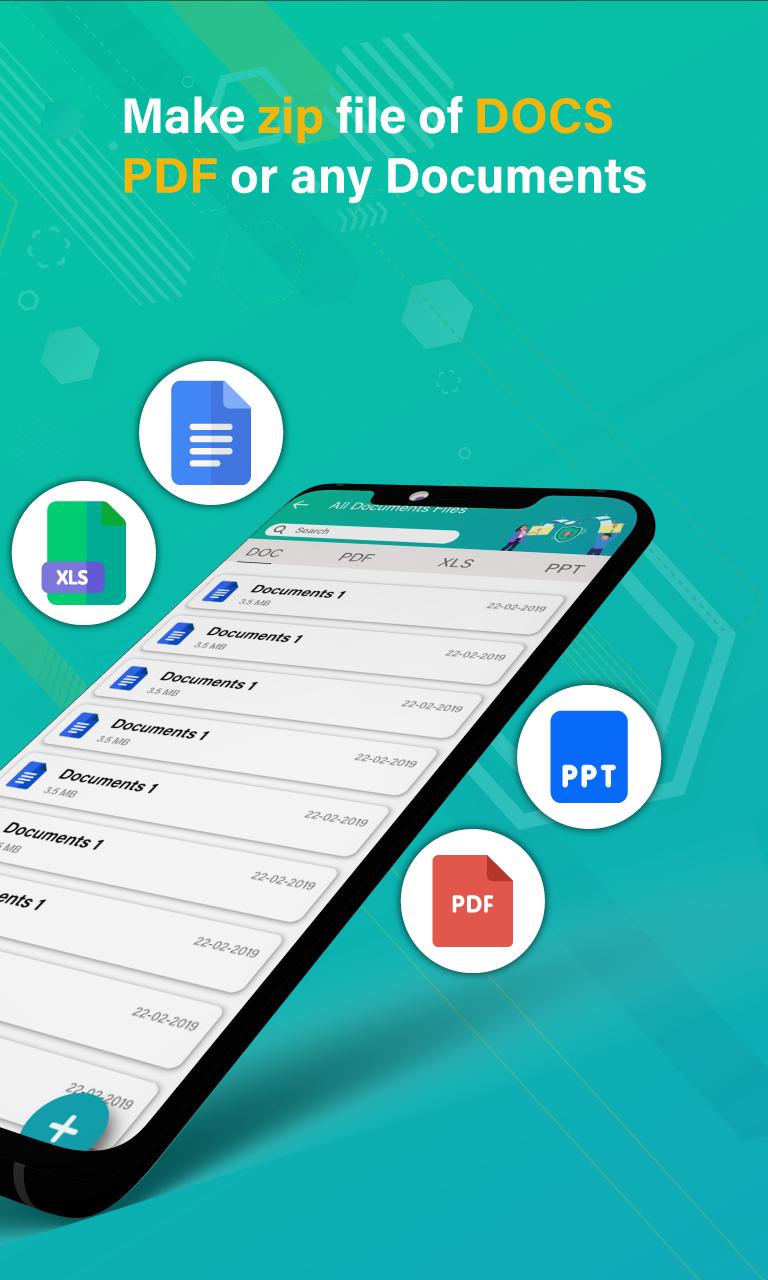
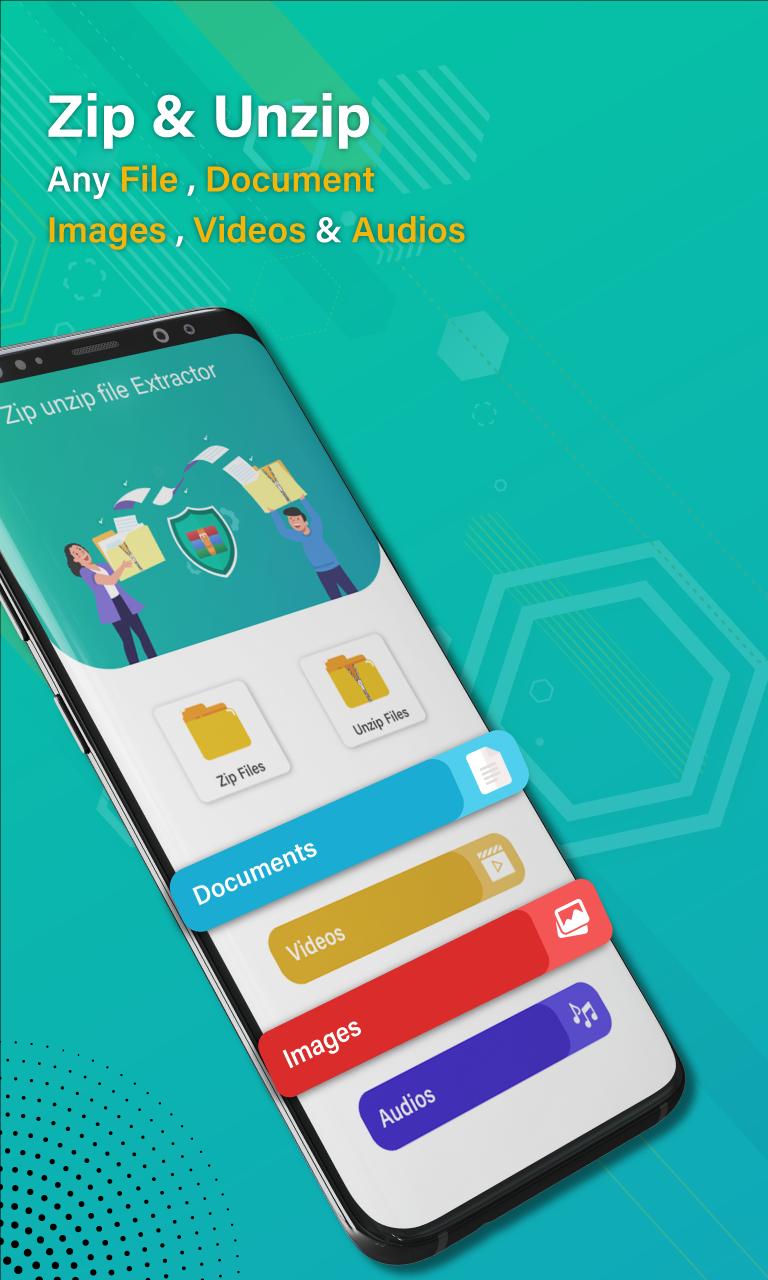
Document (All kind of documents like xls, pdf, docx and ppt)
Videos
Images
Audios
How App Works?
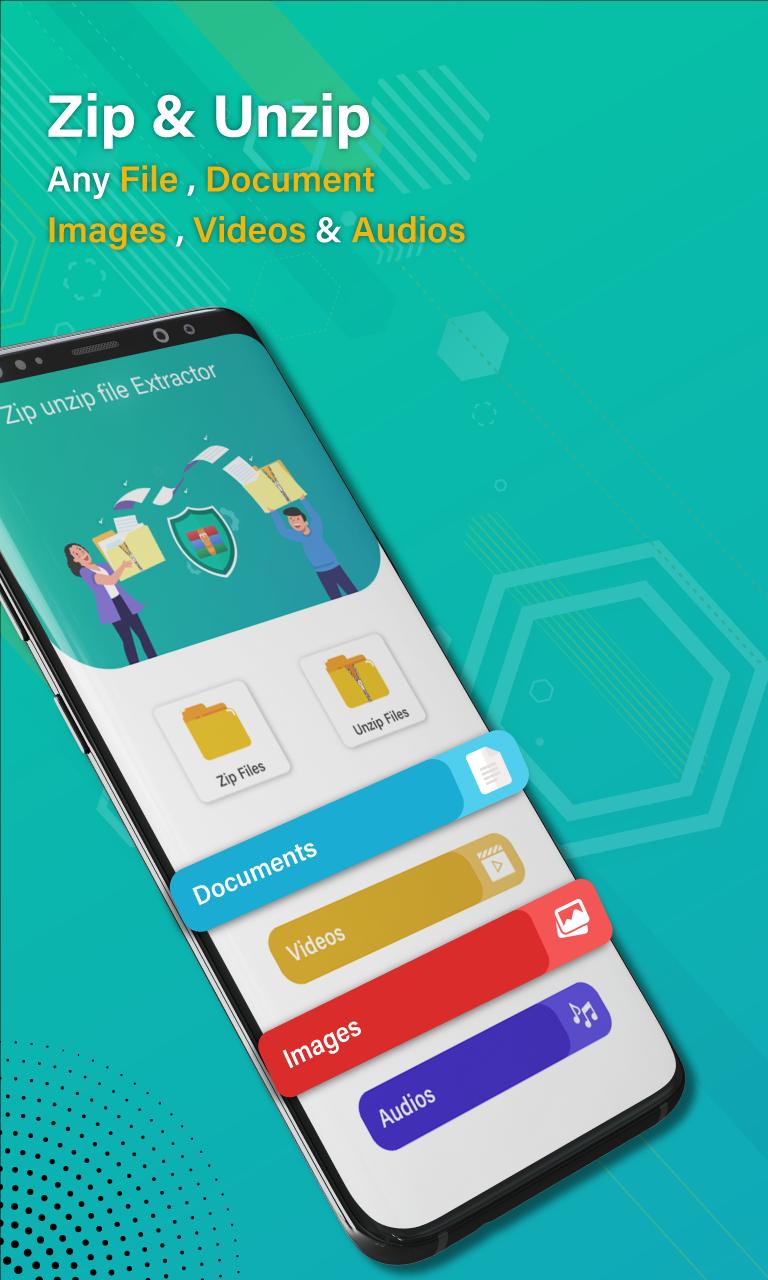
By pressing zip files button, you can get all zip files.
Press unzip files button to view your all unzip files.
To load you all documents to make zip files, click on documents button.
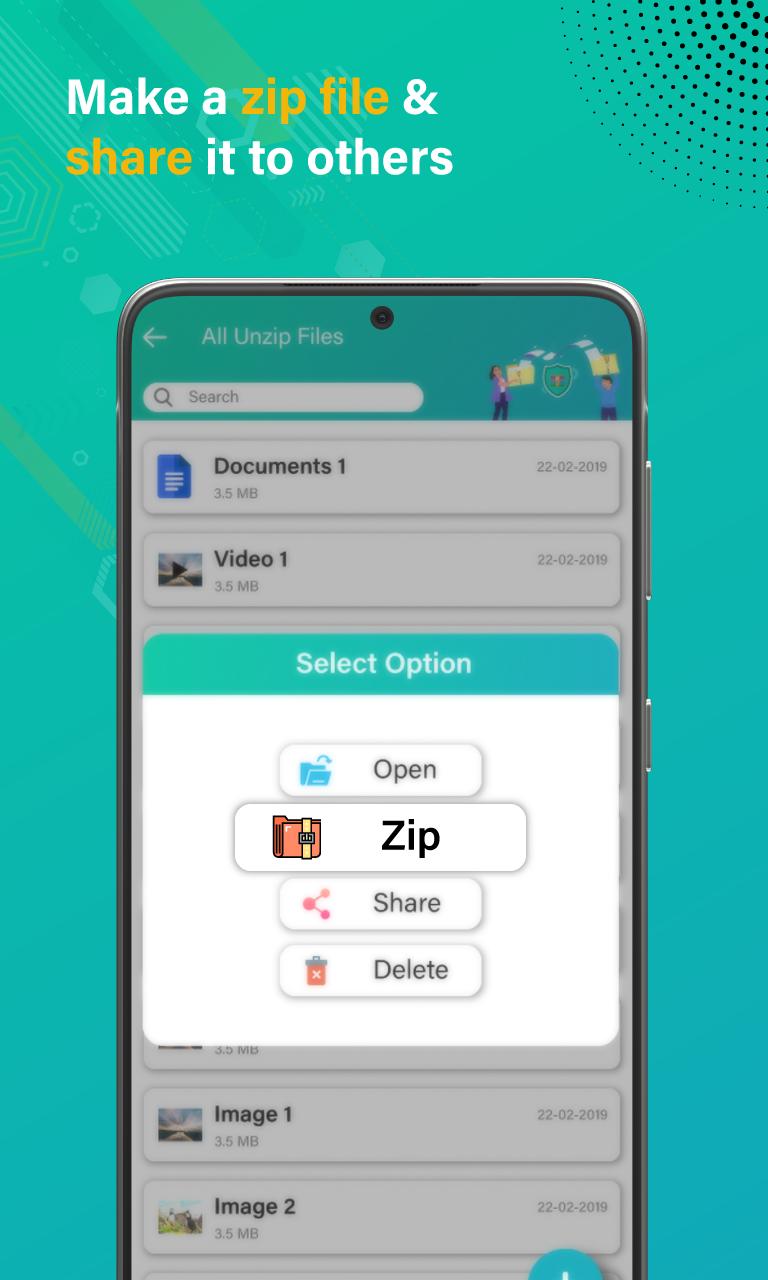
To delete file, click on delete button.
By pressing share button, you can share your files.
Privacy note for app
Zip File Reader: Rar Extractor, Zip file extractor is safe app, it will not take any personal information of any user and will not share anything to third party.
Latest Version
1.0.3Uploaded by
พิ้'เบียร์ หัวร้อนเกมมิ่ง
Requires Android
Android 5.0+
Category
Free Tools AppContent Rating
Everyone
Report
Flag as inappropriateLast updated on May 17, 2022
Minor bug fixes and improvements. Install or update to the newest version to check it out!

APKPure - A multi-platform app store primarily focused on Android, providing extensive app-related content. Discover the app you want easier, faster, and safer, with quick and efficient downloads and installations.















