Package Name:com.winzip.android
SHA-256:e7e22714c7c53555e0e304f8e50979c95804669f555f16d28e8ce1f5f06374f7
Show More

WinZip APK helps when you receive a compressed attachment or need to package files before sharing. It opens archives so you can quickly see what is inside, and it manages compressed items on your phone or in online storage. You can add protection before sending files, and you can start common actions from the Android share sheet. When a zip appears in email or on the web, tap “Open with WinZip” to begin, then continue with simple on screen steps.
Zip and unzip with one tap
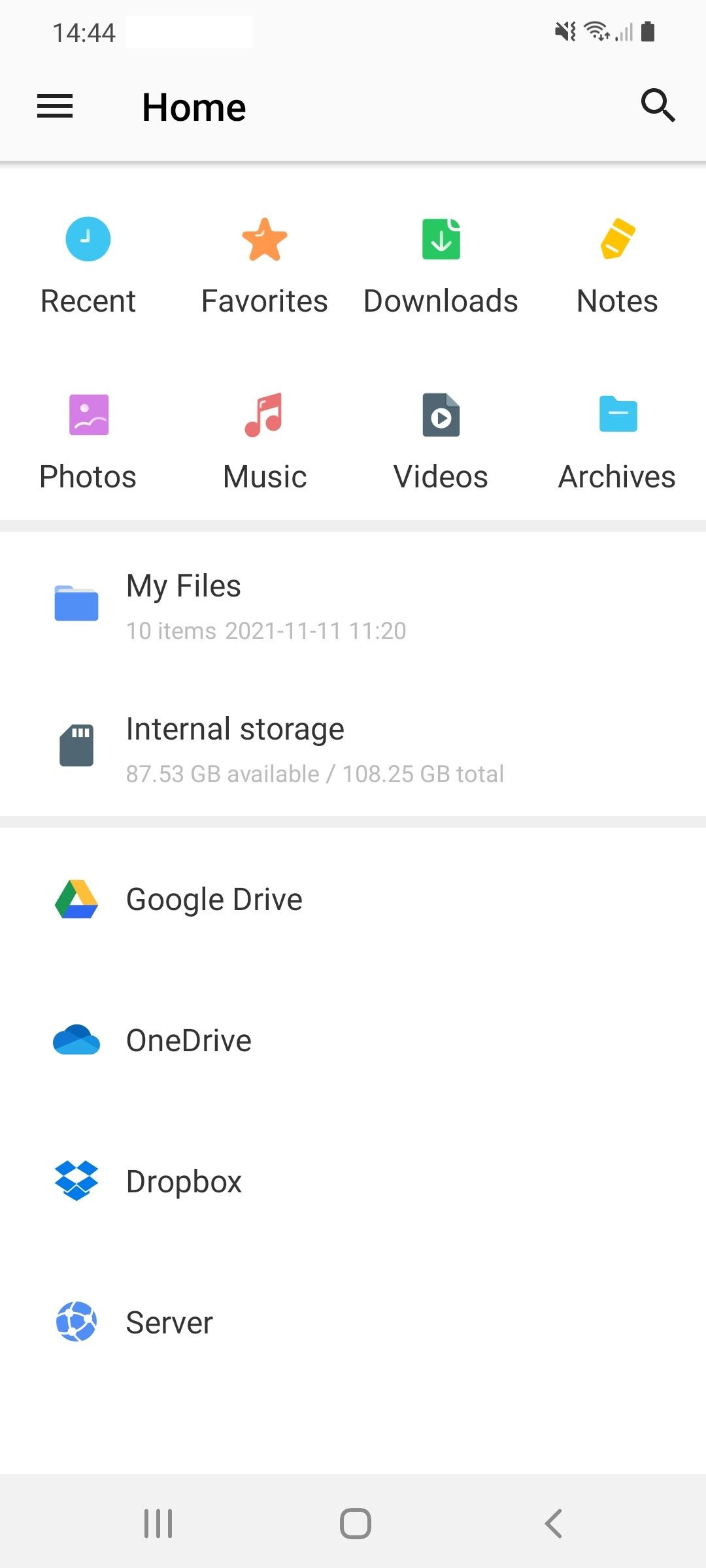
First, WinZip zips files and folders into Zip or Zipx, and extracts major compressed types with a quick tap. You can work with items stored on your device or move them between local storage and connected services. This reduces file size for email and keeps related files together for easier handling.
Direct cloud access
File protection and passwords
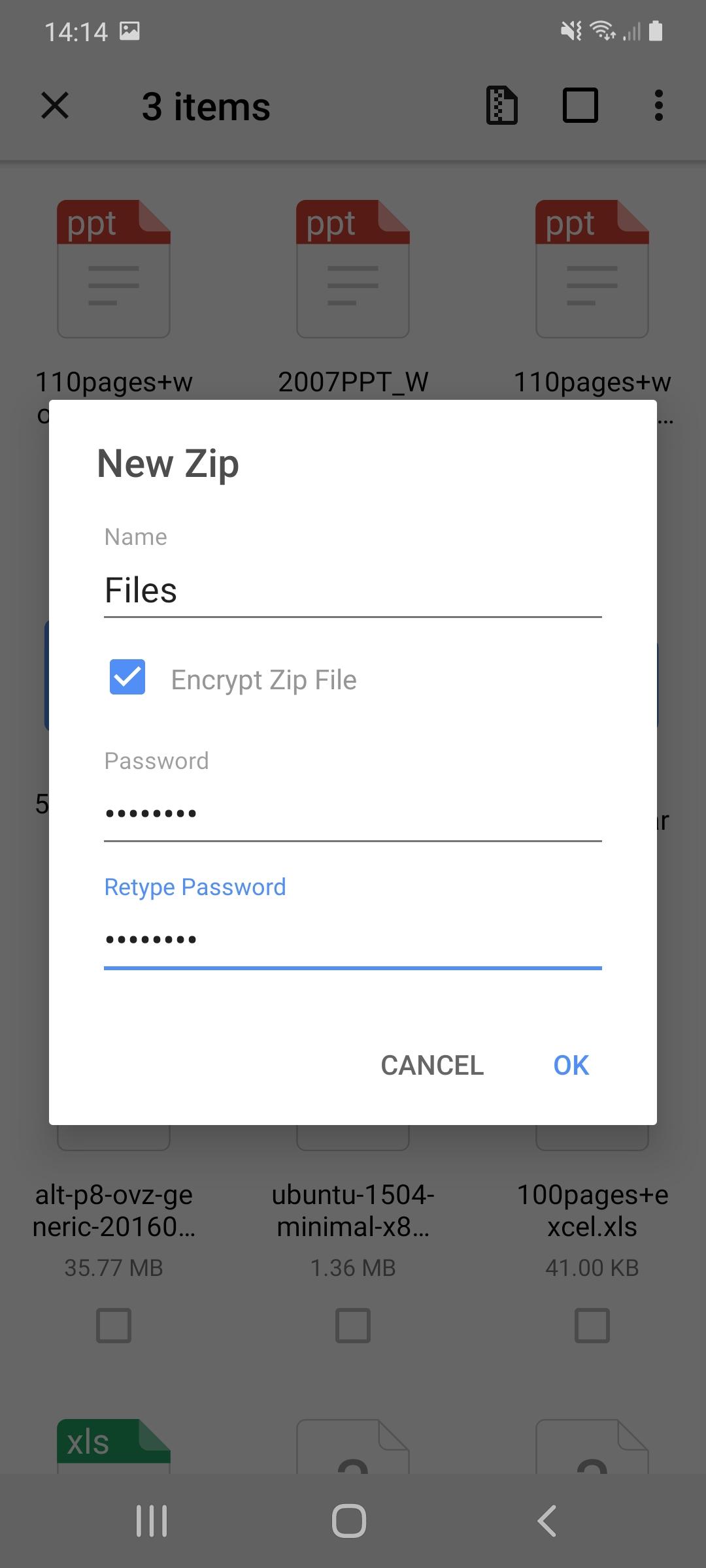
For security, WinZip lets you protect archives with a password using 128 bit or 256 bit AES encryption. Creating and protecting Zip or Zipx files with encryption requires Premium. Note that encrypted archives still show file names, but not their contents, so avoid placing confidential details in file or folder names.
Preview and open common formats
WinZip handles everyday compression tasks, from opening email attachments to sharing photo collections and reducing file size for sending. It supports on device storage and connected cloud services for flexible file management. To begin, download WinZip and follow simple prompts to zip, unzip, protect, and share files as needed.
Latest Version
7.1.1Uploaded by
WinZip Computing, LLC
Requires Android
Android 4.4+
Category
Free Productivity AppContent Rating
Everyone
Security Report
Check Now
Report
Flag as inappropriateLast updated on Jan 12, 2024
Fixed the issue that WinZip will crash after reopening from the background.





APKPure - A multi-platform app store primarily focused on Android, providing extensive app-related content. Discover the app you want easier, faster, and safer, with quick and efficient downloads and installations.