


Scan Date:May 10, 2026
Show More

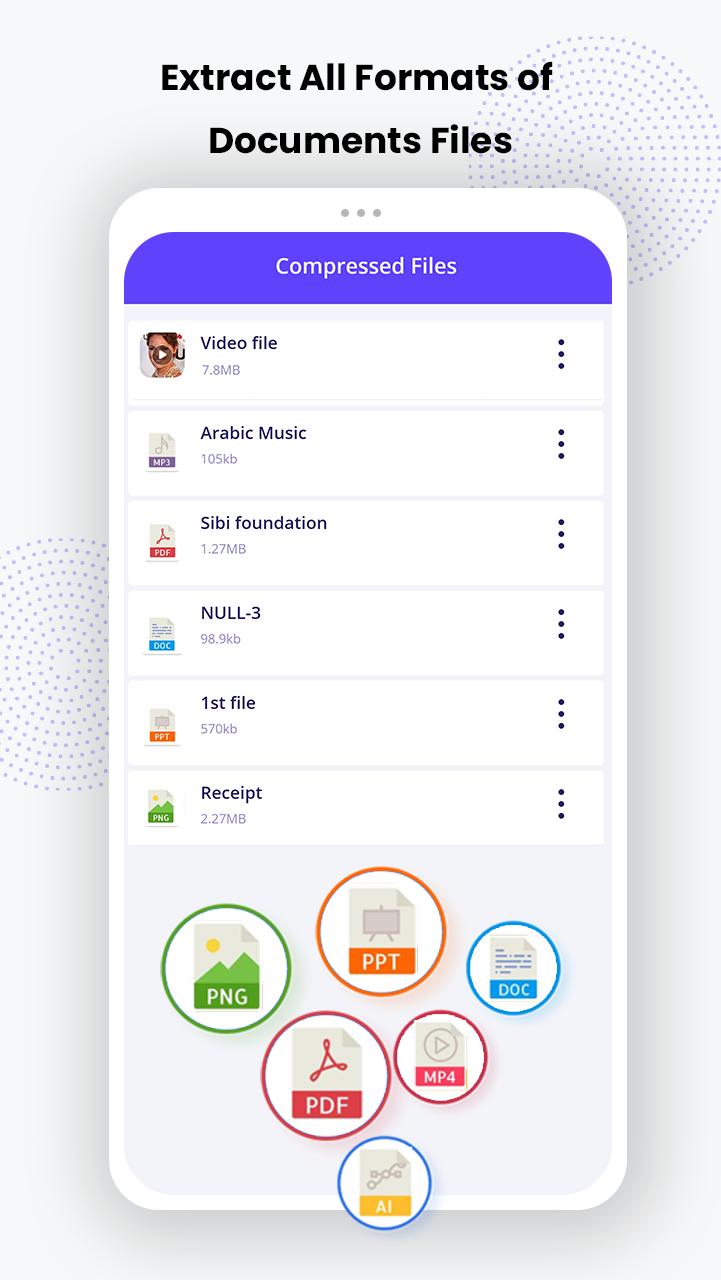
Unzip, unRAR, and extract any compressed files instantly with this fast, secure, and easy-to-use zip tool. Whether you need to open ZIP, RAR, our powerful file extractor handles everything smoothly. Manage, compress, and organize your documents in seconds ,perfect for productivity and saving storage. Lightweight, reliable, and built for all your file needs.
Feature
1.Secure Compression & Extraction
Protect your sensitive files with built-in password encryption. Whether you're compressing or extracting ZIP, RAR, or 7Z fil your data stays private and secure.
2.Supports 20+ File Formats
Open and extract popular formats like ZIP, RAR, 7Z, TAR, ISO, GZIP, and more. No need for multiple apps - one tool for all your archive needs.
3.Fast & Lightweight Performance
Powered by an advanced decompression engine, this app handles large files in seconds while using minimal battery and storage.
4.Batch Compression & Easy Sharing
Compress multiple files into one ZIP and instantly share via WhatsApp, Gmail, or cloud apps. Perfect for work, school, or personal use.
5.Smart Storage Saver
Free up space by reducing file sizes by up to 80%, especially for large documents, photos, and videos - all while keeping the original quality.
Hwo Does It Work
Using UnZip_Zip Extractor and UnRR is simple and lightning fast. Whether you need to unzip files, extract RAR archives, or open 7Z, ZIP, TAR, or GZ formats, this app handles it all in seconds.
Select the File - Choose any compressed file from your device, including formats like ZIP, RAR, 7Z, or TAR.
Tap to Extract – Instantly extract your file with a single tap. The app automatically organizes extracted content into folders for easy access.
Compress Files - Select multiple photos, documents (PDF, DOC, PPT, XLS), videos, or music and compress them into a single ZIP file.
Offline Support - No internet? No problem. The app works fully offline for extracting or compressing files anytime, anywhere.
PDF Compressor and Shrinker
Quickly compress PDF files and shrink PDF file sizes by up to 70% — without losing clarity. Perfect for email attachments, online uploads, or simply saving space on your device. Whether it's scanned documents or reports, keep them light, clear, and easy to share, all while preserving quality.
Why Choose this app
Open ZIP, RAR, and 7Z files in seconds with the fastest file extractor built for Android. Whether you're managing documents, unzipping folders, or compressing files - this tool does it all offline, without needing internet. Save space, stay organized, and unlock every format from ZIP to 7ZIP with ease. With high-speed extraction, clean design, and secure file handling, this is the smart way to manage all your compressed files. Trusted by millions for being fast, simple, and super reliable - it’s more than just a zip opener, it’s your everyday file solution.
Conclusion
UnZip_Zip Extractor and UnRAR is your go-to app for opening ZIP, RAR, 7Z, and more. Instantly extract, compress, and manage files - even offline. With password protection and lightning-fast performance, it’s perfect for everyday use.
Download now and simplify your file handling in seconds!
Call To action
Download UnZip_Zip Extractor and UnRAR today - your all-in-one solution to extract ZIP, RAR, and 7Z files instantly! Compress documents, shrink PDFs, and manage storage offline - all in one powerful, lightweight app.
Tap Install now and take full control of your file management! 💼📂⚡
Latest Version
9.0Uploaded by
Lisa Sironen
Requires Android
Android 7.1+
Category
Free Tools AppContent Rating
Everyone
Security Report
Report
Flag as inappropriateLast updated on May 18, 2025
User experience improved
Fix Crashes
RAR Extraction






APKPure - A multi-platform app store primarily focused on Android, providing extensive app-related content. Discover the app you want easier, faster, and safer, with quick and efficient downloads and installations.










