Scan Date:Mar 20, 2025
Show More
With Zebra’s Printer Setup Utility, configuring your Zebra DNA printers to optimize performance is easy – no specialized knowledge required.
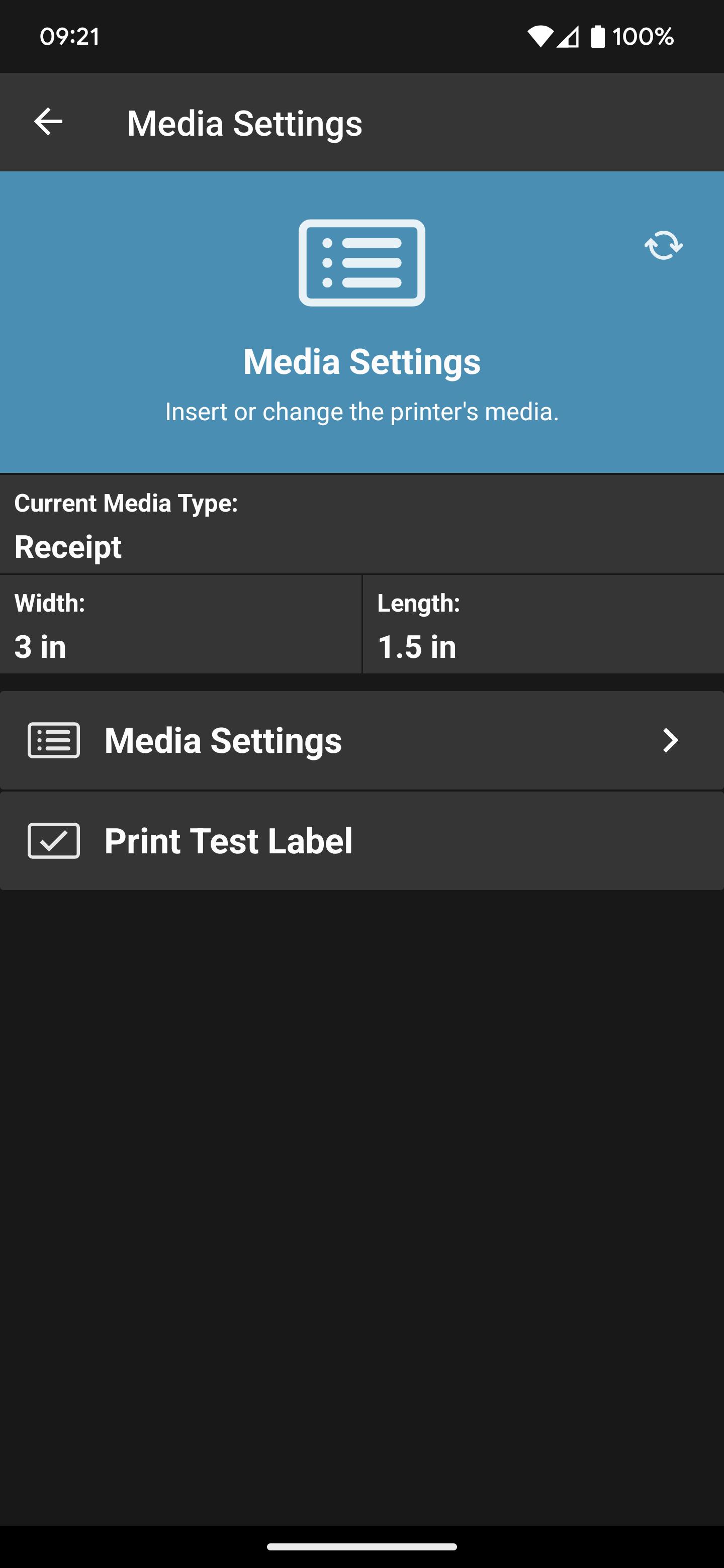
To use, tap the printer you wish to configure. Your printer and device will instantly begin communicating via Bluetooth. Then follow the simple setup wizards that walk you through how to set specific printing parameters – such as calibration, media type, ribbon, printer language and print quality – to optimize performance. If your Android device does not support Tap and Pair via NFC, the app can discover your printer via Bluetooth and network, or connect to it via USB.
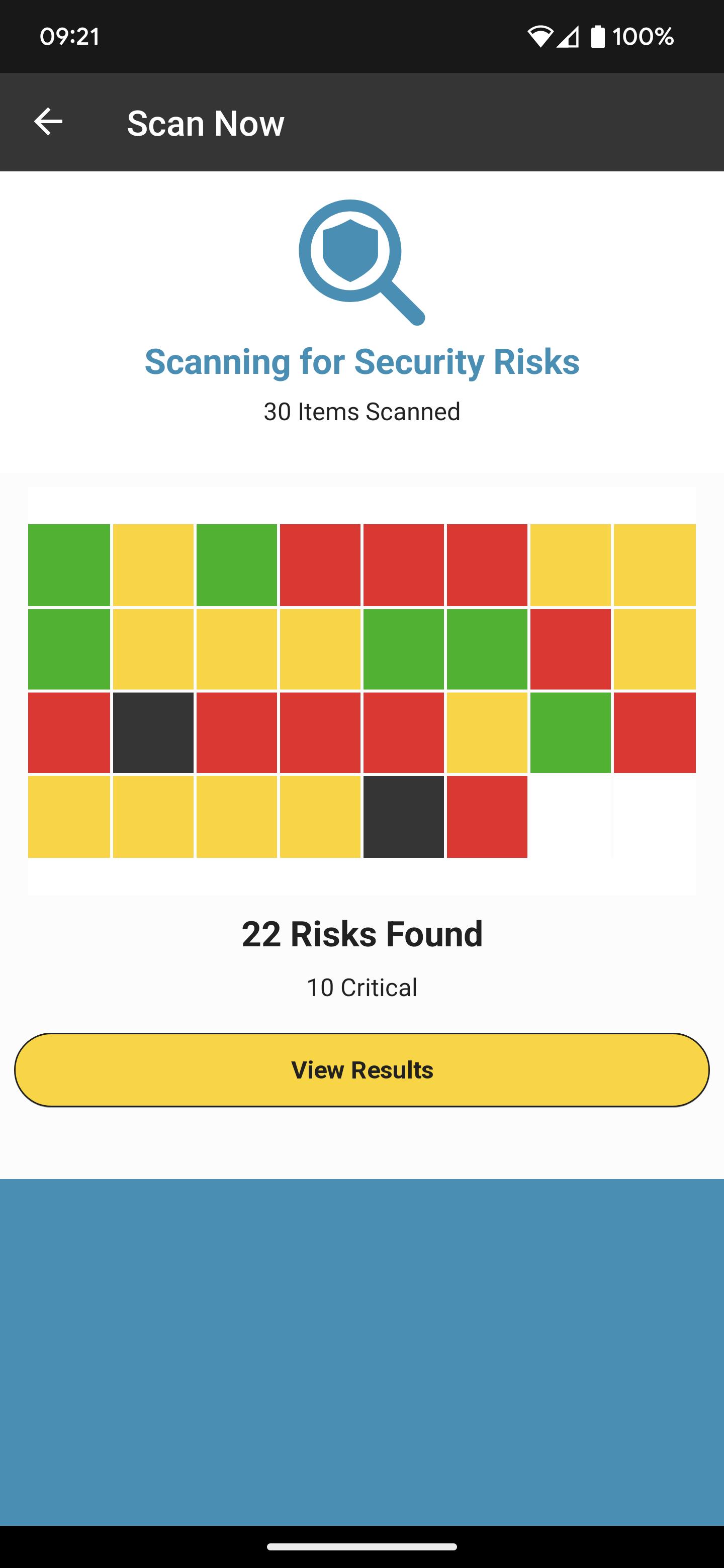
With the Security Assessment Wizard feature, assess your Zebra printer security posture, compare your settings against security best practices and make changes based on your conditions to increase protection.
Bluetooth Printers are now manageable, even in the field!
Normally, Bluetooth printers are not easily managed – particularly when they are used in the field by a mobile workforce. Zebra’s Printer Setup Utility makes Bluetooth printers manageable via the Cloud by allowing the app to retrieve files from your Cloud storage provider and then transfer these files to the printers for configuration and printer OS updates. This simplifies the management of Bluetooth printers, dramatically improving both printer ROI and the productivity of a mobile workforce.
Help is just a tap away - use the "Zebra Assist" feature to send your printer's configuration directly to Zebra's support team.
USER GUIDE
The user guide is available here on product support page.
SUPPORTED PRINTERS:
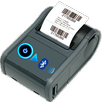
The app supports Zebra printer models running Link-OS 5.0 and later and ZQ200 series, ZQ112, ZQ120, ZR118, ZR138 printer models that run the CPCL (Line Print) and ESC/POS command languages.
IMPORTANT: The ZQ200 series, ZQ112, ZQ120, ZR118, ZR138 printers require firmware version 88.01.04 or later to work with this version of the app. See this support article for instructions on where to get the firmware and how to upgrade your printer.
The app supports Bluetooth Classic, network and USB On-The-Go connectivity.
NOTE: Tap/Pair and USB On-The-Go can only be used on those Android devices that support NFC (for Tap/Pair) and USB OTG.
Latest Version
2.4.4436Uploaded by
Degi Degi Ahmad Maulana
Requires Android
Android 10.0+
Category
Free Productivity AppContent Rating
Everyone
Security Report
Report
Flag as inappropriateLast updated on Sep 17, 2024
Added a scan function to the input fields in the template printing feature.
Updated target API to level 34.






APKPure - A multi-platform app store primarily focused on Android, providing extensive app-related content. Discover the app you want easier, faster, and safer, with quick and efficient downloads and installations.