Welcome to YT MP3 Converter – the easiest way to convert all video formats to audio files right on your android smartphone or tablet.
Video MP3 Converter is easy and powerful video editor app to convert, edit and trim your videos, Audios. Save in MP3 & AAC from bit rate 48kbps to 320kbps and different videos resolution from 320X180 to 1280X720
Why you need to download and install Video to MP3 converter on your android smartphone or tablet for Free instead of other converters:
✓ We have a very Easy Interface to use, so everyone can use it simply without watching any tutorial. We worked hard to make everything easier to you.
✓ Start using our converter without creating an account, so, download it now and start using it within a few seconds.
✓ The best thing is that our easy Video to MP3 converter is FREE and it will stay Free for life, so there is No hidden fees, no special memberships and no annual subscription. Everything is free here!
✓ We support many video formats like: WMV, MP4, 3GP, FLV, AVI and many more!
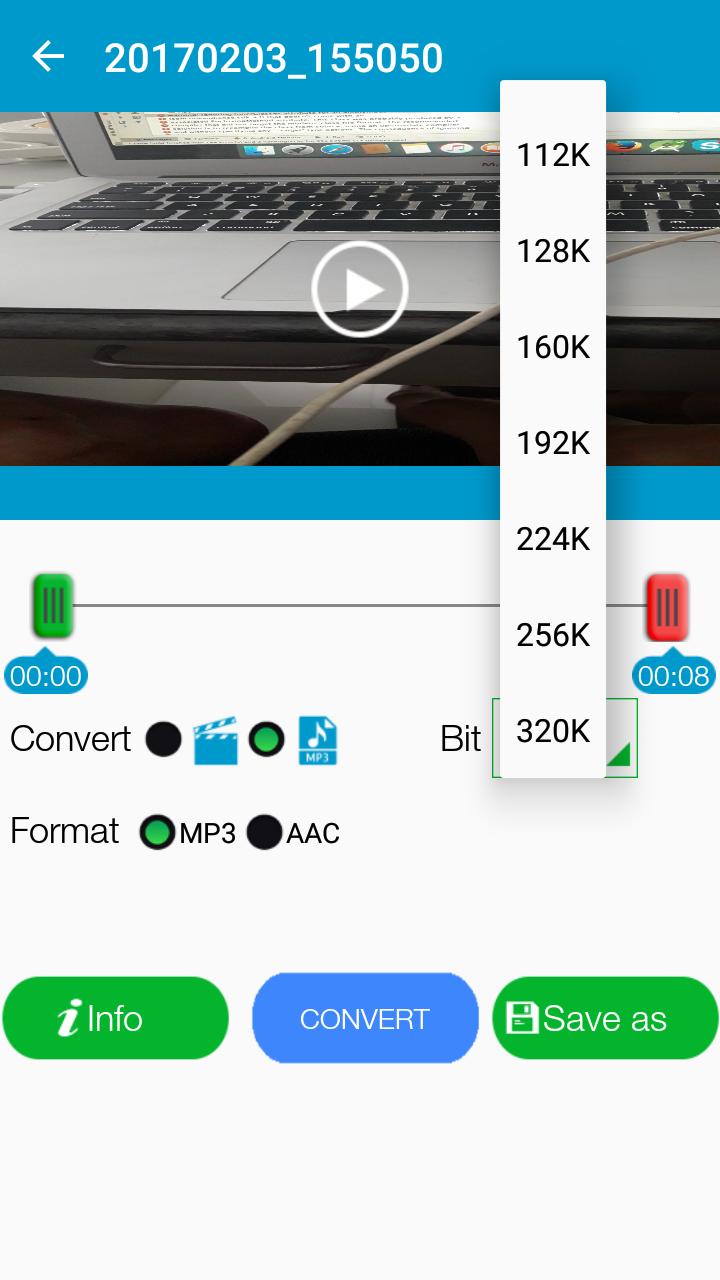
✓ Our app supports many Bitrates: 48 kb/s , 64 kb/s , 128 kb/s , 192 kb/s , 256 kb/s and 320 kb/s.
✓ Our developers team worked hard to let the app works offline. So, even if you don’t have a Wi-Fi, 3G or 4G internet connection, you can still use our app.
How to Edit/Convert/Trim Video:
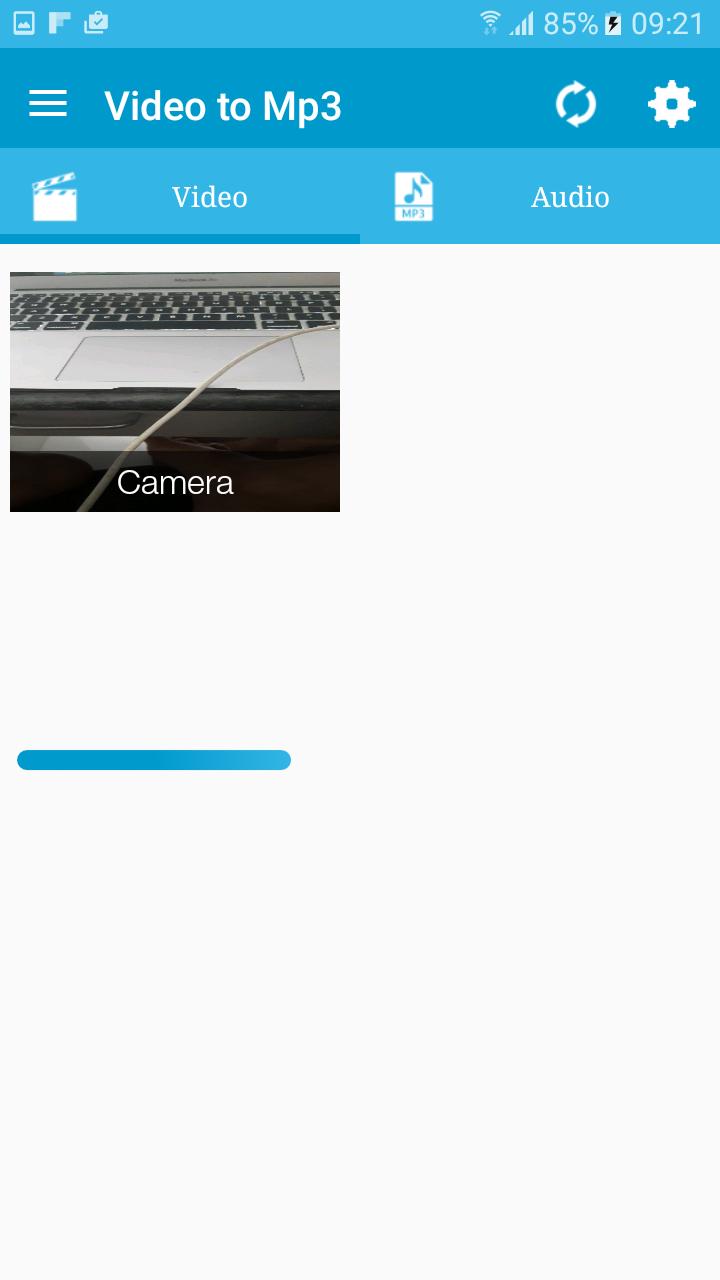
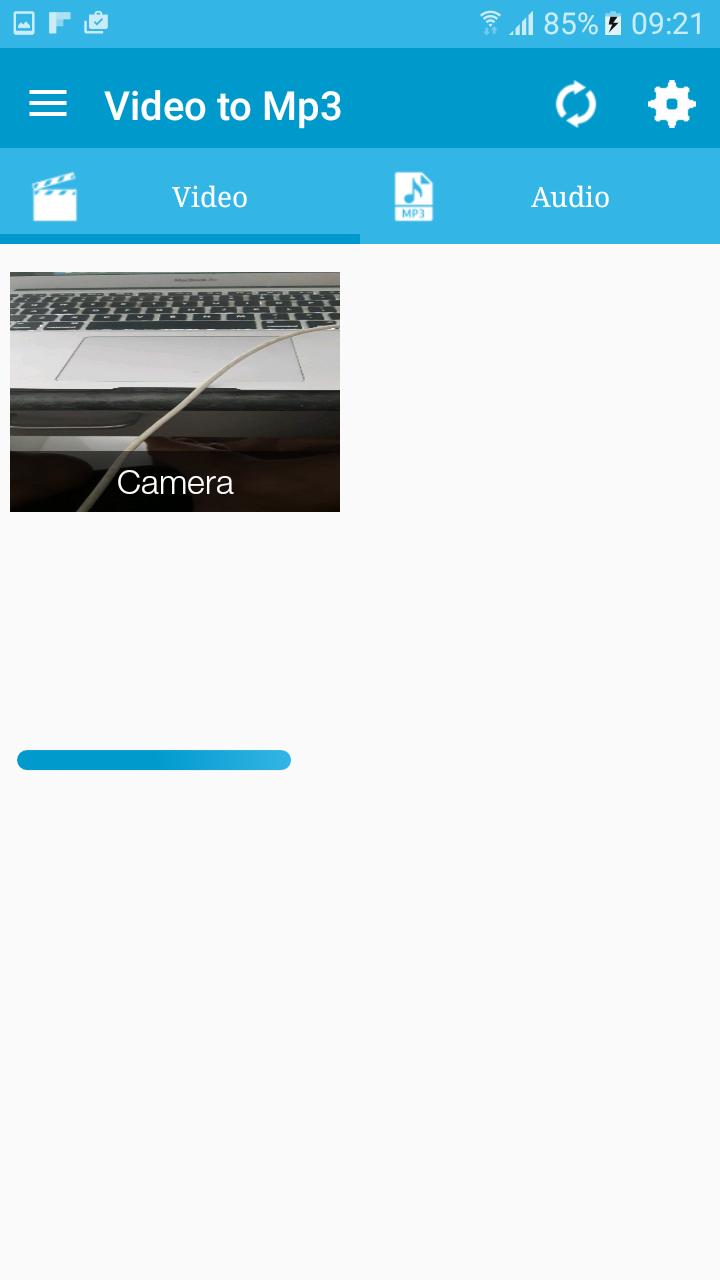
- When you start App all the videos avaialble on device will shows.
- Select your video.
- Select starting and end point to make new video/Audio.
- select your choice to convert into audio (MP3,AAC) or video.
- Add Metadata in info and select video resolution.
- Select speed from very slow to very fast mode.
- select saving folder or it will default take folder as "Video to MP3".
- Press Convert Button and That's it.
Note: It can take uptp 3 minutes if video file is in HD and large size. We request you to wait kindly as process get done.
How to Edit/Trim Audio:
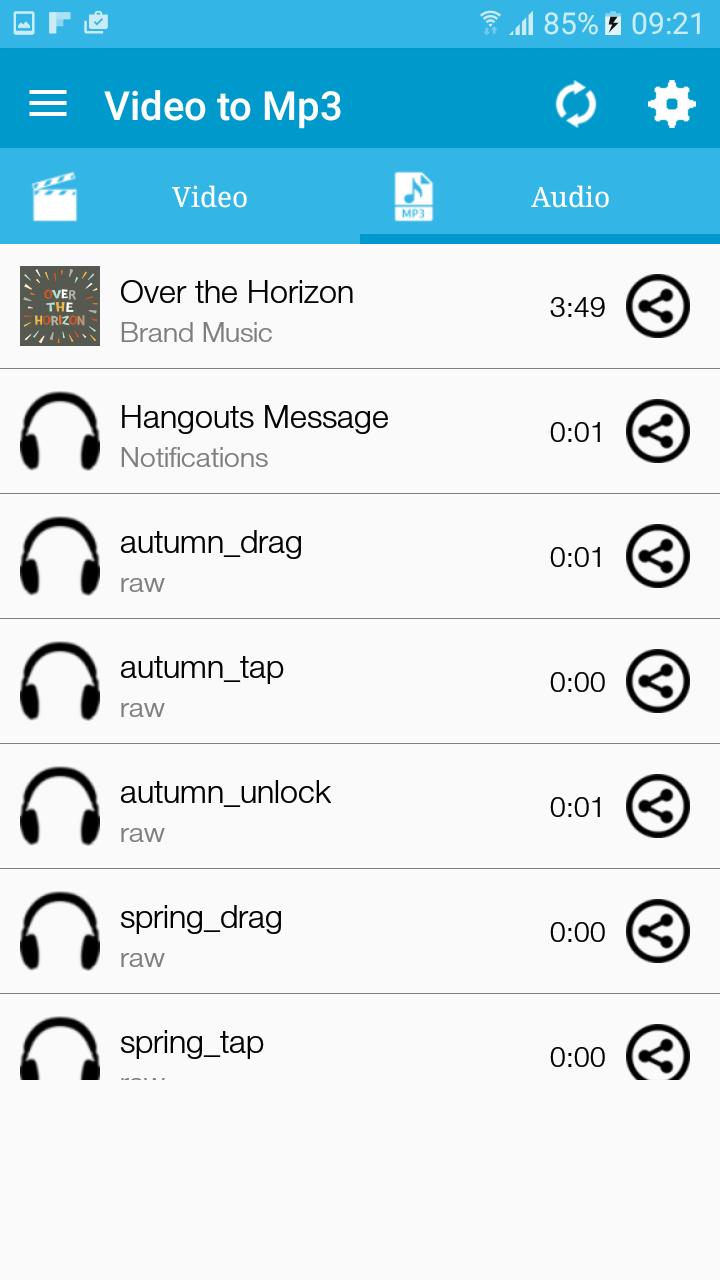
- Select an Audio of your choice under Audio Section.
- Select starting and ending point.
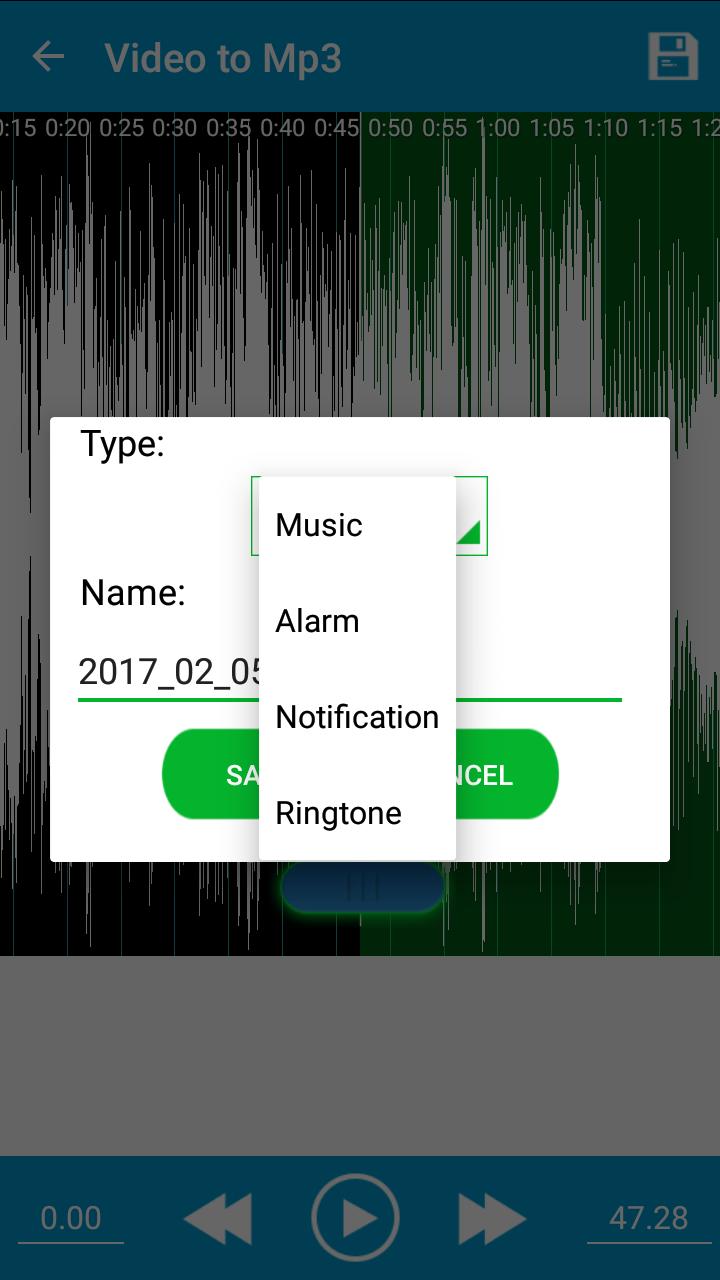
- Press Save and give name of your choice.
- Chose how you want to save MP3 as Music, Ringtone, Notification.
- That's it. Its done you can use app as Ringtone maker and MP3 cutter.
You can check all converted audio and video files in Audio Cutter and Video Cutter section in app.
Latest Version
1.0Uploaded by
Tuấnn Aanh
Requires Android
Android 4.1+
Category
Free Video Players & Editors AppContent Rating
Everyone
Report
Flag as inappropriateLast updated on Mar 15, 2017
Minor bug fixes and improvements. Install or update to the newest version to check it out!




APKPure - A multi-platform app store primarily focused on Android, providing extensive app-related content. Discover the app you want easier, faster, and safer, with quick and efficient downloads and installations.