Scan Date:May 15, 2026
Show More


YouTube fits quick breaks and longer sessions when you want music, gaming, news, or learning in one place. It brings channels you follow and topics you care about into a simple feed, then keeps your viewing in sync when you sign in. You can watch, chat, and share without switching apps. If you record on your phone, you can upload or go live from the same screen. For the smoothest experience, consider updating to the YouTube latest version. While the app doesn't support converting videos to audio formats like youtube to mp3 or youtube mp3, you can explore its many other built-in features.
Personalized Home, Subscriptions, and Library
YouTube apk tailors your Home feed based on your watch history, so new videos feel relevant. Subscriptions show the latest posts from channels you follow, which helps you stay current without searching. The Library collects your watched, liked, and saved videos for quick returns later. When you sign in, these sections stay synced across your devices.
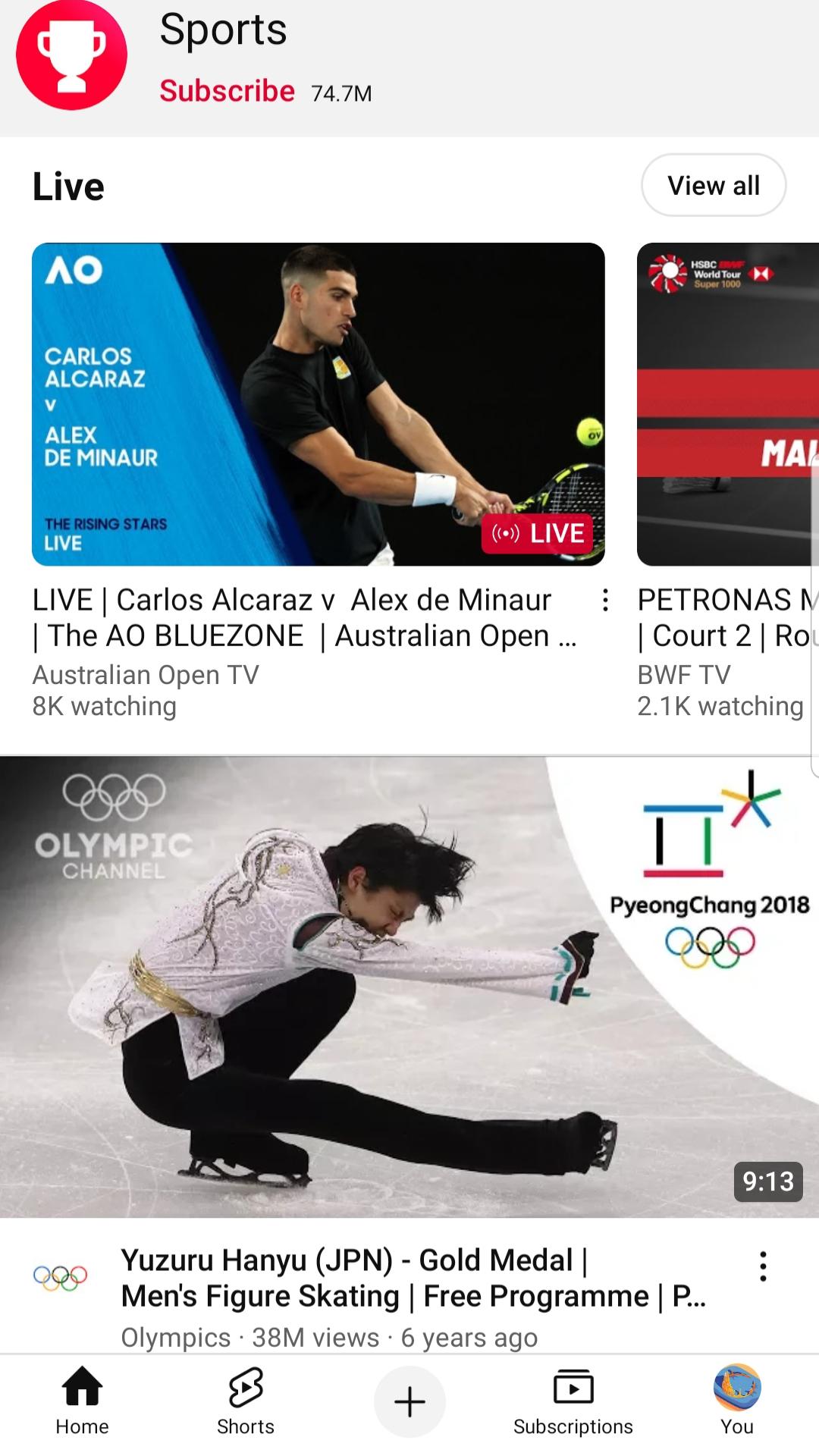
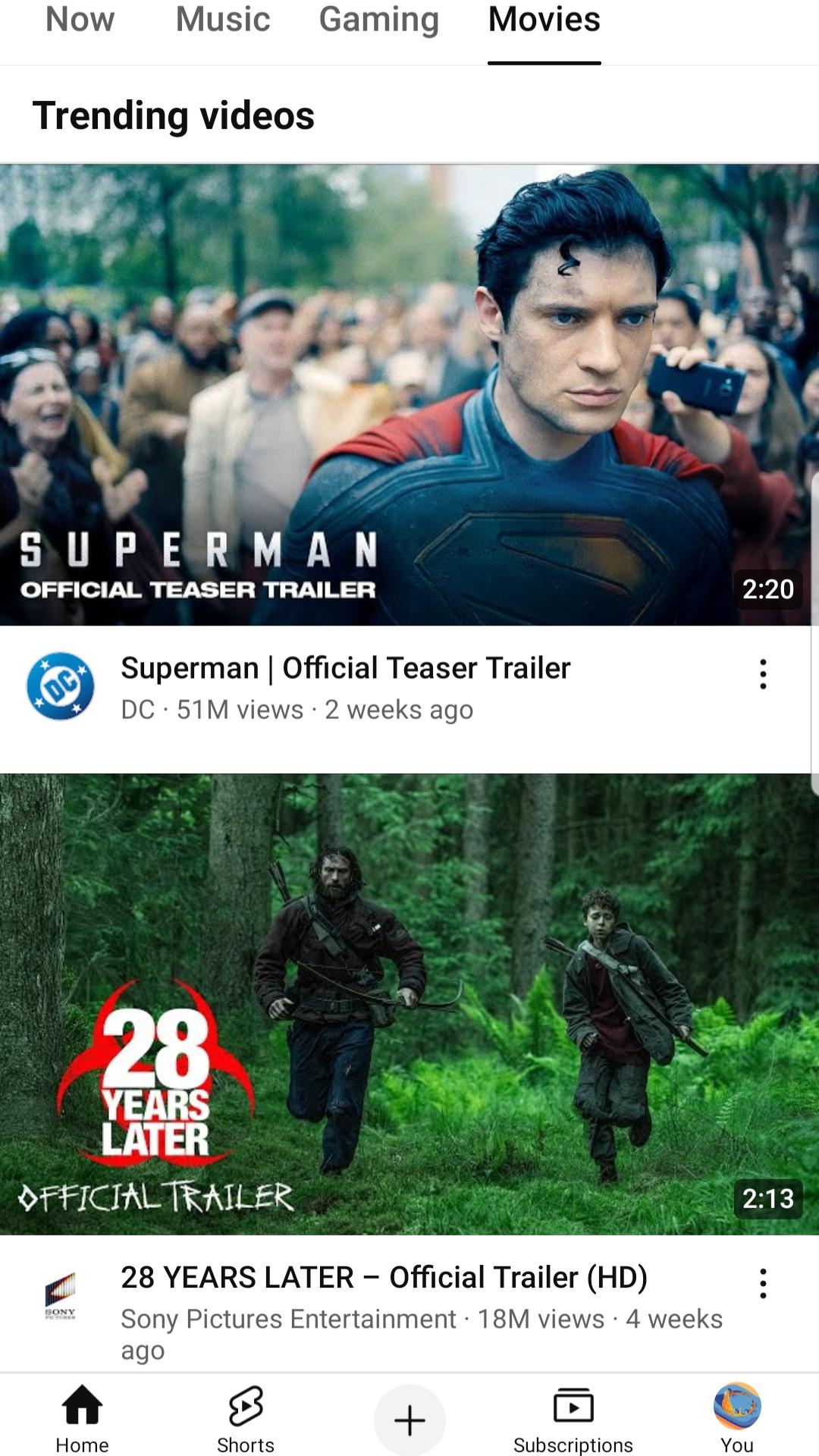
Search and Explore for what’s trending
You can find specific videos fast using search, then browse Explore to see trending topics across the world. Explore also highlights Creators, Gamers, and Artists on the Rise in select countries, which can help you discover new voices. This blend of targeted search and broad discovery makes it simple to move from one interest to the next. Keep in mind that if you need a youtube converter or youtube to mp4 tool, those are separate services not found inside this app.
Community posts, Premieres, and live chat
YouTube apk download lets you follow conversations around videos through comments, Posts, and Stories. During Premieres and live streams, live chat brings creators and viewers together in real time. These tools help you share reactions, ask questions, and see updates as they happen. The flow from feed to chat keeps interactions within the same app.
Create on mobile with upload and go live
You can record or upload directly from your phone using the Create button. If you want instant audience interaction, go live to start a real-time stream with chat. This setup reduces steps between filming and publishing, which suits short updates or longer sessions. Basic edits and details can be handled on the same device before posting.
Premium playback and channel memberships
YouTube Premium offers ad-free viewing, background play while you use other apps, and offline downloads for later. A Premium plan also includes YouTube Music Premium for audio listening. If you prefer live television, youtube tv is a separate subscription service in select countries. For those wanting to support specific creators, paid channel memberships unlock badges and other perks set by each channel. Availability and features can vary by country.
Users who prefer direct installation can get the YouTube APK when preparing a manual setup. After install, signing in restores your subscriptions and library across devices, so your Home feed adjusts quickly. If you switch phones, you can repeat the sign-in step to keep your recommendations and watch progress aligned. For a stable experience, allow the app to update regularly when prompted.
Before upgrading, note that YouTube Premium includes ad-free playback, background play, and offline downloads, with availability depending on your country. Channel memberships let you support creators and access perks defined by each channel. For families, you can choose YouTube Kids or set up a supervised experience at youtube.com/myfamily in select regions. These options help you set viewing boundaries and payment choices that match household needs.
If your recommendations feel off, you can pause or clear your watch and search history to reset suggestions. This action changes what appears on Home and in future recommendations. Some discovery features, including Creators on the Rise and certain Premium benefits, are available only in select countries. Checking availability in your region helps set the right expectations before subscribing or exploring specific tabs. Also remember that terms like youtube to mp3, youtube converter, and youtube video downloader refer to external tools not affiliated with YouTube.
Once you download YouTube, it only takes a moment to set up and start watching. The basics below outline how to find videos, follow channels, and post from your phone. These steps also cover quick ways to join live chats and manage your Library for later viewing.
Open YouTube and sign in with your account, then allow notifications if you want updates from channels.
Use the Search bar to find a video, then tap Explore to browse trending topics and categories.
Tap Subscribe on channels you like, and use the Library to revisit watched, liked, or saved videos.
Join conversations by adding a comment, or enter live chat during a Premiere or live stream.
Tap the Create button to record, upload a video, or go live, then add a title and visibility before publishing.
YouTube apk brings recommended videos, channel updates, and mobile creation into one app. It supports quick searches, real-time chat, and uploads from your phone. When ready, download YouTube to watch, follow, and publish with tools designed for everyday use. For converting media, you would need to look up youtube to mp3, youtube mp3, youtube to mp4, youtube downloader, youtube converter, download youtube videos, or youtube video downloader separately, as they are not part of the official experience.
For official resources and help, visit:
Official website: https://www.youtube.com/
How to download YouTube videos?
To download YouTube videos for offline viewing, you need a YouTube Premium subscription, which allows you to tap the download button under any video and save it directly within the official app without using third-party tools like youtube downloader or youtube video downloader.
How to cancel YouTube TV?
To cancel youtube tv, simply sign in to tv.youtube.com on your browser, go to Settings, then Membership, and click Cancel (or Pause) to stop your subscription without needing to call customer support.
Is YouTube TV dropping Fox News?
As of now, youtube tv has not announced any plans to drop Fox News, and the channel remains available in the base package, though carriage agreements can change so it is best to check YouTube TV's official channel lineup for the latest updates.
How much does YouTube pay per view?
YouTube does not pay a fixed amount per view; instead, most creators earn through AdSense revenue that typically ranges from 0.001to0.001to0.003 per view (roughly 1to1to3 per 1,000 views), though actual earnings vary based on factors like ad type, viewer location, video length, and audience engagement.
How to turn off Restricted Mode on YouTube?
To turn off Restricted Mode on YouTube, click your profile picture, select Restricted Mode (or go to Settings then General on mobile), and toggle it off, though you may need to sign in again if your account or network administrator enforces this setting.
Latest Version
21.20.402Uploaded by
Maxim Kot
Requires Android
Android 10.0+
Category
Free Video Players & Editors AppContent Rating
Teen · Diverse Content: Discretion Advised
Security Report
Report
Flag as inappropriateLast updated on May 15, 2026
For new features, look for in-product education & notifications sharing the feature and how to use it!





APKPure - A multi-platform app store primarily focused on Android, providing extensive app-related content. Discover the app you want easier, faster, and safer, with quick and efficient downloads and installations.