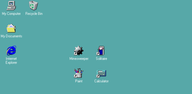

Win 98 Simulator helps users who want a familiar retro workspace on a mobile screen. It mirrors the look and behavior of a classic computer, so windows, menus, and folders feel recognizable. This can suit light tasks and casual use, while keeping controls straightforward for quick actions. For Android, the Win 98 Simulator APK offers an easy way to explore the environment without a desktop PC.
Classic desktop and Start Menu
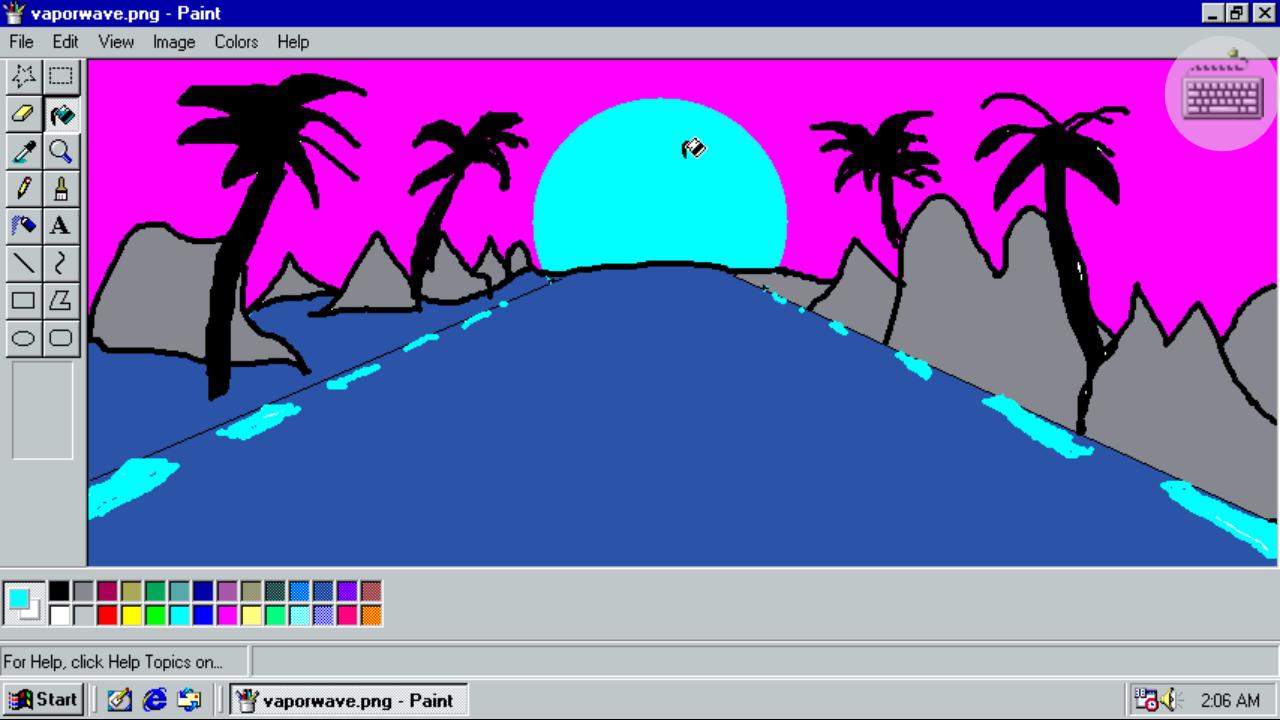
Win 98 Simulator presents the original Start Menu and familiar window controls. You can open programs, switch between tasks, and access desktop properties with a right click. This layout helps you navigate like a traditional PC.
Browsing and writing tools
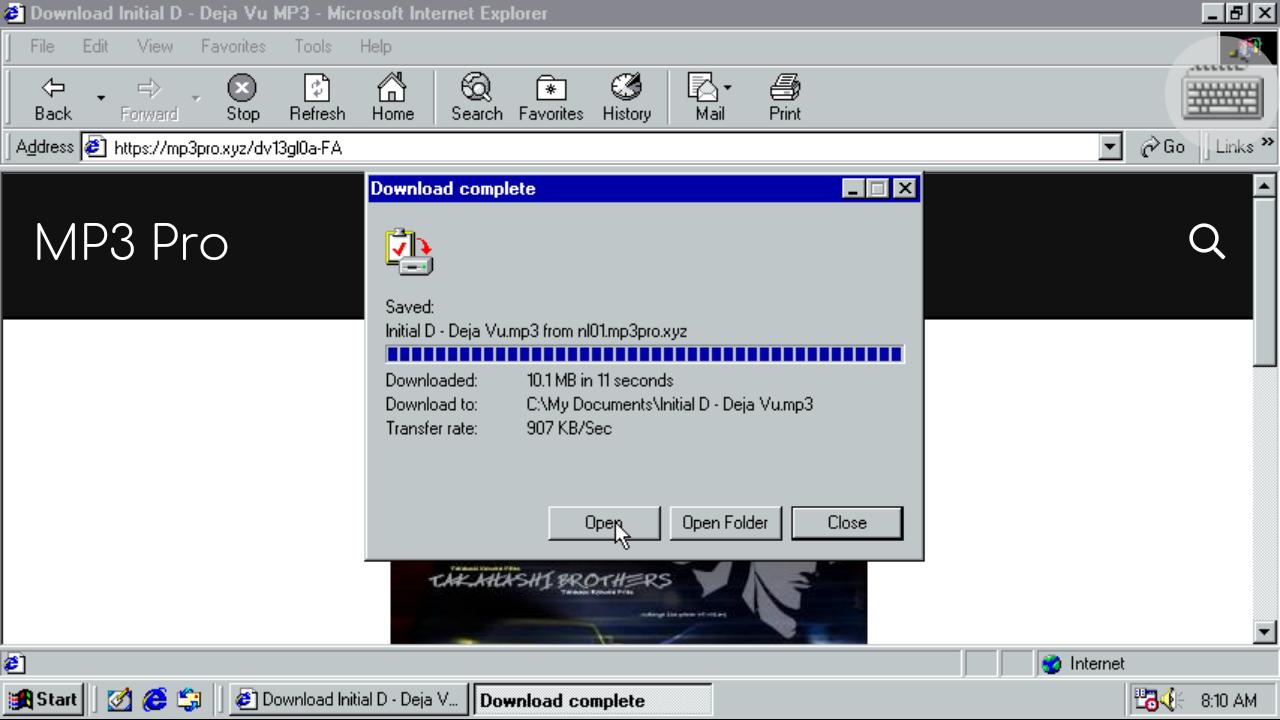
For everyday tasks, you can use Internet Explorer for basic web browsing, then write or edit text with Notepad or WordPad. These simple tools keep common actions clear and easy to handle.
Built-in classic games
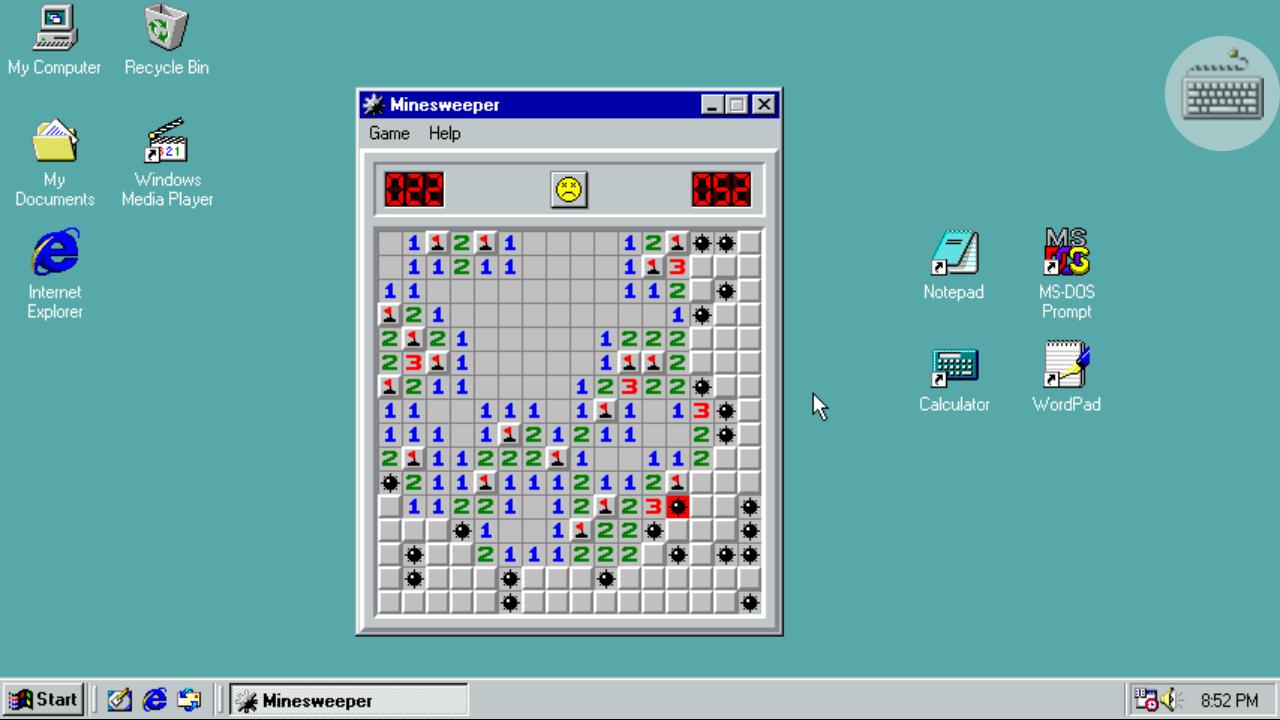
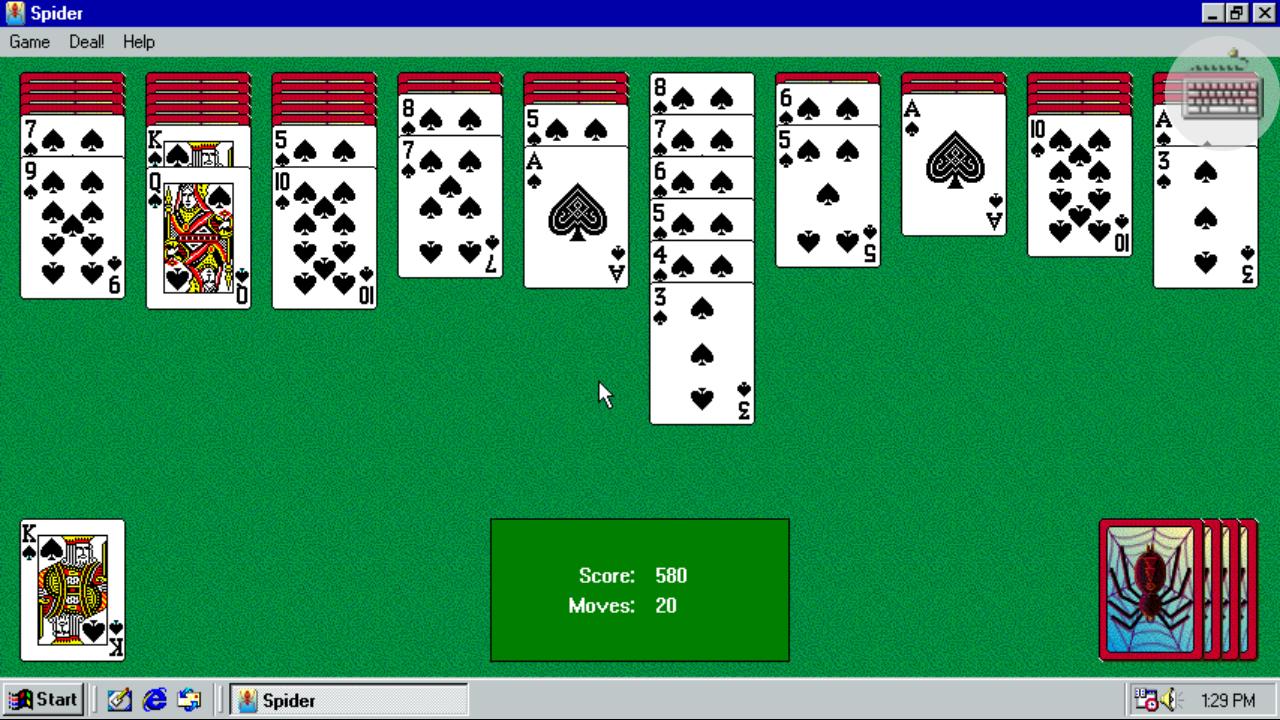
When you want a break, play Minesweeper, Solitaire, Spider Solitaire, or FreeCell. The games load quickly and follow the standard rules users expect, so you can jump in without learning new controls.
Media, files, and input support
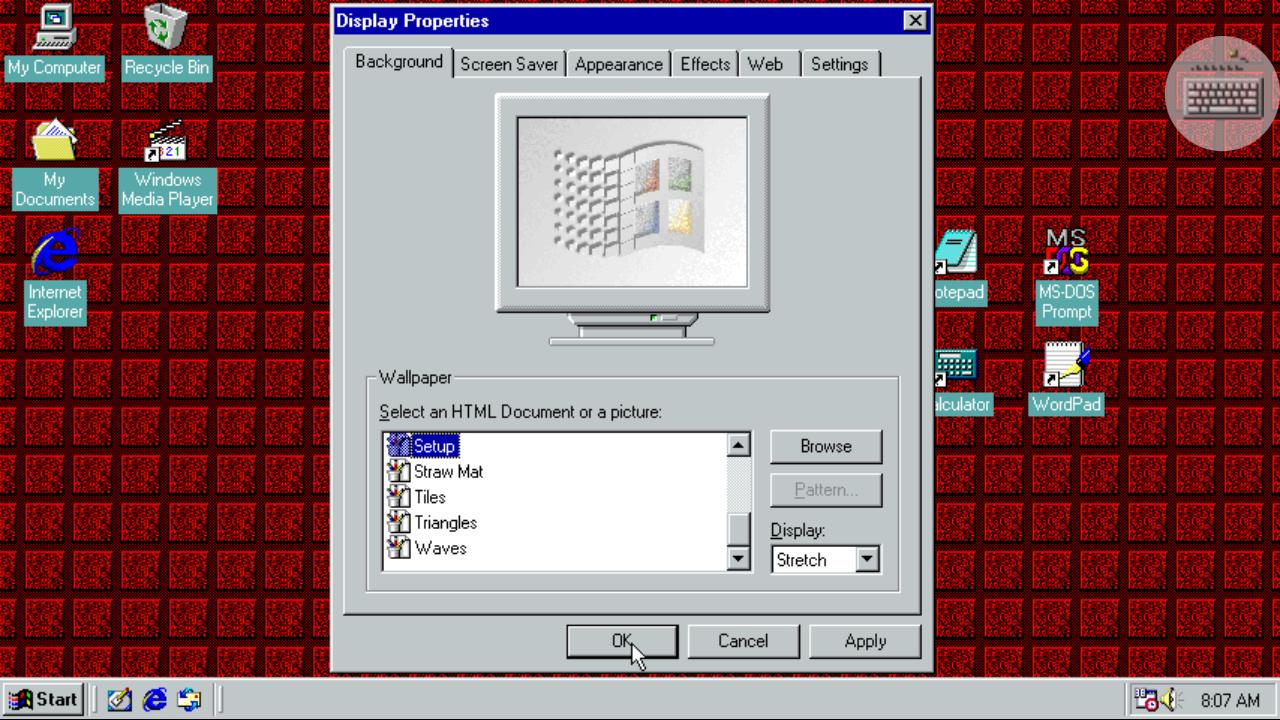
You can play music and videos with Windows Media Player, and browse device files in Windows Explorer. Additionally, change wallpapers through Desktop Properties, and connect a USB or Bluetooth mouse for precise control.
This app recreates familiar tools and games in a compact environment on your phone. To try it on your device, download Win 98 Simulator and follow the on-screen prompts. Users can explore at their own pace without extra setup.
Latest Version
1.4.4Uploaded by
Quôc Pham
Requires Android
Android 4.1+
Category
Free Simulation GameContent Rating
Everyone
Report
Flag as inappropriateLast updated on Feb 11, 2022
Improved compatibility with new Android versions.




APKPure - A multi-platform app store primarily focused on Android, providing extensive app-related content. Discover the app you want easier, faster, and safer, with quick and efficient downloads and installations.