

WiFi QR Code Scanner helps when guests need internet and you want a quick, private way to share access. It provides a QR based method to join networks without typing, and it reads WiFi codes shown on another device. This keeps setup fast for home, office, or small events while reducing mistakes during entry. Before you download WiFi QR Code Scanner, note that behavior can differ on rooted and nonrooted devices.
Create WiFi QR codes
WiFi QR Code Scanner can turn a saved or remembered WiFi network into a scannable code. On rooted devices it can read your configured network details and fill in what is needed to generate a code. On nonrooted devices you enter the SSID and password, then choose the security type WEP, WPA or open before generating. This setup helps you prepare a code that guests can scan later.
Scan and connect to WiFi codes
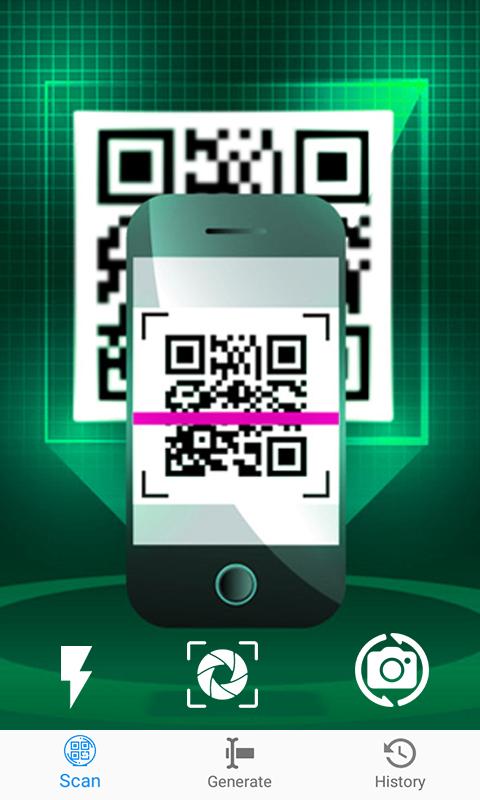
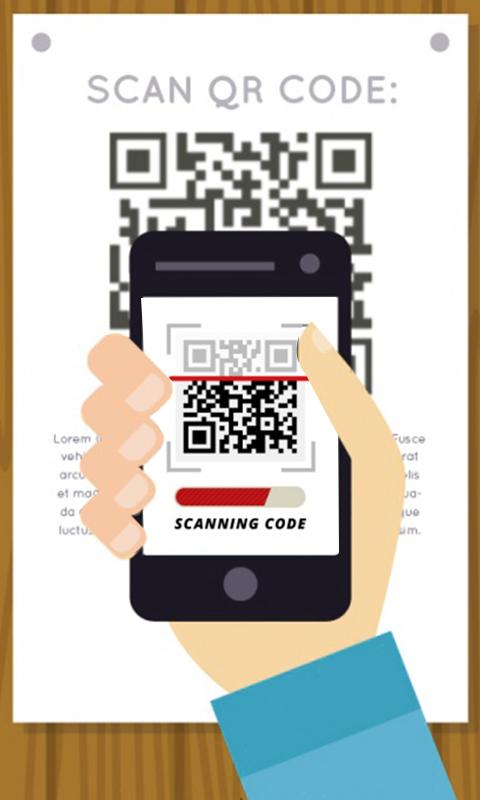
You can point the rear camera at a WiFi QR code that is already generated. The app reads the code and tries to connect to the available network automatically. This reduces manual typing and speeds up joining in shared spaces and small offices. It is useful when the password is long or complex.
Share and manage codes
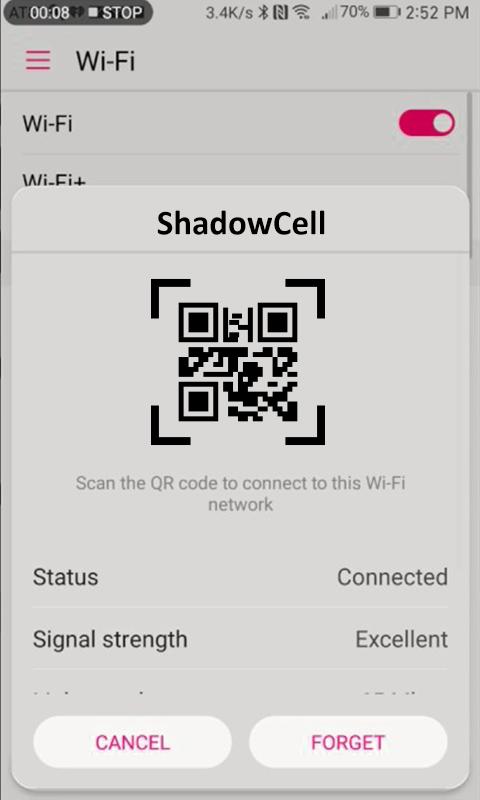
WiFi QR Code Scanner lets you show the generated code on screen and enlarge it with a tap for easier reading. You can also save the image or share it through your preferred apps or printing. A saved section helps you find networks you used before and manage their codes for future access.
This app offers a simple way to share and join WiFi using QR codes. It suits quick setups at home or work and helps avoid typing errors during entry. Install the WiFi QR Code Scanner latest version to access the current feature set on your device.
Latest Version
1.0.5Uploaded by
陳亭臻
Requires Android
Android 4.2+
Category
Free Productivity AppContent Rating
Everyone
Report
Flag as inappropriateLast updated on Sep 28, 2018
Added some New features
1-Now get connect to wifi just by scanning Qr code.
2- Genrate QR Code for Any of your own Wifi and then Connect to wifi just by Scanninig QR code Not by Typing Password
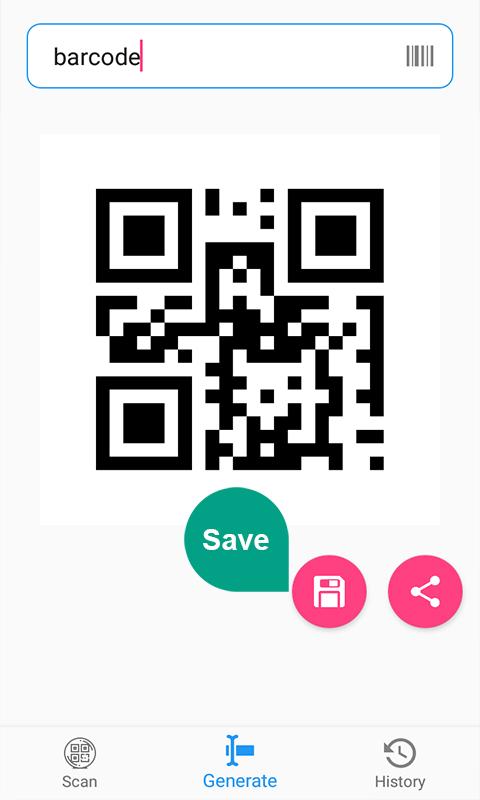
3-Now QR Code Scanner And Qr Code Genrator is added to Genrate QR code For Any Kind of Product and then Scan.
4-And also the Bar coe Genratore and Bar Code Reader is added.



APKPure - A multi-platform app store primarily focused on Android, providing extensive app-related content. Discover the app you want easier, faster, and safer, with quick and efficient downloads and installations.














