
Do you still use the troublesome USB wire cable to connect your Phone and computer?Now with WiFi File Transfer help you to manager files in your phone on the computer over wireless connection, no USB cable needed.
FEATURES
* Upload or download multiple files at once.
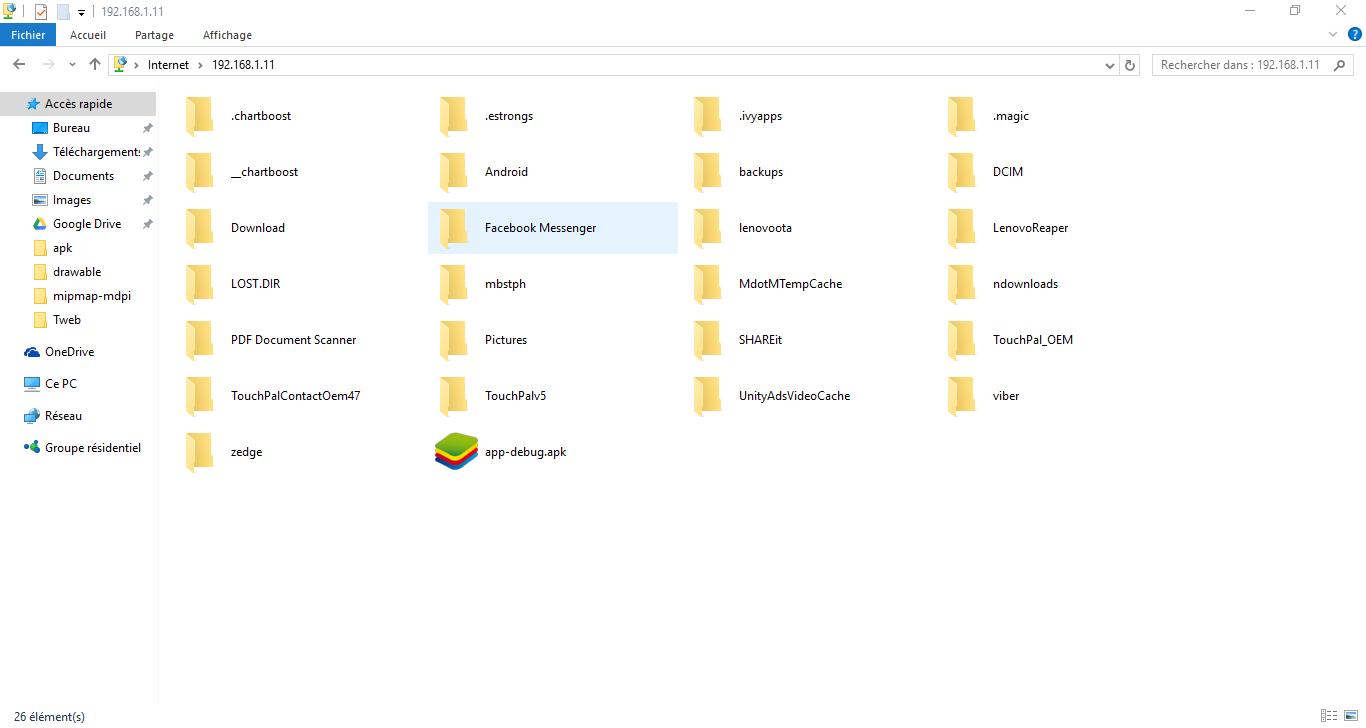
* Delete, rename, copy, zip or unzip files using the Windows File Explorer.
* Runs as a background service.
Only simple steps:
* Ensure your phone and computer connect in the same WiFi network;
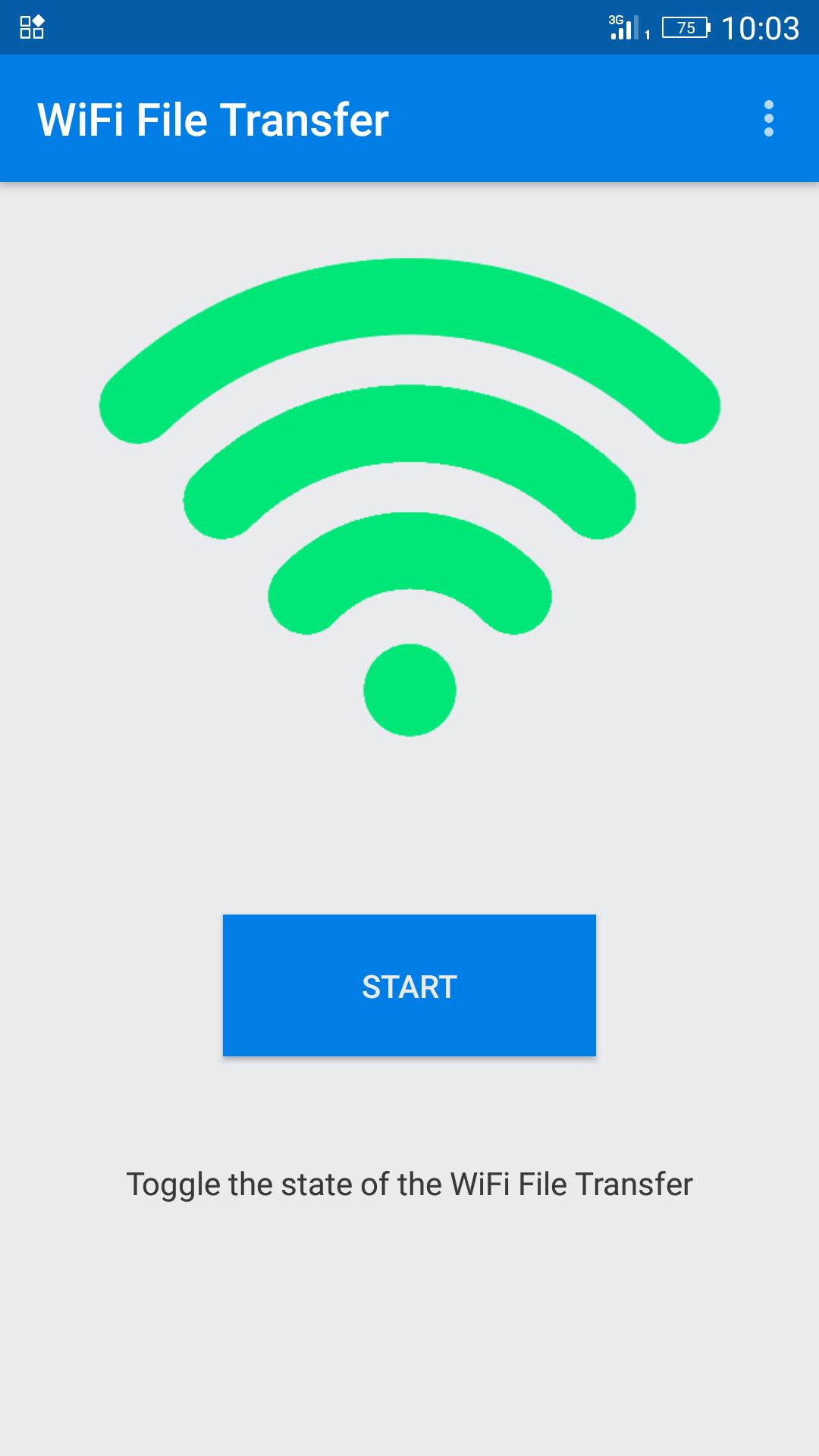
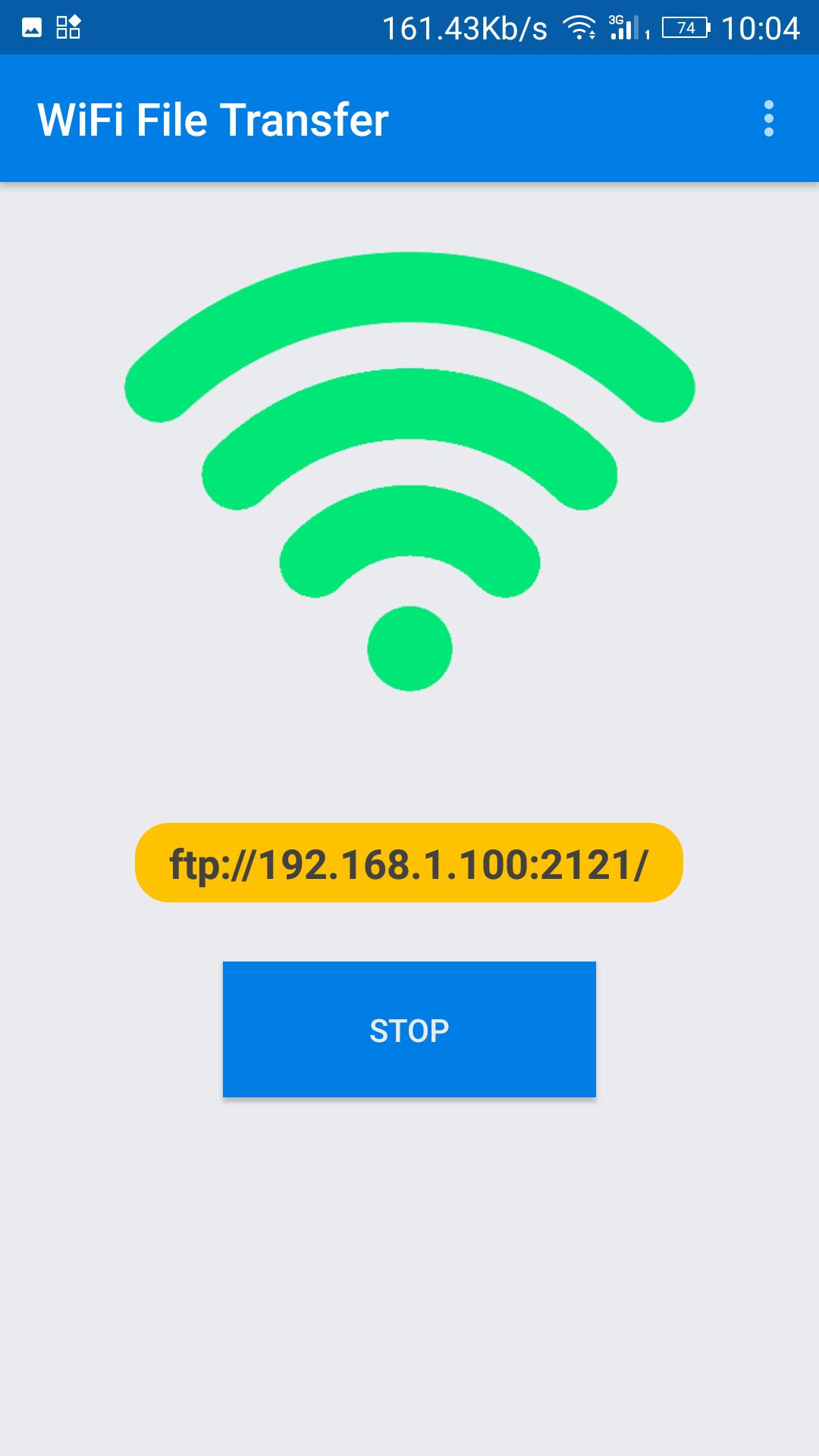
* Start WiFi File Transfer by turn Start the button;
* Copy and paste the URL noticed into your FTP Client or Windows file explorer, then you scan and manager files in your Phone on your computer.
Latest Version
1.5Uploaded by
Eo LuanZinho M Salles Lzms
Requires Android
Android 4.0+
Category
Free Tools AppContent Rating
Everyone
Report
Flag as inappropriateLast updated on Feb 25, 2018
- New design
- Disable authentification


APKPure - A multi-platform app store primarily focused on Android, providing extensive app-related content. Discover the app you want easier, faster, and safer, with quick and efficient downloads and installations.