Android has a native screen saver option (yes, I also forgot about that) that was called Daydream and is now just called "Screen Saver".
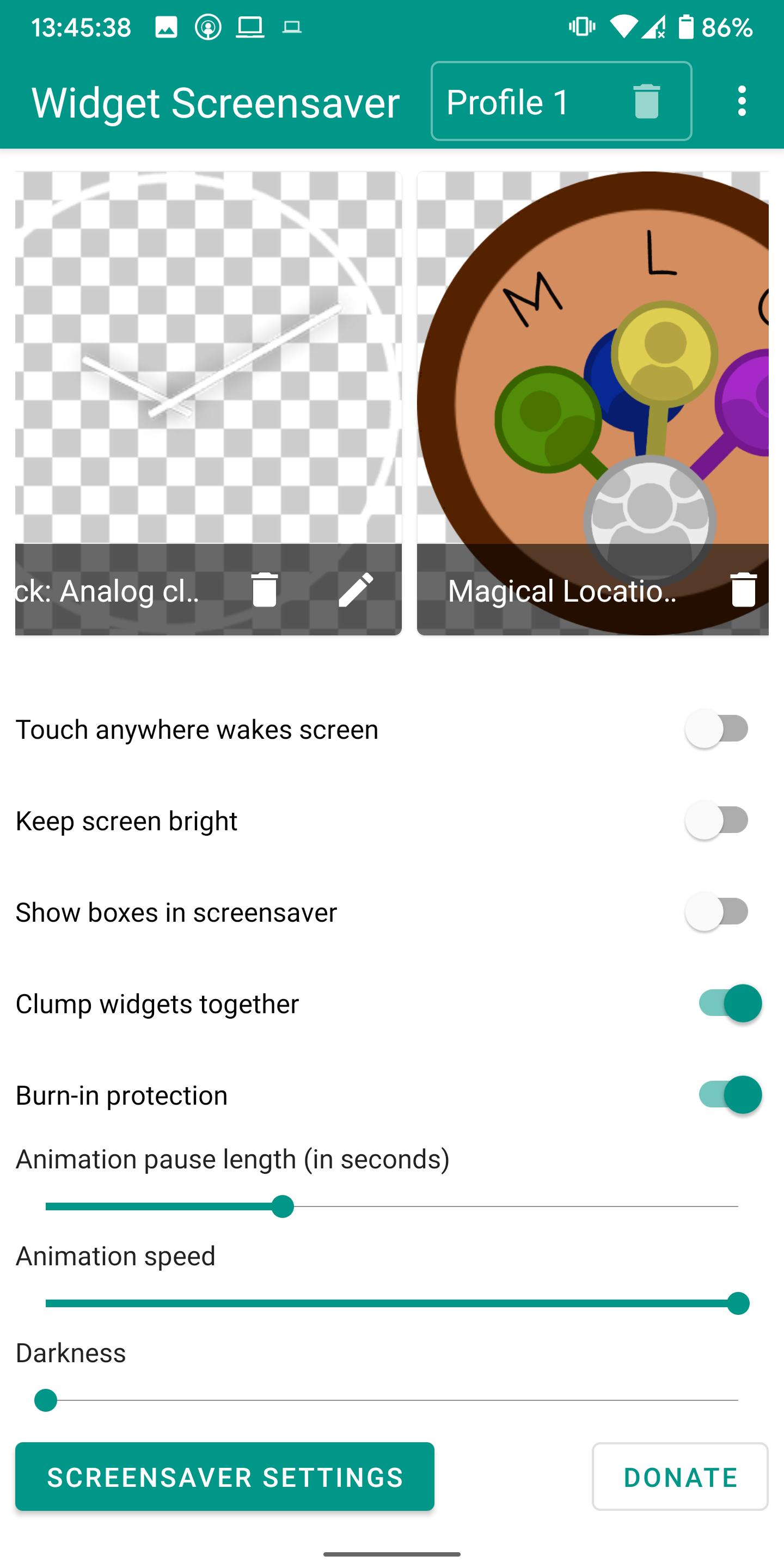
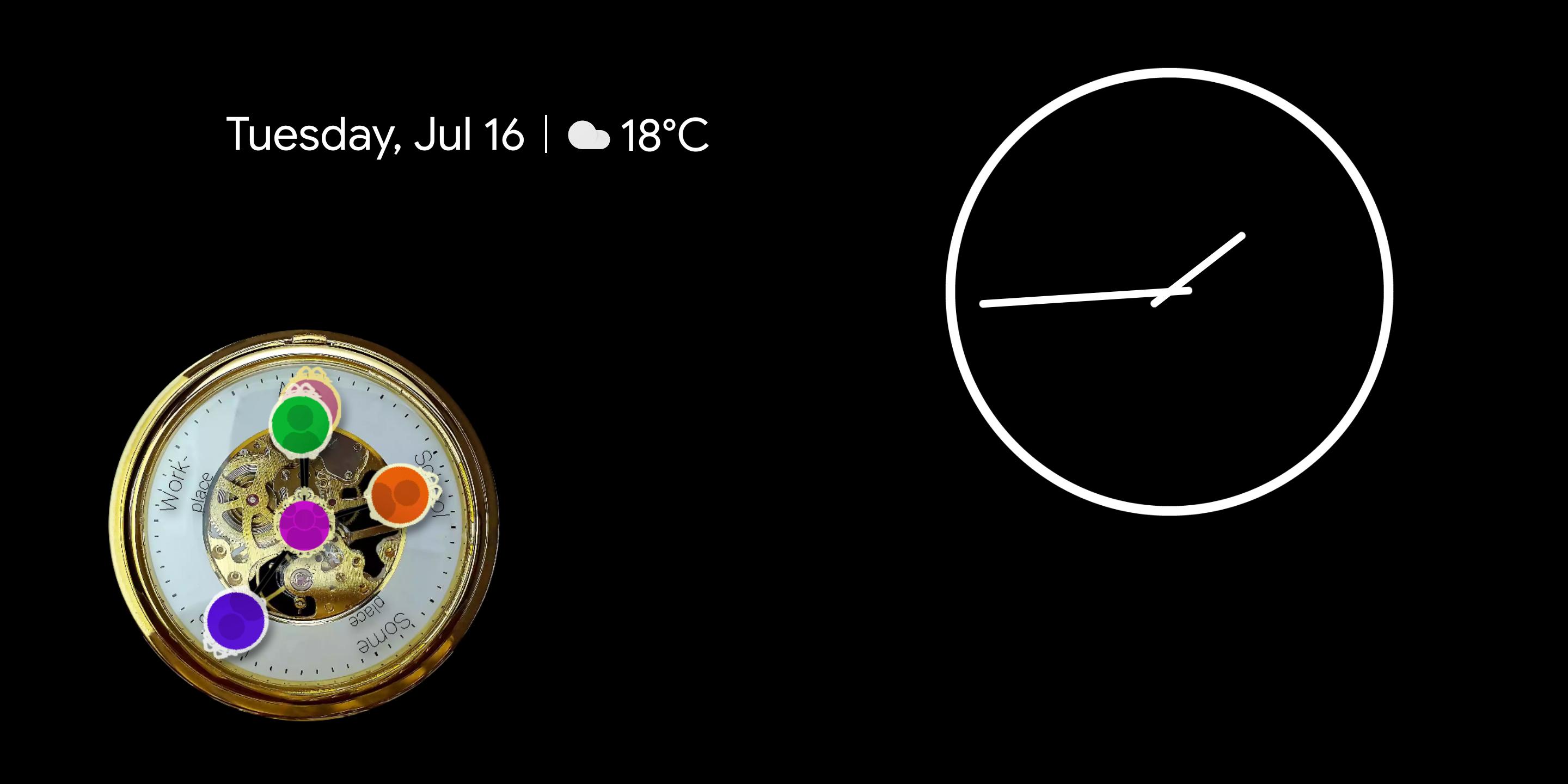
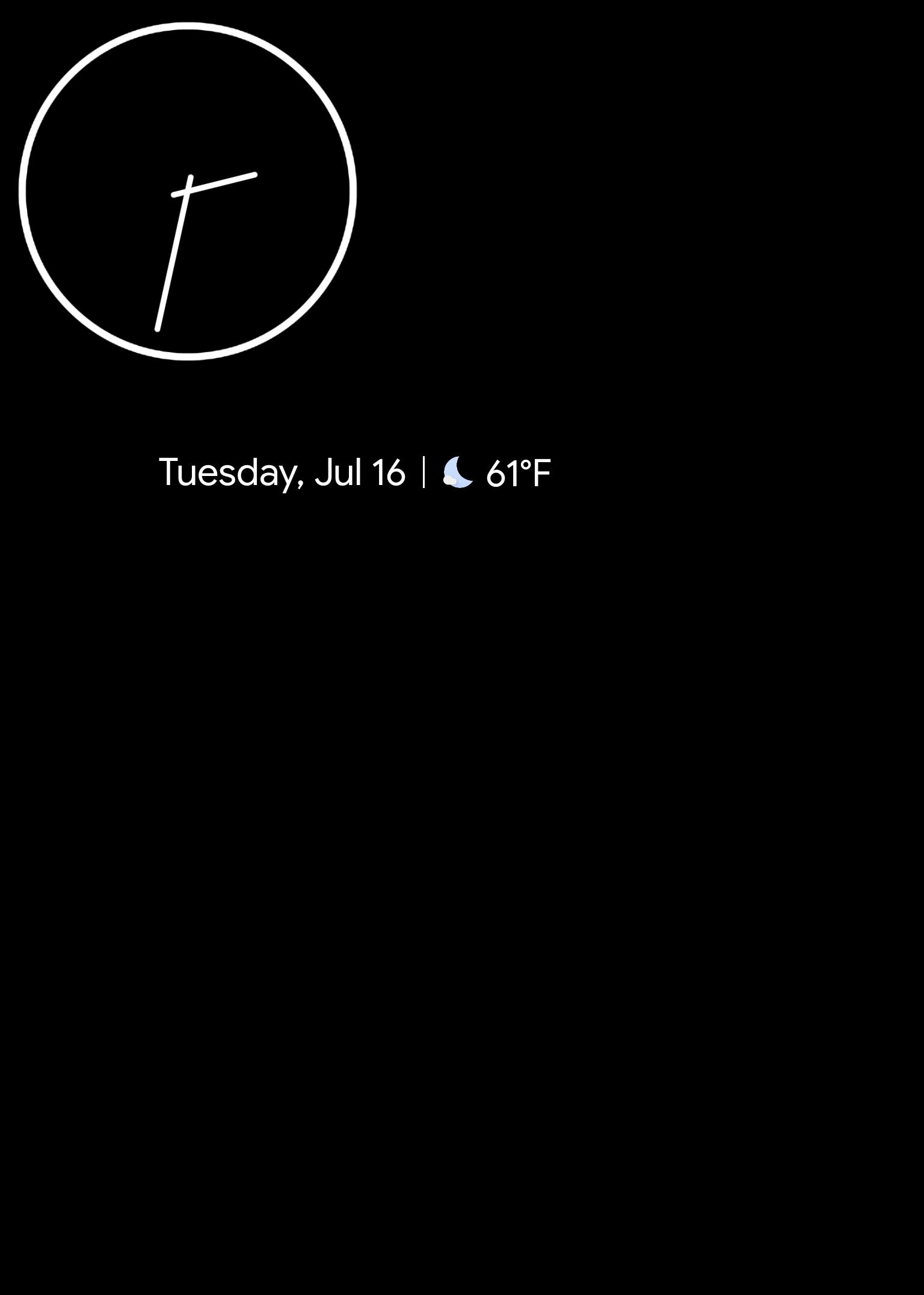
I was surprised not a single screen saver app allowed you to put a widget inside the screen saver, so I quickly whipped up this app to do exactly that.
Now you can reuse that old tablet or phone (with Android 5.0+) as a nightstand with your favorite widget for instance!
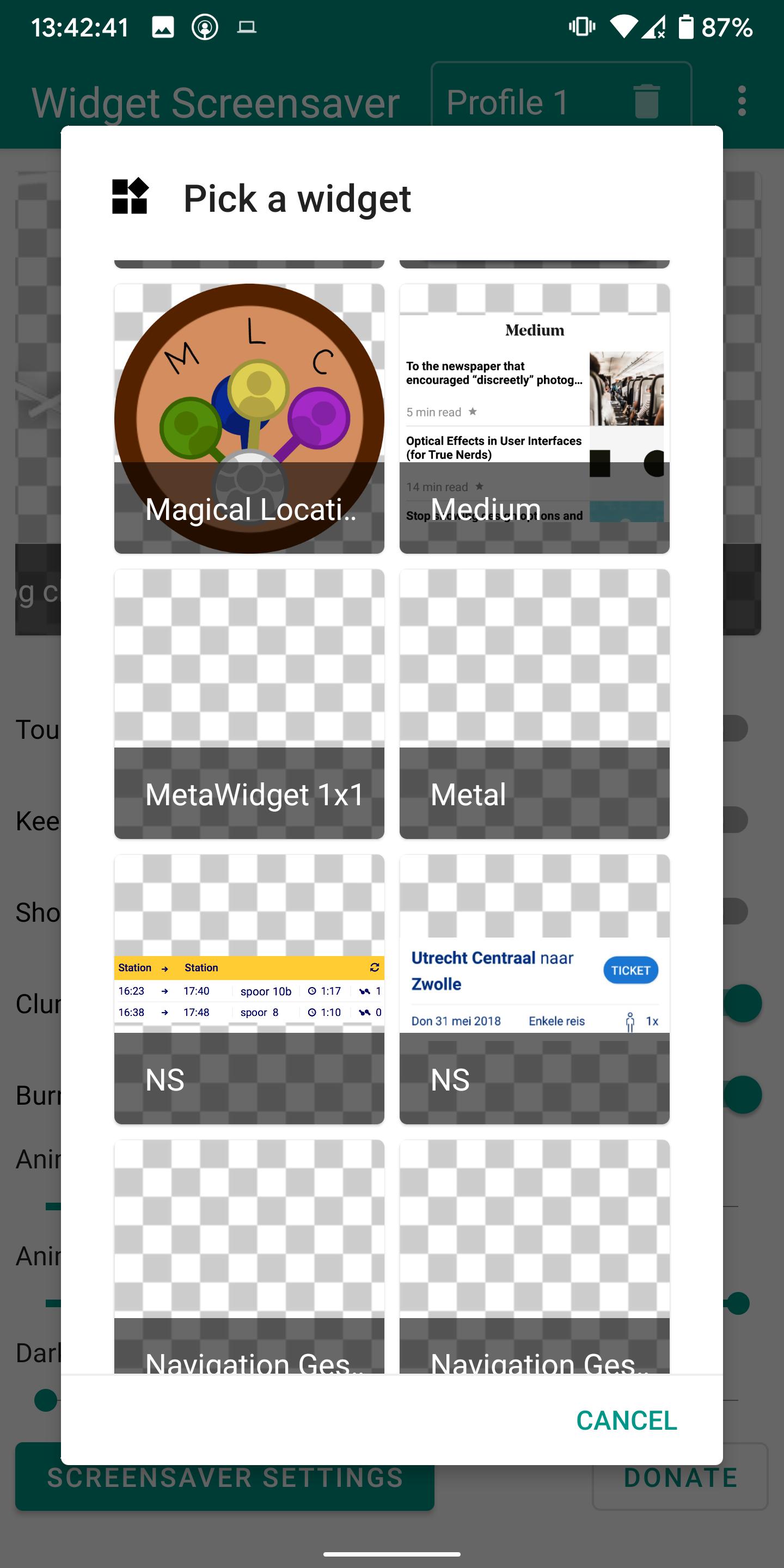
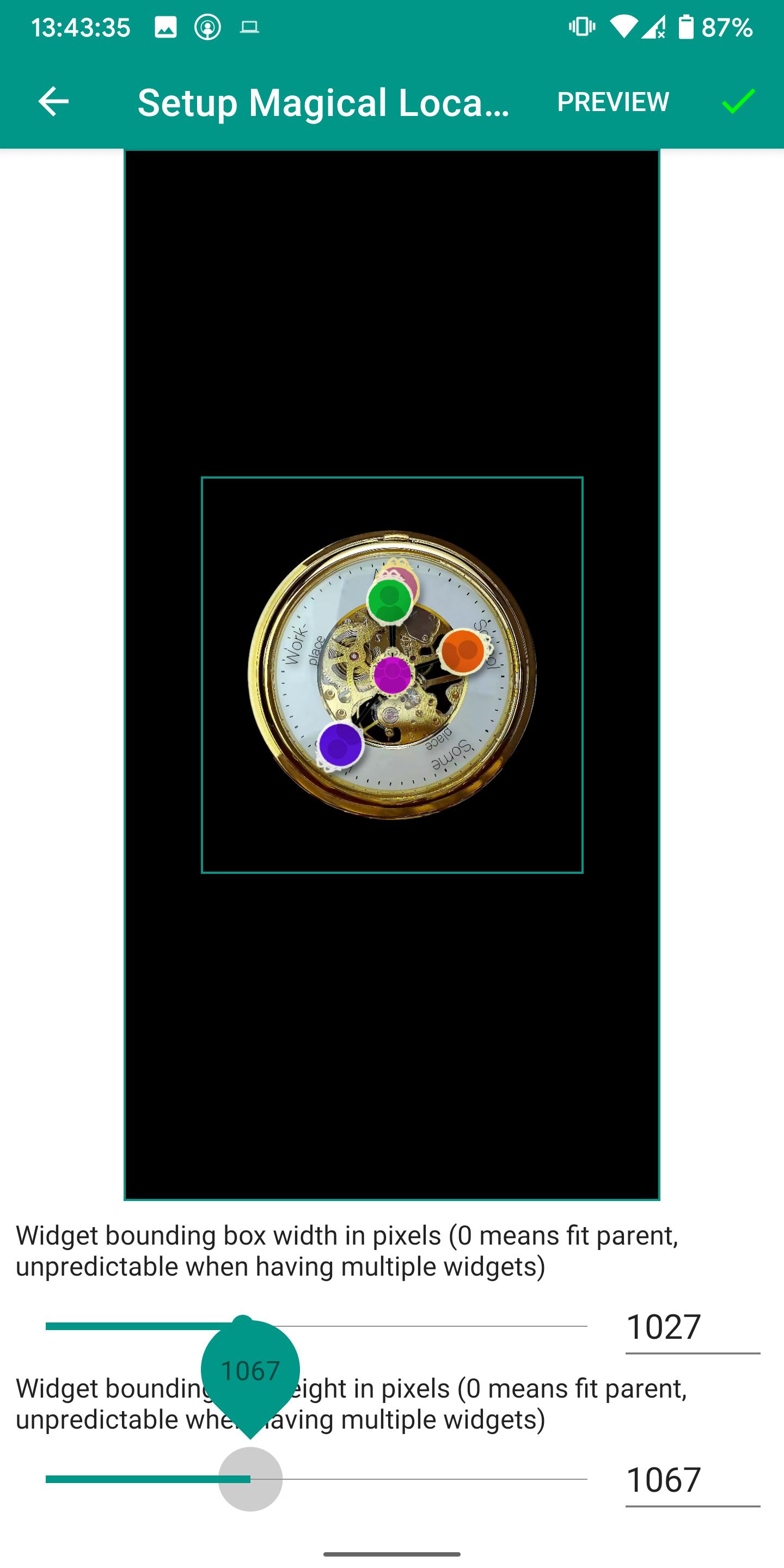
You can also show your calendar, the latest news, the location of your friends (see my Magical Location Clock app!), or use one of those apps where you can completely design a widget yourself.
The ecosystem is the limit!
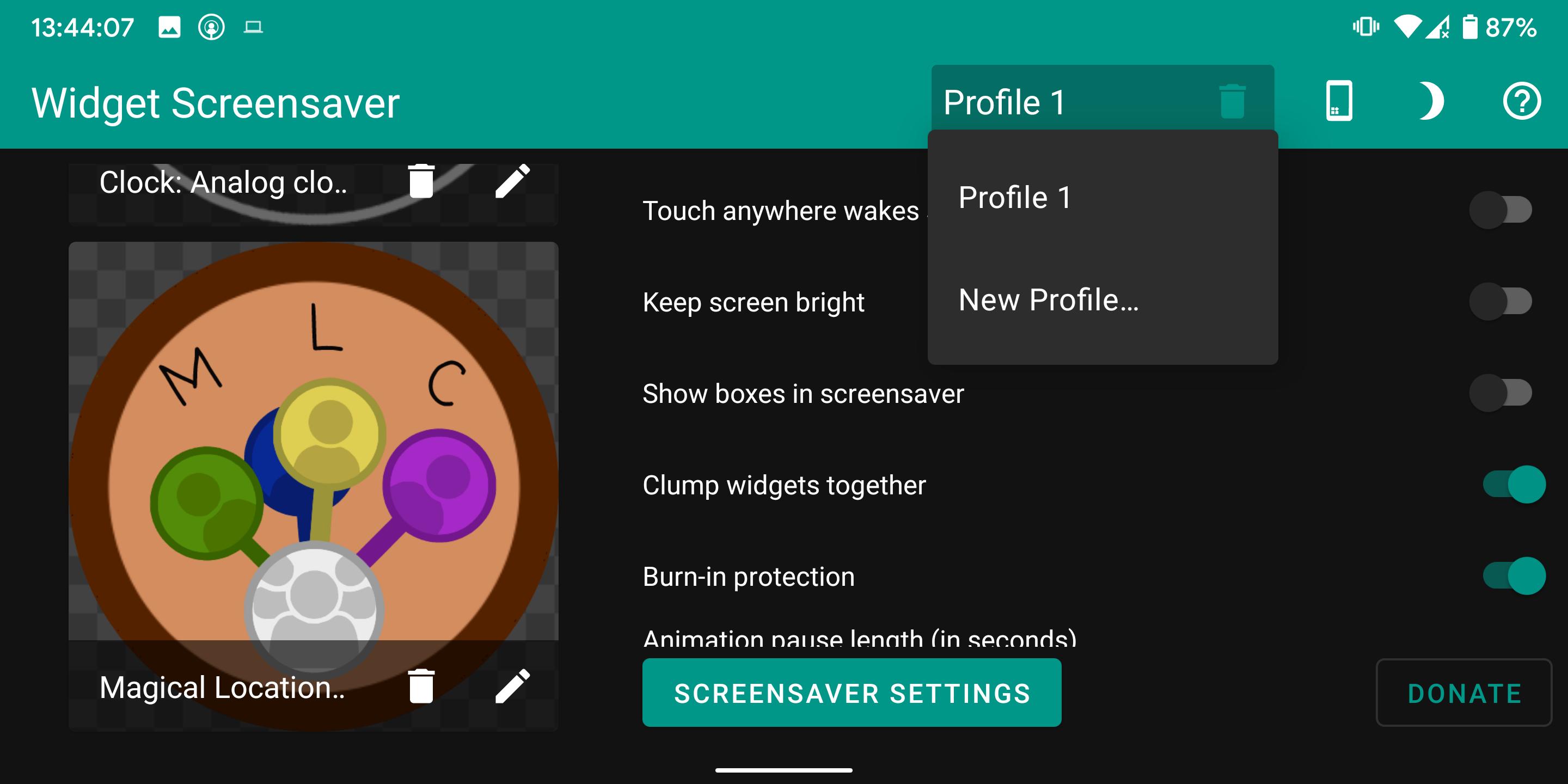
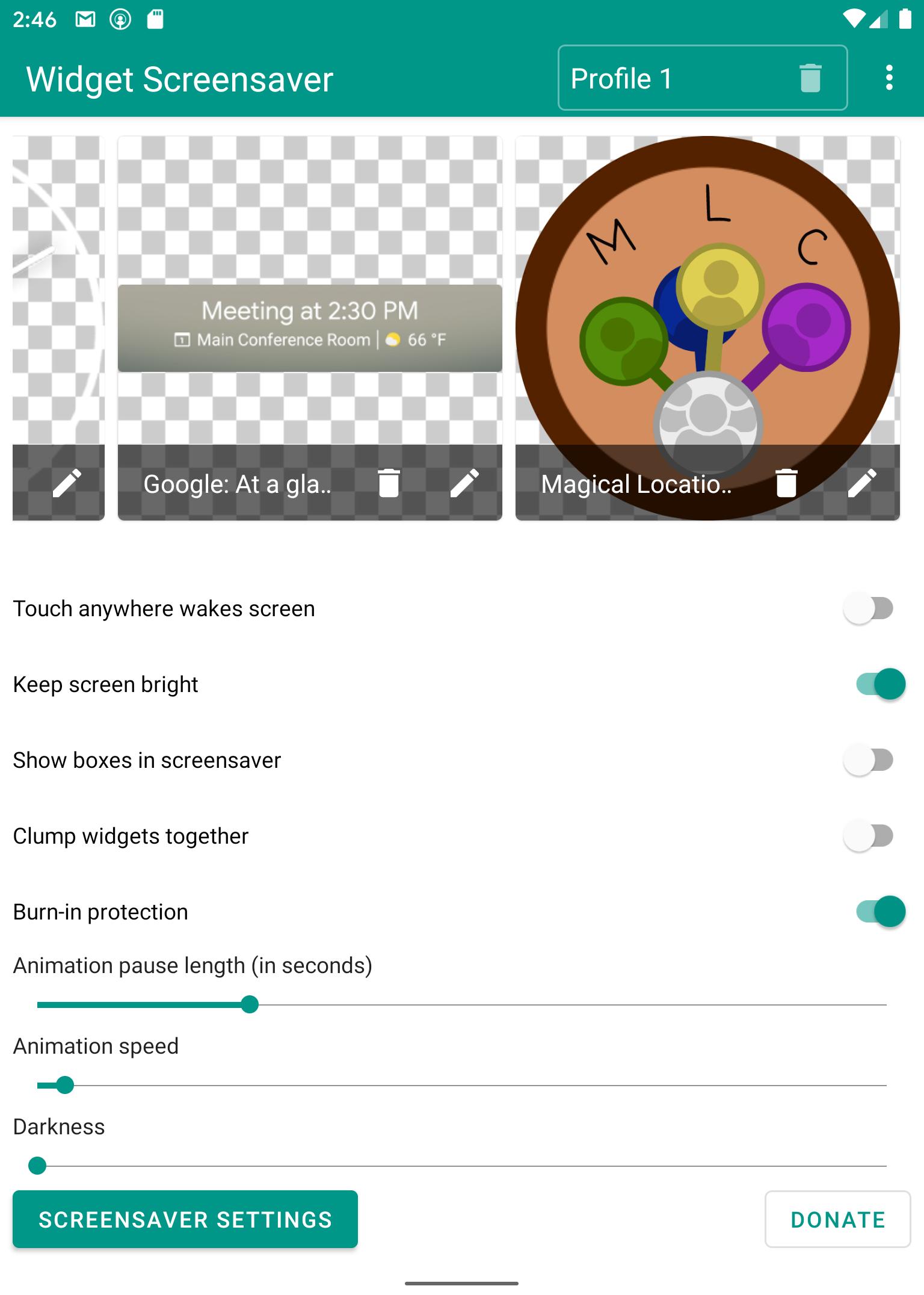
The app has burn-in protection, support for multiple widgets, profiles, and Tasker support for switching profiles (Widget Screensaver is a Tasker plugin, I'm not affiliated with Tasker), along with several other settings.
If you have any suggestions, please let me know!
Frequently asked questions:
Widget Screensaver doesn't work?
Please explain what's not working so I can fix it. If any crashes occur, submit them so I can see them, and if not, please tell me what does work and what steps you've taken until the problem occurs.
Widget Screensaver doesn't work for this widget?
Please tell me which widget suffers from the problem (with screenshots and link) so I can try and fix it.
Widget Screensaver doesn't work on my device? I only see default screensavers!
Unfortunately, this is due to some manufacturers blocking third-party screensavers. Check this post from XDA for a workaround: https://www.xda-developers.com/how-to-set-a-custom-screen-saver-on-huawei-and-honor-devices-running-emui/
The command to use is "adb shell settings put secure screensaver_components nl.jolanrensen.widgetscreensaver/.WidgetScreensaverService"
Can Widget Screensaver be used as always on display or when not charging?
While things like detecting when the screen is covered don't work, it is possible to start the screensaver anytime the screen turns off using Tasker (not affiliated)(https://play.google.com/store/apps/details?id=net.dinglisch.android.taskerm). Check out this profile I made: https://taskernet.com/shares/?user=AS35m8lSMUM1kmI1XBT43fz8jPnrlYjhice8CTl5hPp7dfqM4hBX6WmixBEmdjRJJm5dUxIy&id=Profile%3AStart+Screensaver+When+Screen+Off
For more help, you can visit the XDA thread over at https://forum.xda-developers.com/android/apps-games/app-widget-screensaver-t3880117 or email me at contact@jolanrensen.nl
I'll try to respond as quickly as possible, but it's just me, a software engineer with a hobby, so forgive me if I cannot always respond immediately.










![ADB Shell [Tasker Plugin] APK](https://image.winudf.com/v2/image1/Y29tLkFEQlBsdWdpbl9pY29uXzE1NDE1NDE3ODRfMDQ1/icon.png?w=102&fakeurl=1)


![Hotword Plugin [Tasker Plugin] APK](https://image.winudf.com/v2/image1/bmwuam9sYW5yZW5zZW4uaG90d29yZFBsdWdpbl9pY29uXzE1NjcxNDkyNjRfMDM1/icon.png?w=102&fakeurl=1)











