Nothing more, Nothing less,
Super Simple, Super Excellent.
Installed Must,
Small Space Usage with Only 4M.
Simple Operation; Concise Interface.
Wide Application; Quick Start Download it now!
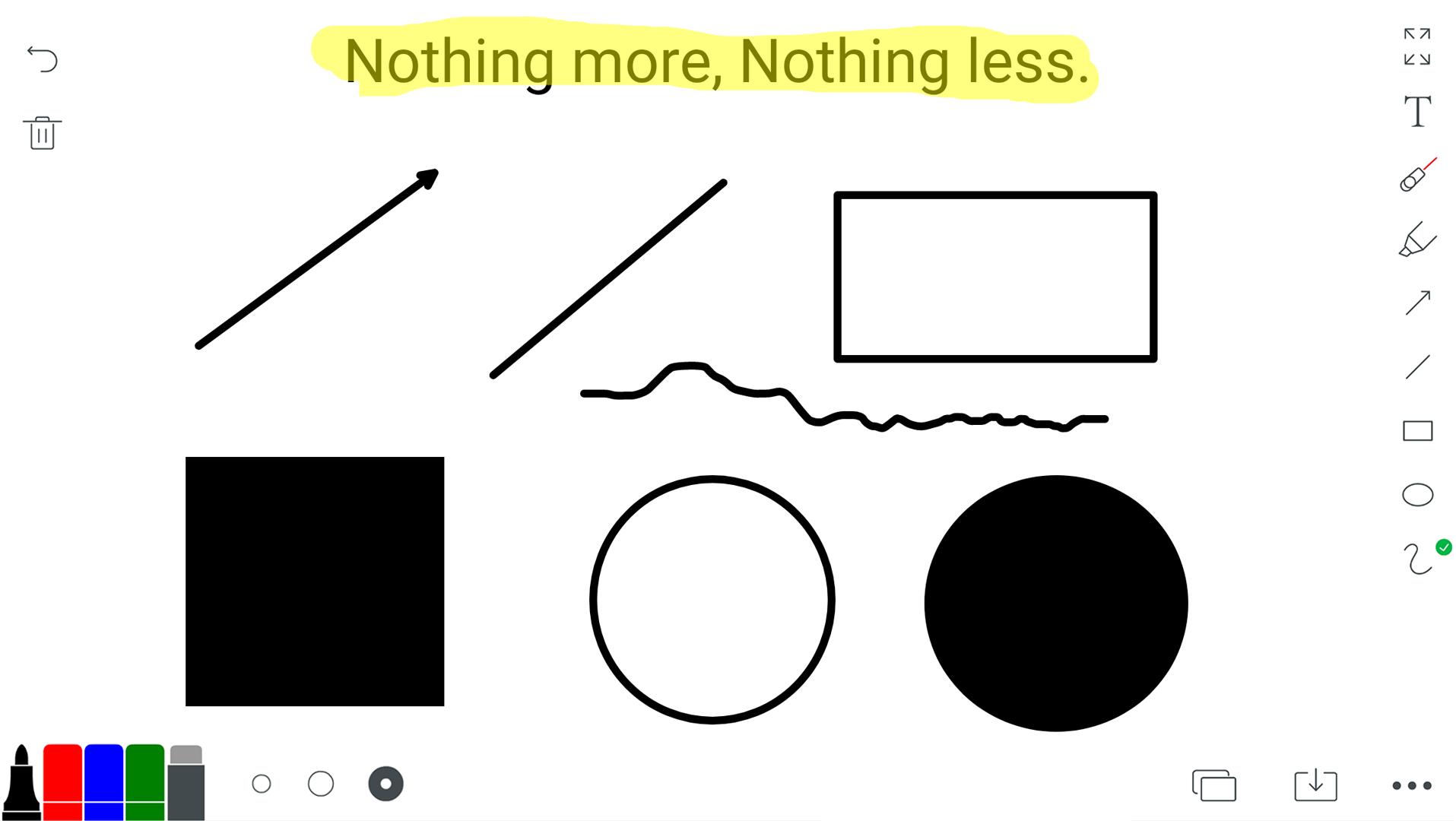
1. This is an extremely simple Whiteboard that is convenient for your work, life and study. It can not only be used to scratch, demonstrate, write and doodle, but also can be taken as your notepaper, provisional notebook, scratch paper for writing down words from memory or doing calculation, small blackboard, small whiteboard for family education, whiteboard of conference room, demonstration board for football and basketball coaches, painting of little children, etc.
2. The background image can be a picture and you could doodle on it. Or you can choose the templates we provided such as football field or basketball court. All is as you wish.
3. Simple Operation:
You can write with just one finger.
When you click the switch mode button on the right
,Two fingers zoom in and out of the screen.
4. Concise Interface
You can choose from the four colors and three pen strokes as you like.
You can customize more colors for whiteboard pen.
Now this version allows you.
Brush color can further choose more colors.
The background color can further select more colors.
Further selection of stroke size allows you to customize more sizes.
5. The paintings you finished can be saved to high-resolution images into your photo album or print them directly. You can also share them through short messages, e-mails and social networks.
6. Frequently Asked Questions
Question 1: Where are the saved pictures?
Answer: In the Picture library.
Question 2: I could not save the pictures.
What happened?
Answer: Open permissions to allow whiteboard read and save permissions
7. Contact us:
Email:chenlidong@gmail.com
Wechat: chenlidong
INS: iamchenlidong