


Package Name:com.kenstem.whitescreentest
SHA-256:4c19e1e30d7205e7ebe41655076f1172d116800cf10819d6c9ade86a69d428e8
Show More

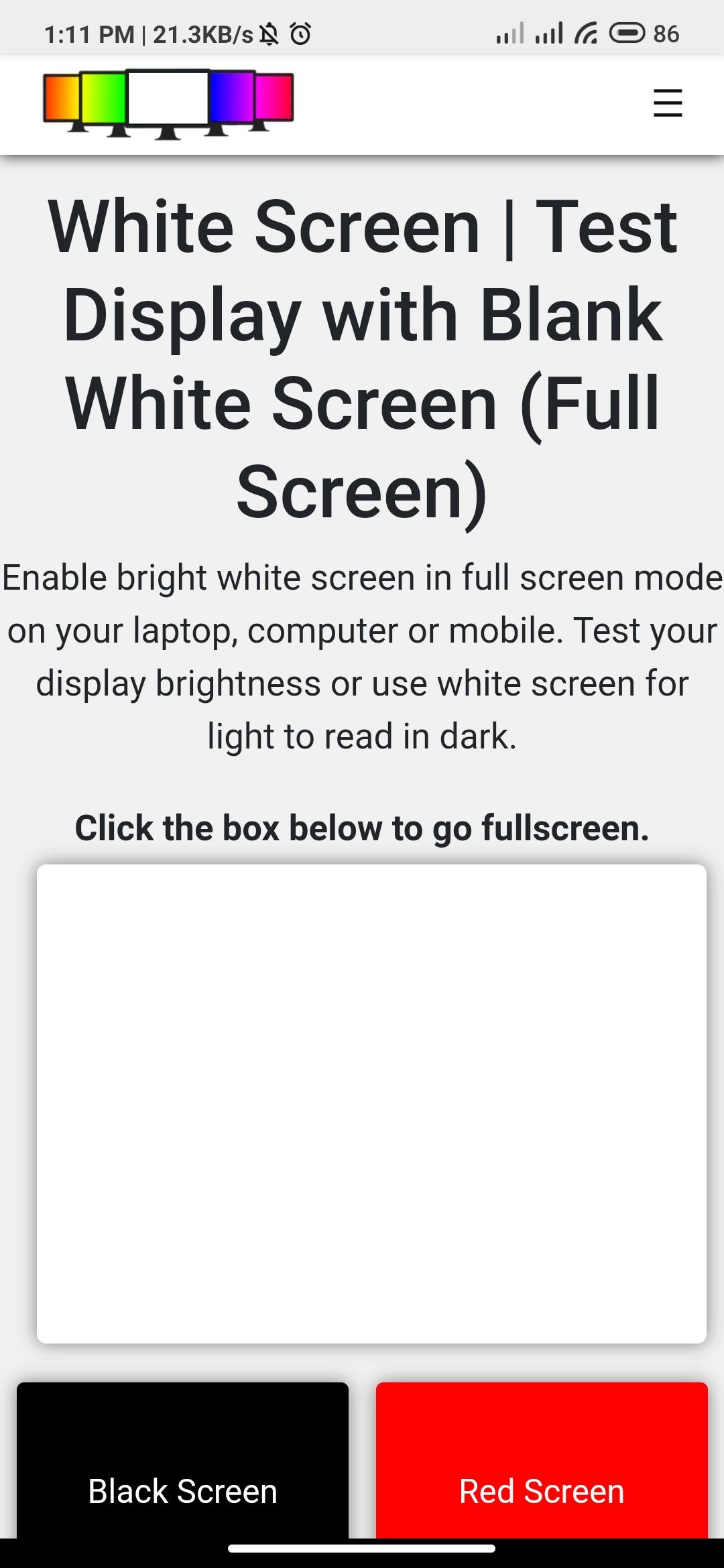
White Screen Test is an app to test your mobile screen for common display issues such as dead pixels, bad pixels, or stuck pixels. This is a simple 1-click test that shows a bright white screen in full-screen mode.
You use the following color modes to test your display.
* White Screen
* Black Screen
* Red Screen
* Green Screen
* Blue Screen
* Custom Color (Choose any color of your choice)
How to Use the White screen test app?
1. Just install and open the app on your device.
2. Choose the color mode you like to test. It is recommended to start with white color.
3. Click the selected color to enter full-screen mode and look closely for display defects.
In this app, you also get 2 bonus display tests as follows
1. Dead Pixel Test - It detects dead pixels on your mobile screen.
2. Backlight Bleeding Test - It detects whether your screen has a light bleeding problem or not.
Latest Version
1.2Uploaded by
Shailesh Kumar
Requires Android
Android 5.0+
Category
Free Tools AppContent Rating
Everyone
Security Report
Check Now
Report
Flag as inappropriateLast updated on Jan 2, 2025
Minor bug fixes and improvements. Install or update to the newest version to check it out!




APKPure - A multi-platform app store primarily focused on Android, providing extensive app-related content. Discover the app you want easier, faster, and safer, with quick and efficient downloads and installations.











