Scan Date:Apr 11, 2026
Show More

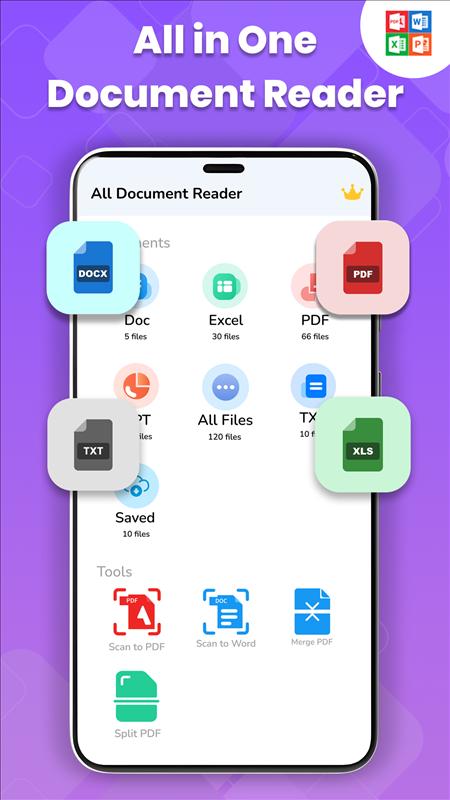
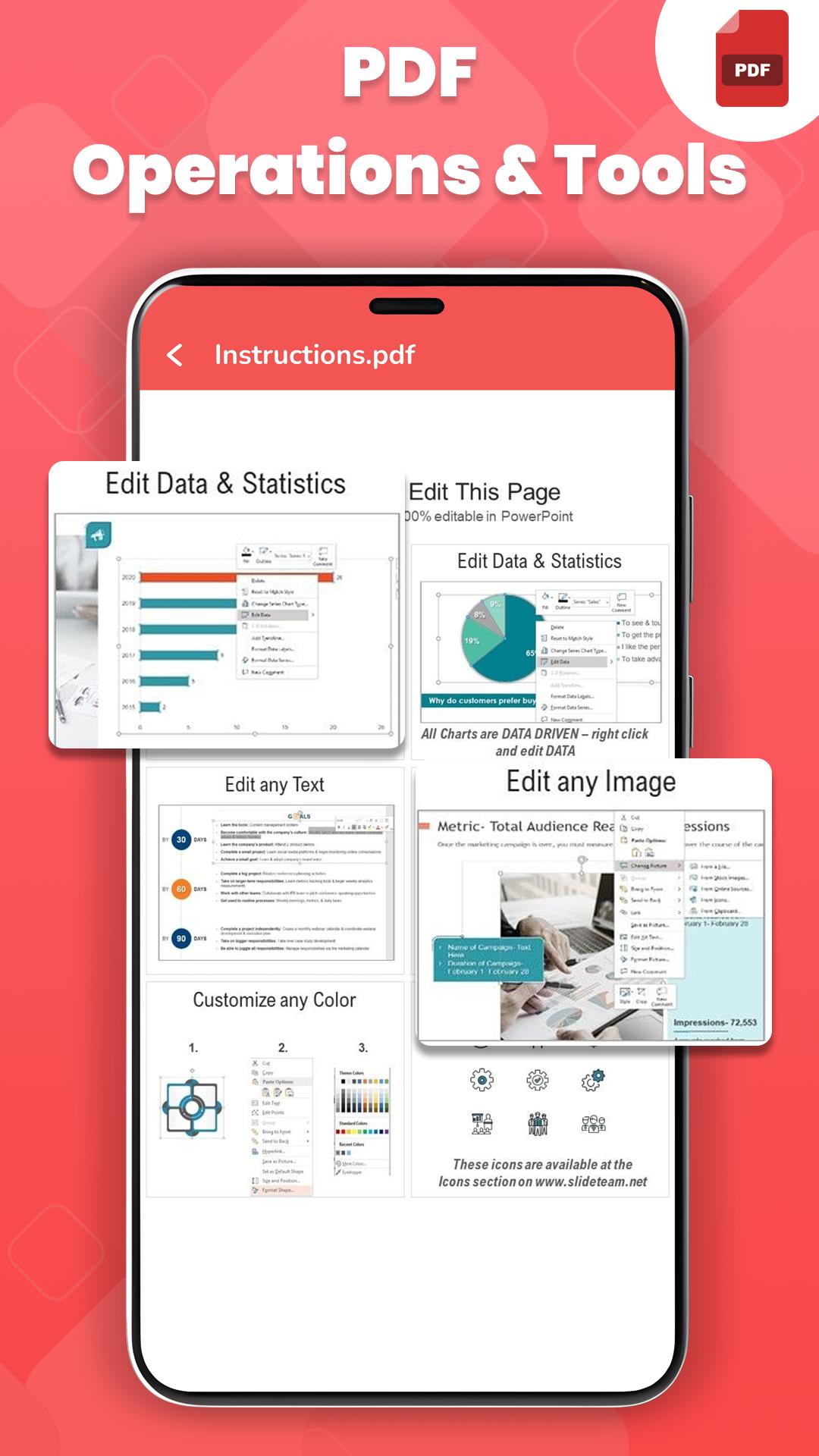
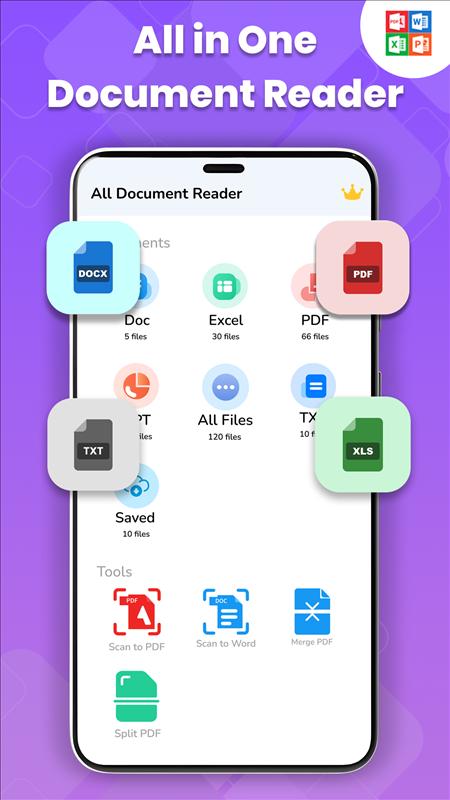
Try the Document Reader PDF, XLS, Word! All office file types are fully compatible with this all-in-one document reader app, making it simple to handle files in PDF, DOC, DOCX, XLS, XLSX, PPT, TXT, and other formats. Your phone's files can be easily scanned by a document scanner, which arranges them into the appropriate folders for easy searching and viewing. If you are worrying about editing in a very simple way, then don't worry, the PDF editor has solved this problem specially for basic users. Just select the desired PDF FIle & start editing with basic tools even if you have no prior knowledge of editing.
Main Features of Document Reader PDF, XLS, Word:
• Document Reader
• Built-in PDF Reader & PDF Editor
• Document Scanner
• Word File Reader & Editor
• Split PDF & Merge PDF
• PDF Document Scanner & PDF Converter
• Excel File Reader & Editor
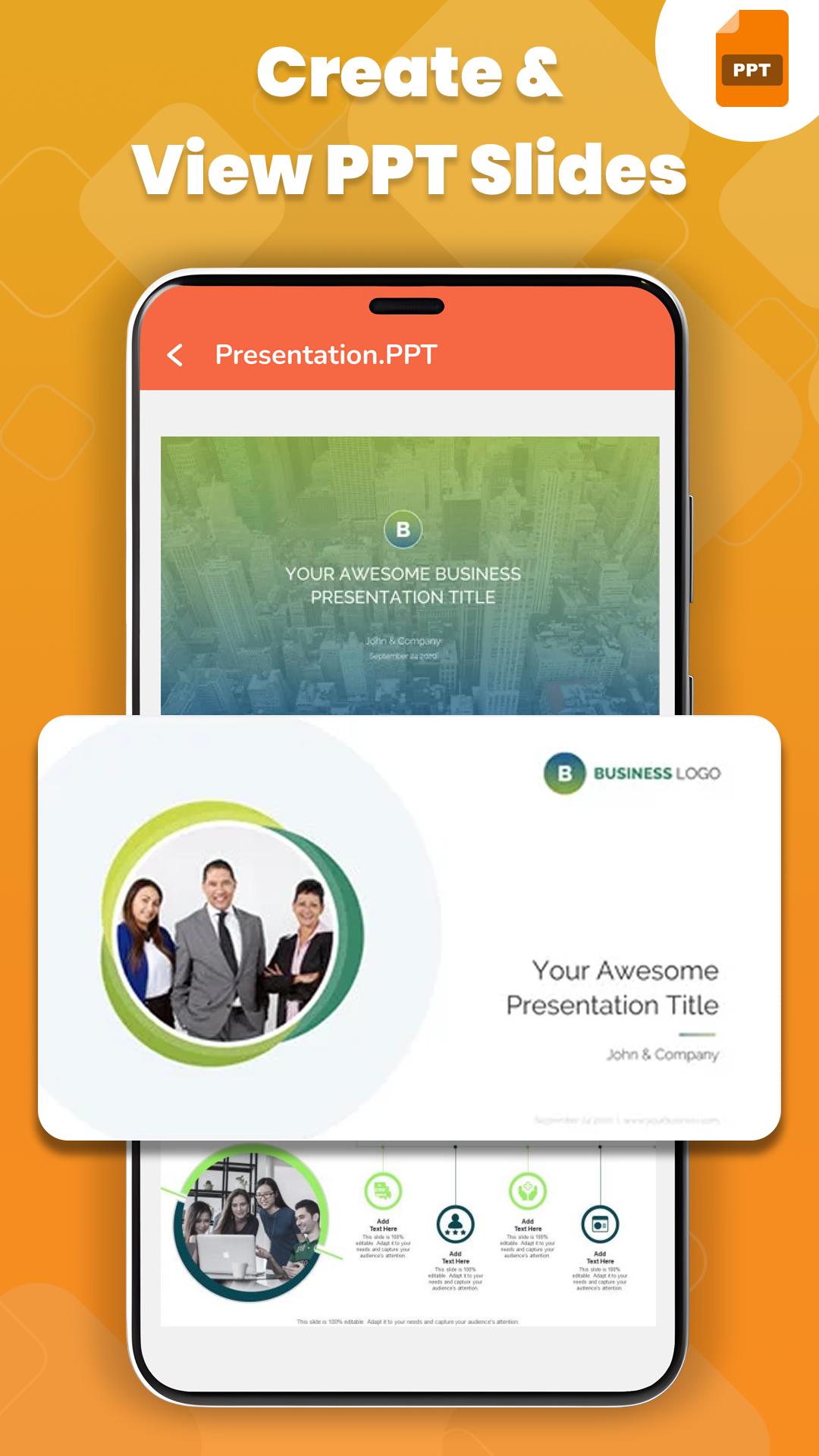
• PPT SlideShow Player
Document Reader: As we know, without a document viewer app on our mobile, we can't open and view important document files in urgency. For that reason, Document Reader PDF, XLS, Word has a complete package for you, in which you get all the features under one umbrella. Just use our PDF scanner app with a full range of useful features. No matter what type of document format you have, use our PDF document scanner app. It scans your document very quickly.
Built-in PDF Document Scanner: Put an end to the hassles associated with conventional scanners. Simply use your phone to scan PDF files. With the scan-to-PDF feature, quickly scan documents using your mobile camera. Convert any paper document into an editable or signable PDF scan in a matter of seconds.
PDF Converter: Converting documents is a widespread demand among many users. Keeping that in mind, PDF converter provides a document converter option. Image to PDF converter transforms Image to PDF in a very efficient way, also PDF to Image converter transforms PDF documents to image very smoothly.
Some benefits of Document Reader PDF, XLS, Word:
• Instantly scan documents with the help of the built-in PDF Document
Scanner.
• Comprehensive and ultra-fast reading of any format document.
• Easy editing with the help of the in-app PDF File Editor.
• Image to PDF Converter & PDF to Image Converter (JPG, JPEG, PNG, BMP,
and more)
A document scanner is not just a reading app like others, but also has a lot of handy features with a light storage option. Without prior editing knowledge, simply use a PDF file editor tool for any type of customization very easily. A PDF file editor provides tools like highlighting text, taking notes, bookmarking PDF pages, and sharing PDF files with others.
Download the all-in-one Document Reader PDF, XLS, Word app for Android now and take control of your document management.
Latest Version
1.1.9Uploaded by
Ace Love
Requires Android
Android 7.0+
Category
Free Tools AppContent Rating
Everyone
Security Report
Report
Flag as inappropriateLast updated on Apr 11, 2026
Easily view all your documents in one place 📂
Supports PDF, Word, Excel, PowerPoint & more 📑
Fast and smooth performance ⚡
Simple and user-friendly interface ✨
Zoom, search, and share your files effortlessly 🔍➡️📤
Lightweight app, saves space on your device 💾
Secure and reliable for daily use 🔒






APKPure - A multi-platform app store primarily focused on Android, providing extensive app-related content. Discover the app you want easier, faster, and safer, with quick and efficient downloads and installations.